Deploy Spring Boot applications onto AWS ECS Fargate using AWS CDK. > Tạo ECS service với CDK > Tạo AWS Fargate service
Tạo AWS Fargate service
Tạo AWS Fargate service
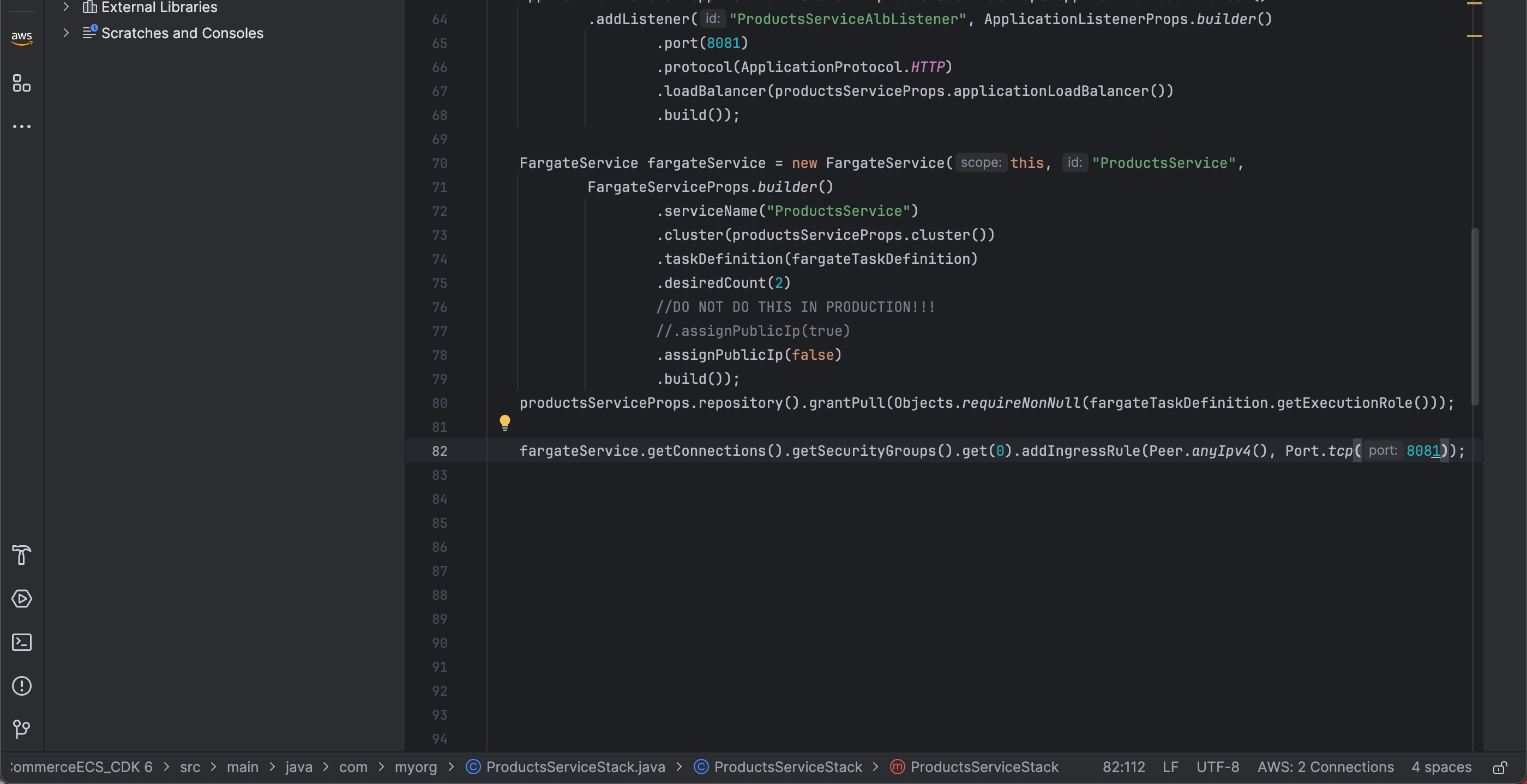
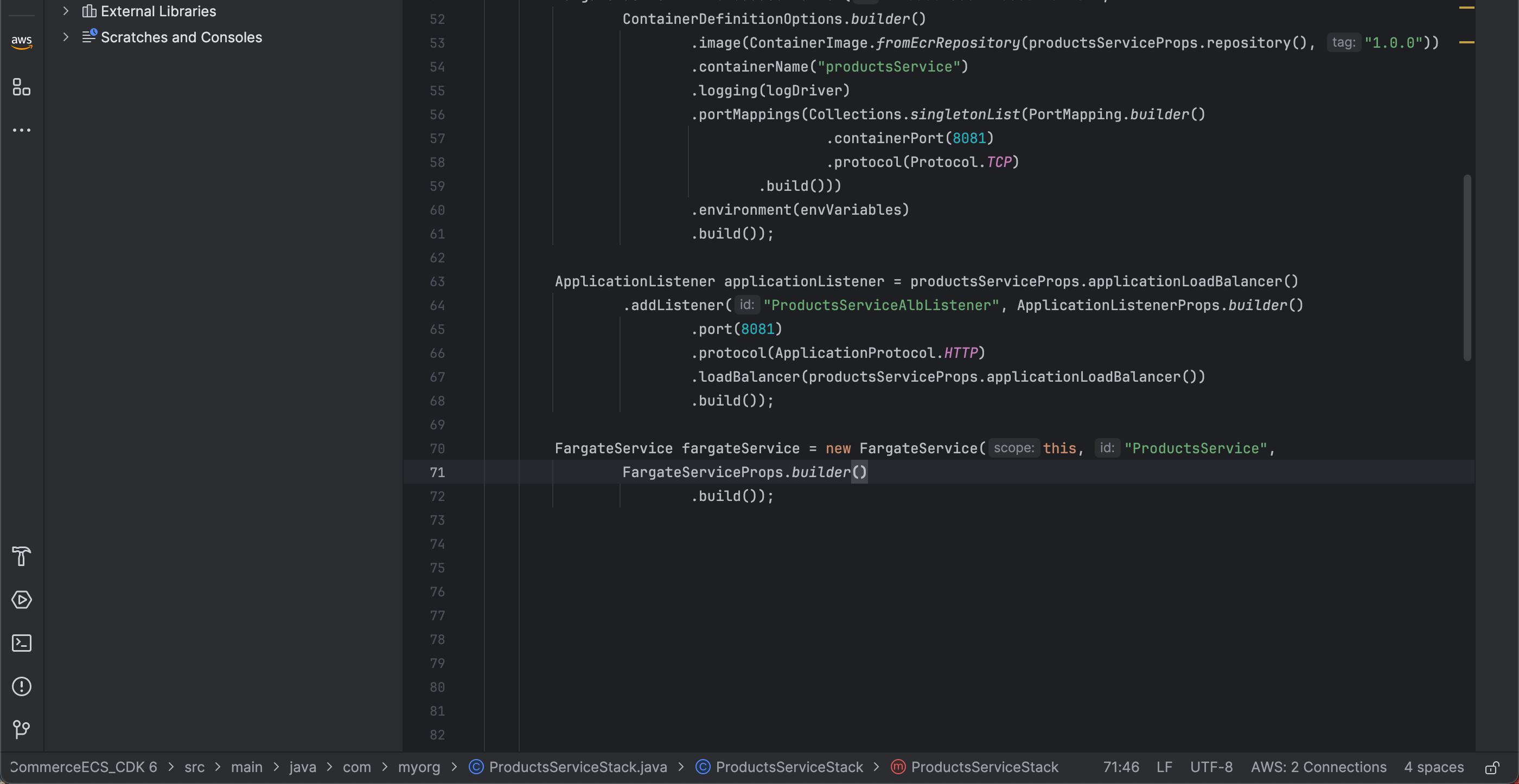
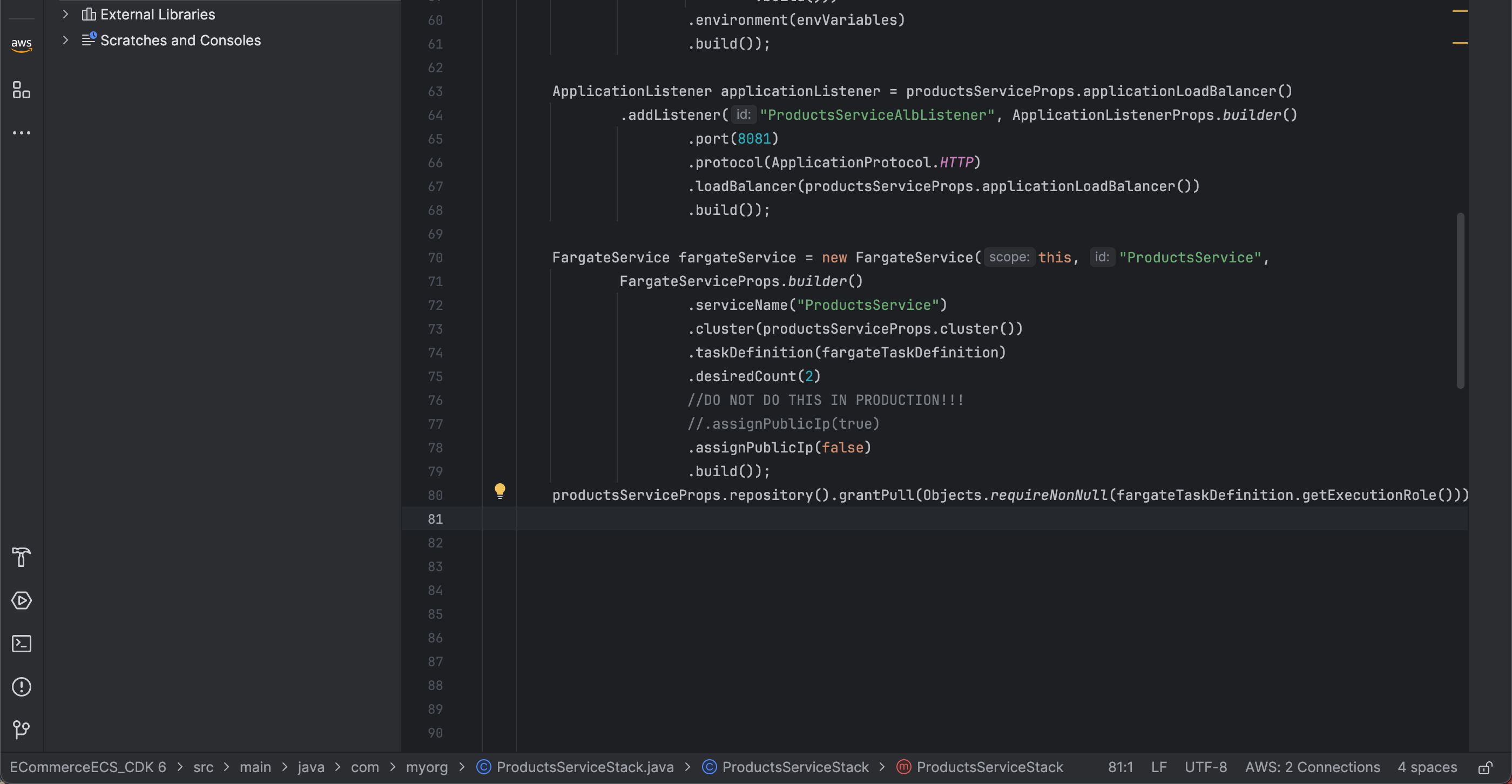
- Khởi tạo FargateService trong ProductsServiceStack contructor với id là ProductsService
  FargateService fargateService = new FargateService(this, "ProductsService",
                FargateServiceProps.builder()
                        .build());
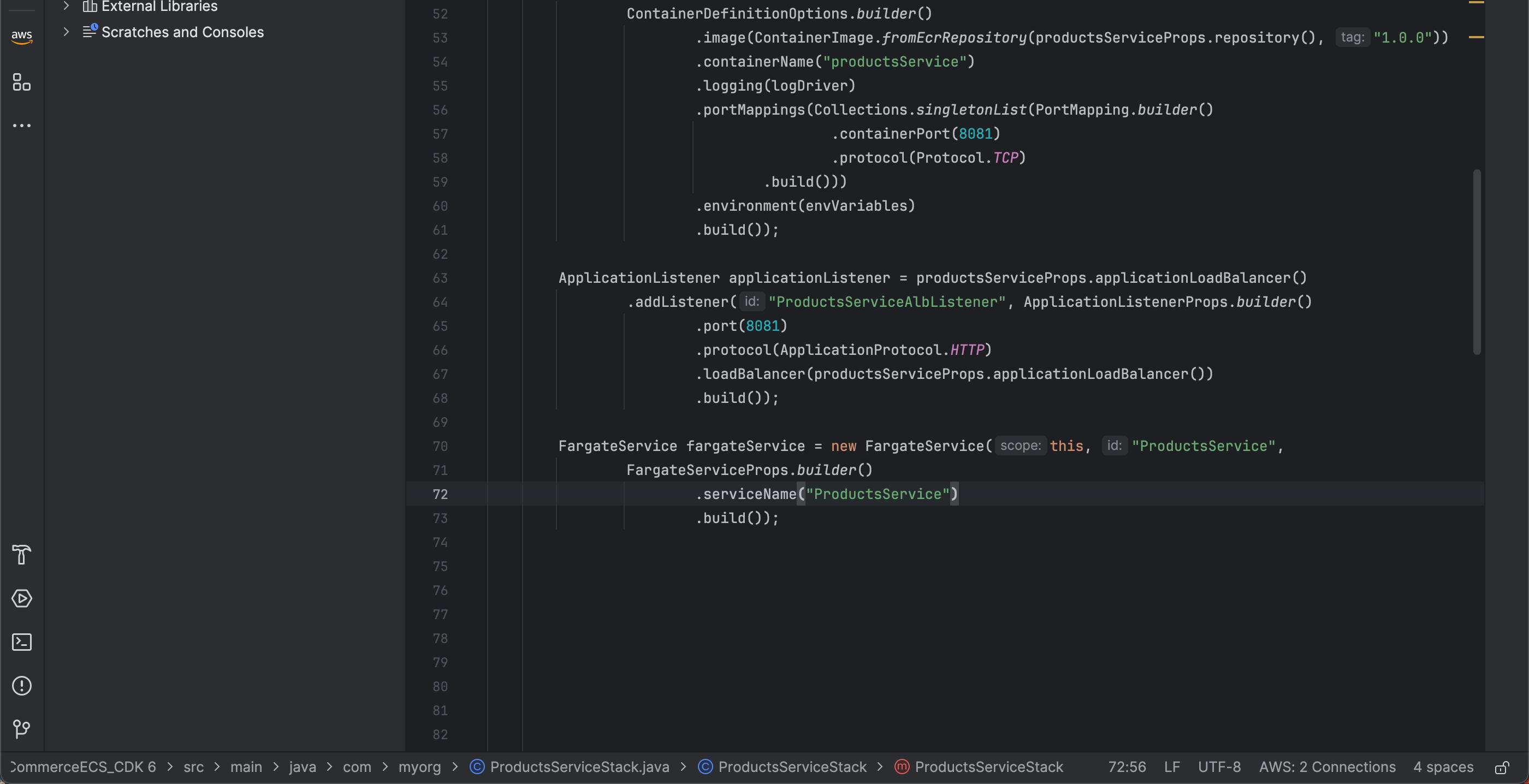
- Thêm service name là ProductsService
.serviceName("ProductsService")
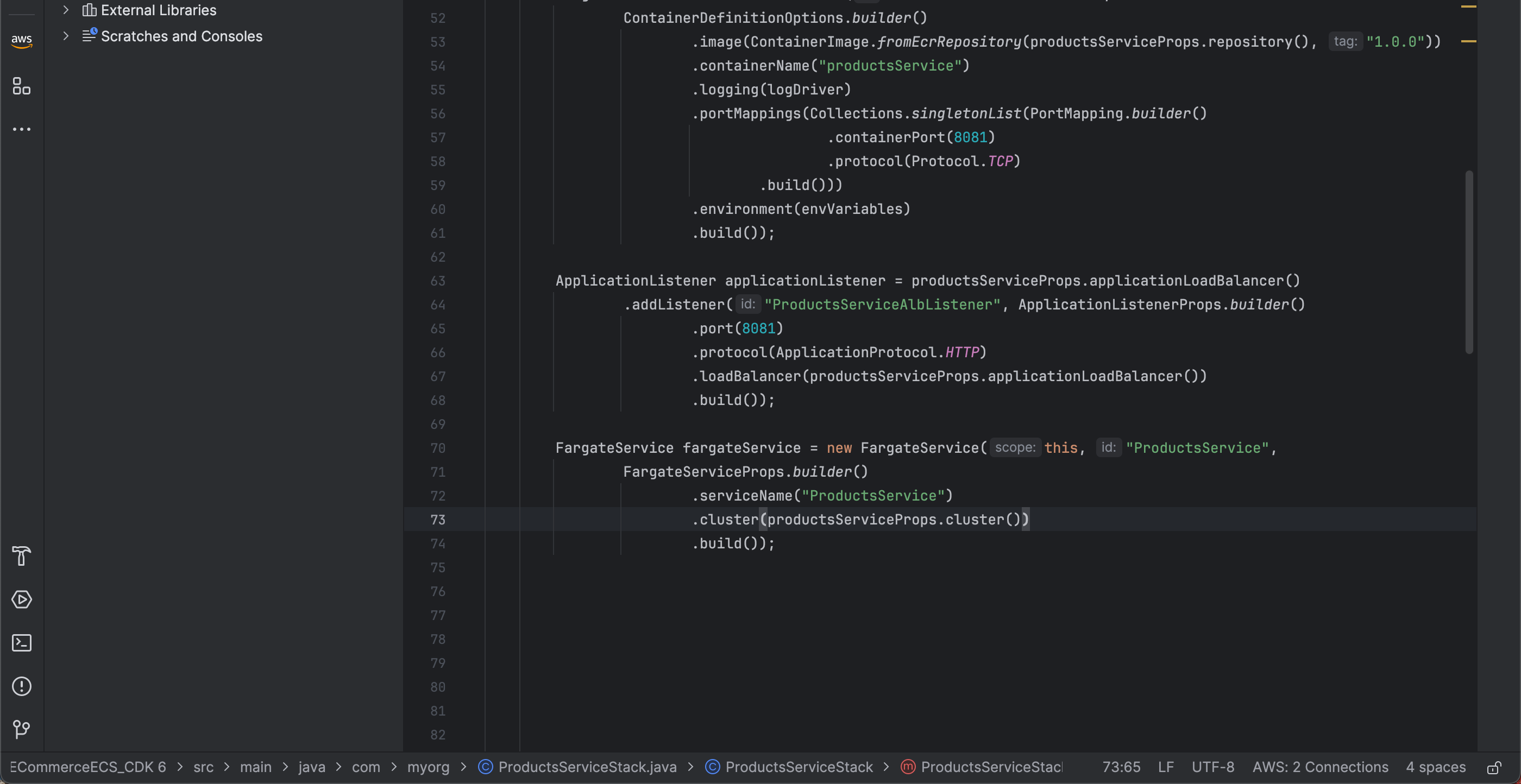
- Tiếp theo chúng ta cần thêm cluster đã tạo trước đó để tạo fargate service
.cluster(productsServiceProps.cluster())
- Ngoài cluster, chúng ta cần có task definition để tạo fragate. Chúng ta sẽ dùng fargateTaskDefinition đã tạo bên trên
.taskDefinition(fargateTaskDefinition)
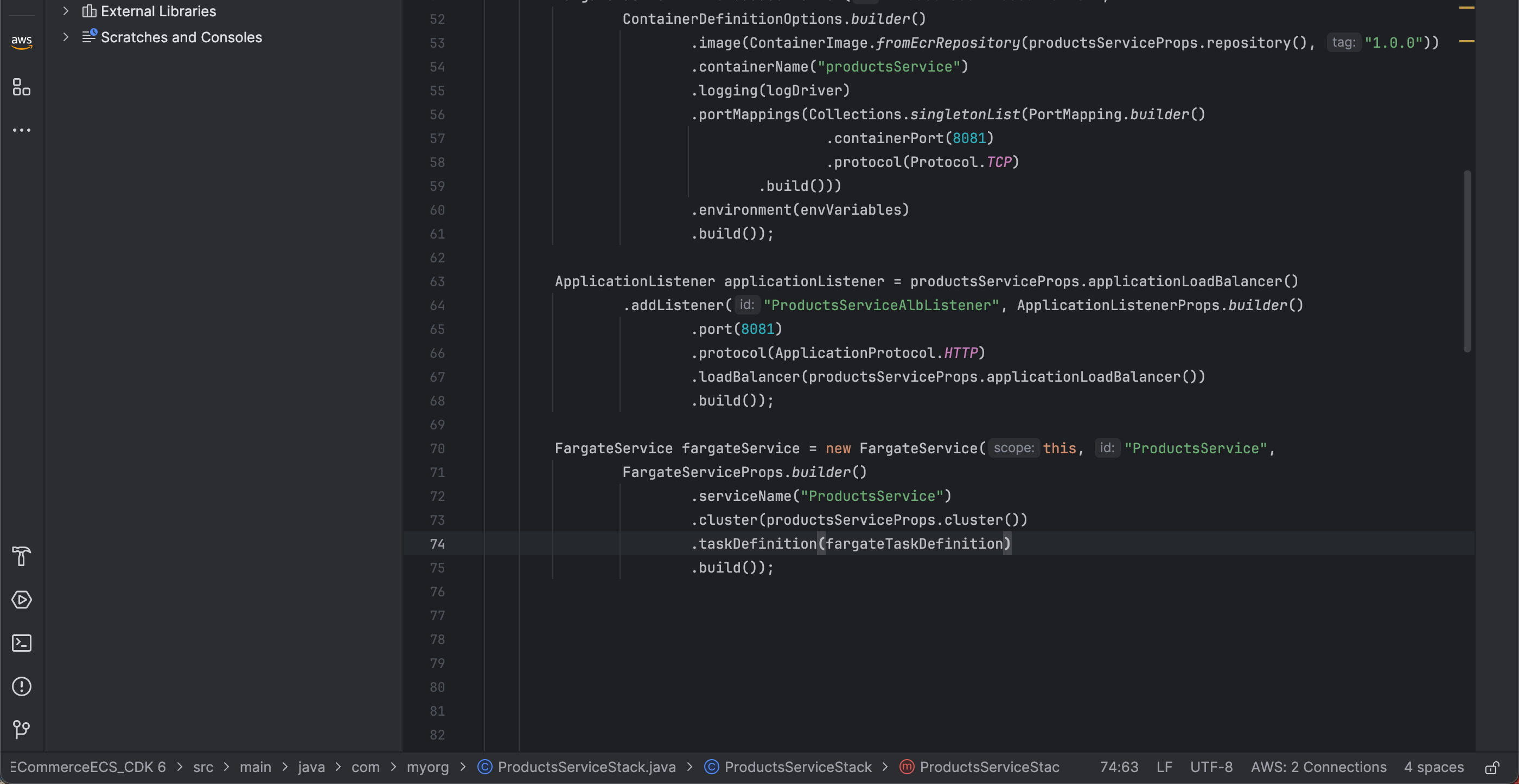
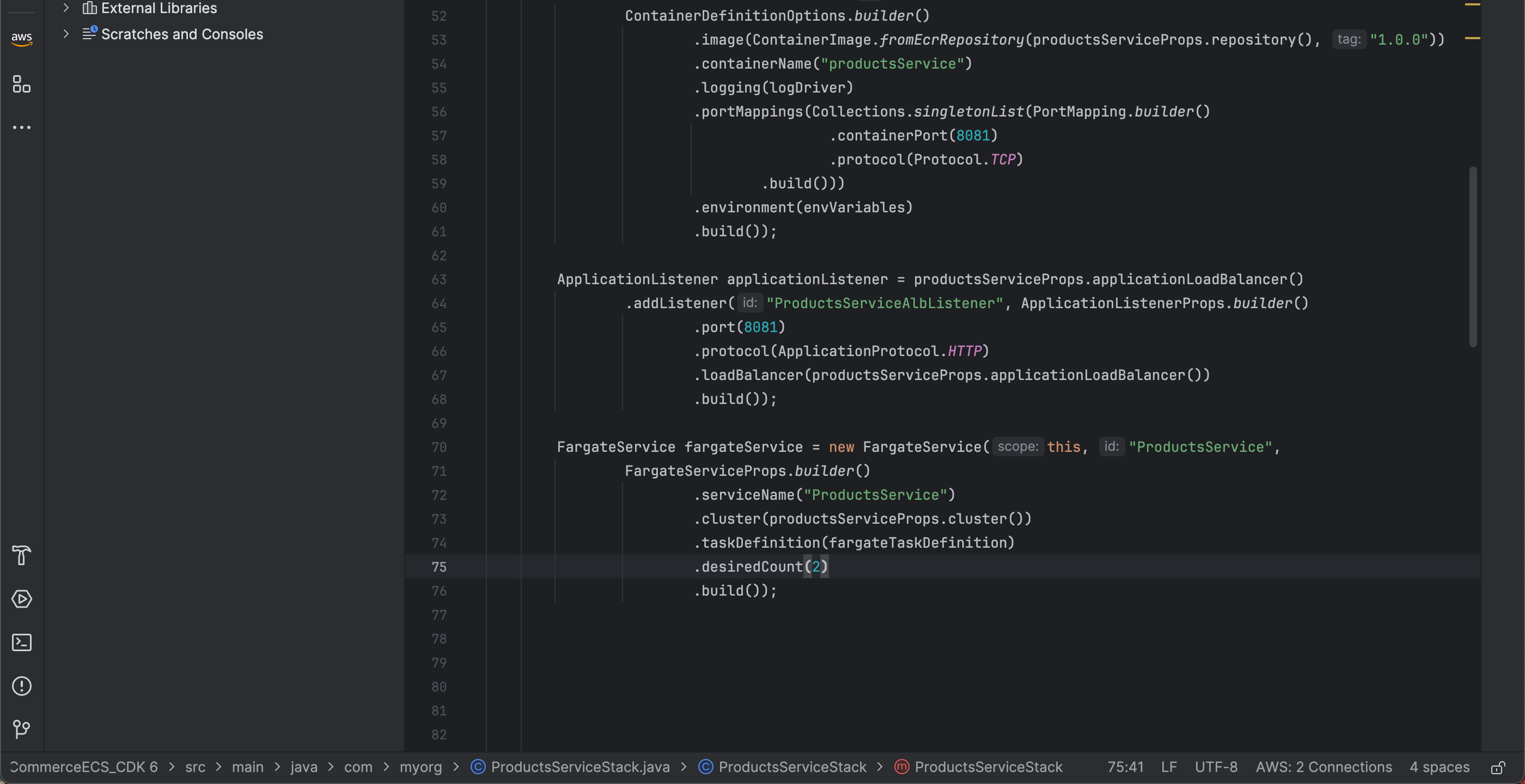
- Tiếp theo chúng ta sẽ khai báo bao nhiêu instance chúng ta muốn sử dụng. Trong workshop này chúng ta sẽ dử dụng 2
.desiredCount(2)
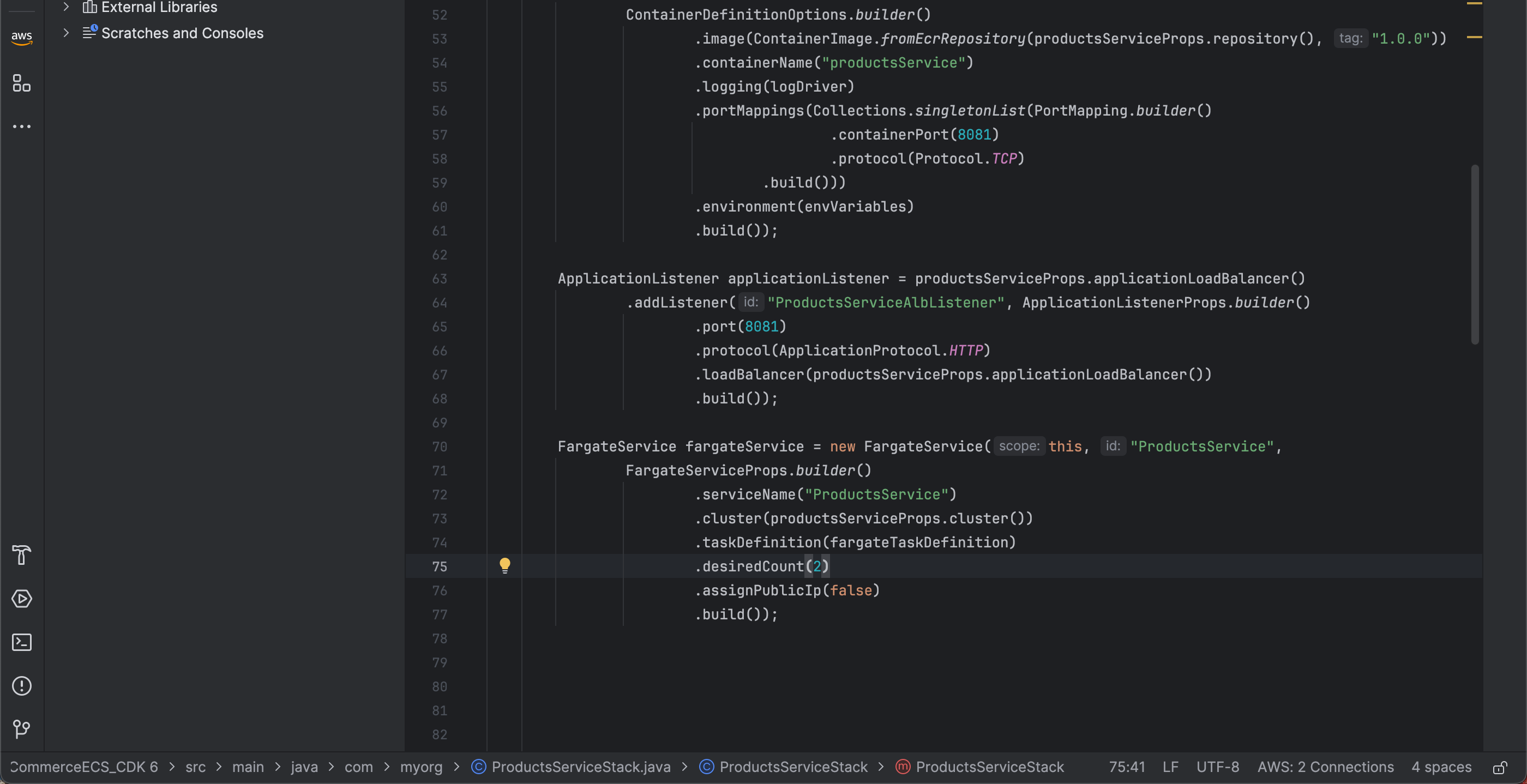
- Tiếp theo để giữ fargate trong private subnet nối bên ngoài thông qua NAT Gateway chúng ta sẻ không thêm public IP
.assignPublicIp(false)
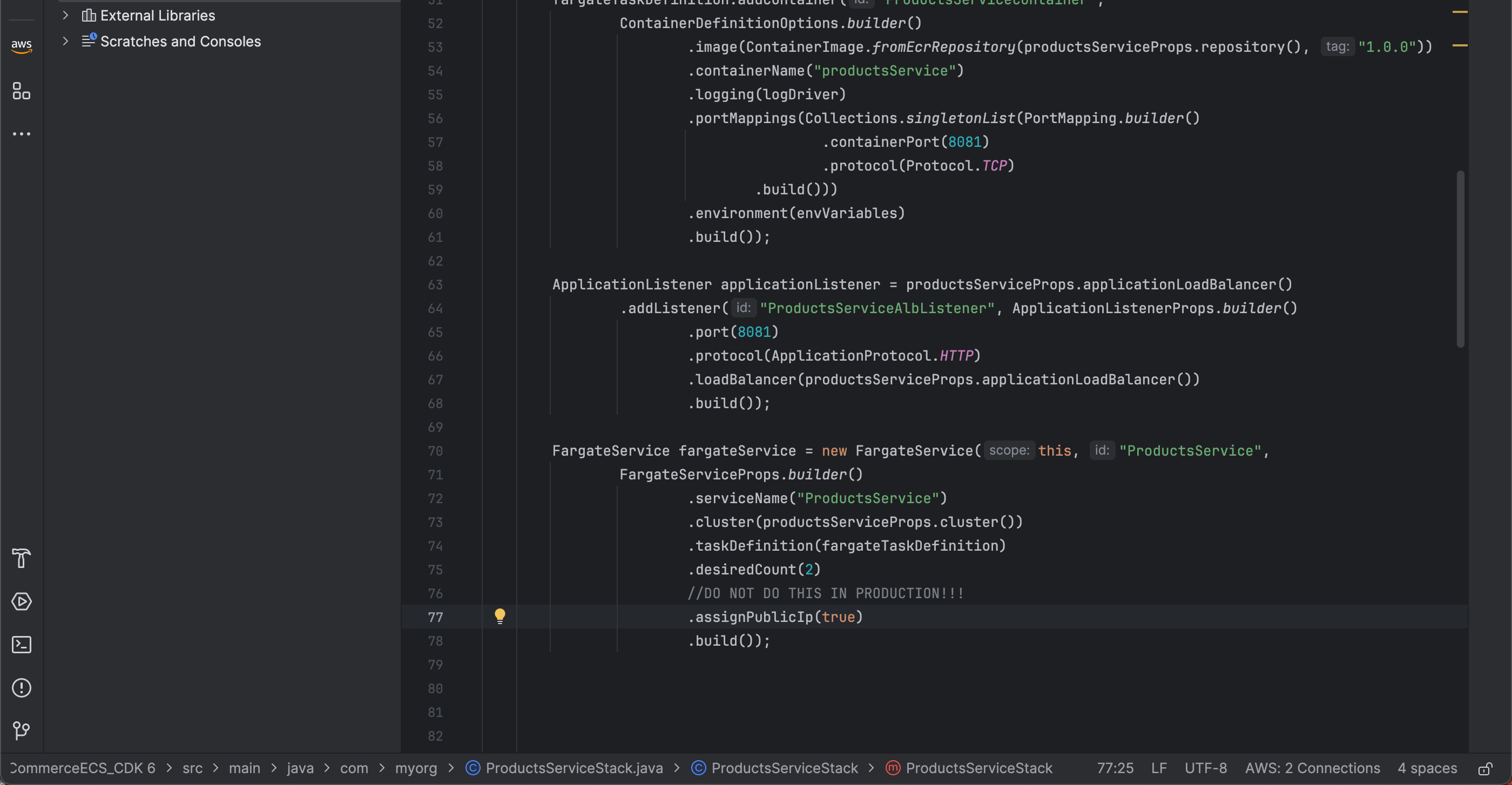
- Ngoài ra nếu trong phần tạo PVC bạn không tạo NAT Gateway, bạn có thể làm như sau
.assignPublicIp(true)
Đừng làm trong môi trường production
- ECS service của chúng ta cần permission để pull image từ ECR repository. Vì vậy chúng ta cần phải cấp quyền như sau
productsServiceProps.repository().grantPull(Objects.requireNonNull(fargateTaskDefinition.getExecutionRole()));
- Cuối cùng 1 đều quan trọng nữa là chúng ta cần định nghĩa là service của chúng ta chấp nhận requests từ http port 8081
fargateService.getConnections().getSecurityGroups().get(0).addIngressRule(Peer.anyIpv4(), Port.tcp(8081));