Organize CDK Stack in CDK Project
Organize CDK Stack in CDK Project
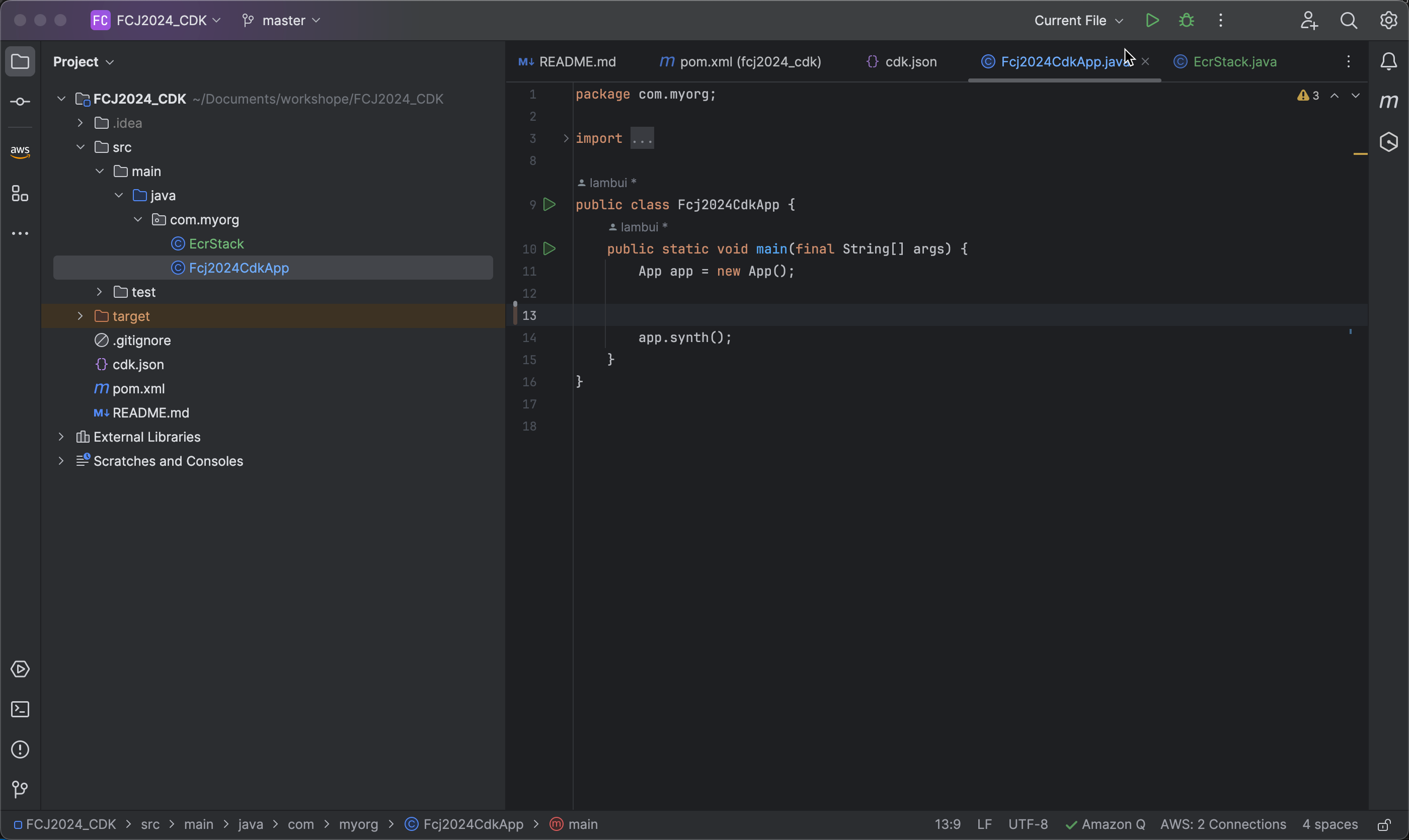
- Open the root file Fcj2024CdkApp.
-
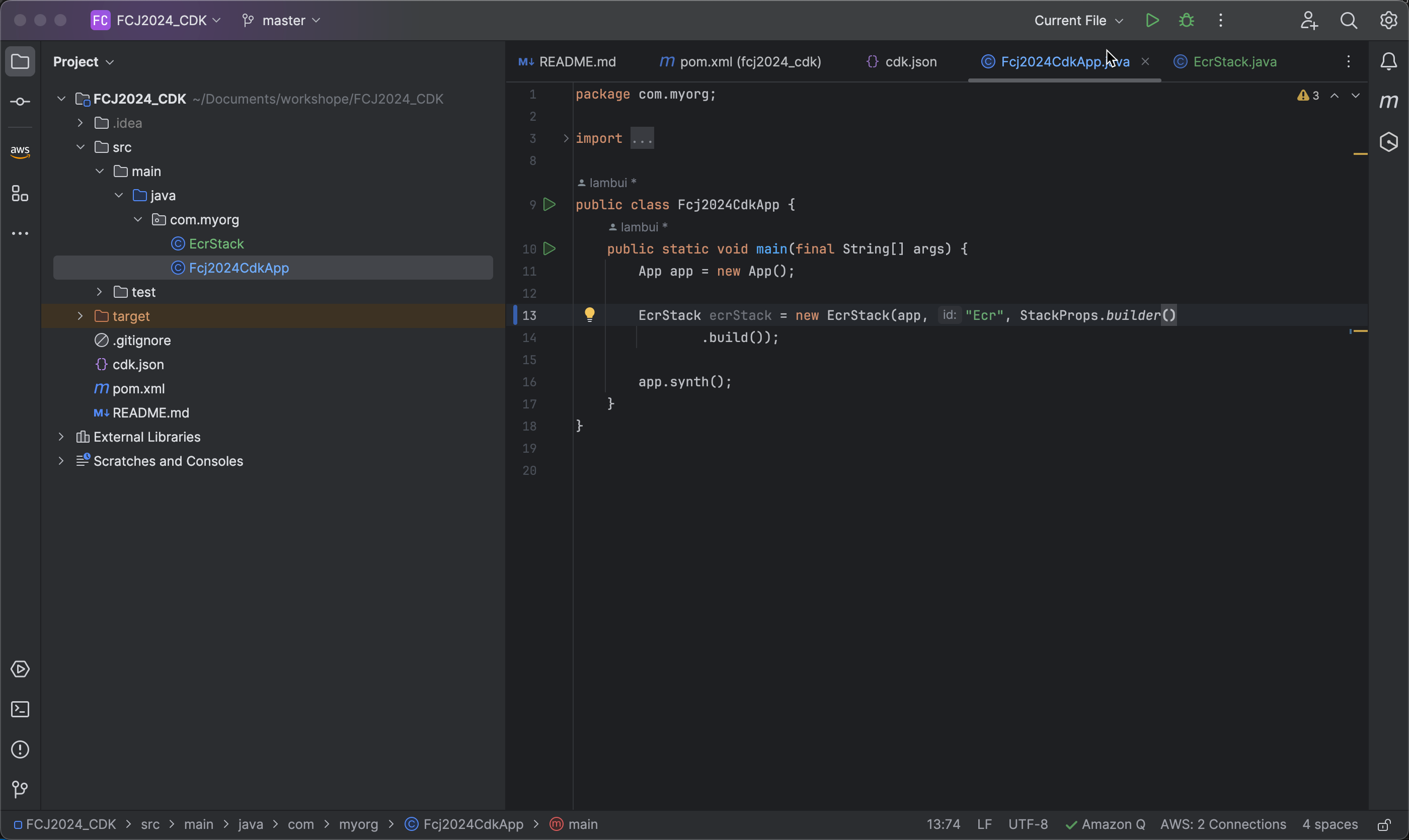
Create an ECR Stack using the following code snippet:
EcrStack ecrStack = new EcrStack(app, "Ecr", StackProps.builder().build());
-
Create an Environment using the following code:
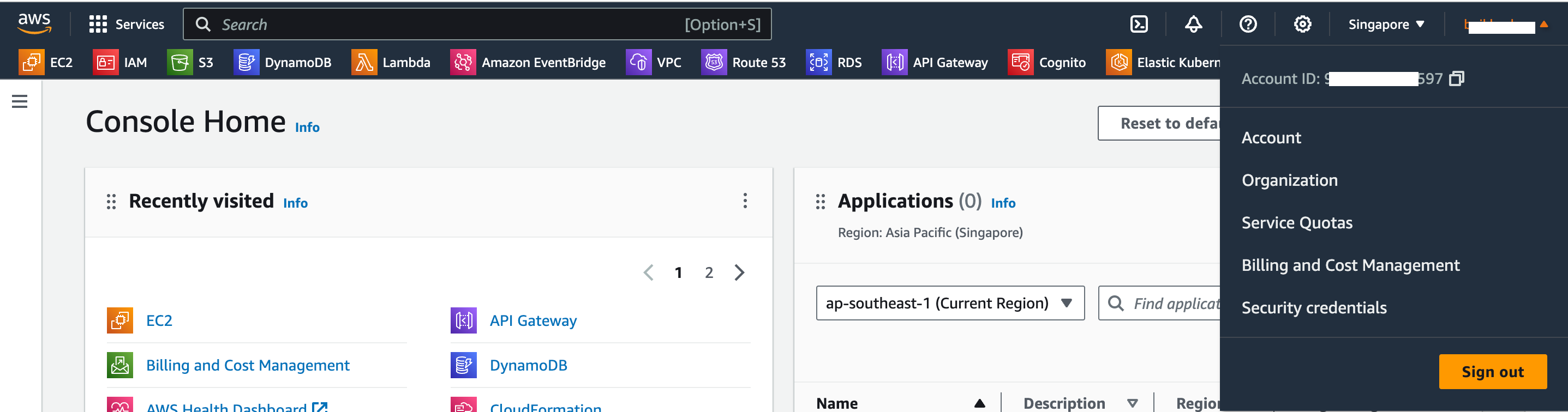
Environment environment = Environment.builder() .account("your_account_id") .region("ap-southeast-1") .build();- Replace
your_account_idwith your AWS account ID. - Use
ap-southeast-1as the desired AWS region for resource creation.
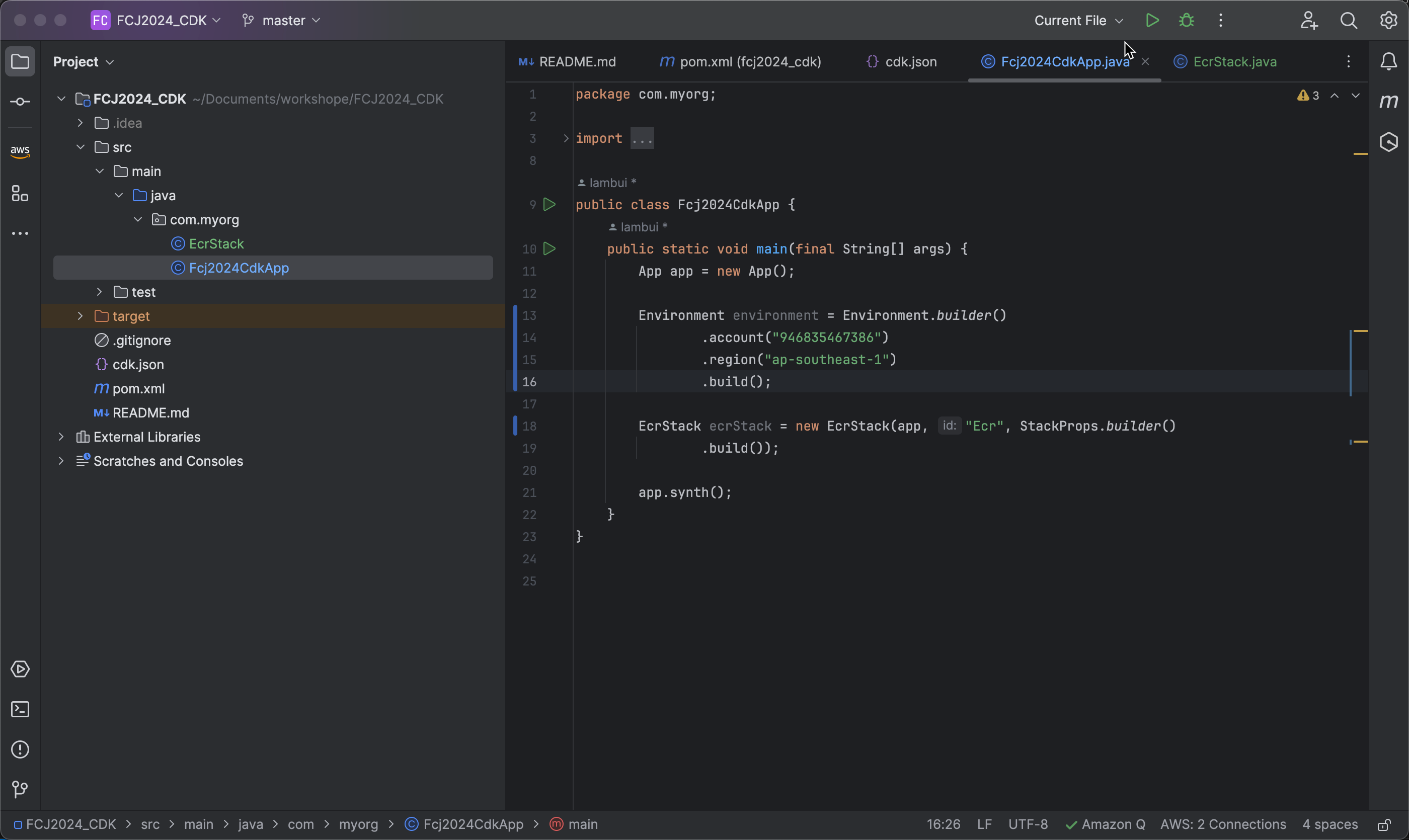
- Replace
-
Add the Environment to the ECRStack using the following code:
.env(environment)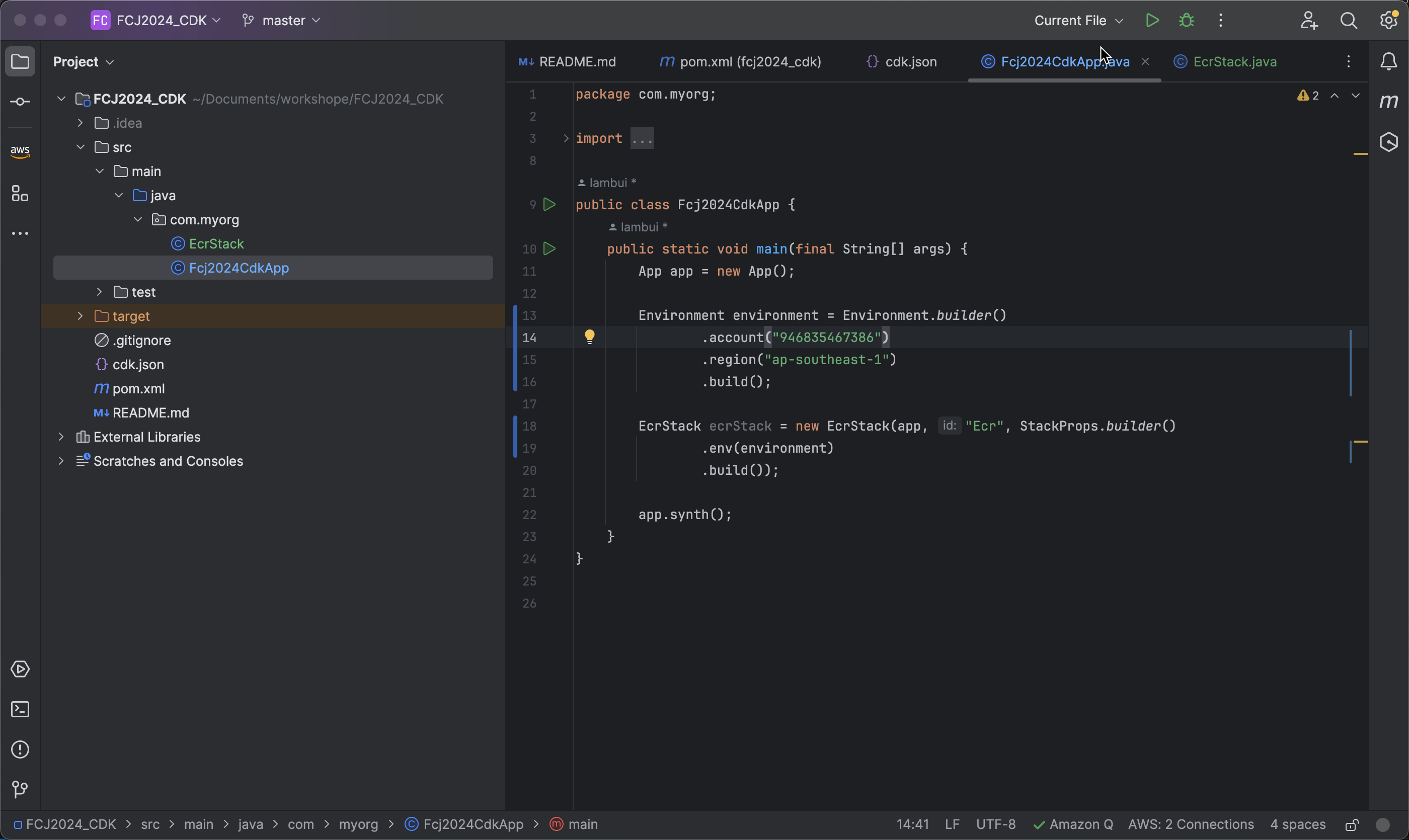
-
Create properties infraTags for Tags:
Map<String, String> infraTags = new HashMap<>();
infraTags.put("team", "FirstCloudJourney");
infraTags.put("cost", "ECommerceInfra");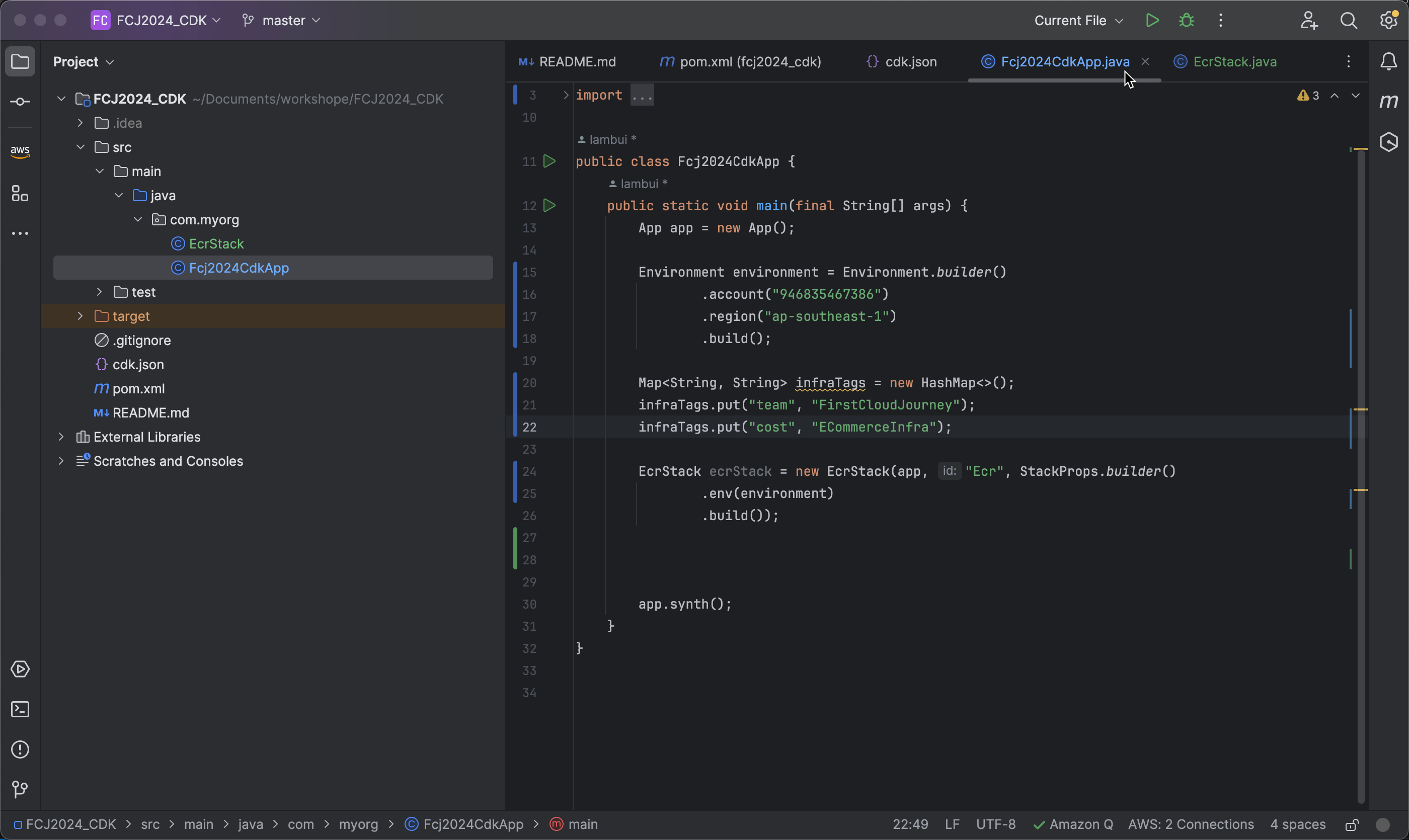
-
Apply Tags to the ECRStack:
.tags(infraTags)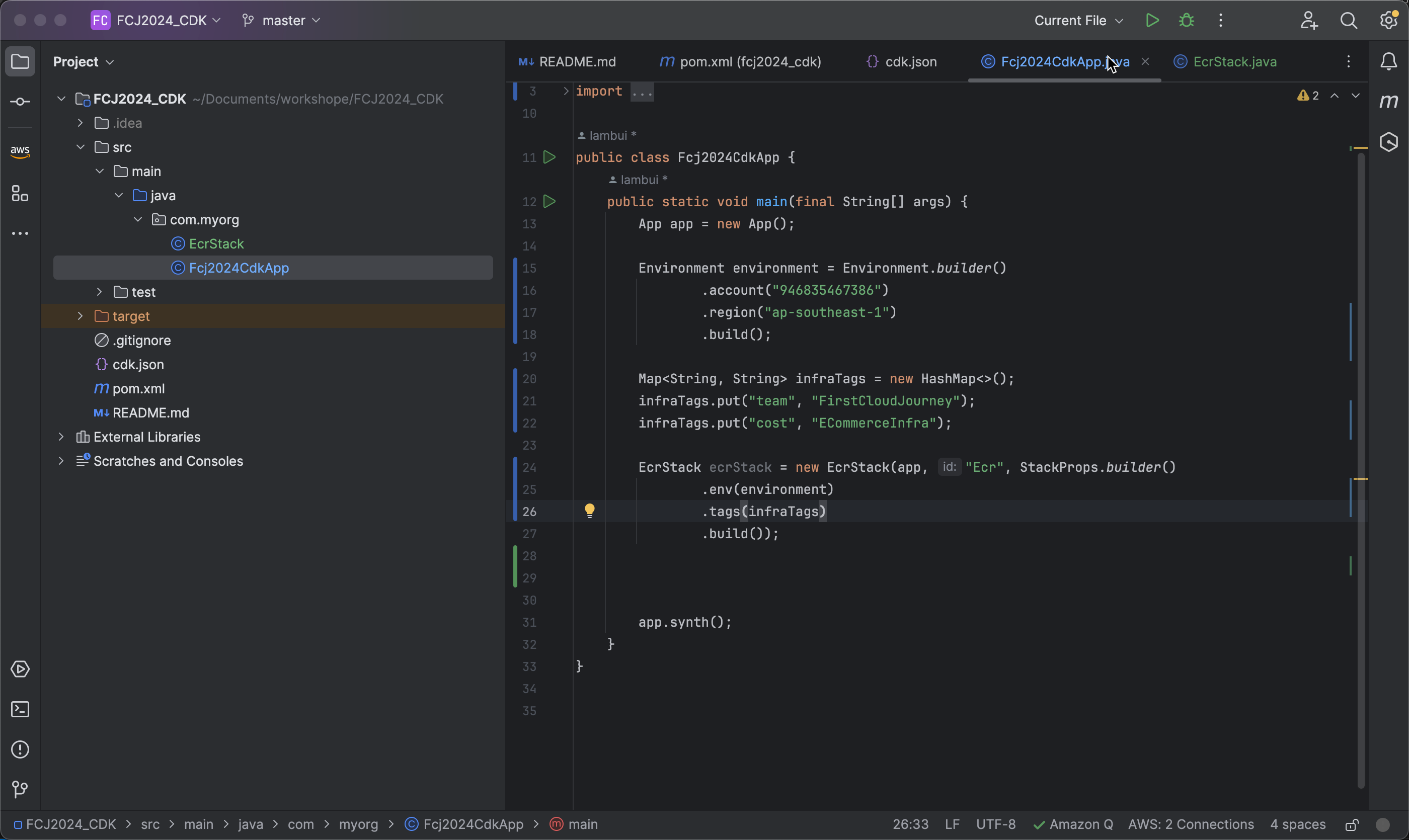
-
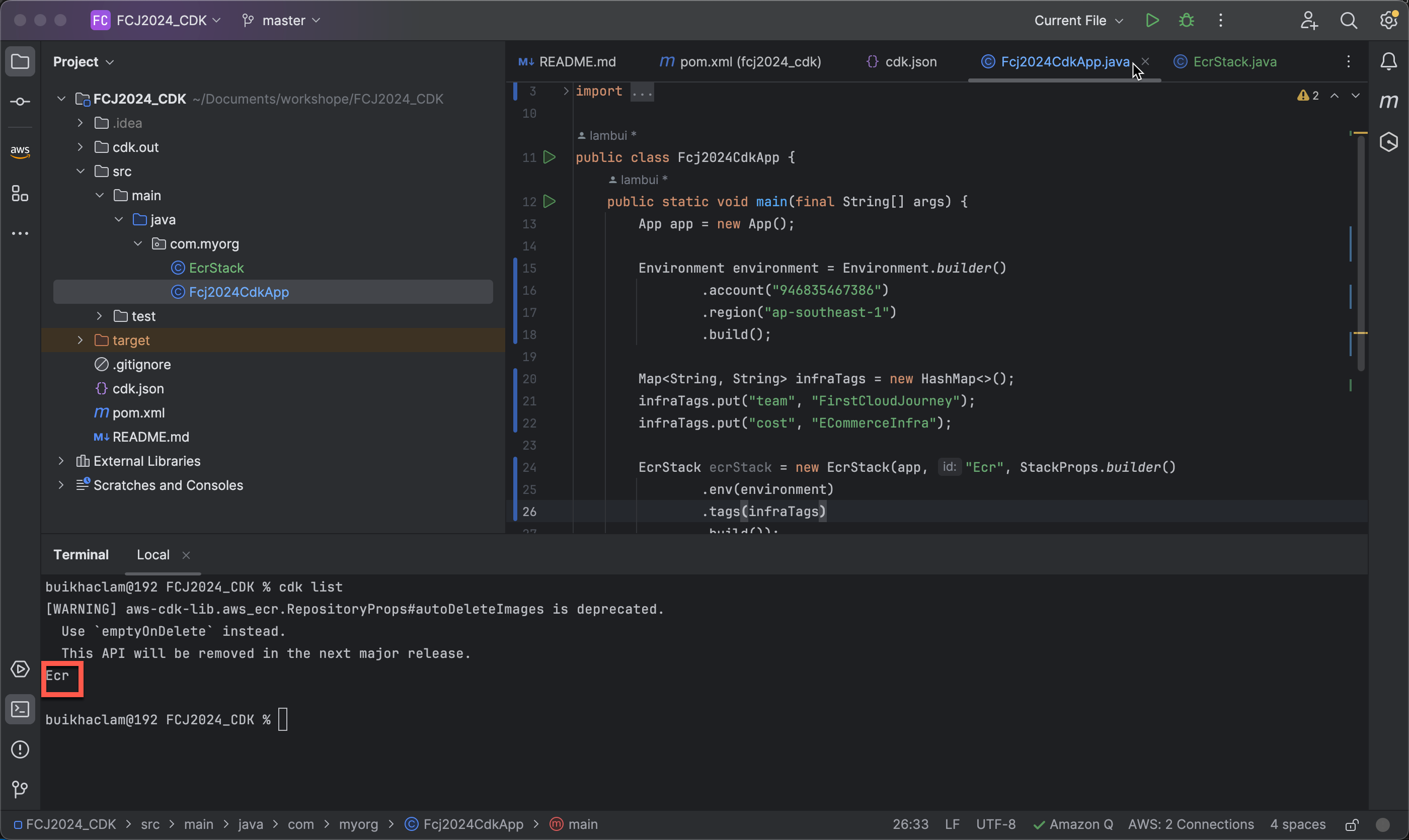
Check the stacks that CDK will create for CloudFormation using the command:
cdk list- Here, CDK shows that only one stack (
Ecr) will be created.
- Here, CDK shows that only one stack (
-
To prepare the deployment environment for CDK applications on AWS, including creating necessary resources for deployment and managing CDK applications effectively on the AWS platform, run the command:
cdk bootstrap --profile default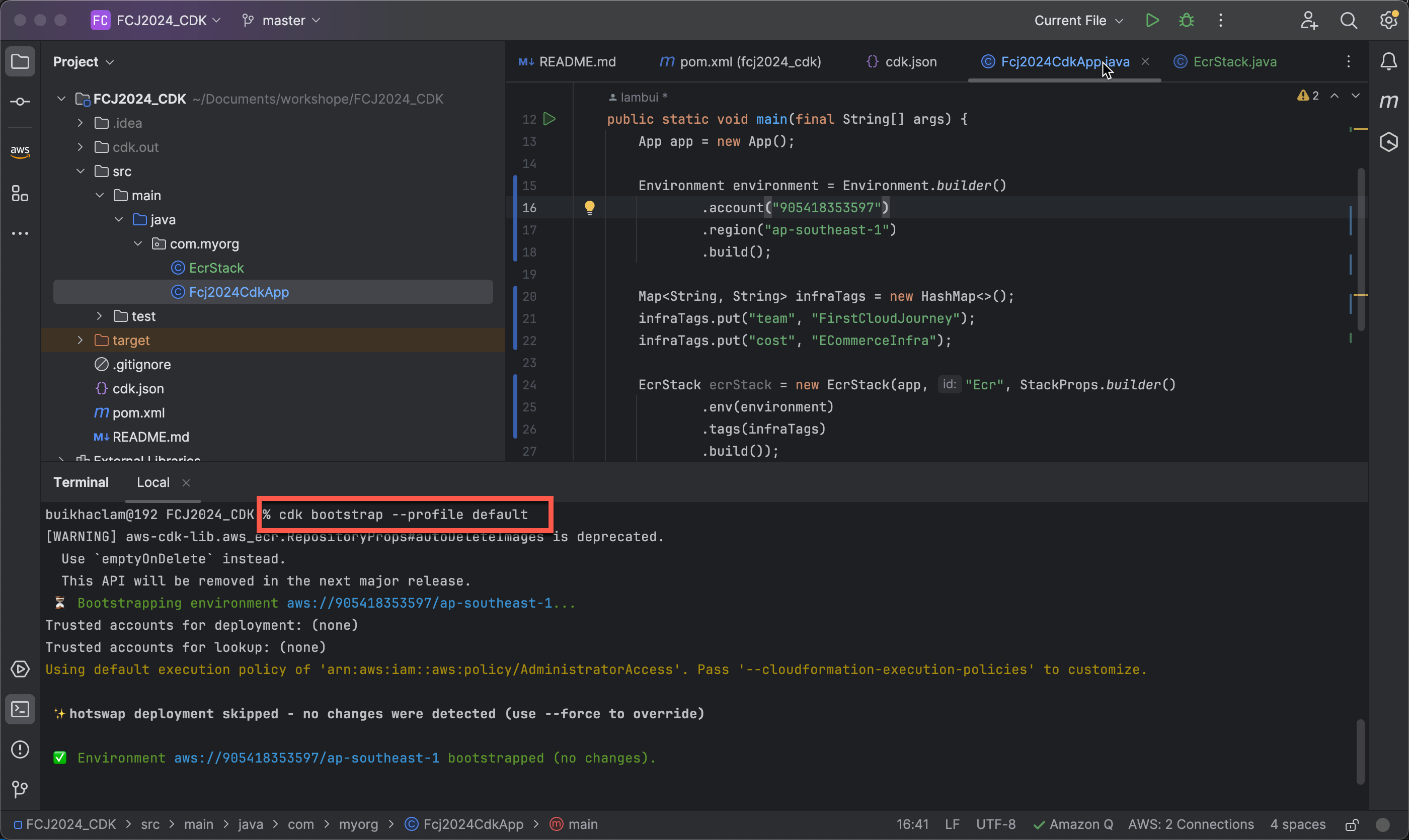
-
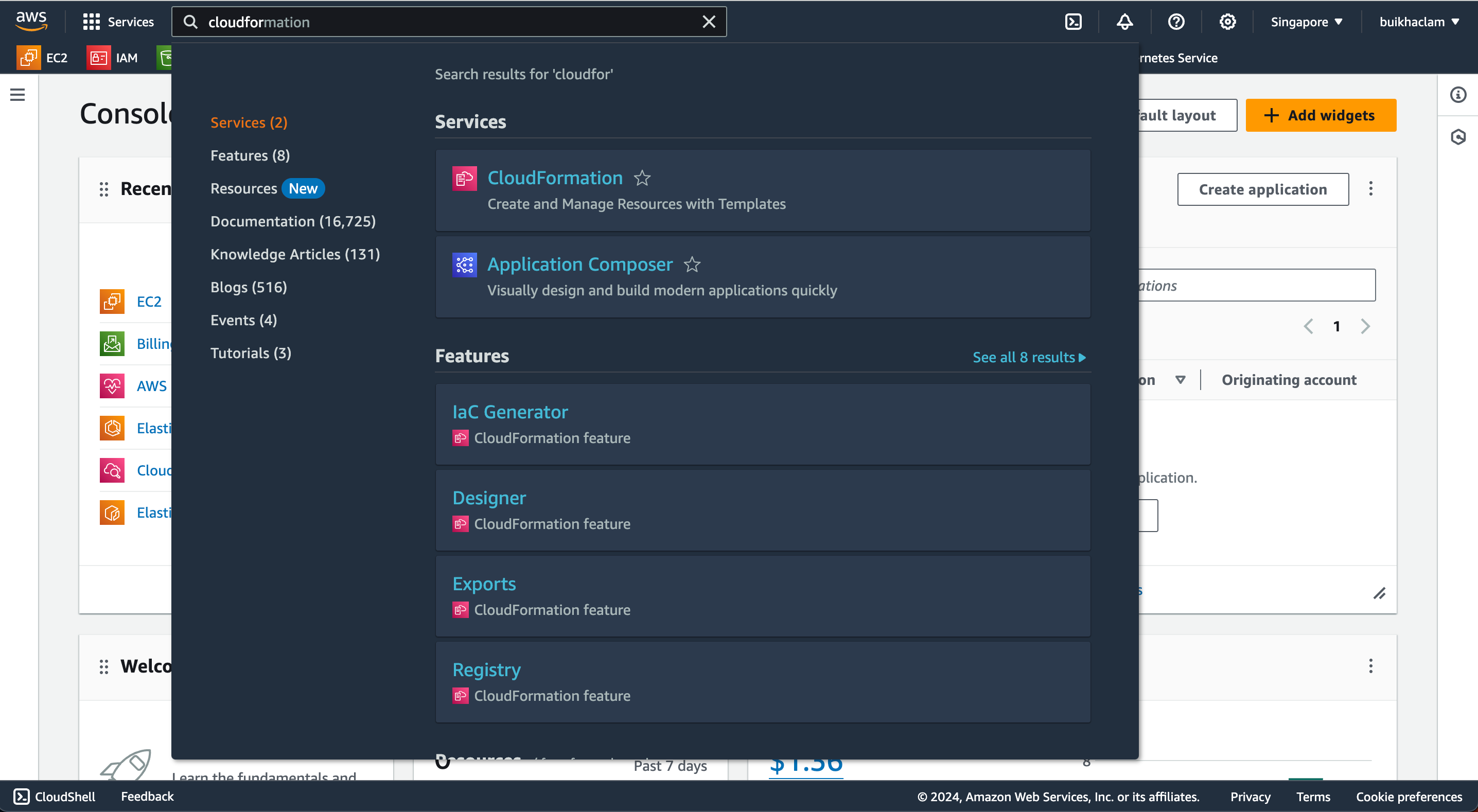
To view the resources created after running cdk bootstrap –profile default, access the AWS console and navigate to CloudFormation.
-
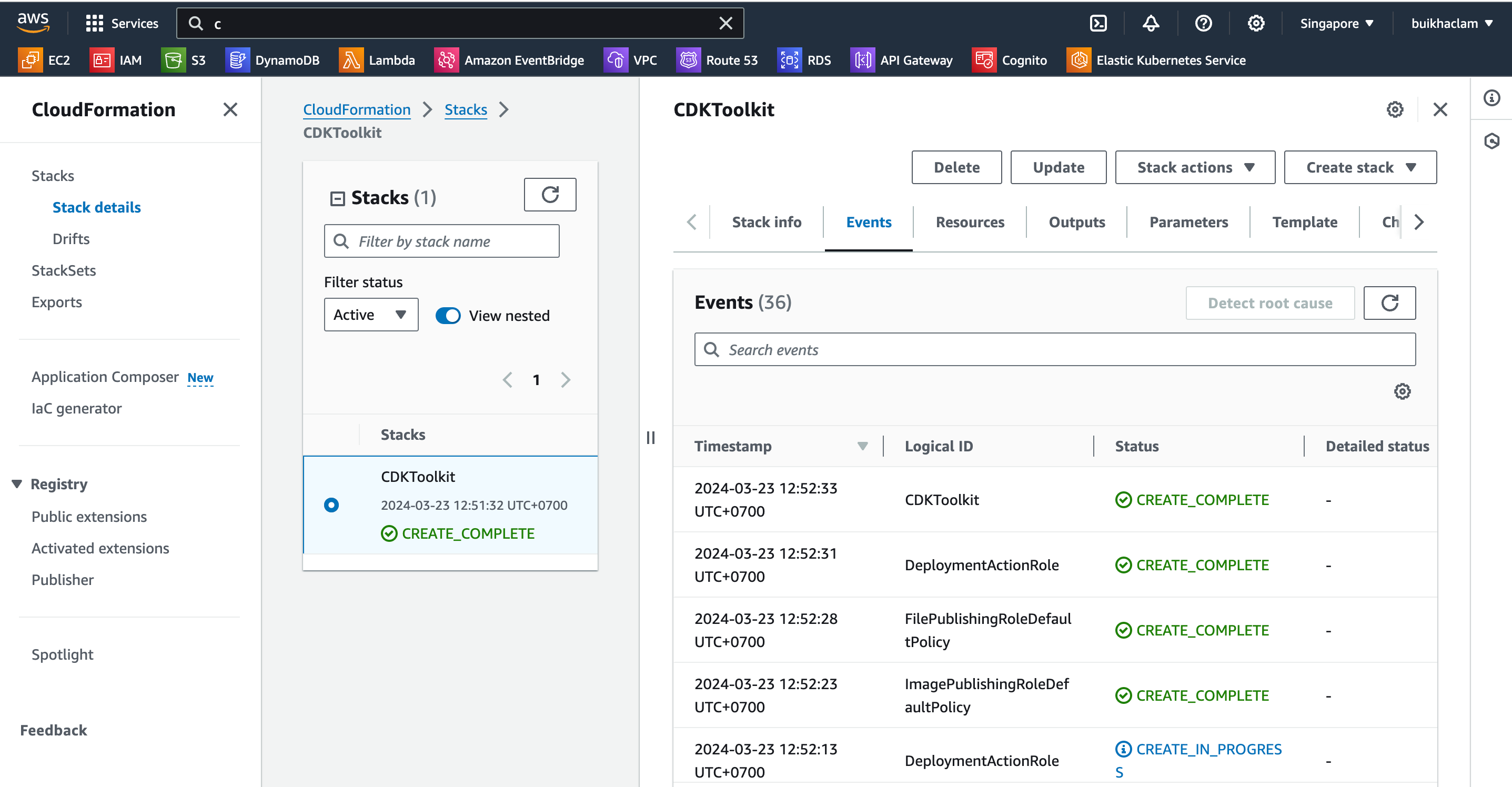
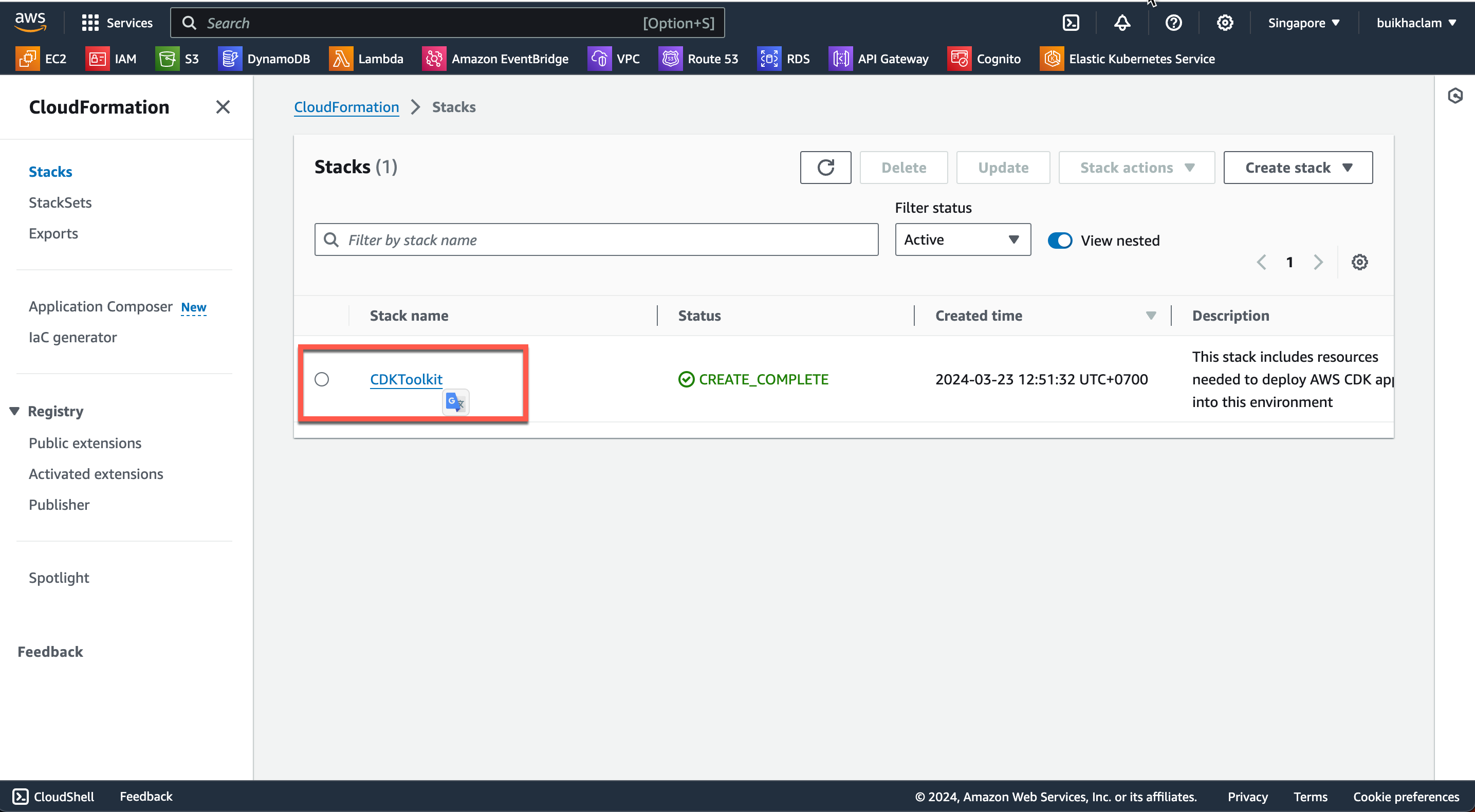
In the CloudFormation interface, you can see a CDKToolkit stack has been created.
-
Select CDKToolkit and then choose the Resources tab to view the created resources.