Deploy Spring Boot applications onto AWS ECS Fargate using AWS CDK. > Create ECS using AWS CDK > Organize and Deploy NLB Stack
Organize and Deploy NLB Stack
Organize and Deploy NLB Stack
-
Open the root file Fcj2024CdkApp.
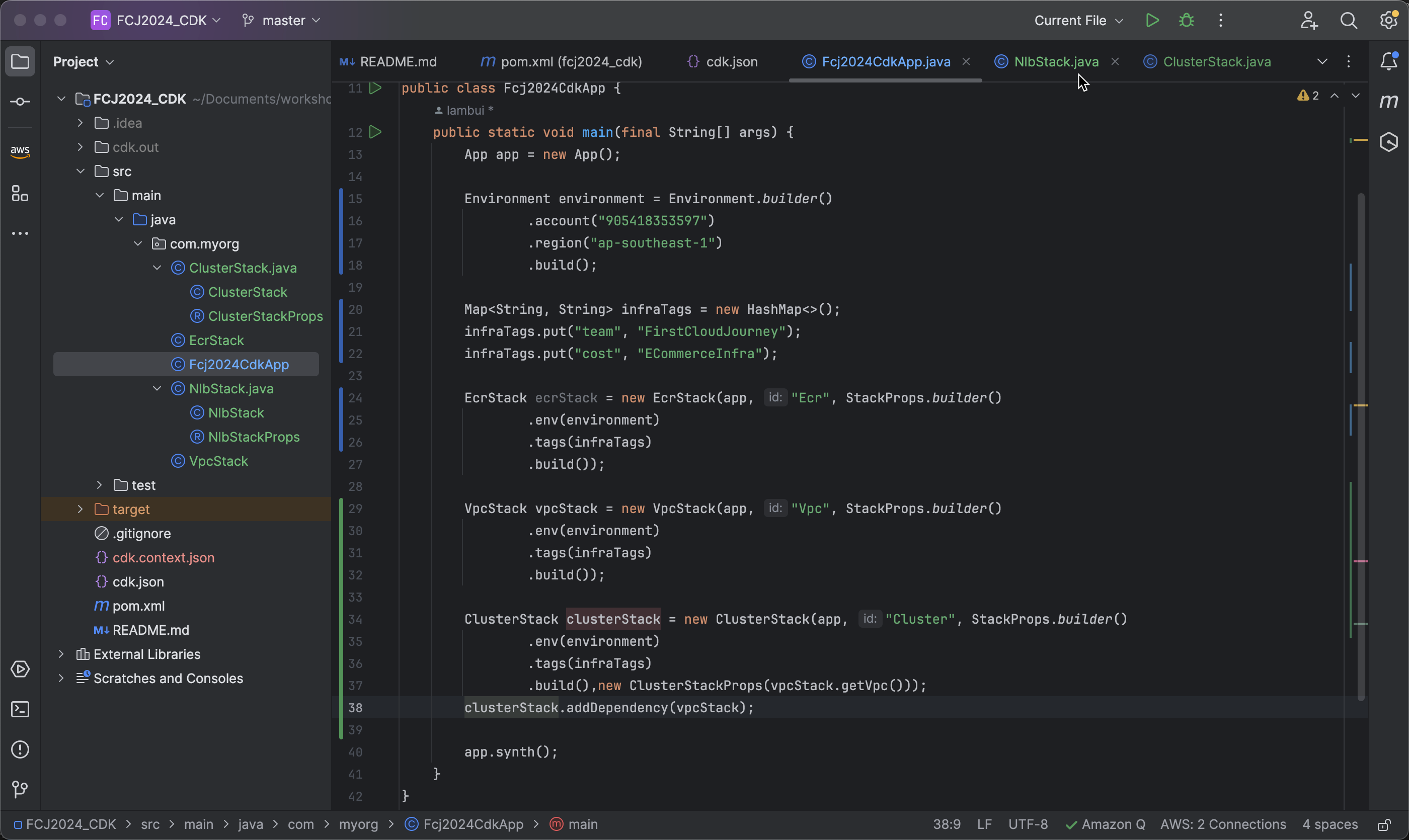
-
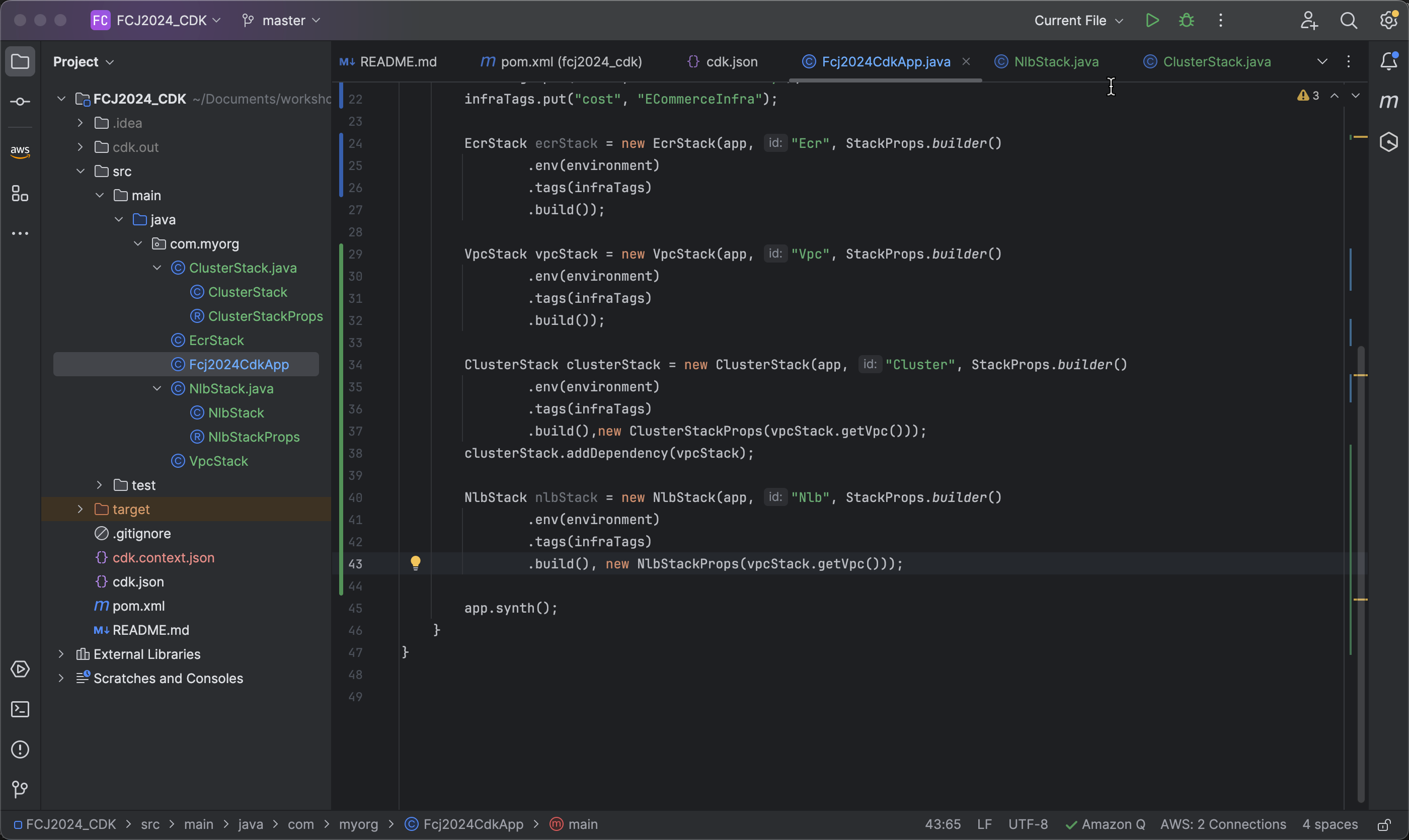
Create an NLB Stack with the ID Nlb using the following code:
NlbStack nlbStack = new NlbStack(app, "Nlb", StackProps.builder()
       .build());
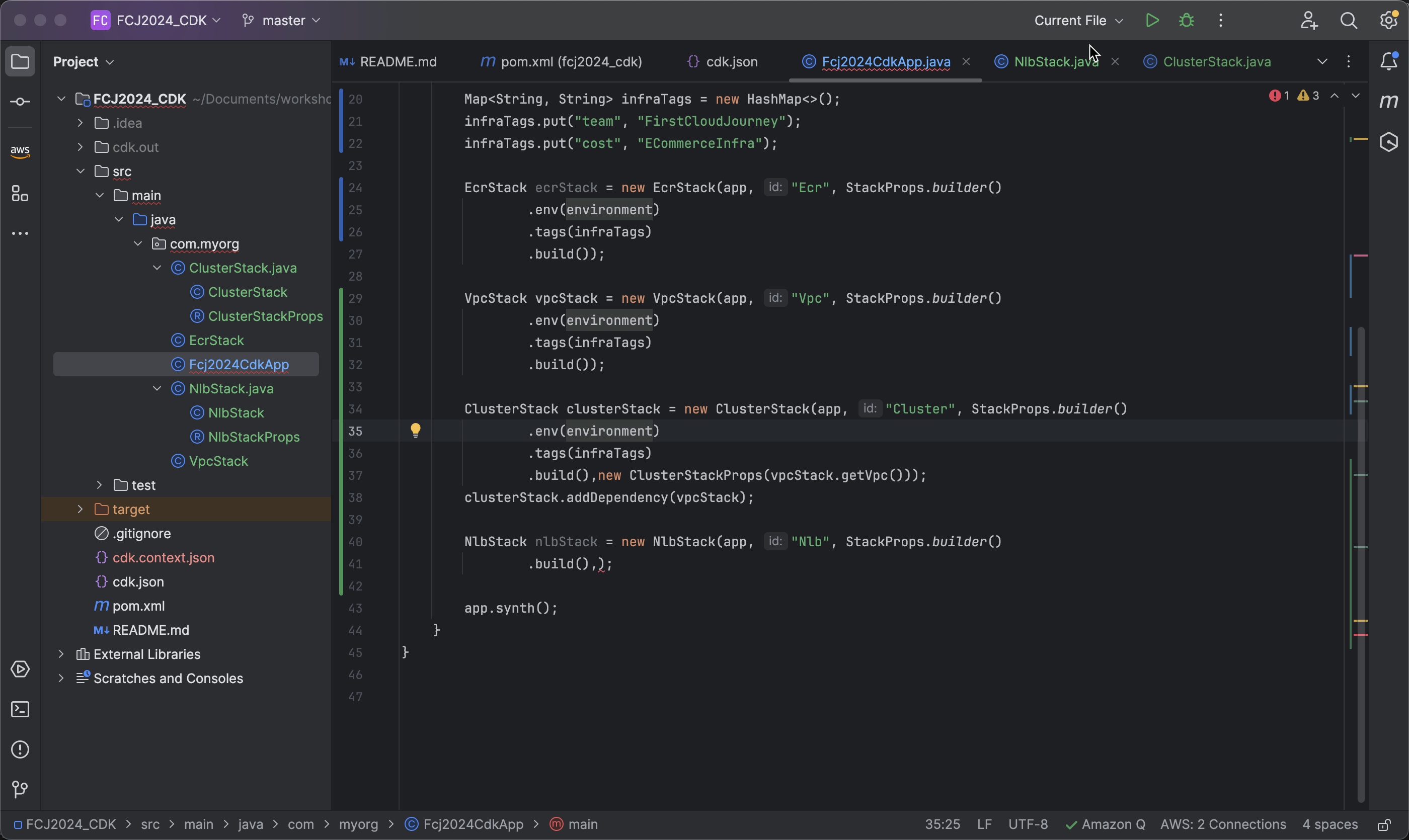
- Pass the previously created VPC to the
ClusterStackPropsof the ECS stack:
new ClusterStackProps(vpcStack.getVpc())
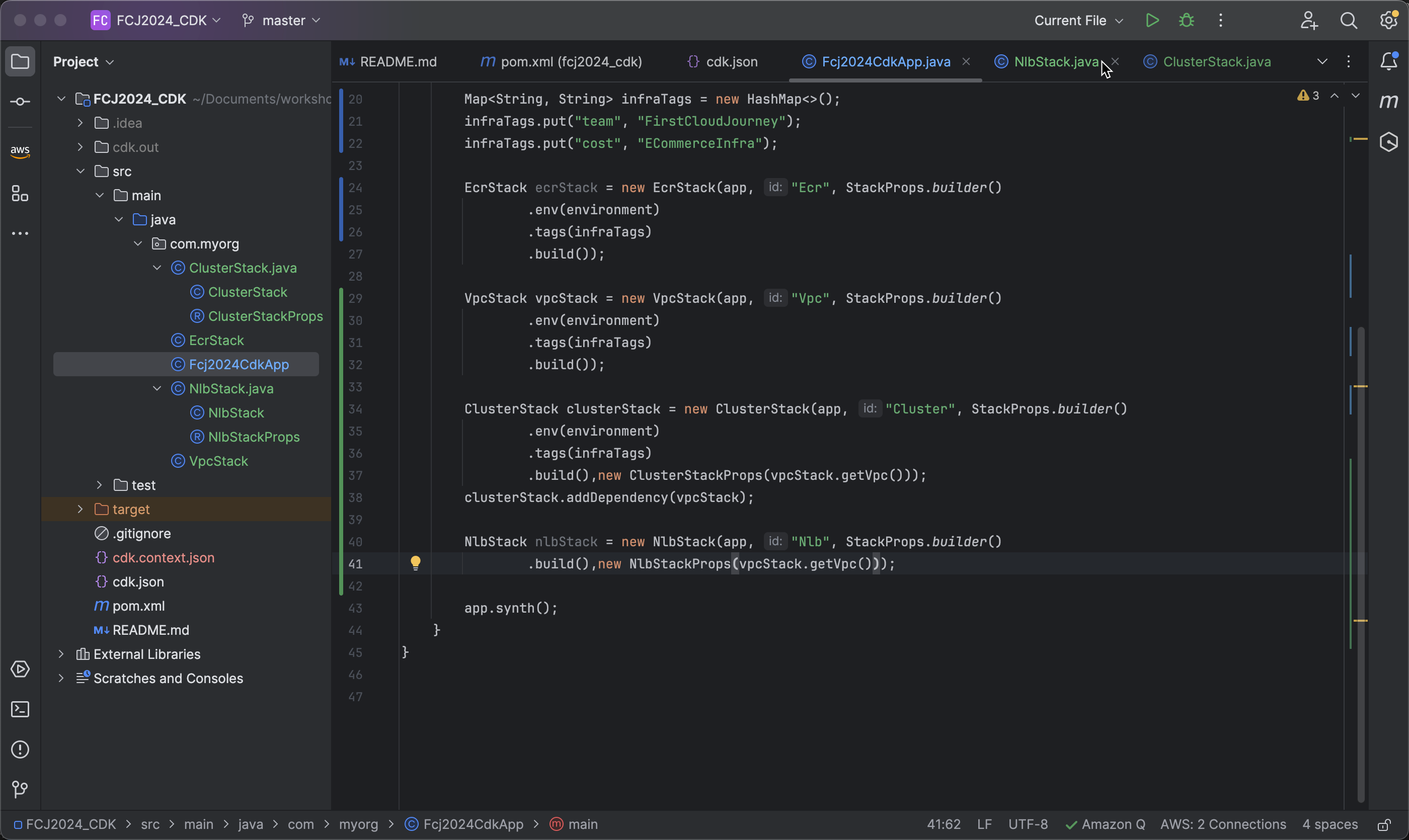
- Add environmen and Tags for NLB Stack
   .env(environment)
   .tags(infraTags)
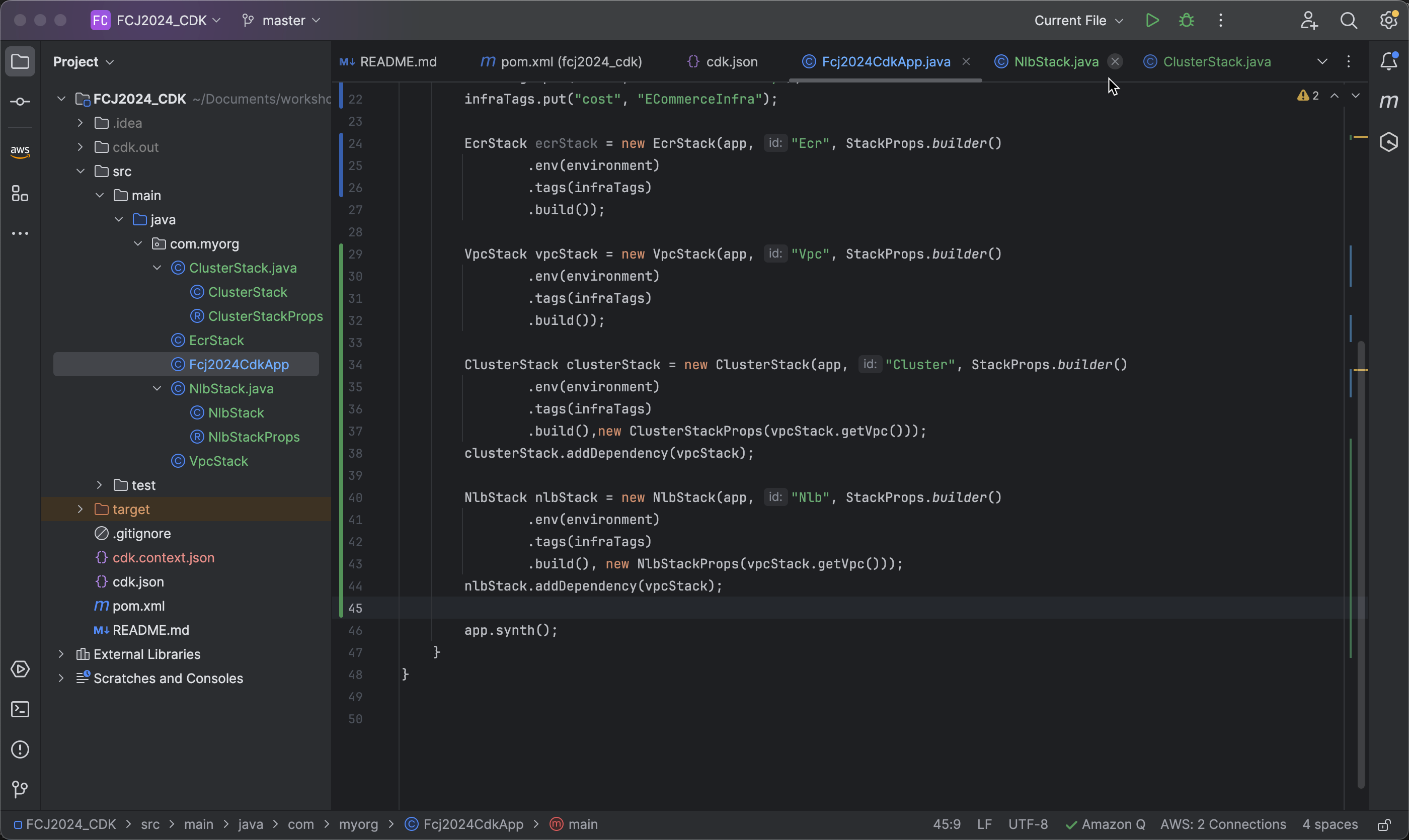
- Because the Network Load Balancer (NLB) requires a VPC to be created, let’s add a dependency to ensure that the VPC is created before the NLB:
nlbStack.addDependency(vpcStack);
Deploy NLB using AWS CDK
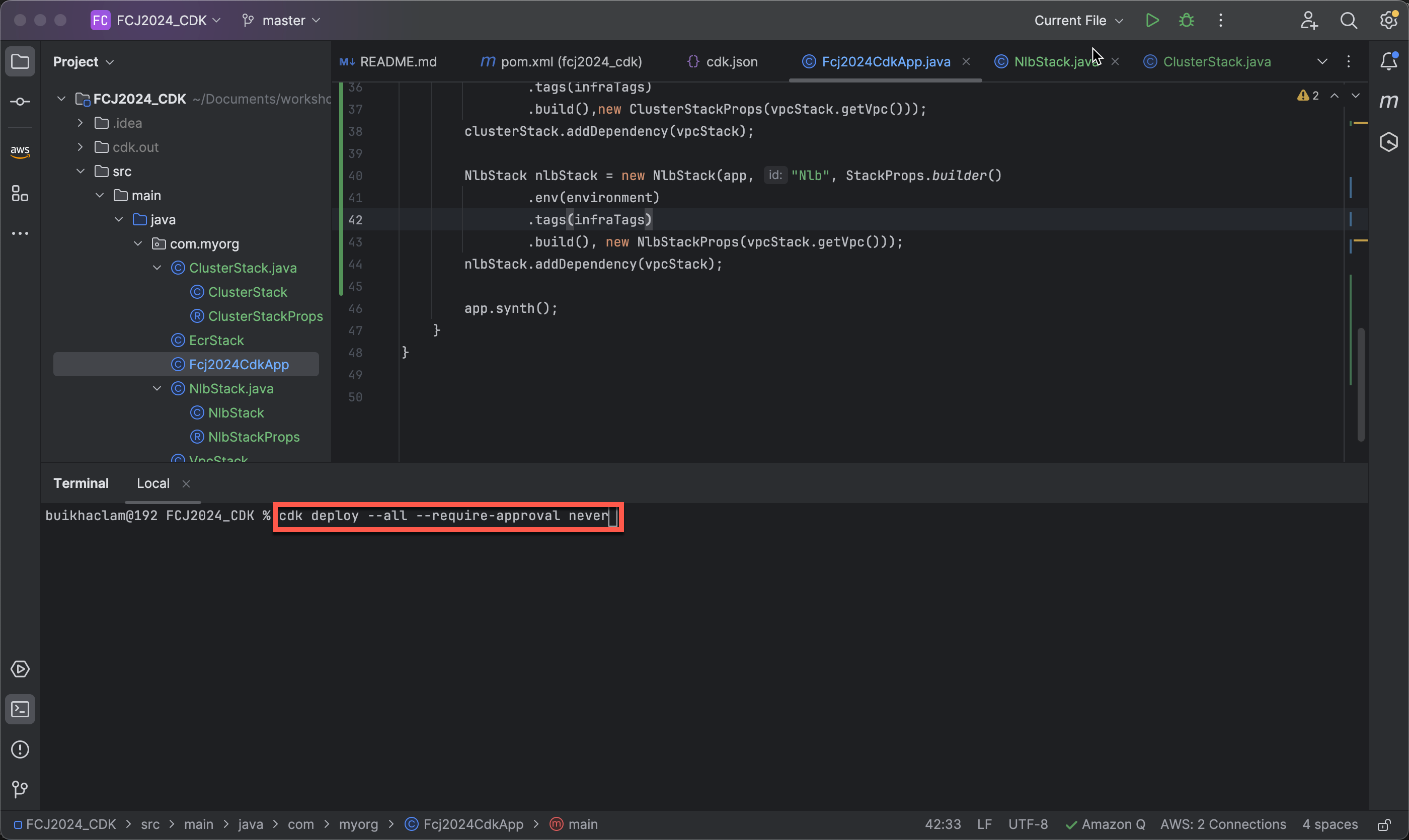
- Deploy the Network Load Balancer (NLB) using AWS CDK:
cdk deploy --all --require-approval never
Check AWS Resources Created
-
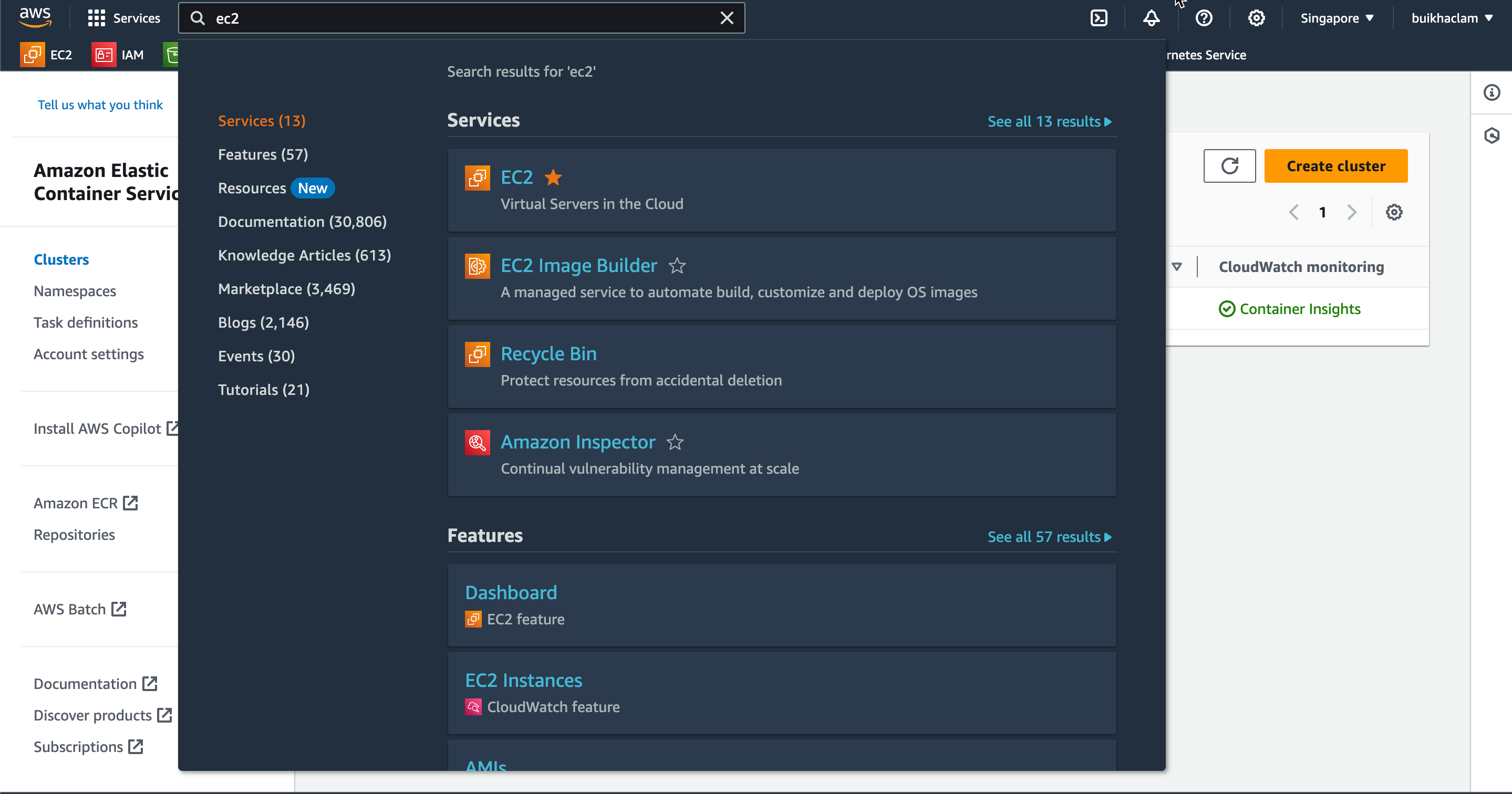
In the AWS Management Console, navigate to EC2.
-
In the EC2 interface, select Load Balancers to view the created Network Load Balancer (NLB) and Application Load Balancer (ALB).
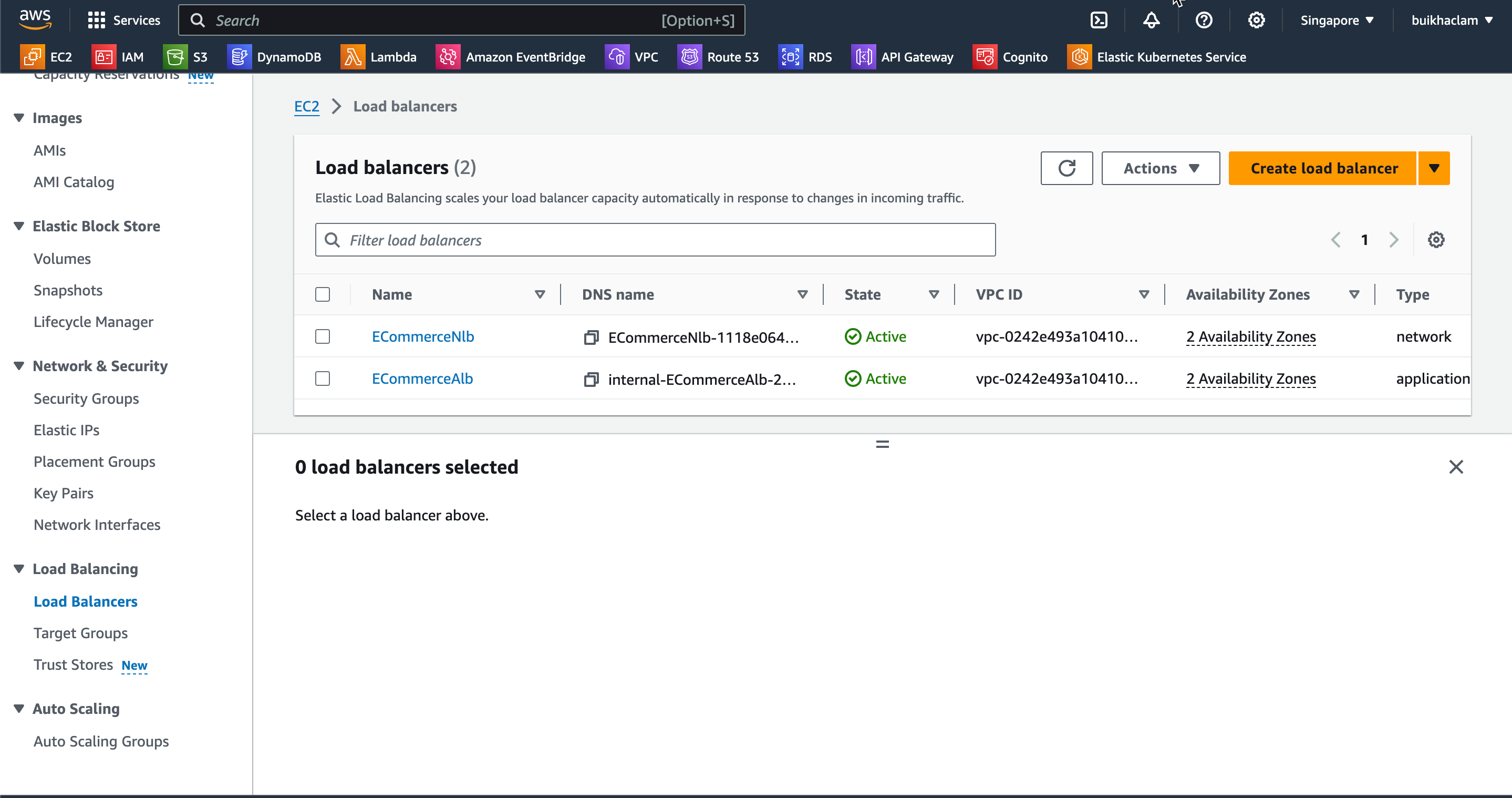
-
In the EC2 interface, enter “API Gateway” into the search bar and select API Gateway from the results.
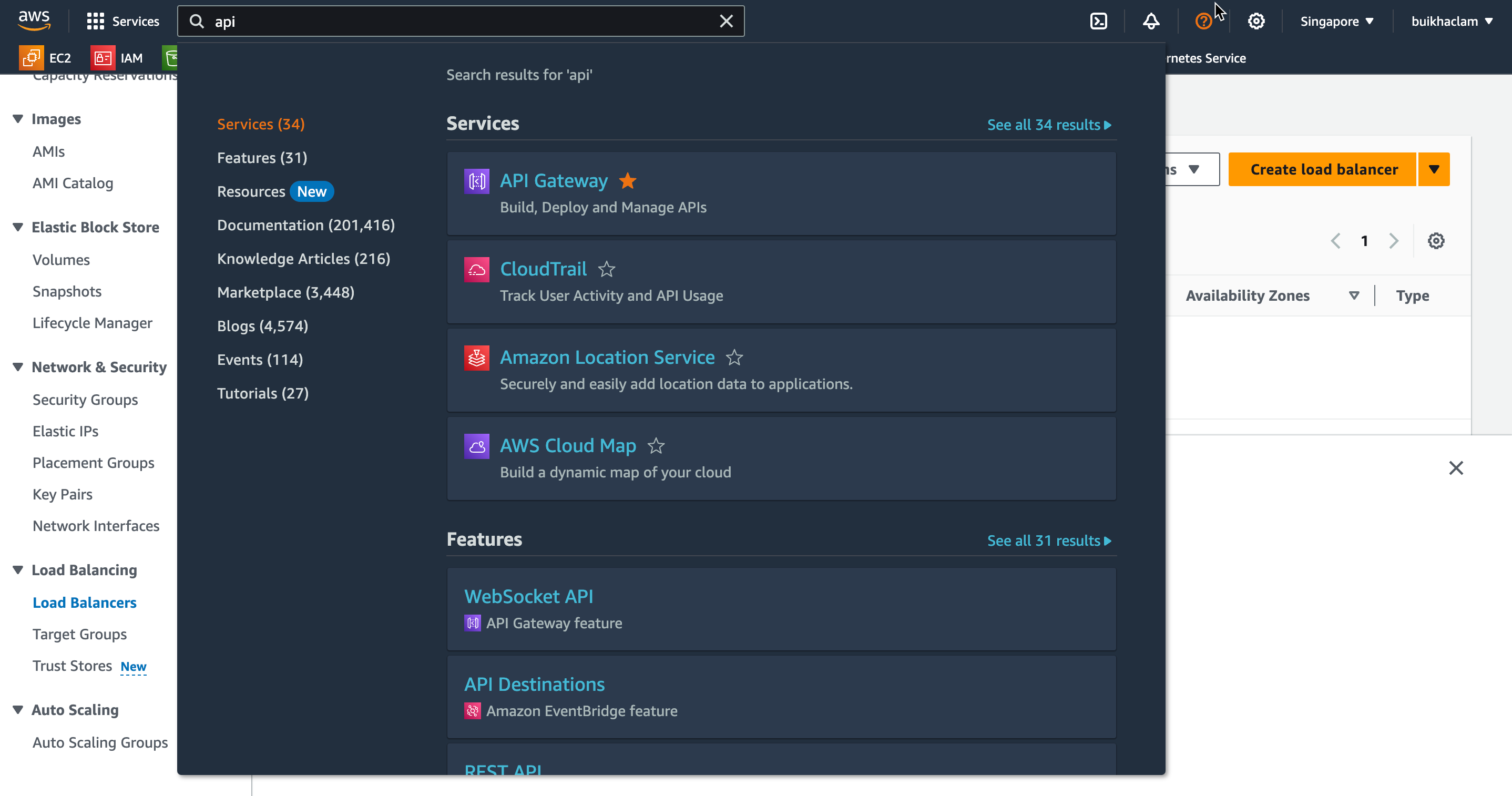
-
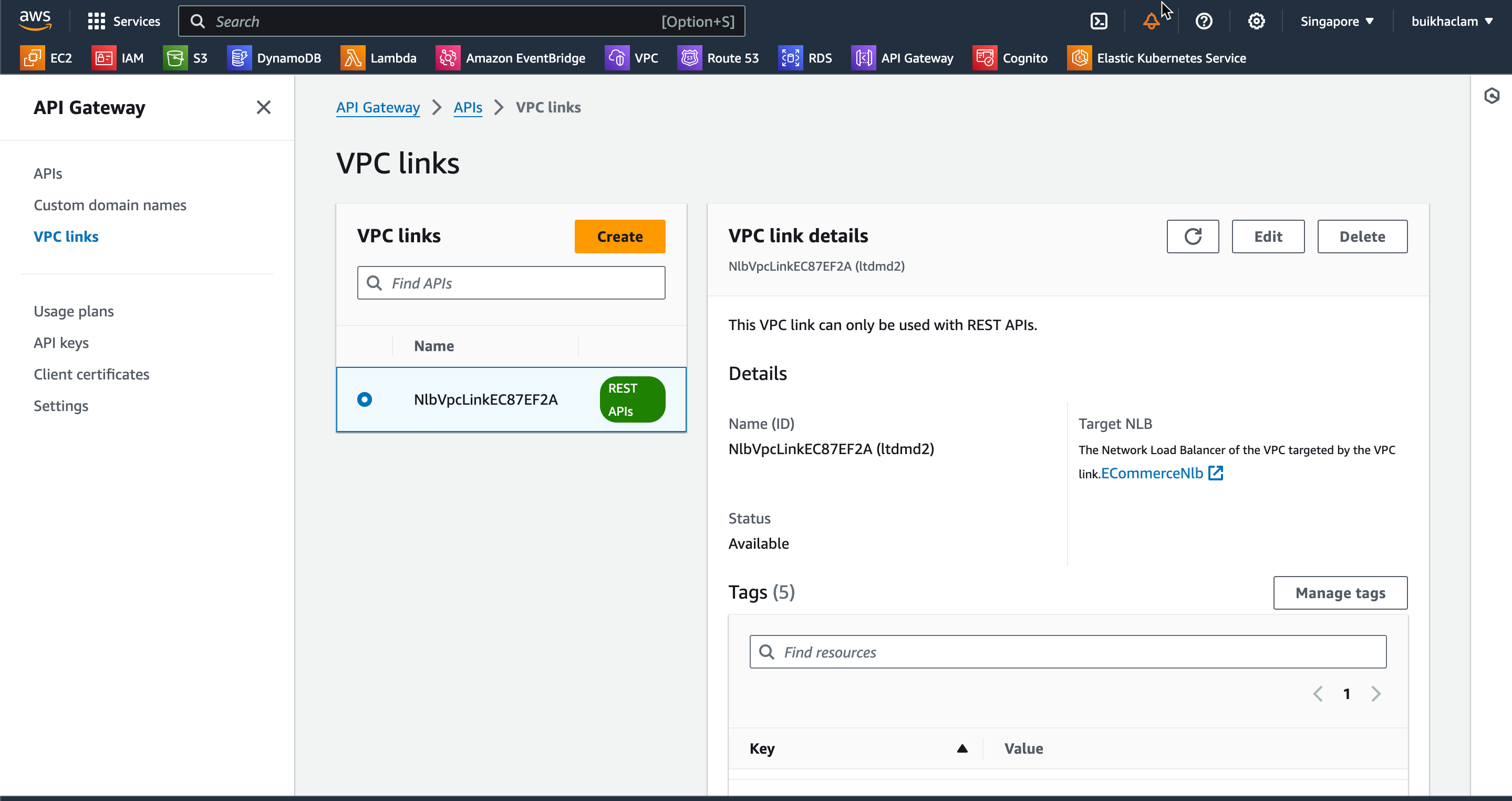
In the API Gateway interface, select VPC links to view the successfully created VPC link.