Create ECS Cluster
Create ECS Cluster stack
-
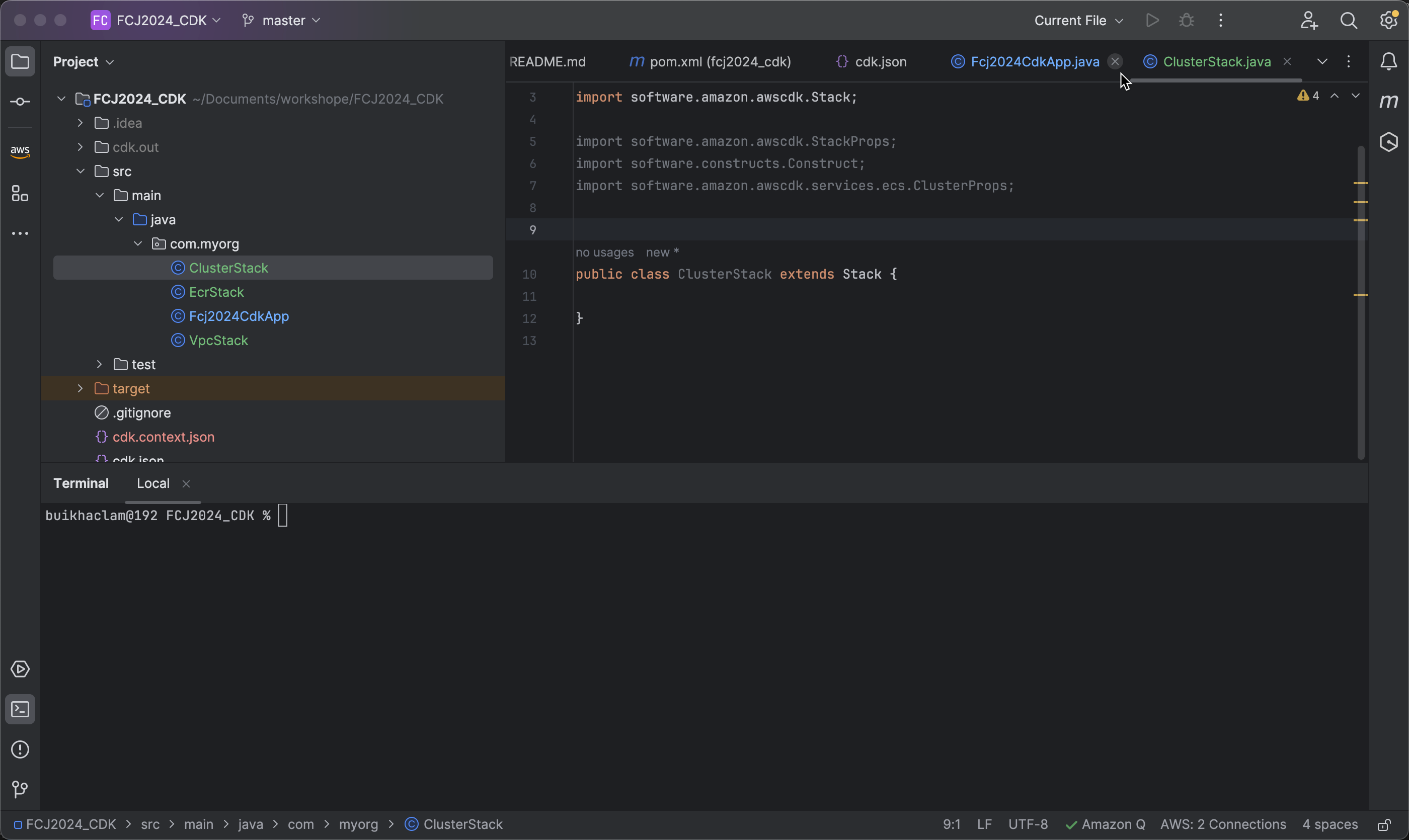
Open your CDK project and create a new stack named ClusterStack.java.
-
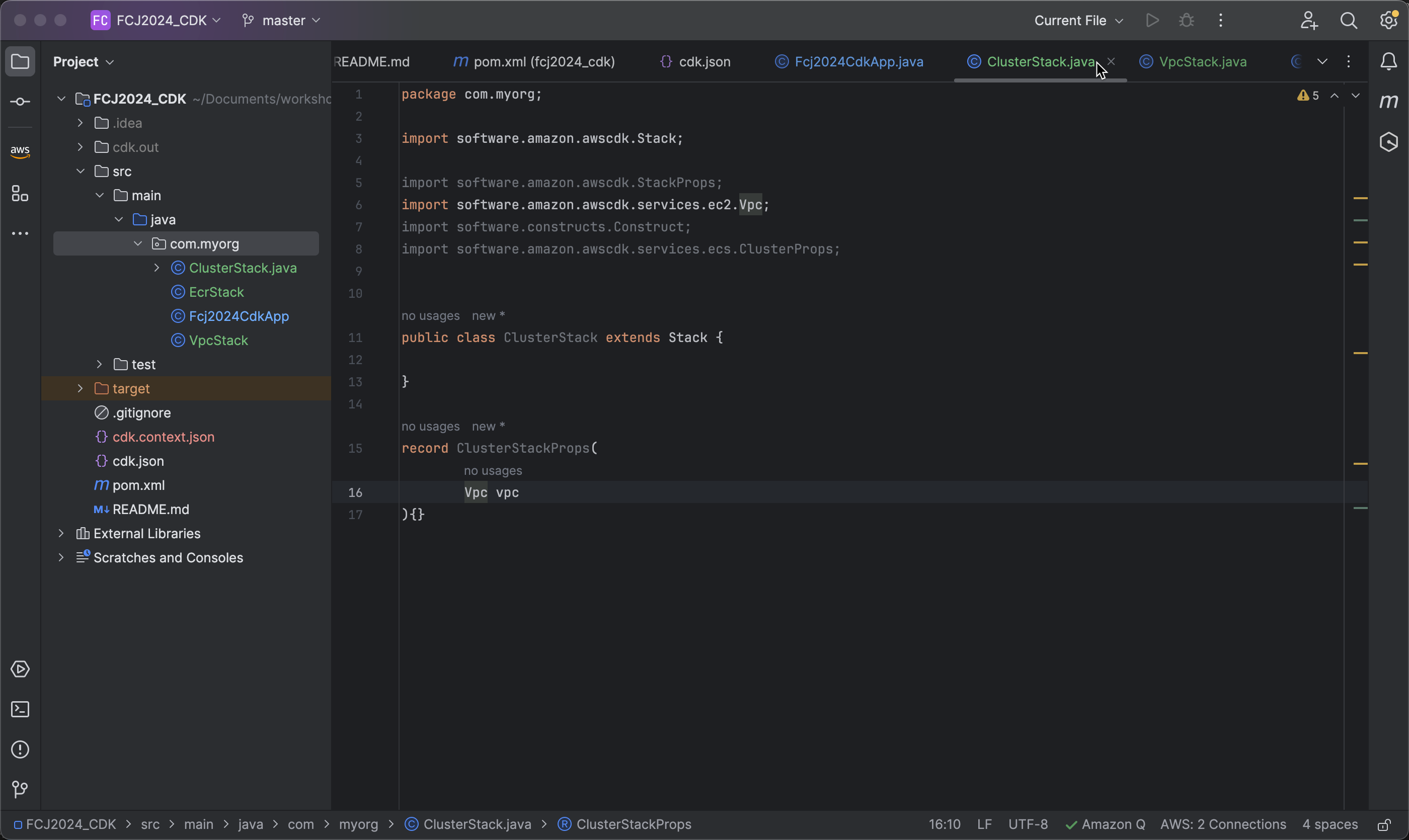
To create the ECS stack, we need the VPC that we previously created. Therefore, we need to create a record class to pass the VPC into the ECS Stack. Add the following code outside the
ClusterStackclass:record ClusterStackProps(Vpc vpc) {}
-
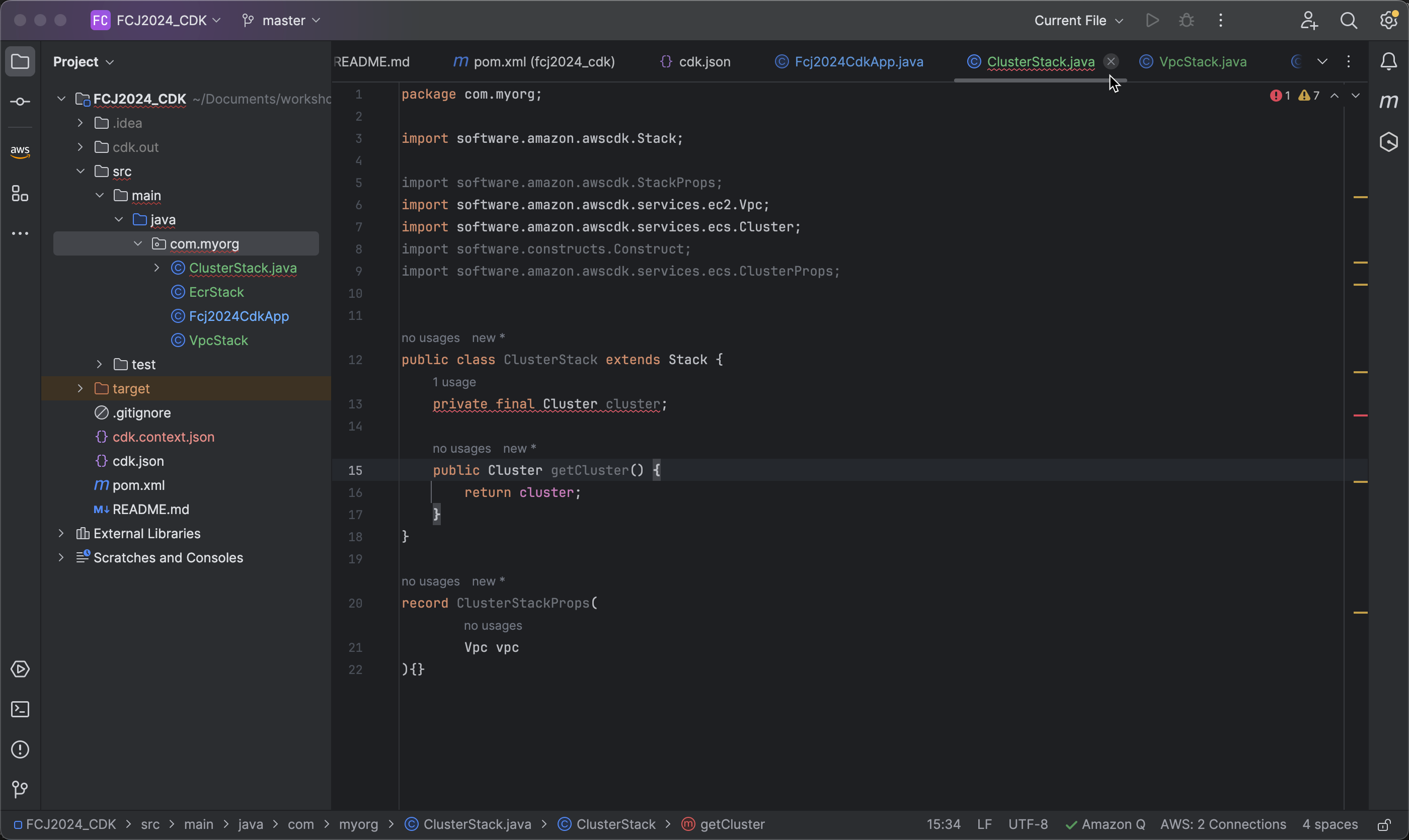
Create the cluster property and a getter method within the
ClusterStackclass:private final Cluster cluster; public Cluster getCluster() { return cluster; }
- Create constructor
public ClusterStack(final Construct scope, final String id,
            final StackProps props, ClusterStackProps clusterStackProps) {
        super(scope, id, props);
            }
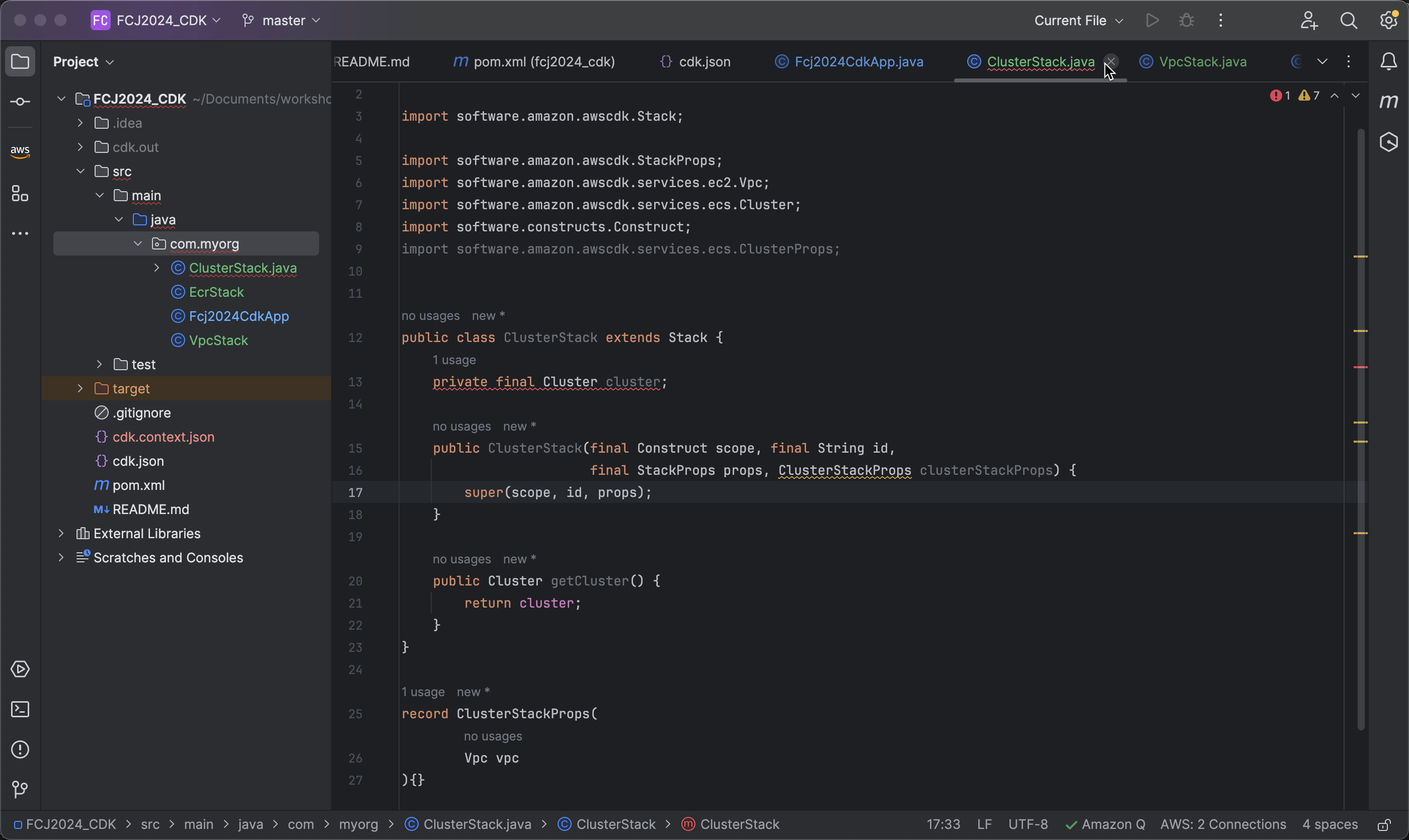
- Initialize the Cluster object in the constructor of
ClusterStack.javausing the following code:
       this.cluster = new Cluster(this, "Cluster", ClusterProps.builder()
                .build());
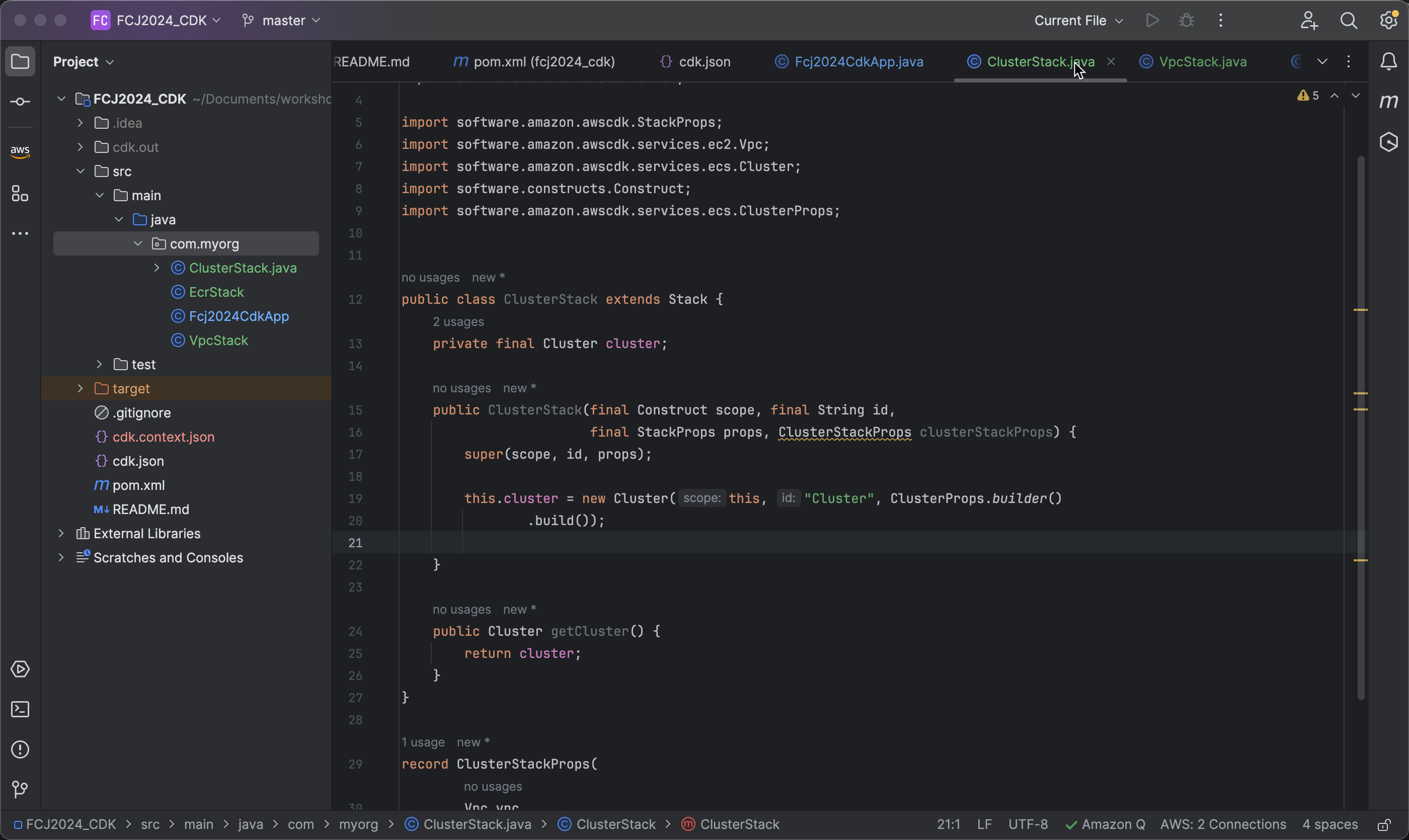
- Set the name of the cluster to ECommerce*
.clusterName("ECommerce")
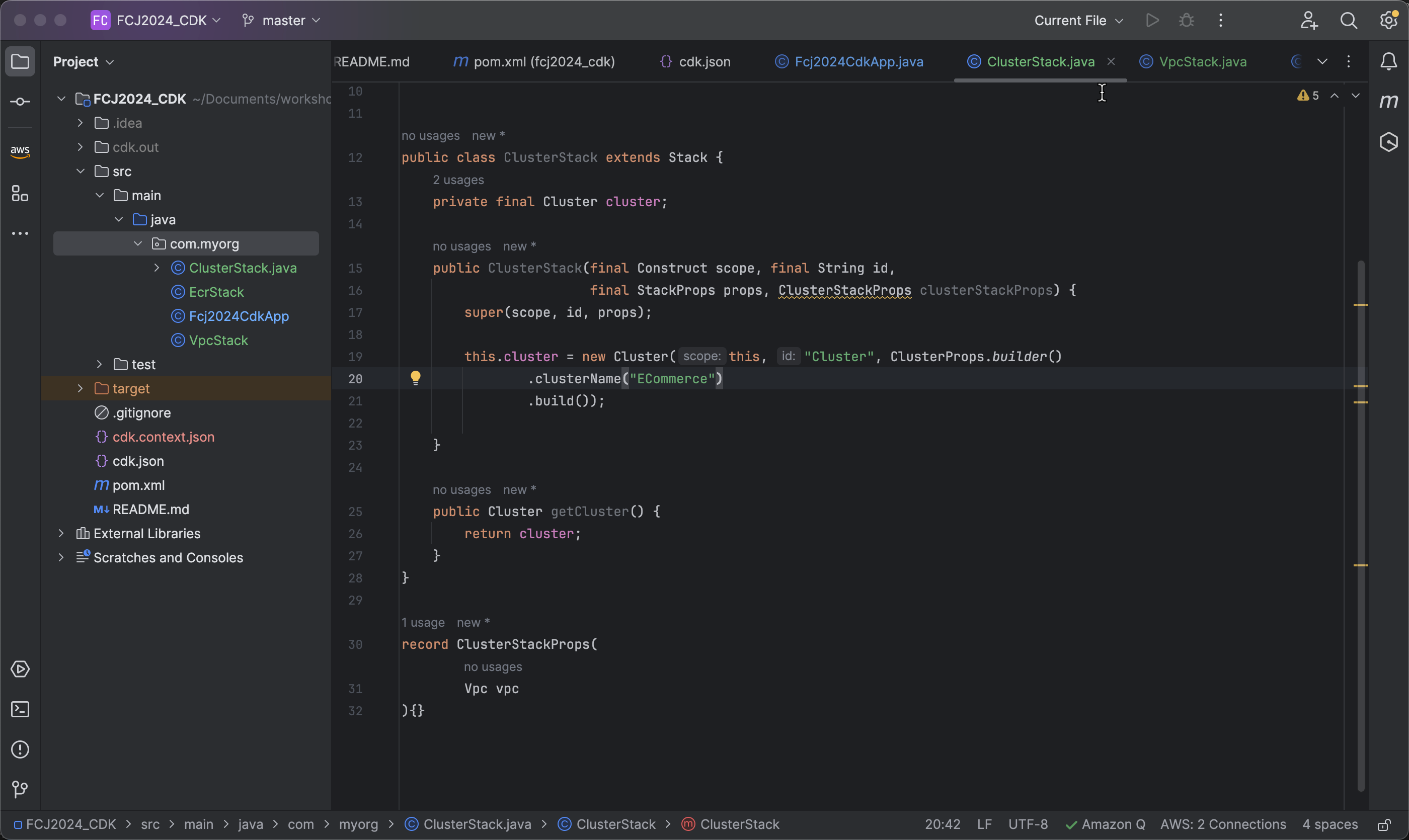
- Add VPC to the cluster
.vpc(clusterStackProps.vpc())
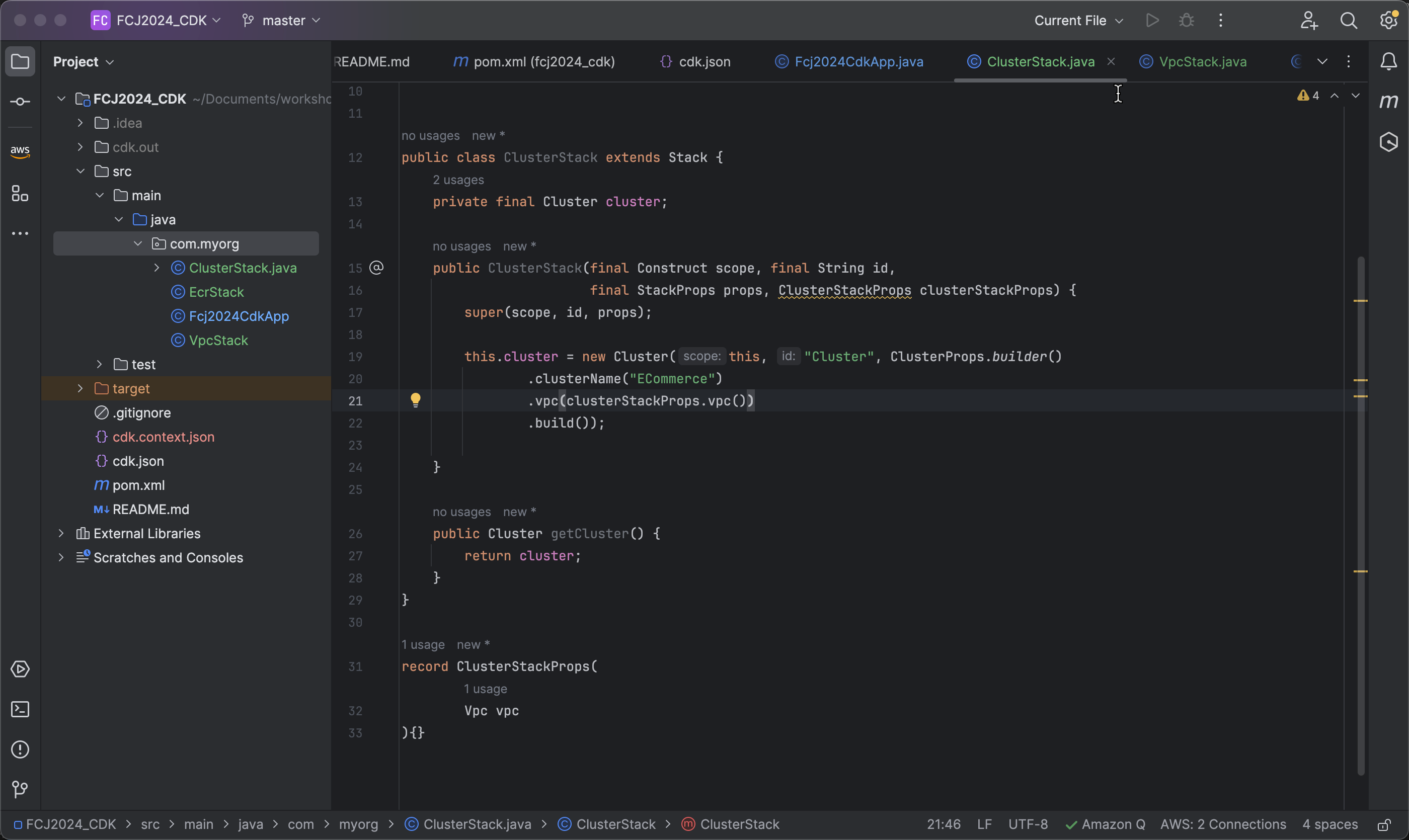
- Finally, set containerInsight to true.
.containerInsights(true)
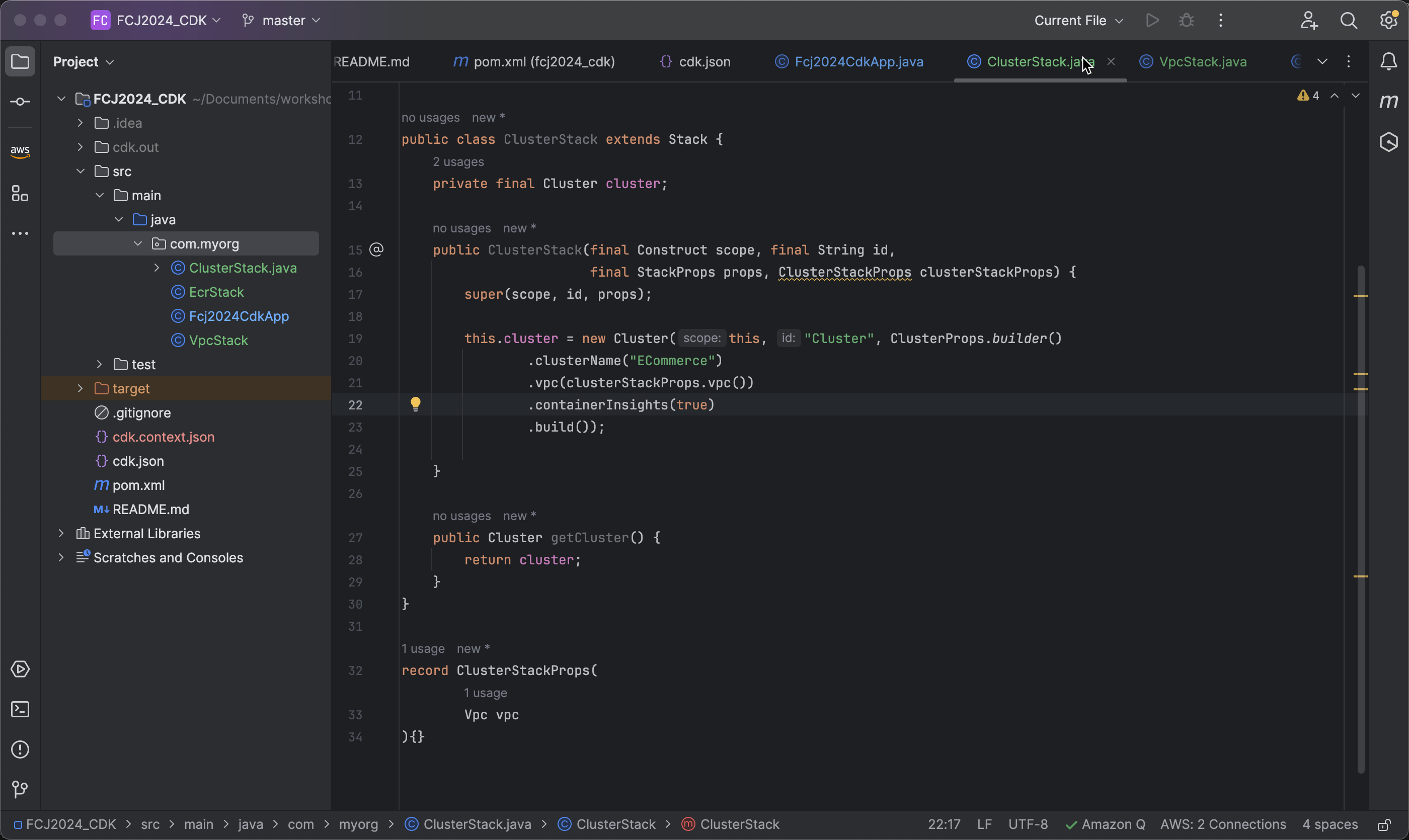
Organize ECS stack in CDK project
-
Open the file named Fcj2024CdkApp in the root directory.
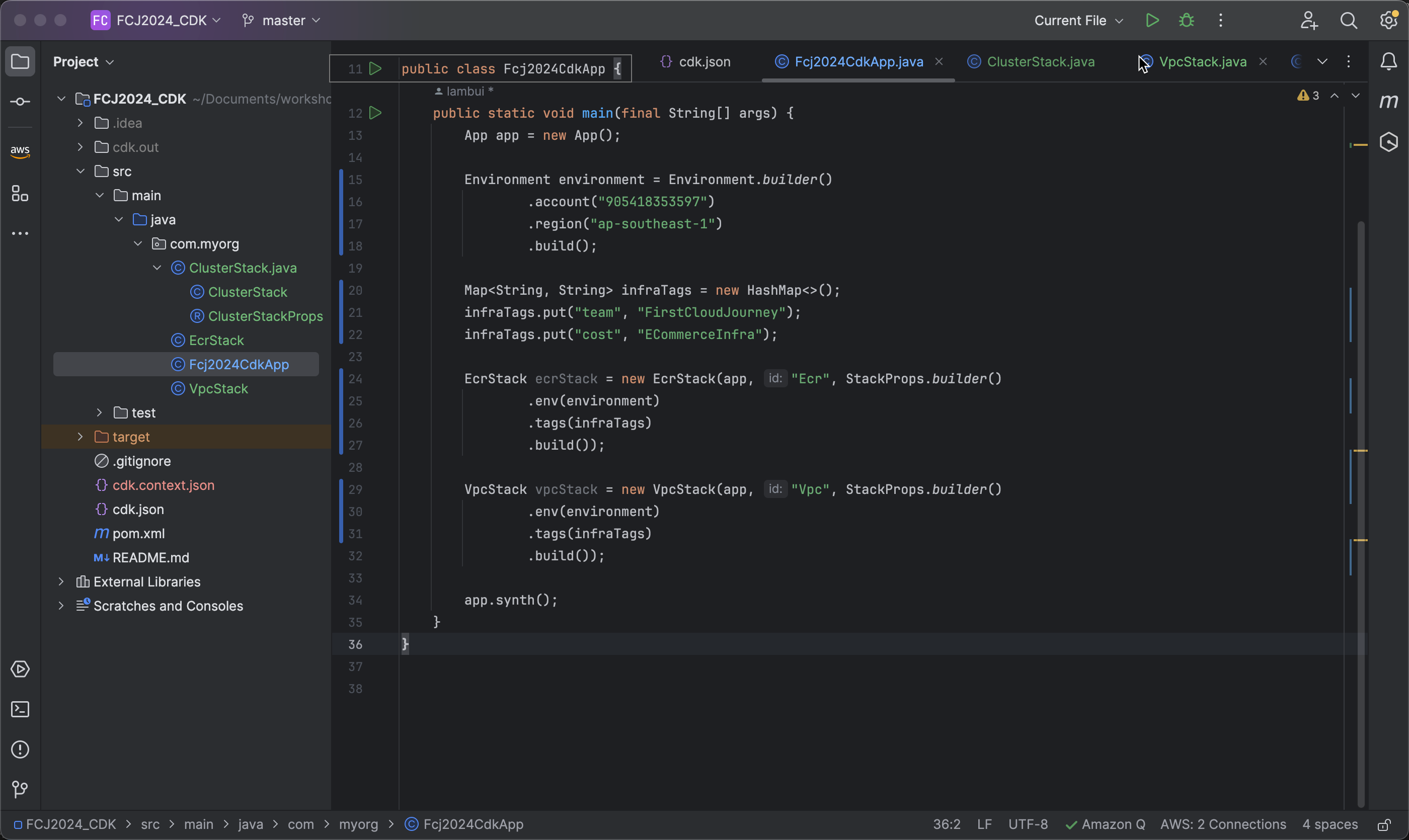
-
Create an ECS Stack with the ID Vpc using the following code snippet:
ClusterStack clusterStack = new ClusterStack(app, "Cluster", StackProps.builder()
                .build());
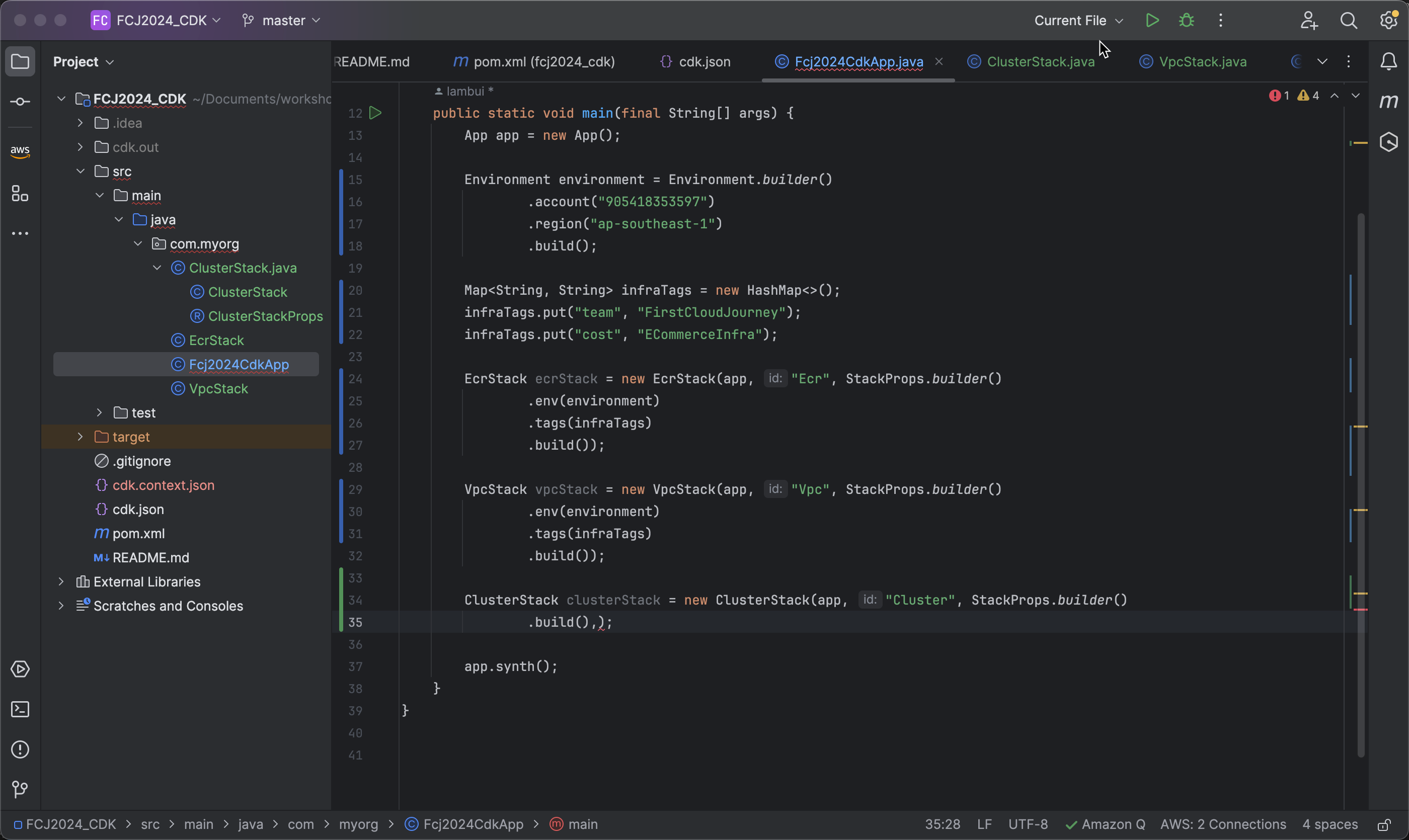
- Pass the previously created VPC to the ClusterStackProps of the ECS stack:
new ClusterStackProps(vpcStack.getVpc())
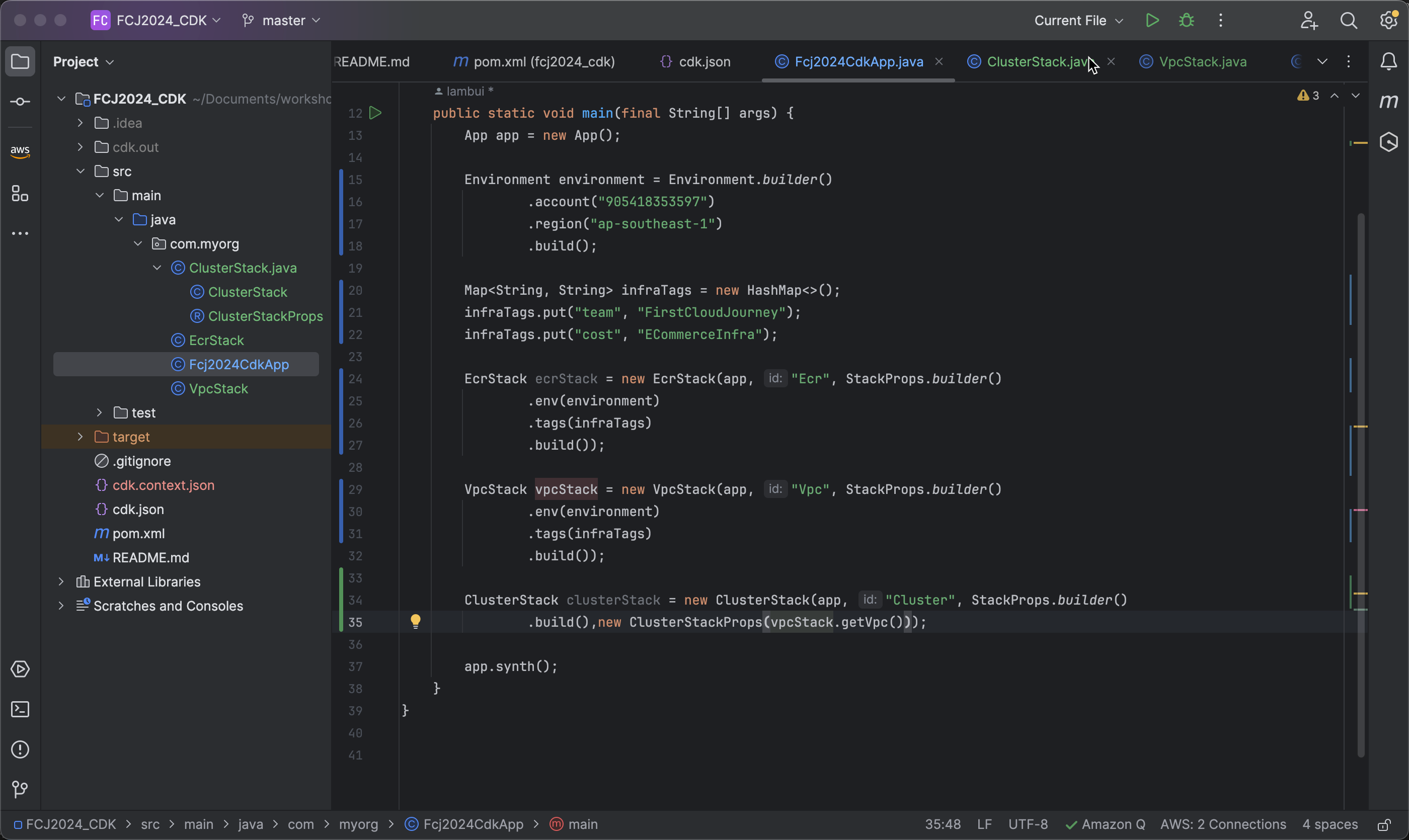
- Add environment and tags to the ECS Stack:
   .env(environment)
   .tags(infraTags)
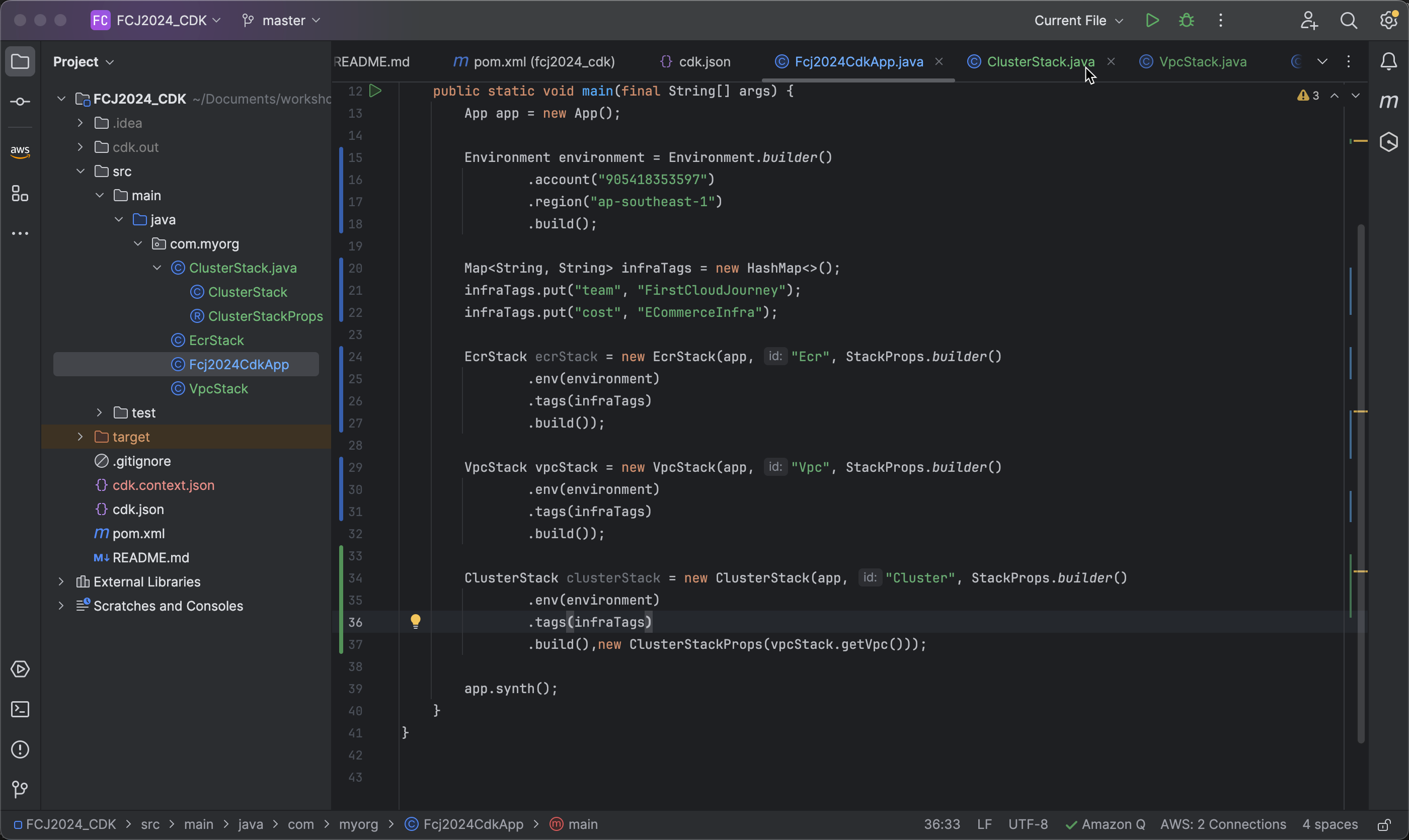
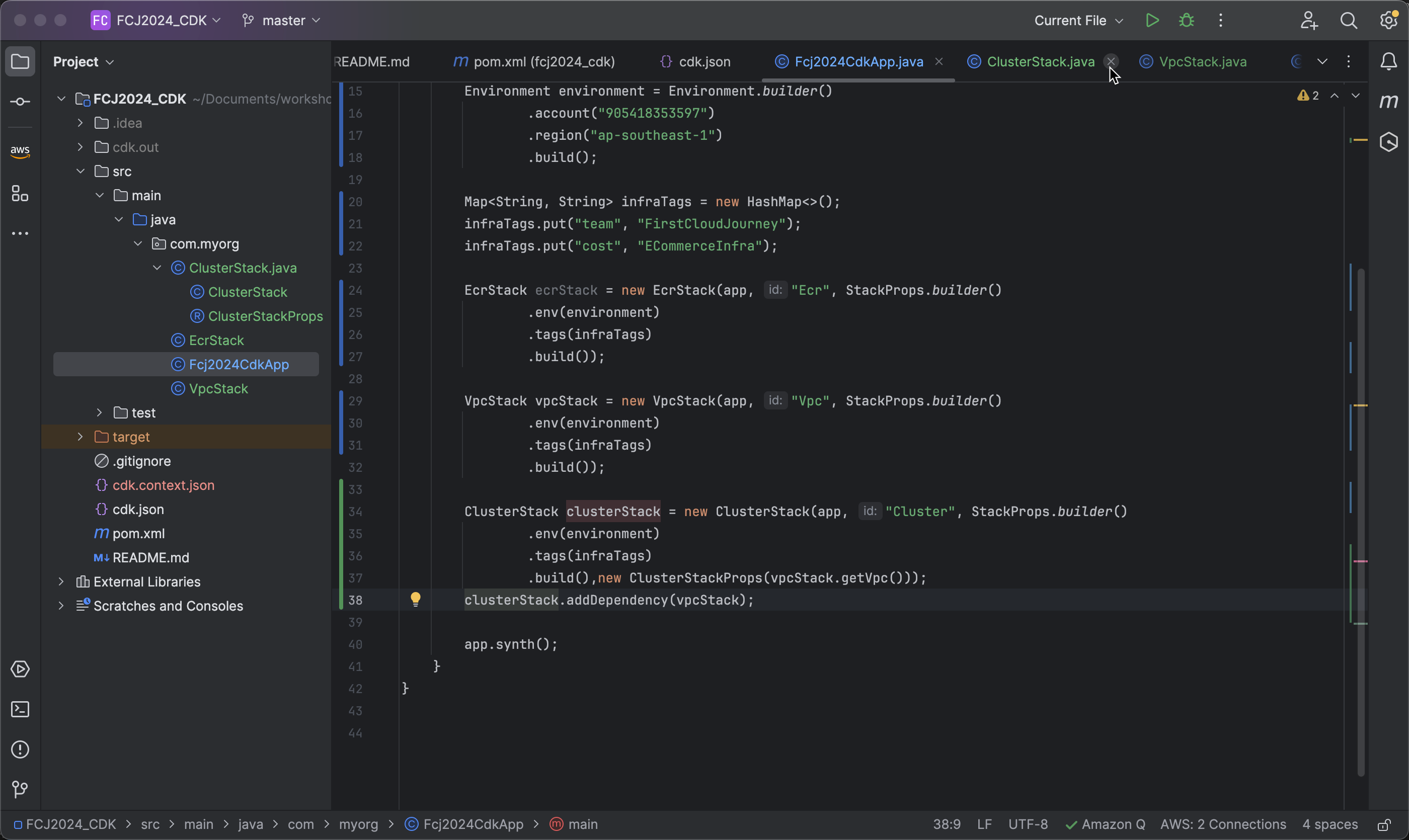
- Because ECS requires a VPC but we cannot be certain whether the VPC has been created before the ECS, let’s add a dependency constraint to ensure that the ECS is only created after the VPC has been successfully created:
clusterStack.addDependency(vpcStack);
Deploy ECS Cluster using AWS CDK
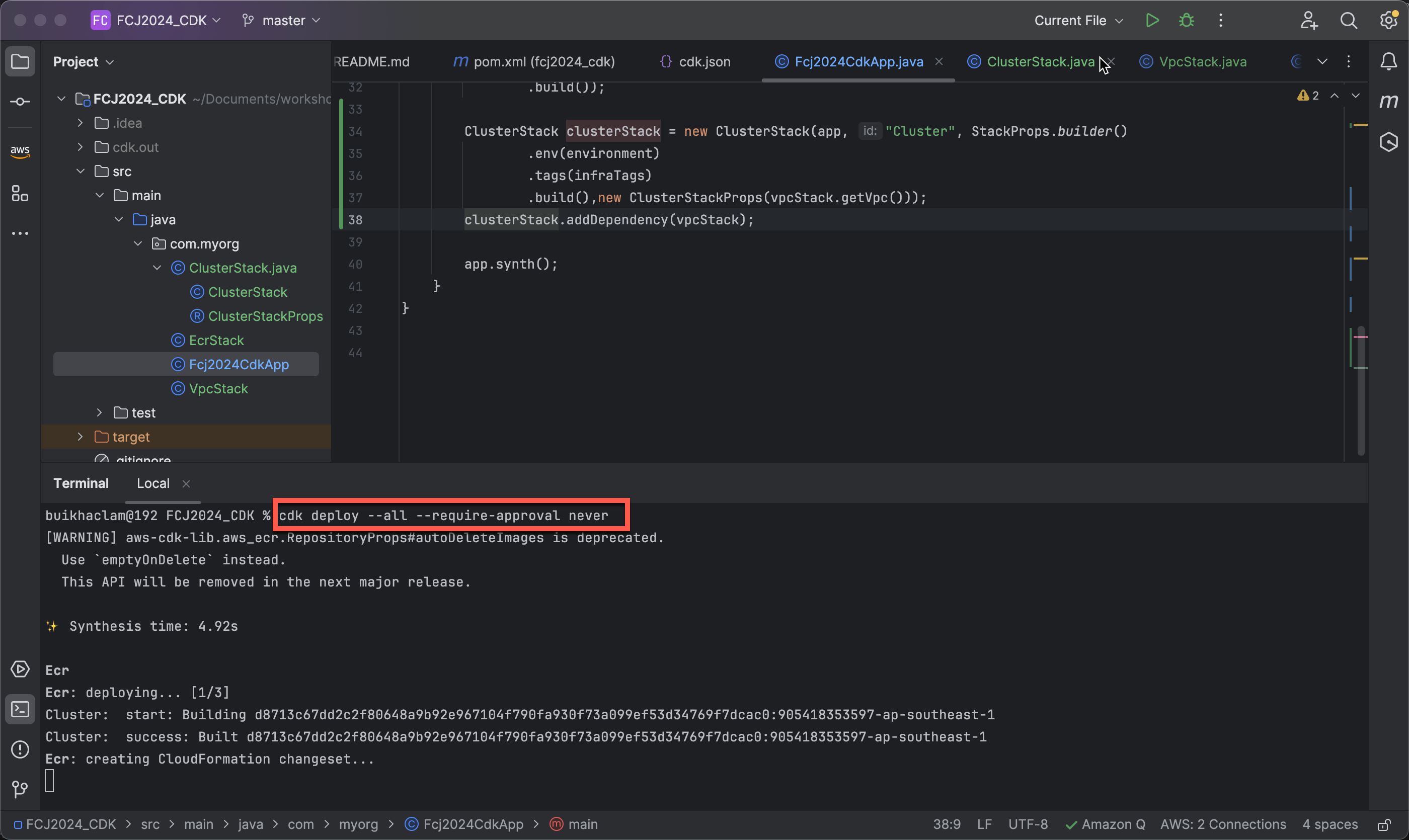
- To deploy the ECS cluster, open your terminal and enter the following commands:
- Deploy all stacks using:
cdk deploy --all
- Alternatively, you can skip the confirmation prompt by using:
cdk deploy --all --require-approval never
Deploy ECS Cluster using AWS CDK
-
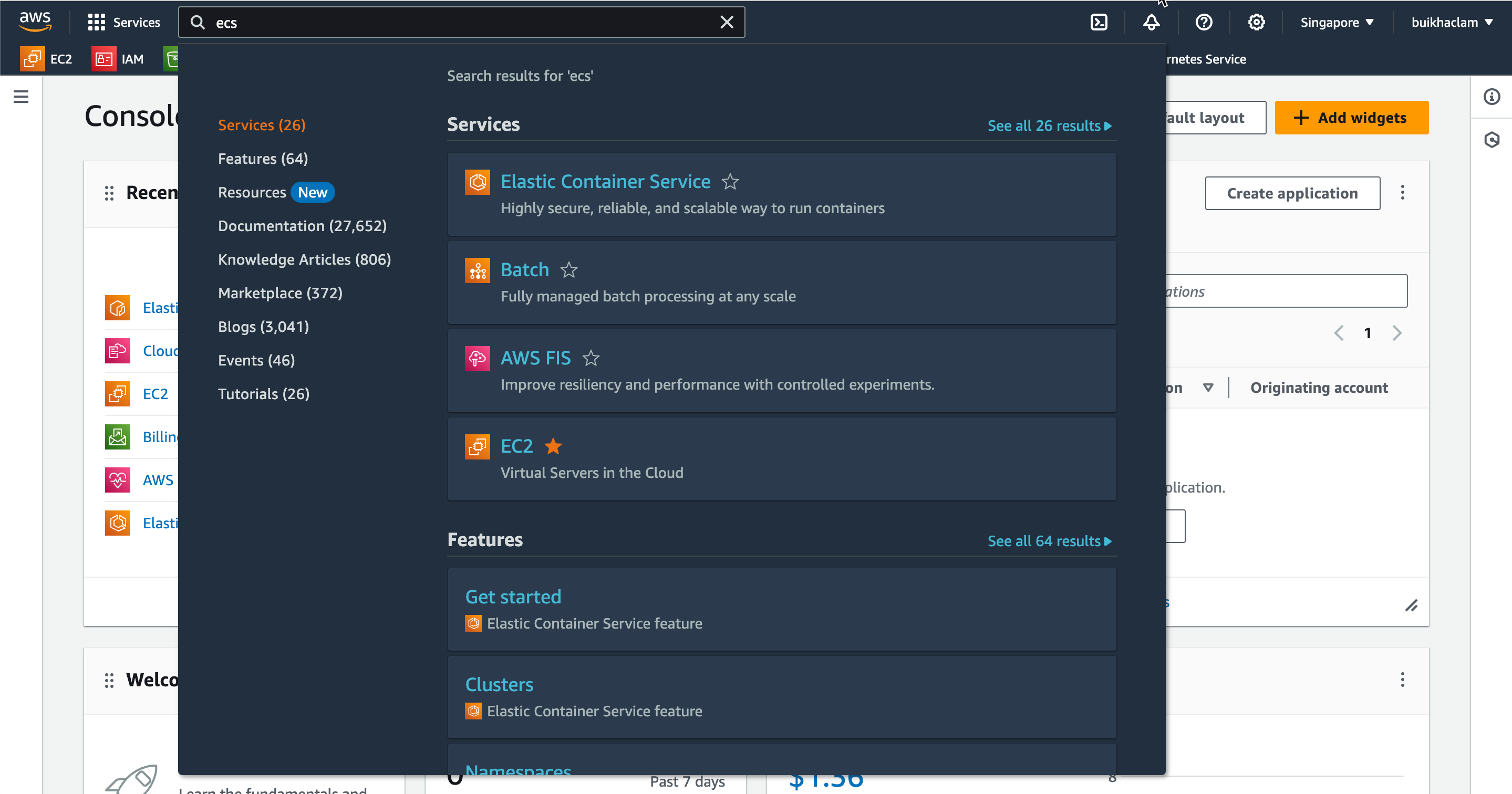
Check the newly created cluster:
- Access the AWS console, navigate to ECS, and select Elastic Container Service.
-
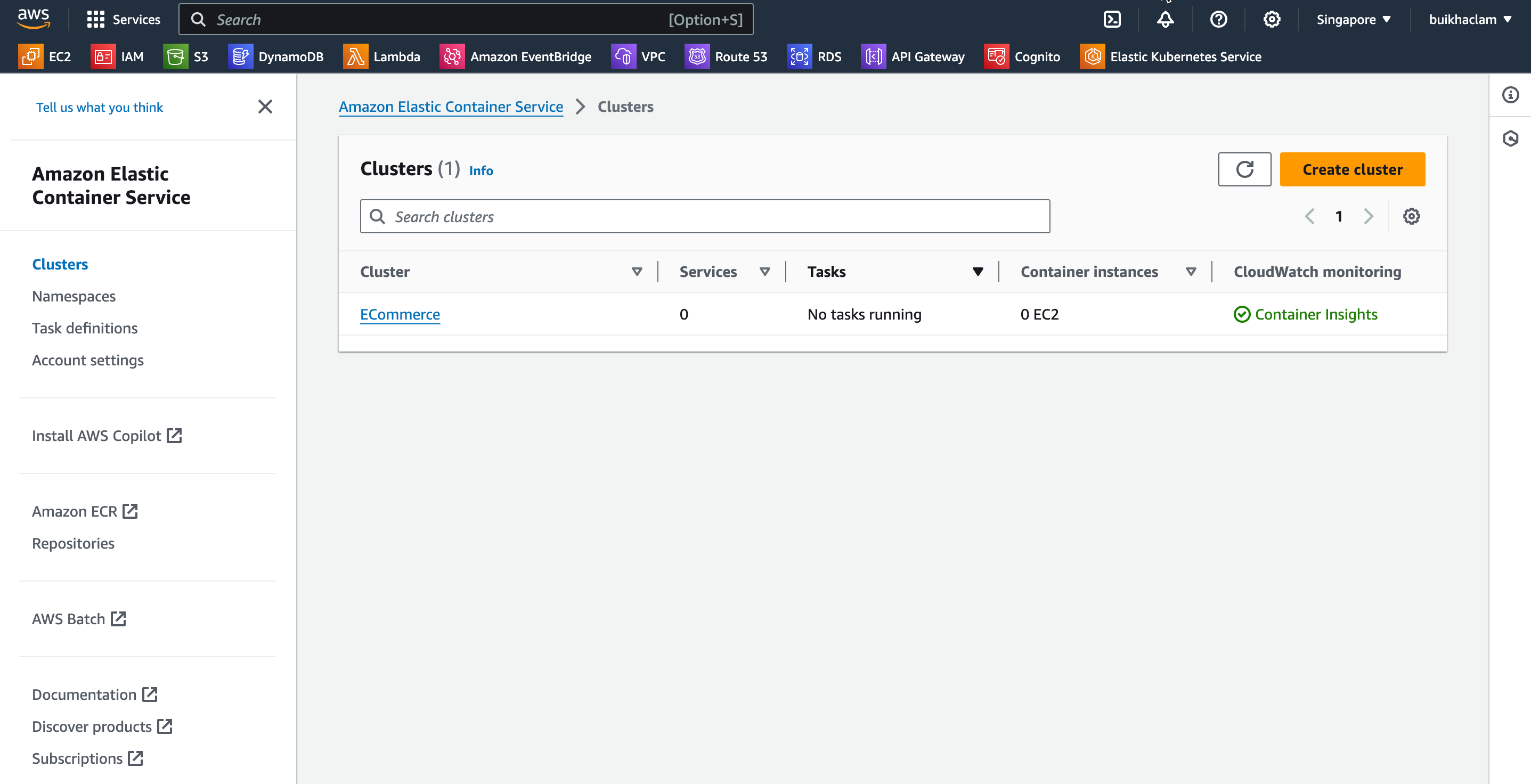
In the ECS interface, you should see a cluster named ECommerce that has been created.