Deploy Spring Boot applications onto AWS ECS Fargate using AWS CDK. > Create VPC and NAT Gateway using AWS CDK > Create VPC and Nat Gateway
Create VPC and Nat Gateway
Create VPC and NAT Gateway
-
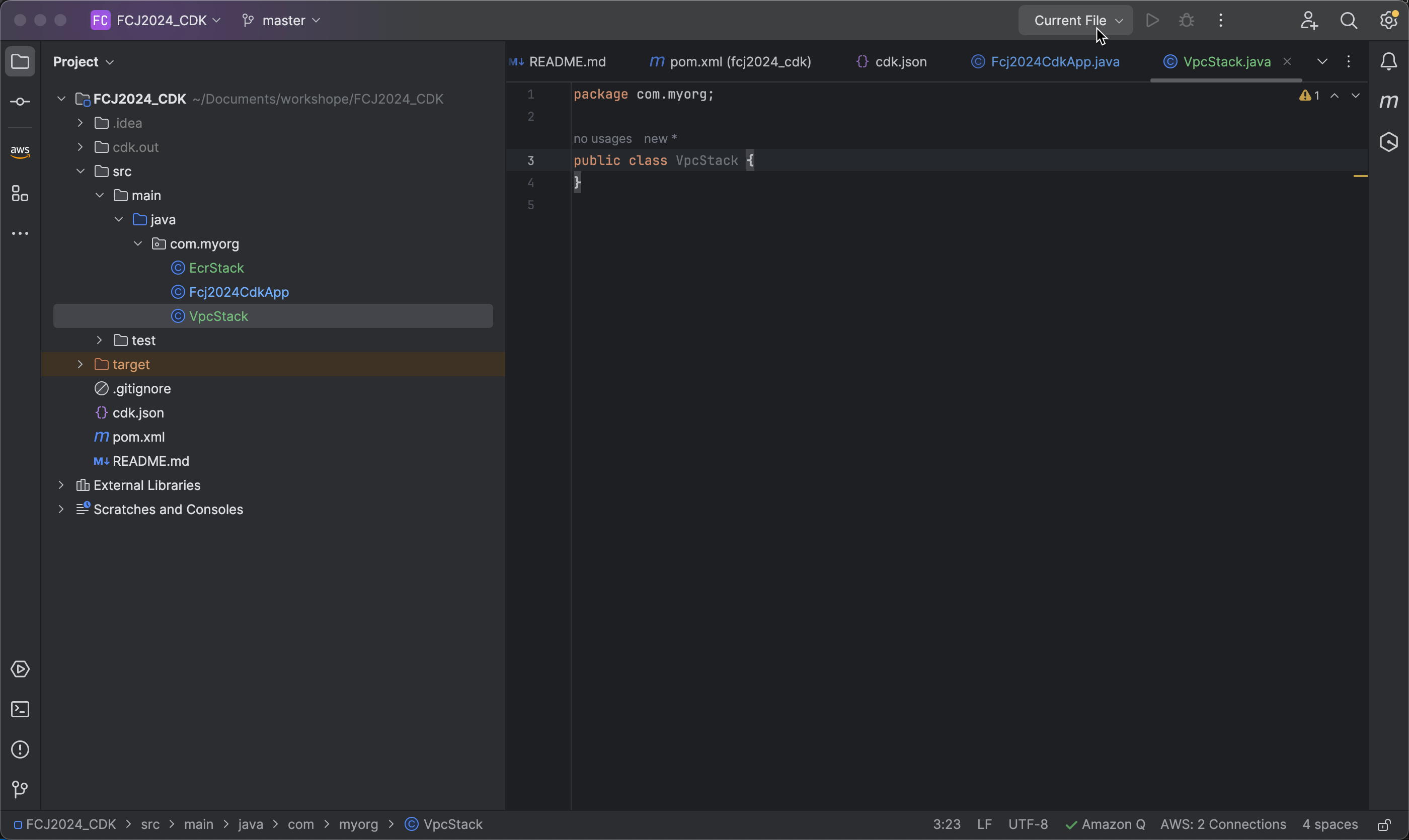
Open your CDK project and create a new stack named VpcStack.java.
-
Inherit from
Stackfrom theawscdklibrary and create a constructor.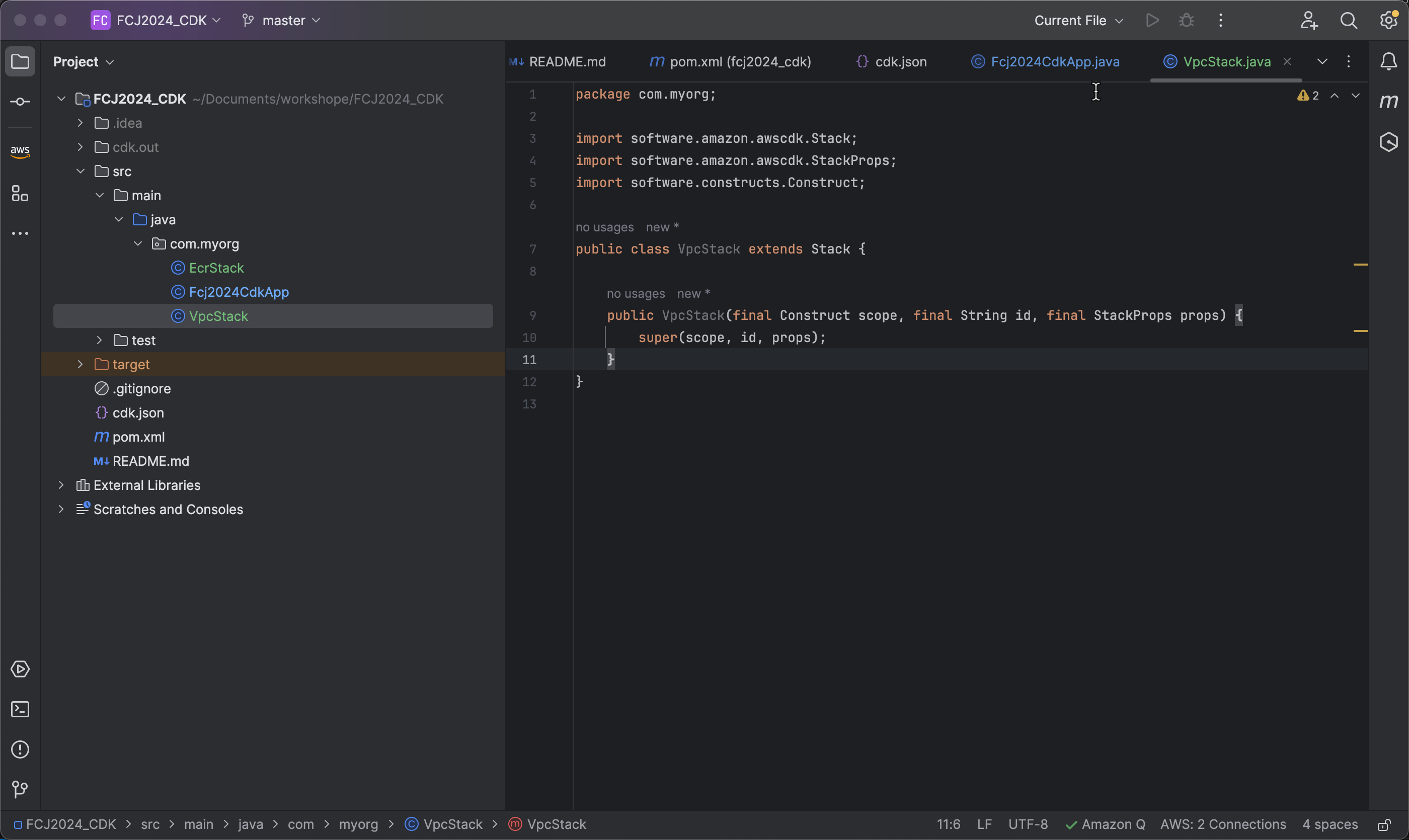
-
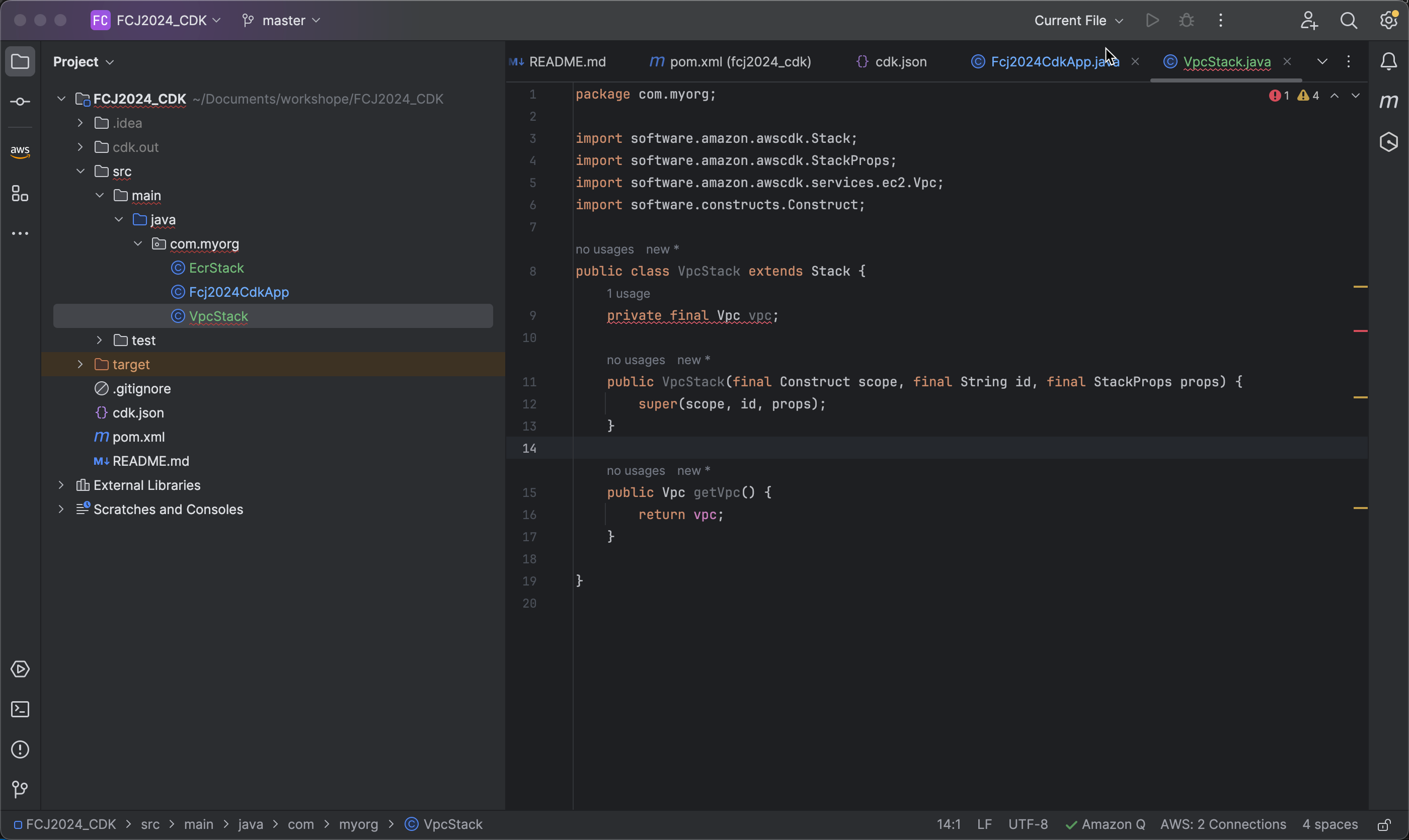
Define the VPC property and create a getter method.
- Add the property in the
VpcStack.javaclass:private final Vpc vpc; - Then, create a getter method to access this VPC for other resources:
public Vpc getVpc() {
    return vpc;
}
- Add the property in the
-
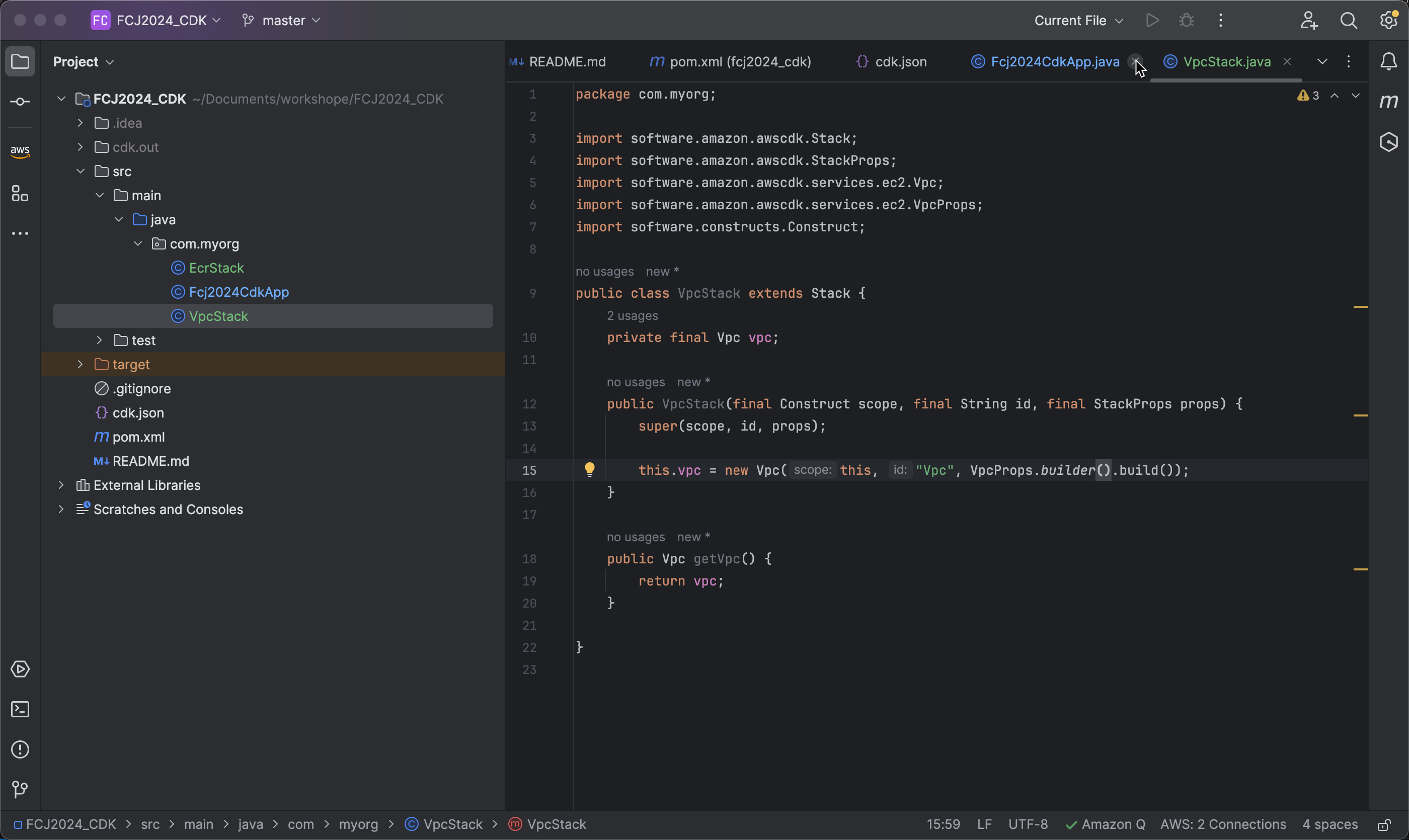
Initialize the VPC object in the constructor of
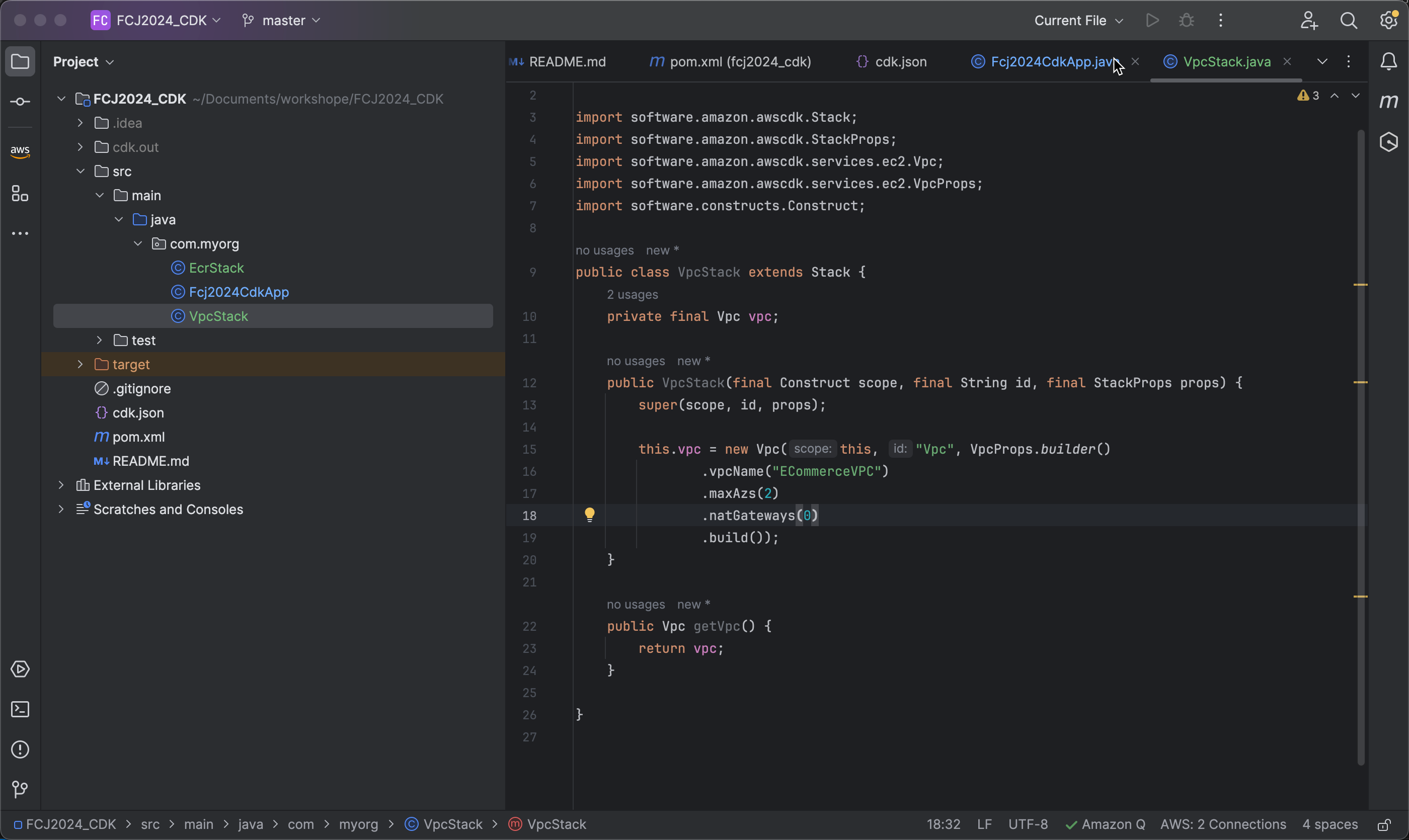
VpcStack.javawith the following code:this.vpc = new Vpc(this, "Vpc", VpcProps.builder().build());
-
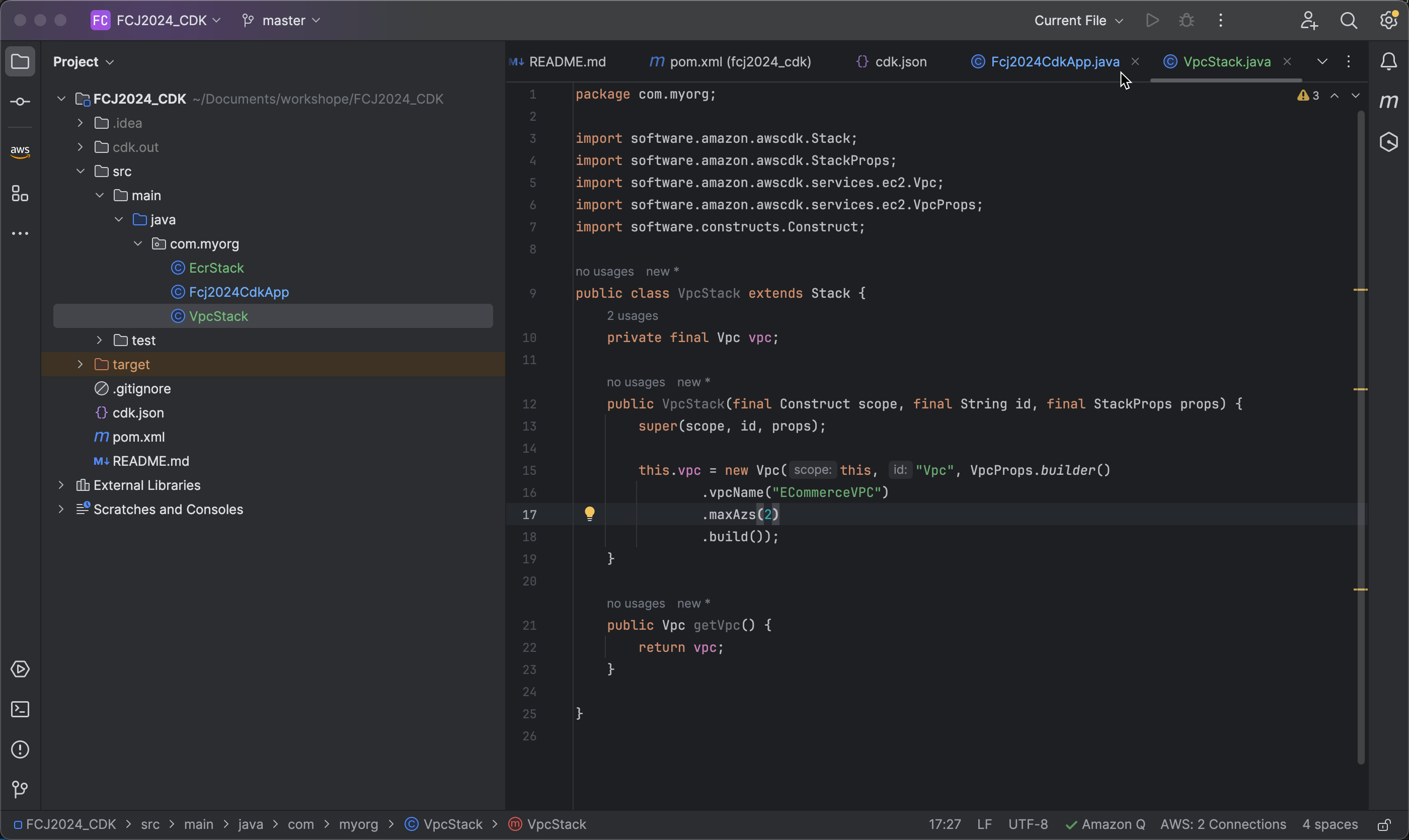
Next, name the VPC as ECommerceVPC and specify the number of Availability Zones as 2 using the following code:
.vpcName("ECommerceVPC")
.maxAzs(2)
-
If you want your VPC to be public and not use a NAT Gateway, you can add the following code:
.natGateways(0)
You may choose not to use a NAT Gateway in a lab environment to save costs, but avoid doing this in a production environment.