Tổ chức Stack
Tổ chức Stack
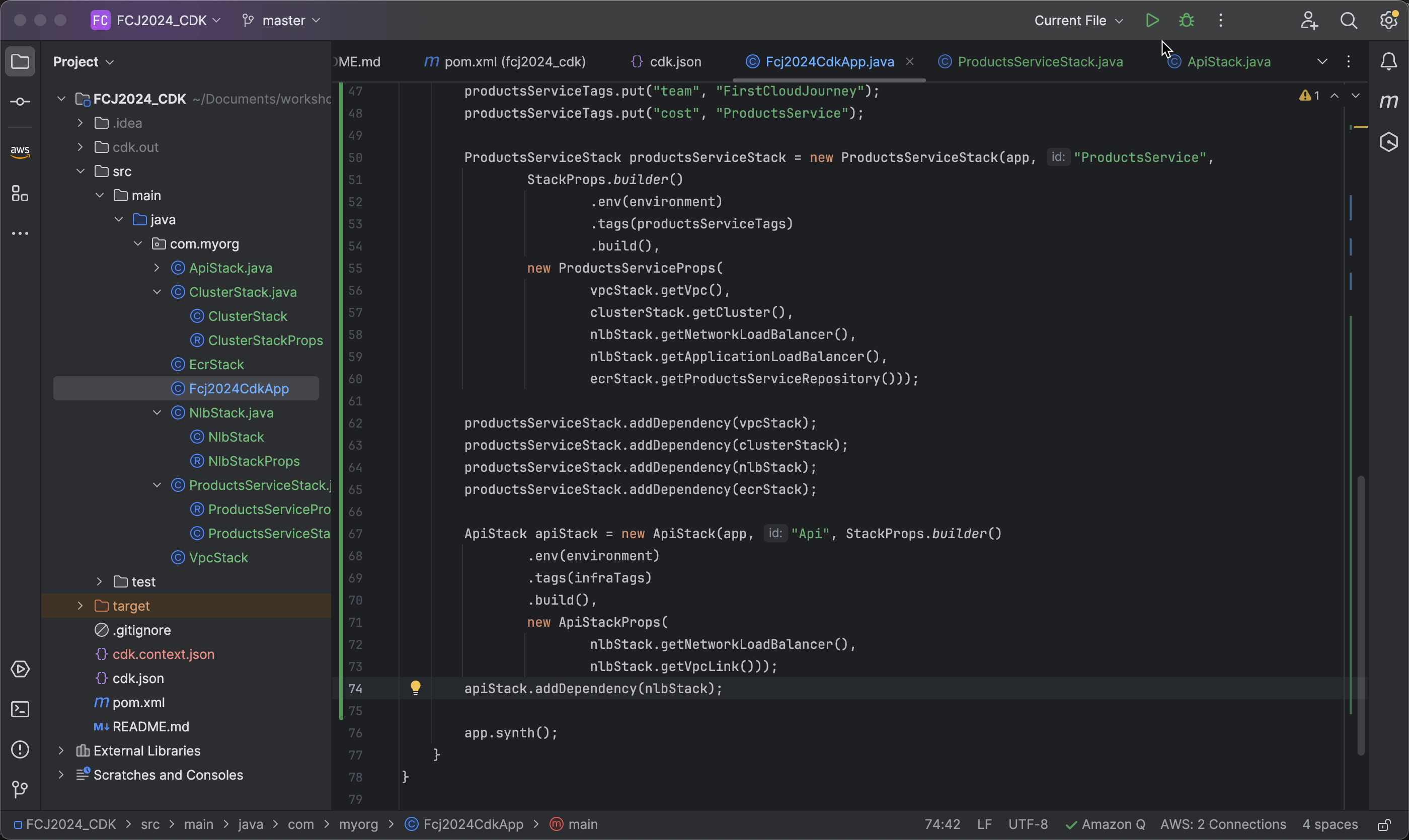
- Mở file root Fcj2024CdkApp
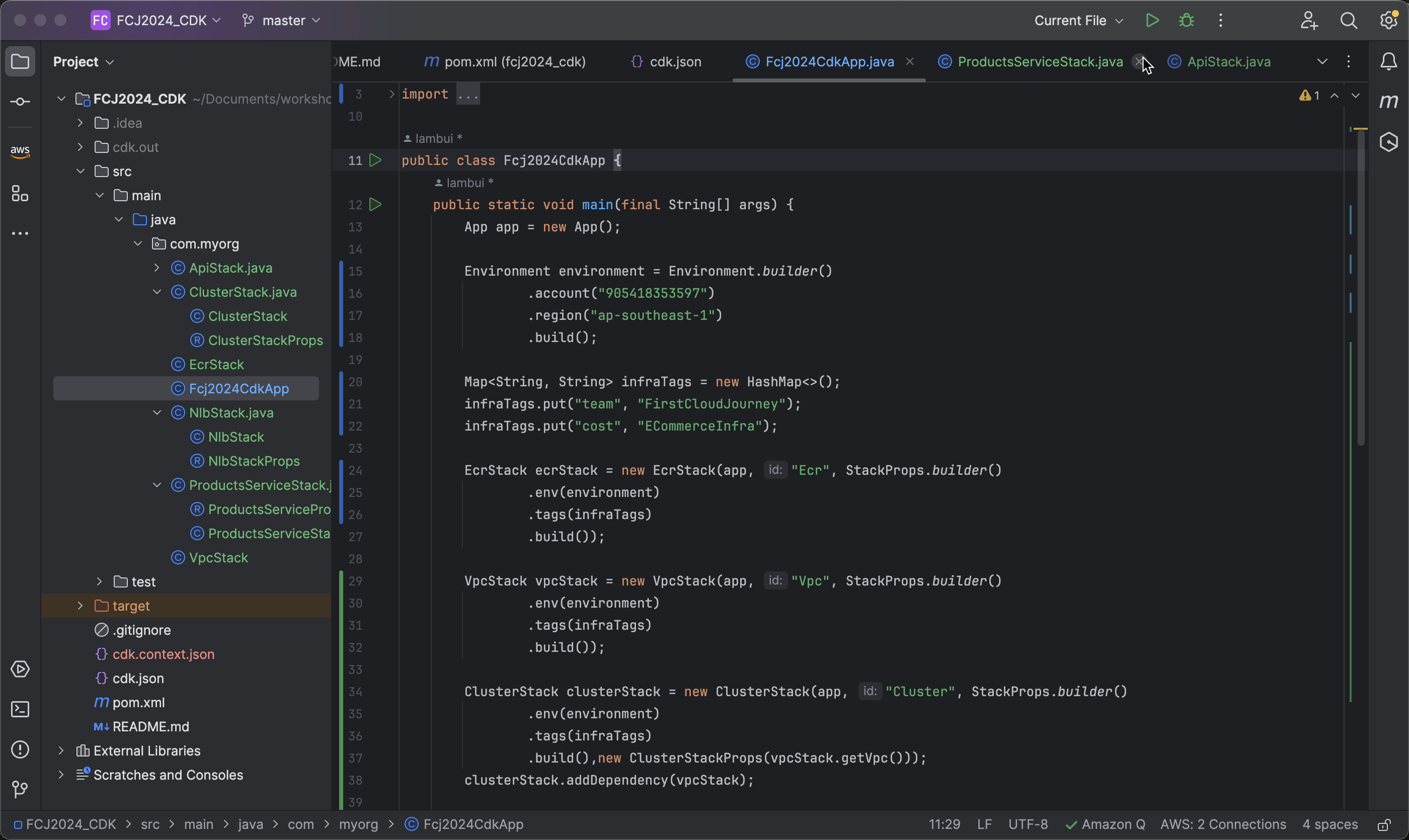
- Tạo ApiStack với id là
Api
ApiStack apiStack = new ApiStack(app, "Api", StackProps.builder()
                .build(),
                new ApiStackProps(
                        nlbStack.getNetworkLoadBalancer(),
                        nlbStack.getVpcLink()));
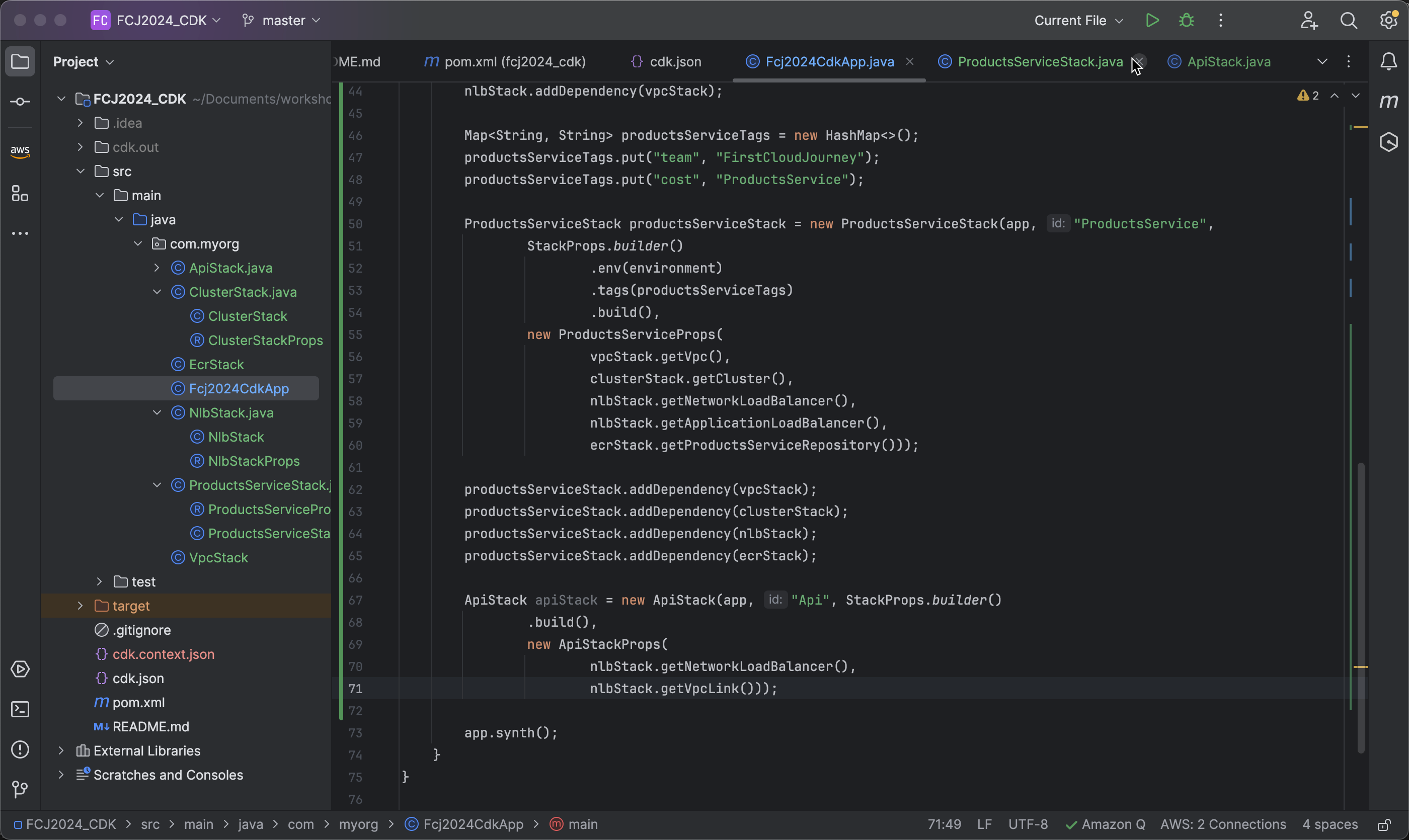
- Add environment and tags to the ApiStack.
   .env(environment)
   .tags(infraTags)
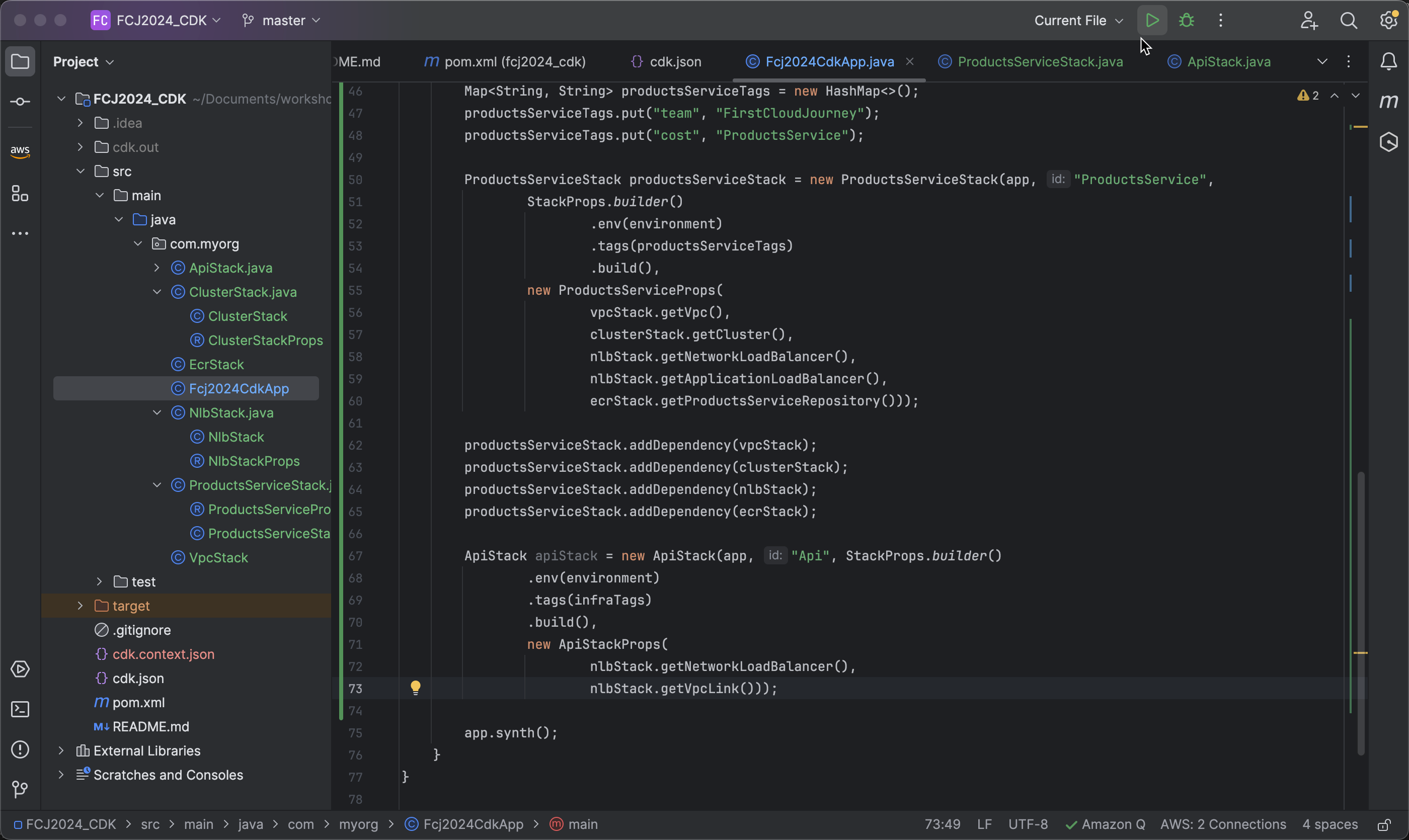
- Add a dependency to ensure that the Network Load Balancer (NLB) is created before the API Gateway.
apiStack.addDependency(nlbStack);
Resource Check
-
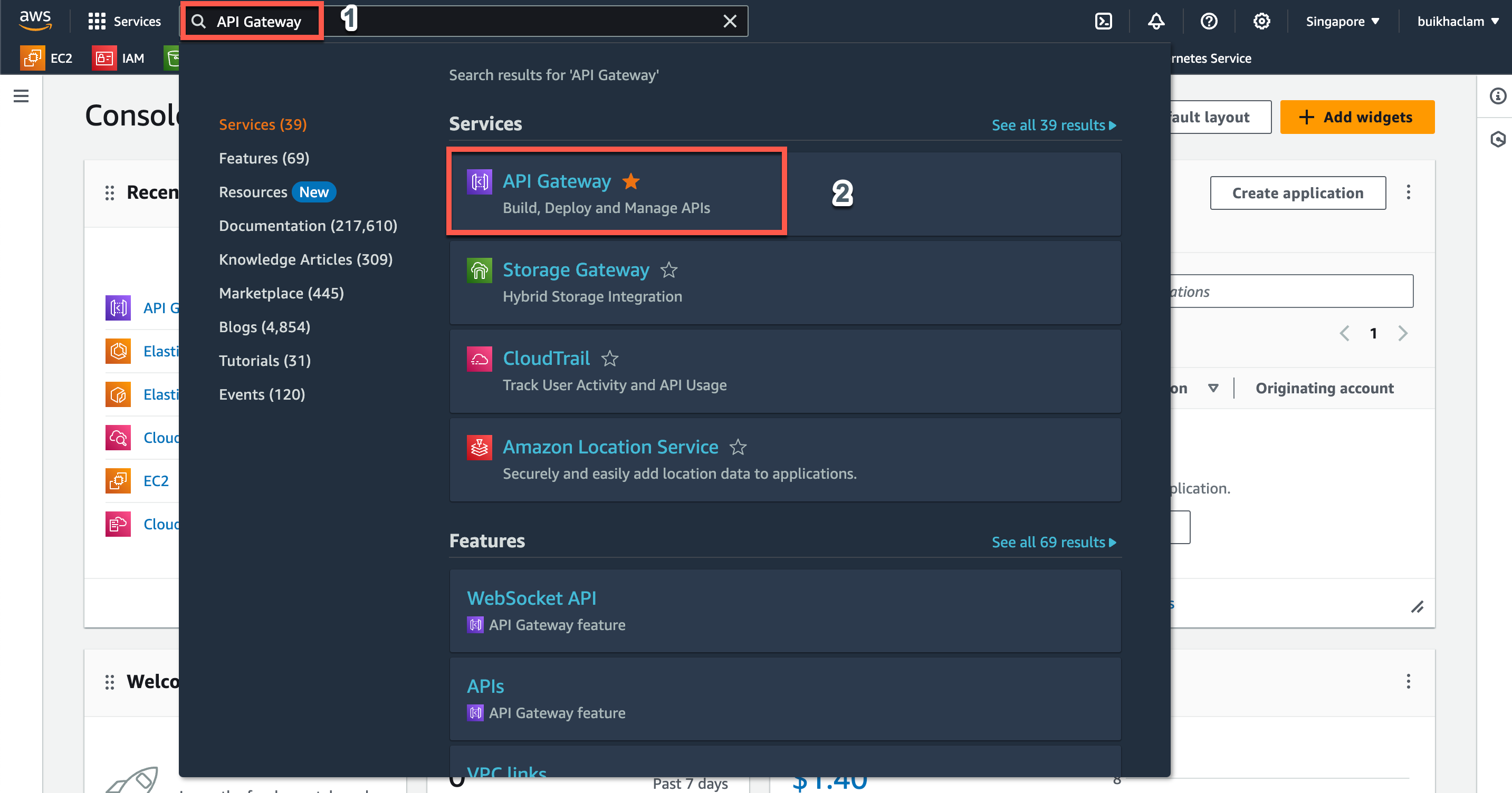
In the AWS console interface, navigate to API Gateway.
-
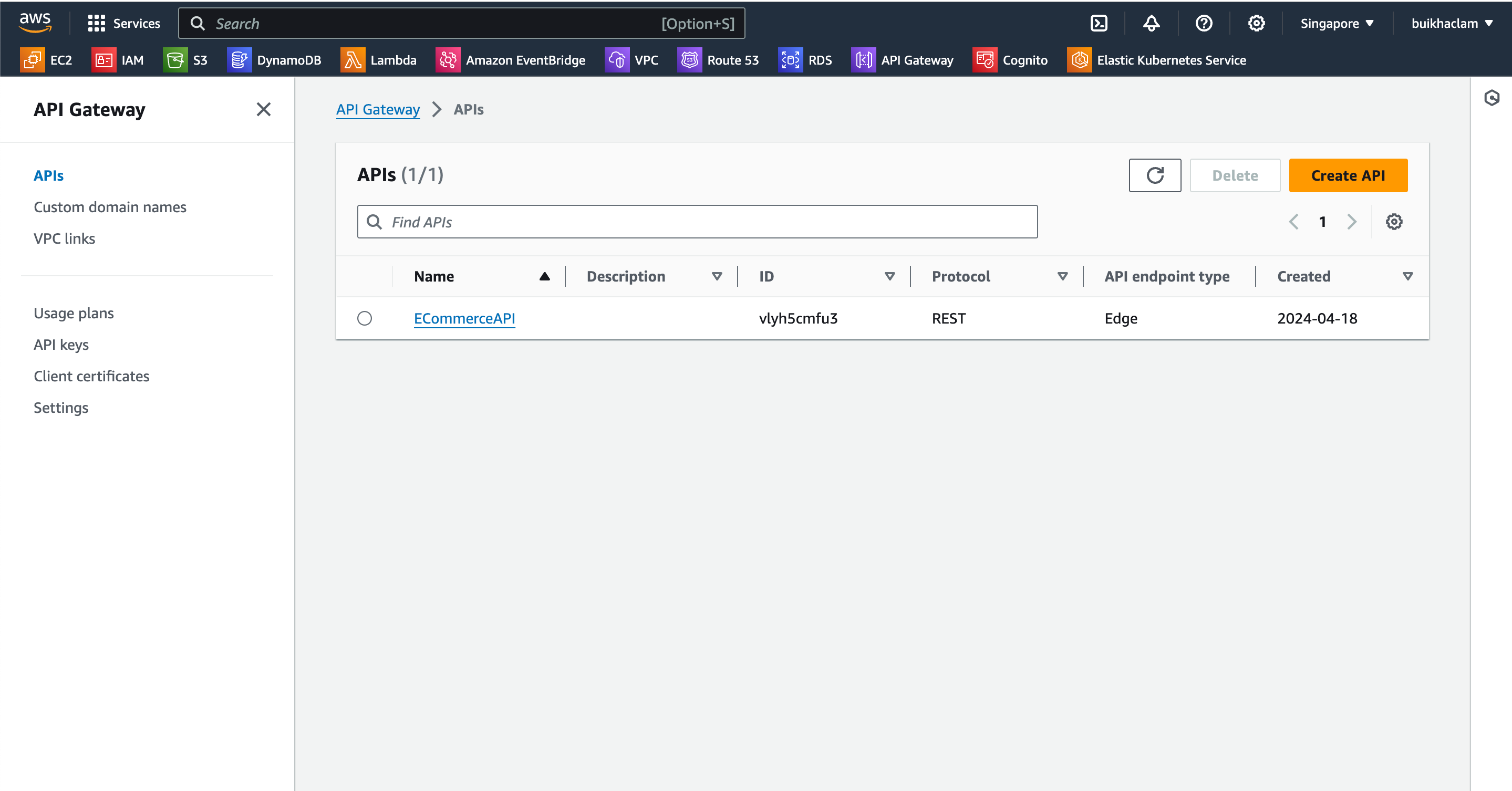
Within the API Gateway interface, select APIs to find an API named ECommerceAPI that has been created.
-
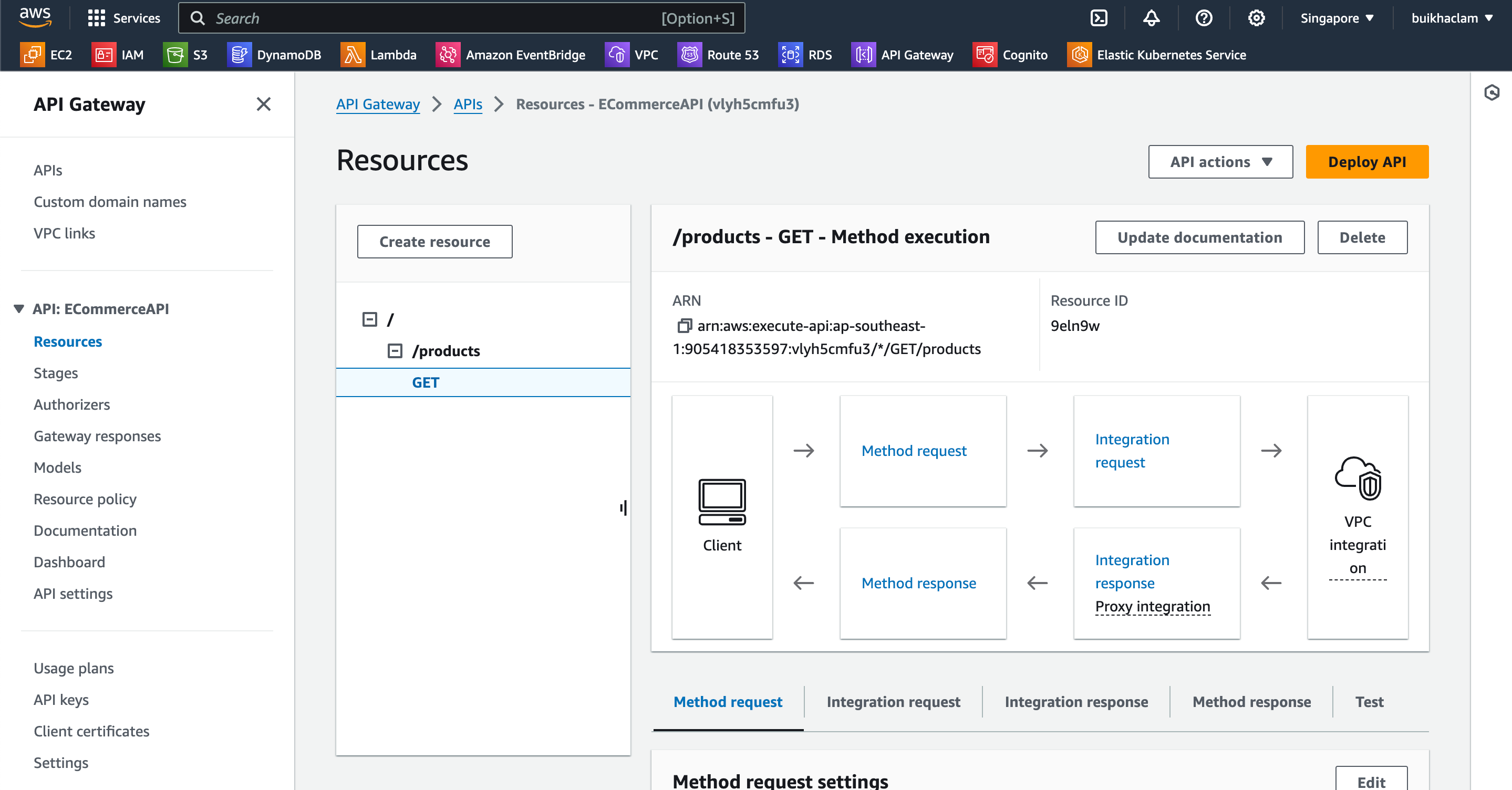
Choose ECommerceAPI and then select GET.
Test API on Postman
-
Within the ECommerceAPI interface, navigate to Stages and copy the Invoke URL.
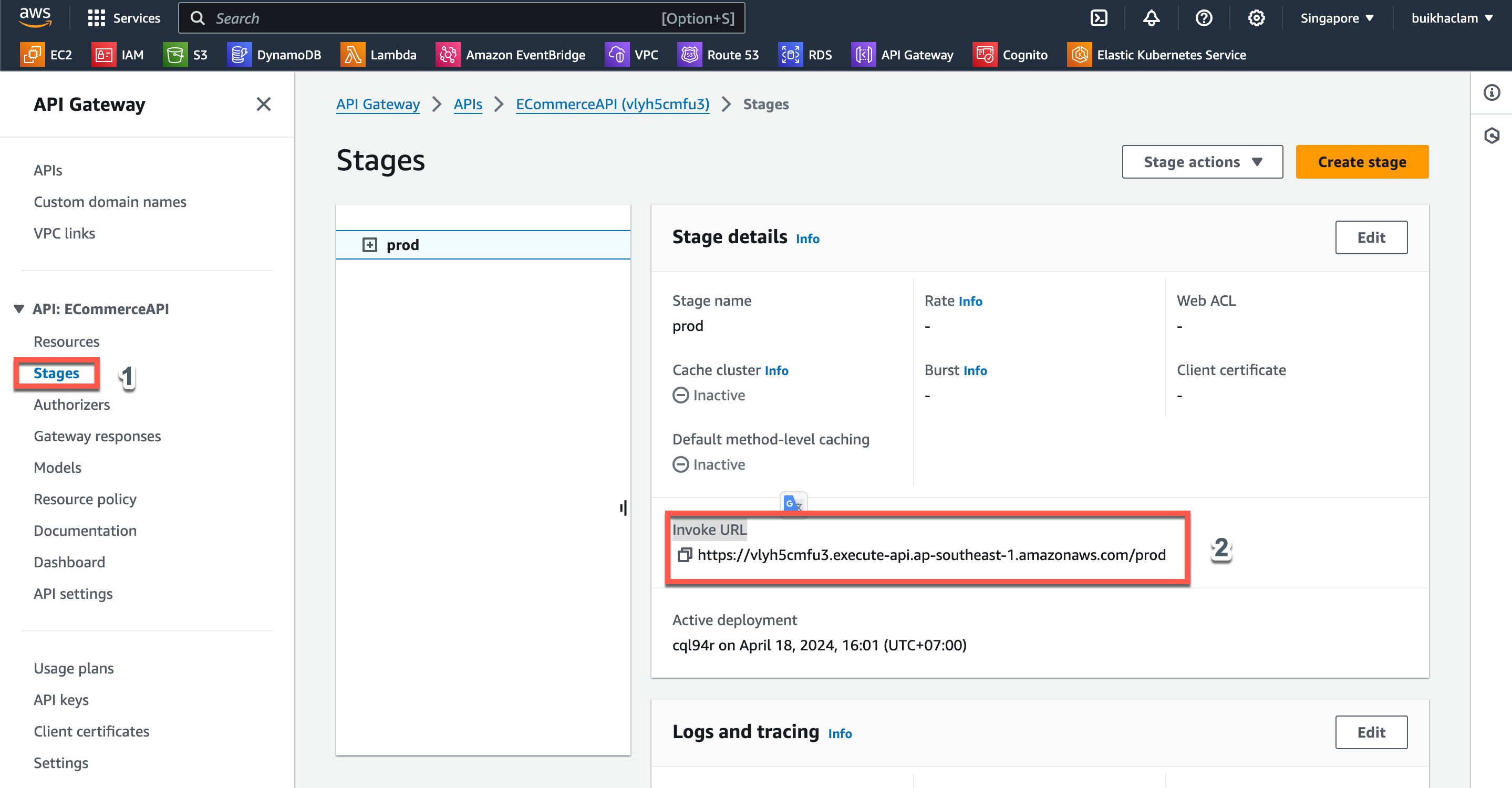
-
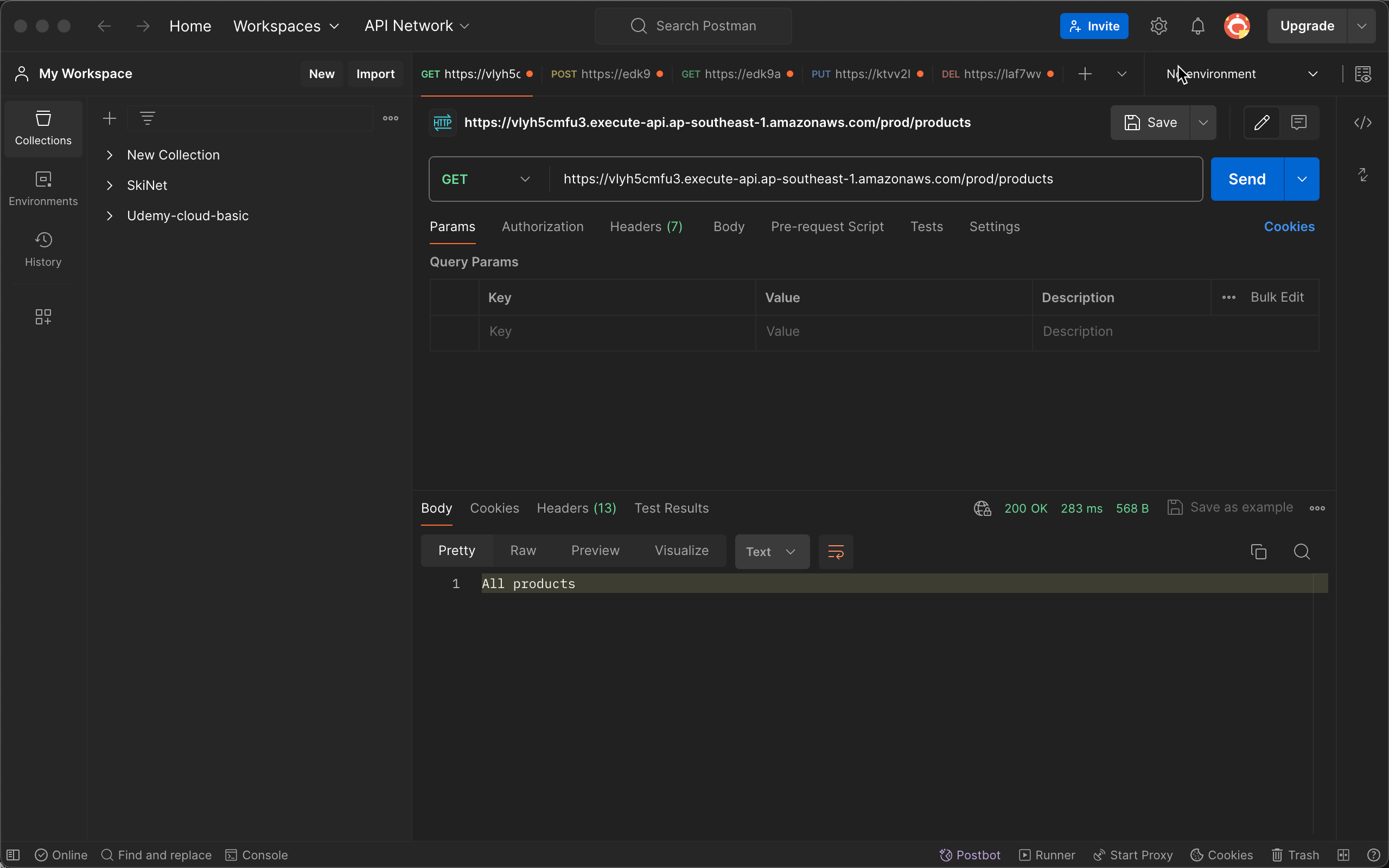
Open Postman and create a GET request with the path
Invoke URL/product.