Configure AWS Network Load Balancer
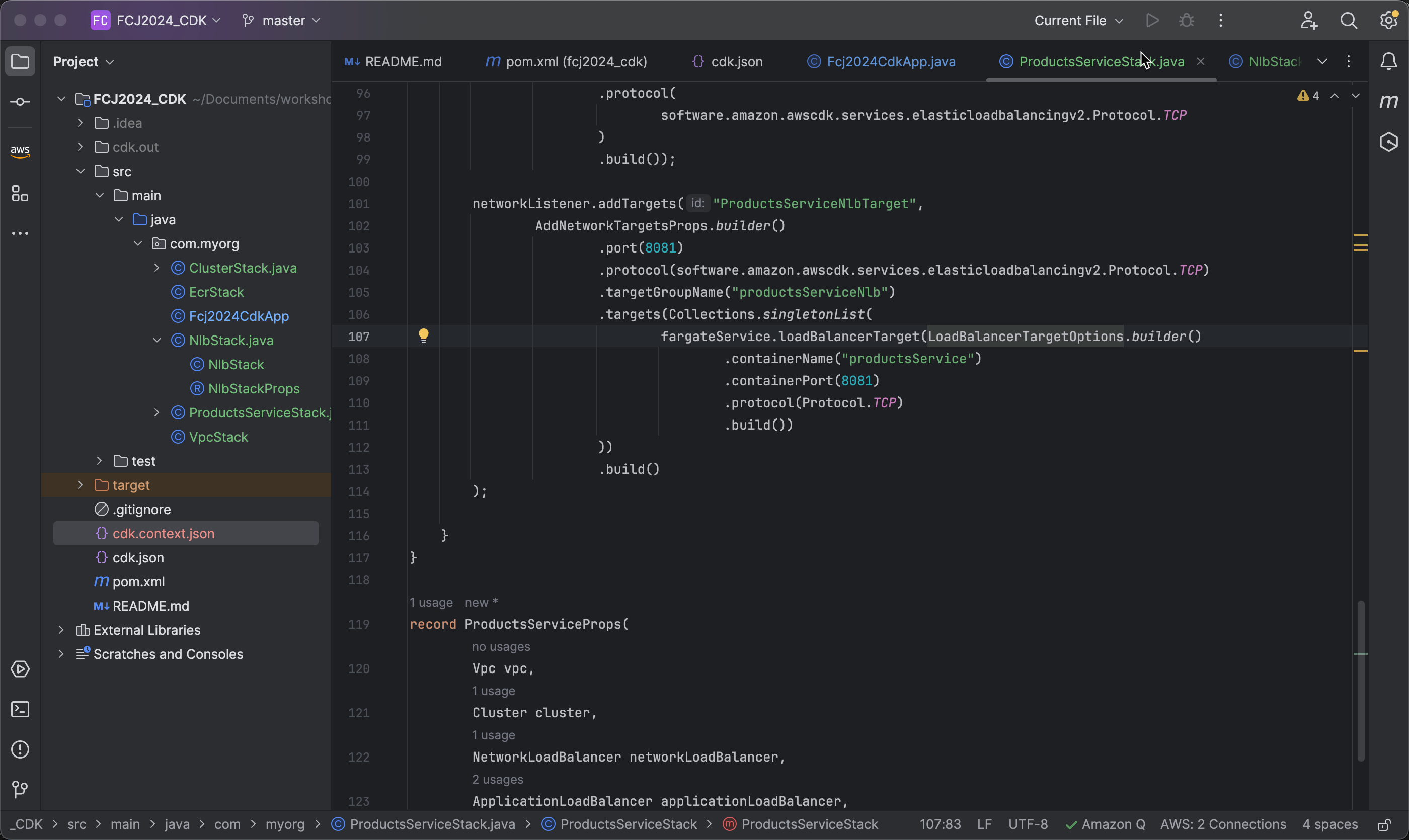
Create a Network Listener
- First, initialize a
NetworkListenerobject:
   NetworkListener networkListener = productsServiceProps.networkLoadBalancer()
       .addListener("ProductsServiceNlbListener", BaseNetworkListenerProps.builder()
           .build());
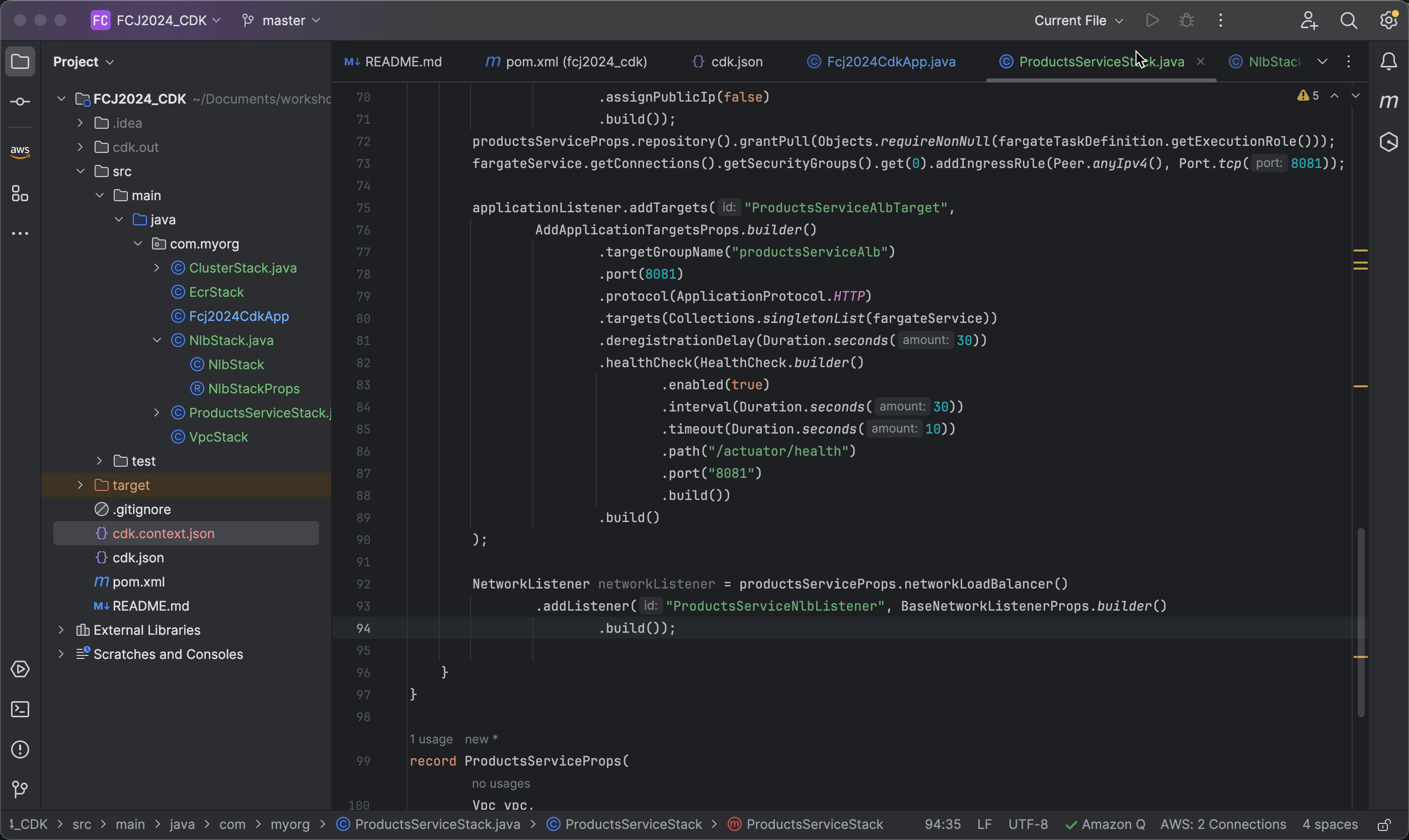
- Now, configure the
networkListenerto listen on port 8081:
.port(8081)
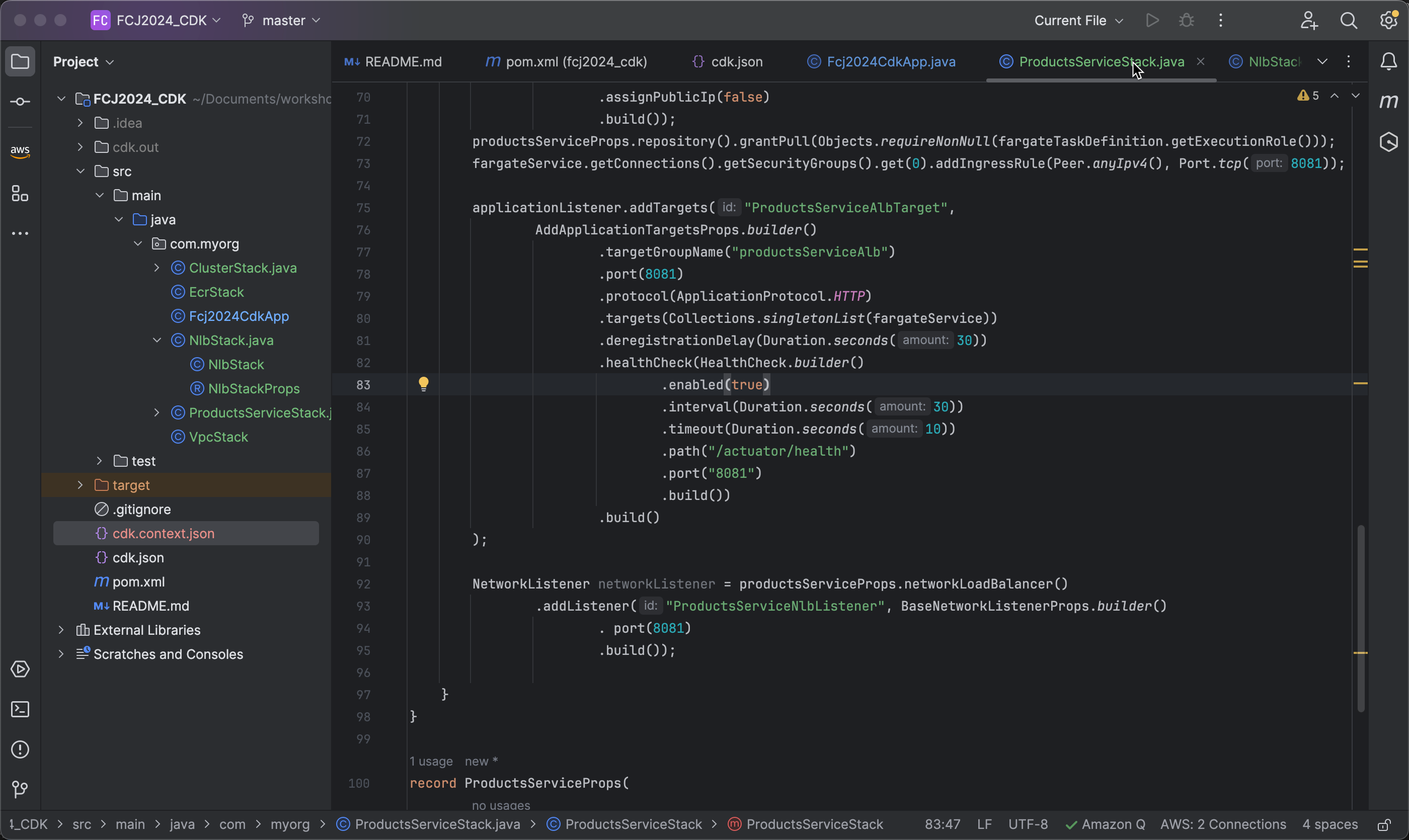
- Specify the protocol that the listener uses to listen for connections. In this case, we use TCP.
.protocol(software.amazon.awscdk.services.elasticloadbalancingv2.Protocol.TCP)
software.amazon.awscdk.services.elasticloadbalancingv2.Protocol.TCP: This is the way to specify the TCP protocol using CDK. Protocol.TCP is a constant in CDK representing the TCP protocol.
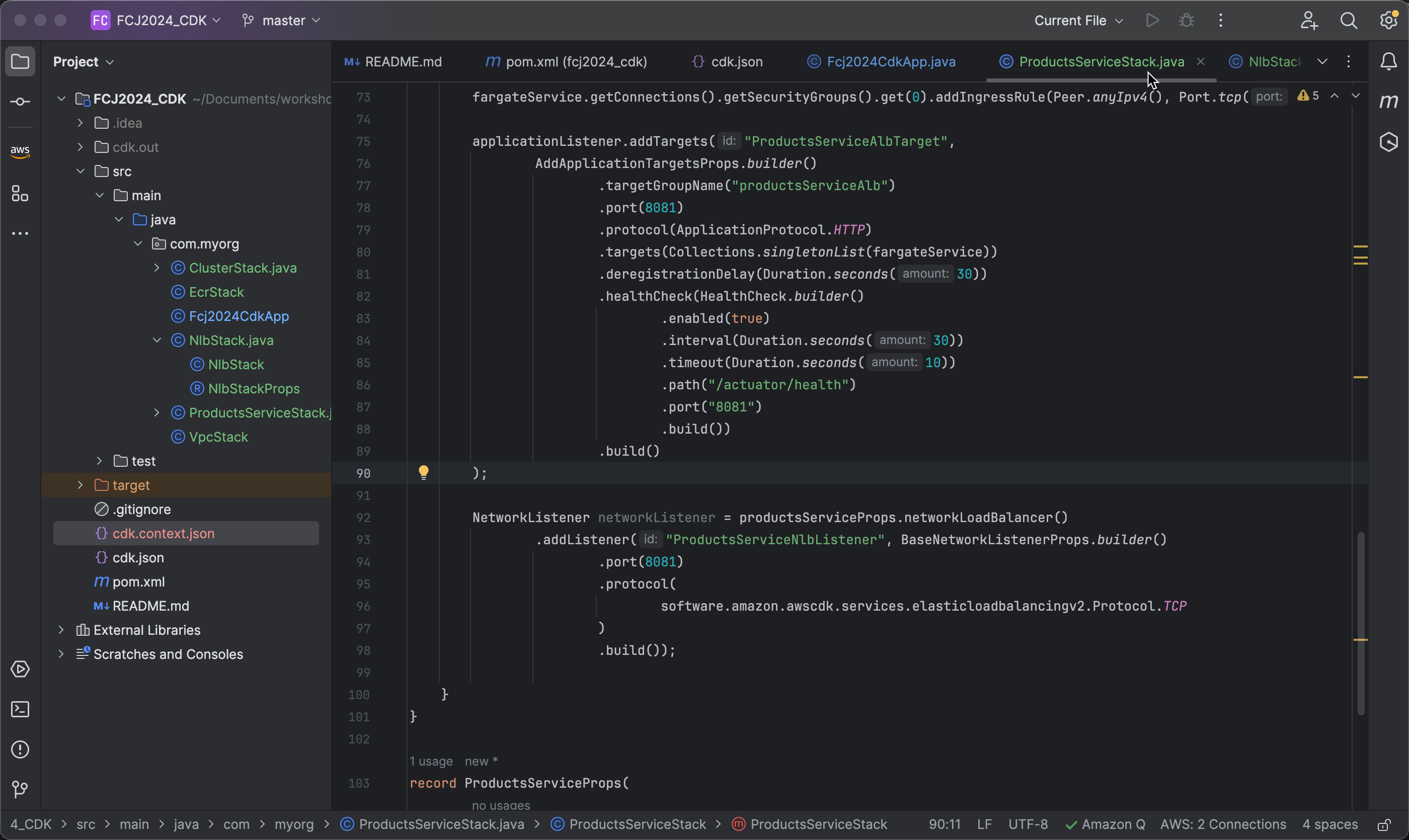
Configure NLB Target Group
- Use the
addTargetsmethod called on thenetworkListenerobject to add new targets to the listener previously configured on the Network Load Balancer (NLB).
   networkListener.addTargets("ProductsServiceNlbTarget",
       AddNetworkTargetsProps.builder()
           .build()
   );
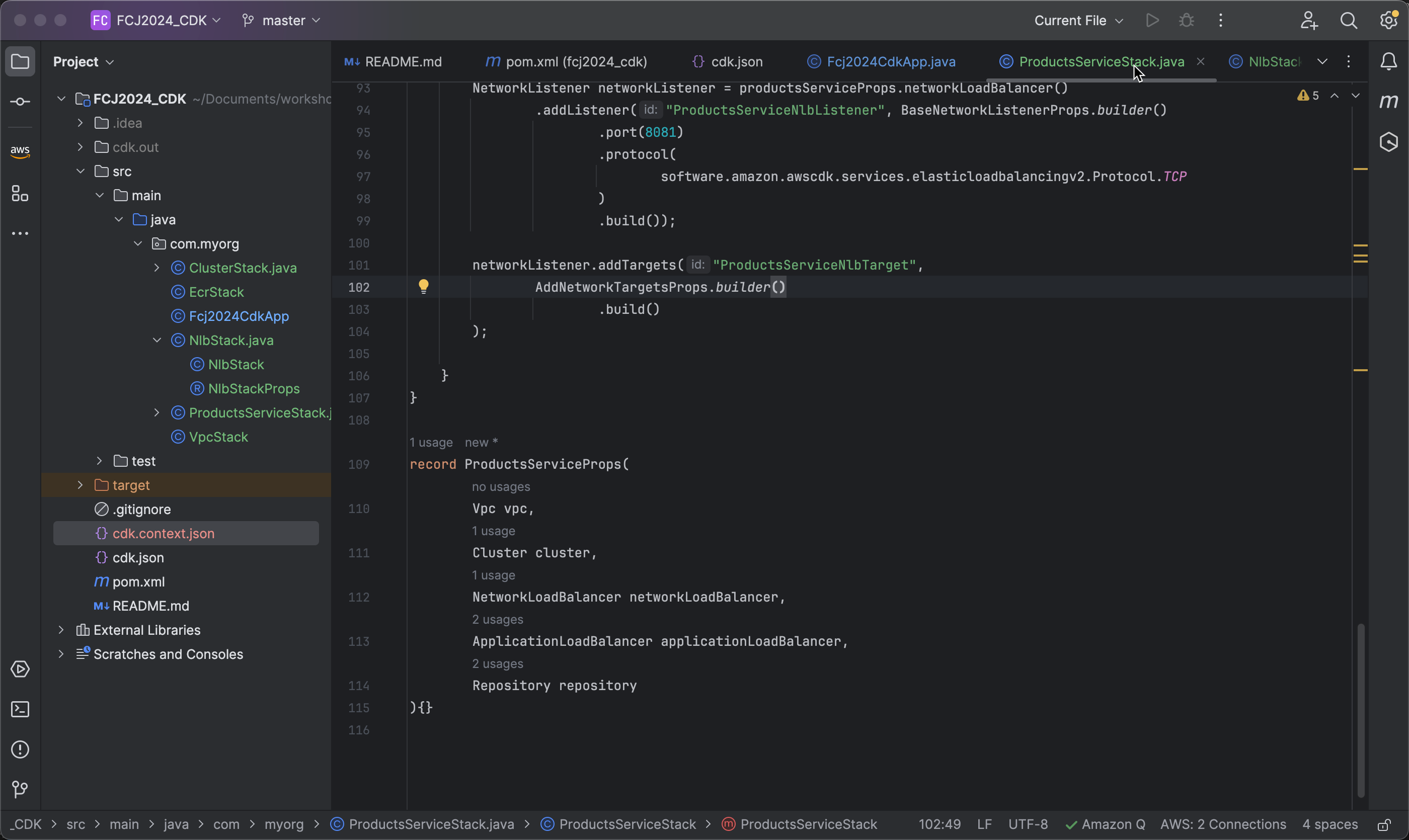
- Next, specify that connections will be sent to port 8081 on the targets.
.port(8081)
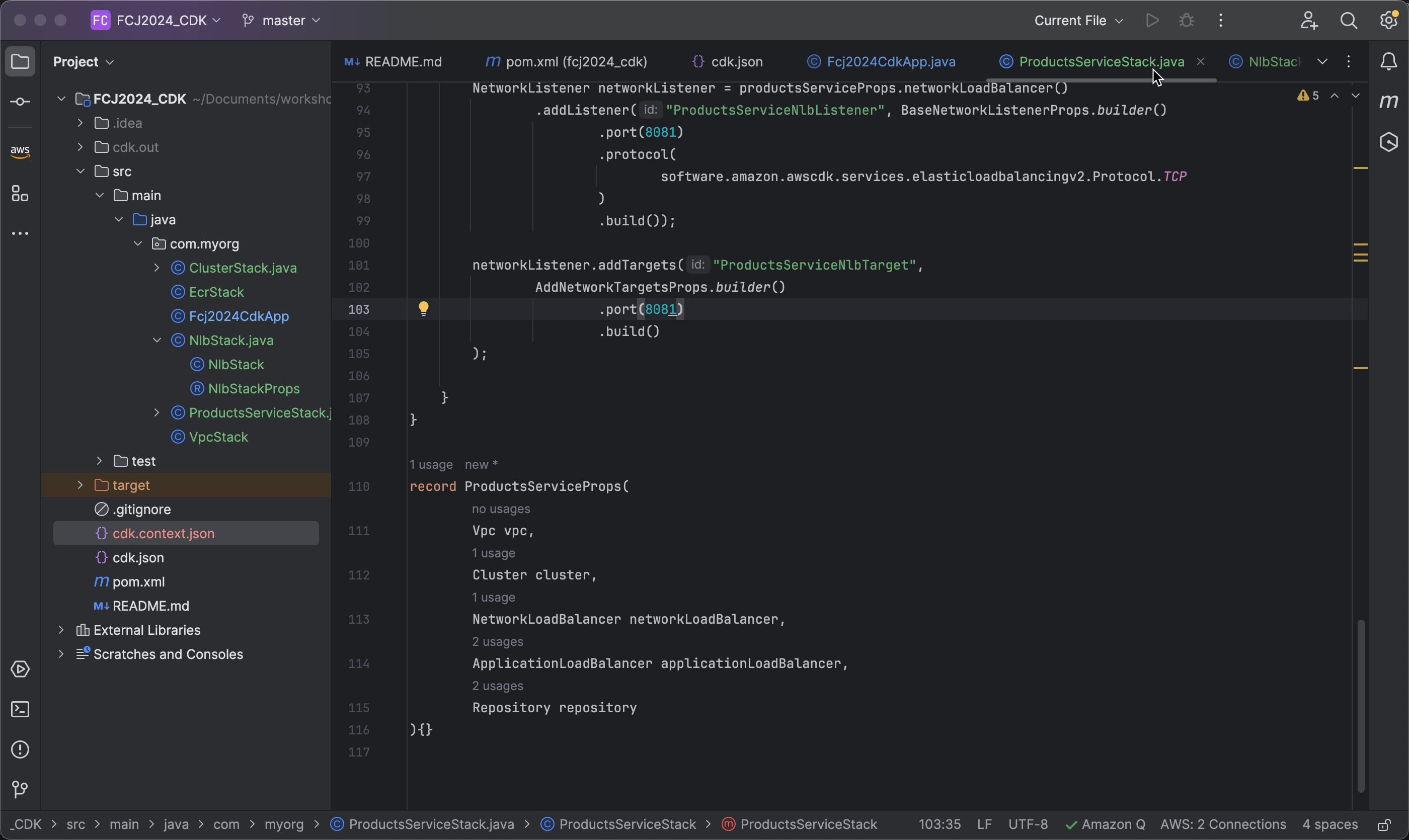
- Connect to the targets using the TCP protocol.
.protocol(software.amazon.awscdk.services.elasticloadbalancingv2.Protocol.TCP)
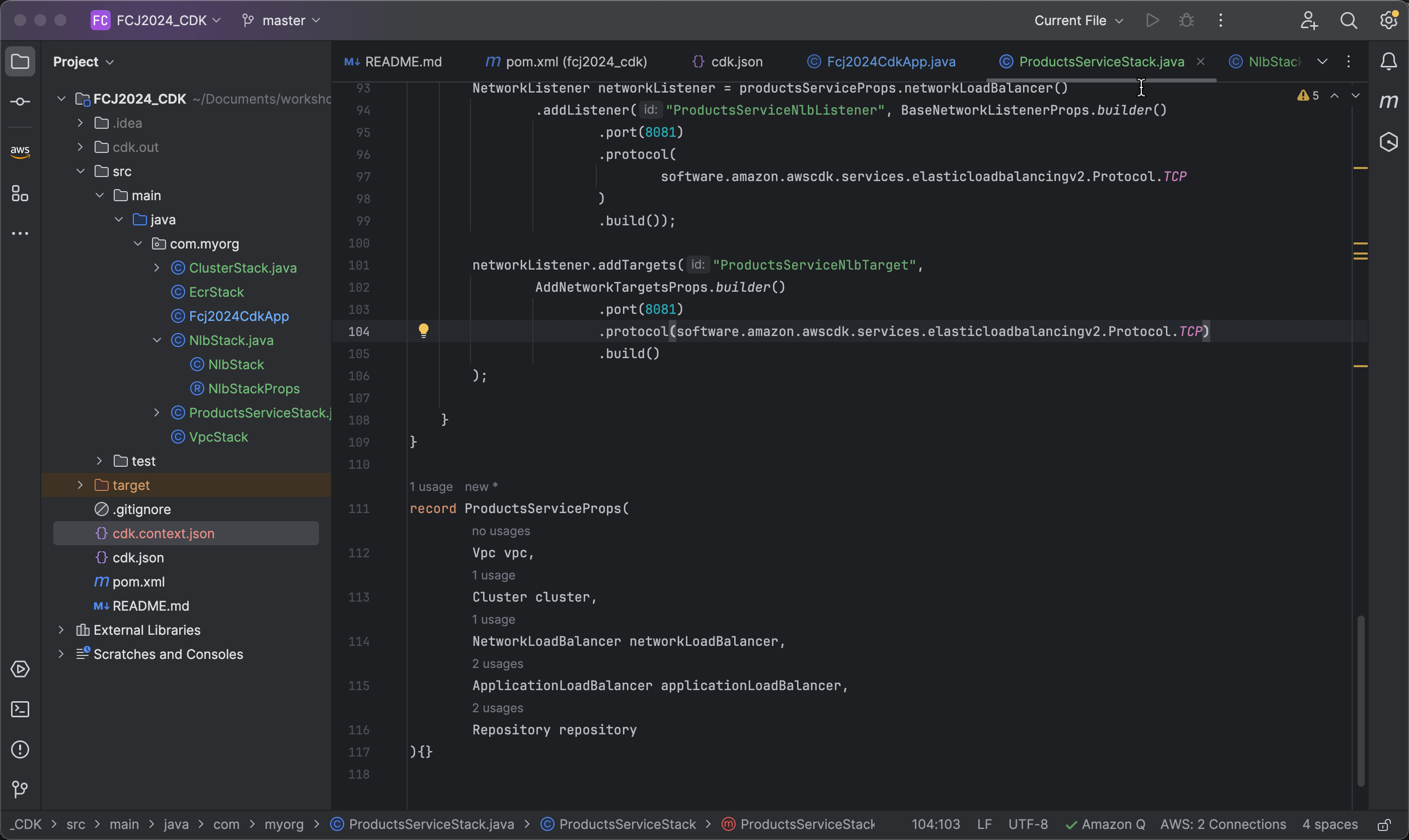
- Next, specify the name of the target group to which the targets will be added as productsServiceNlb.
.targetGroupName("productsServiceNlb")
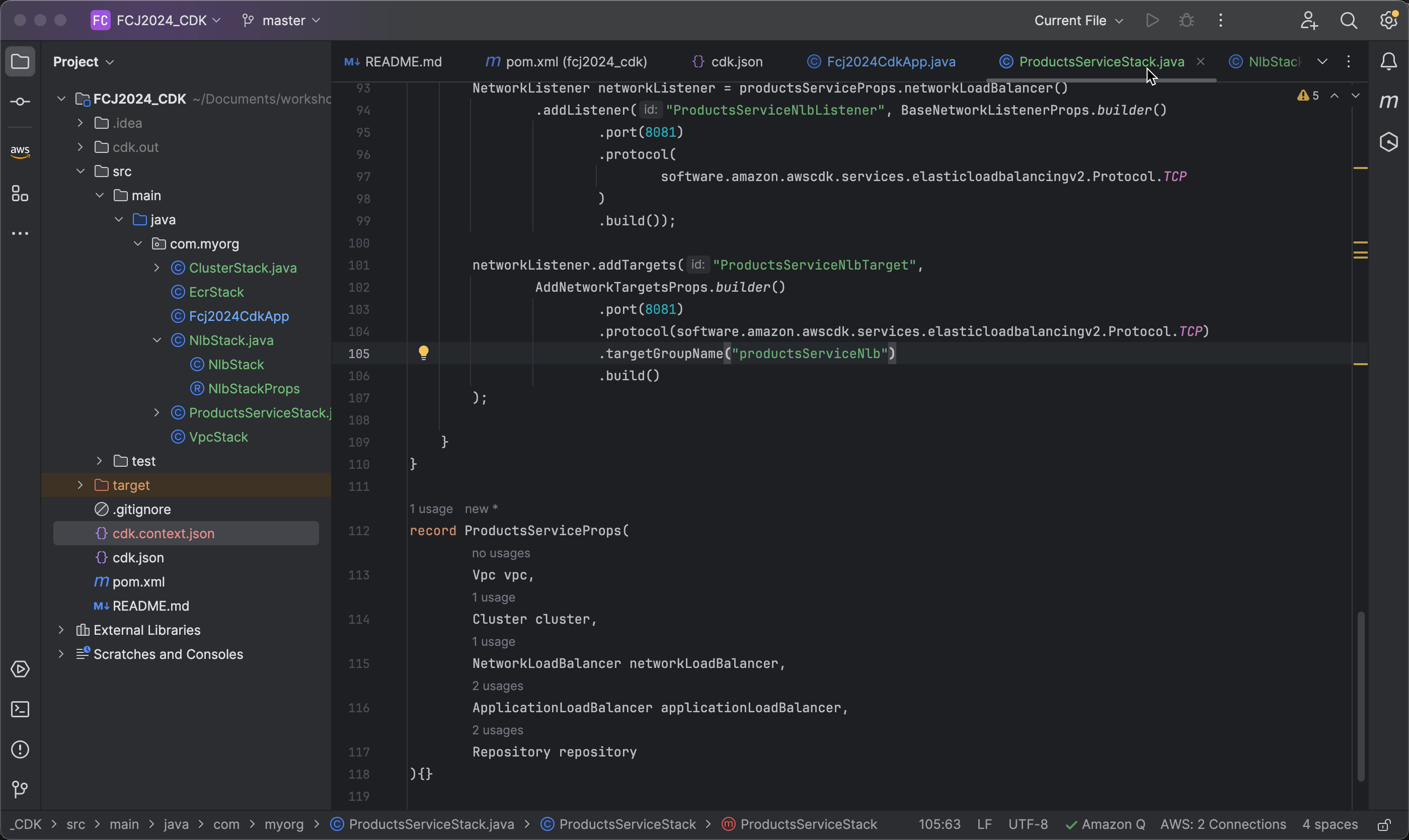
- Next, we will specify the list of specific targets that need to be added using the
targetsmethod.
.targets(Collections.singletonList(/* List of targets */))
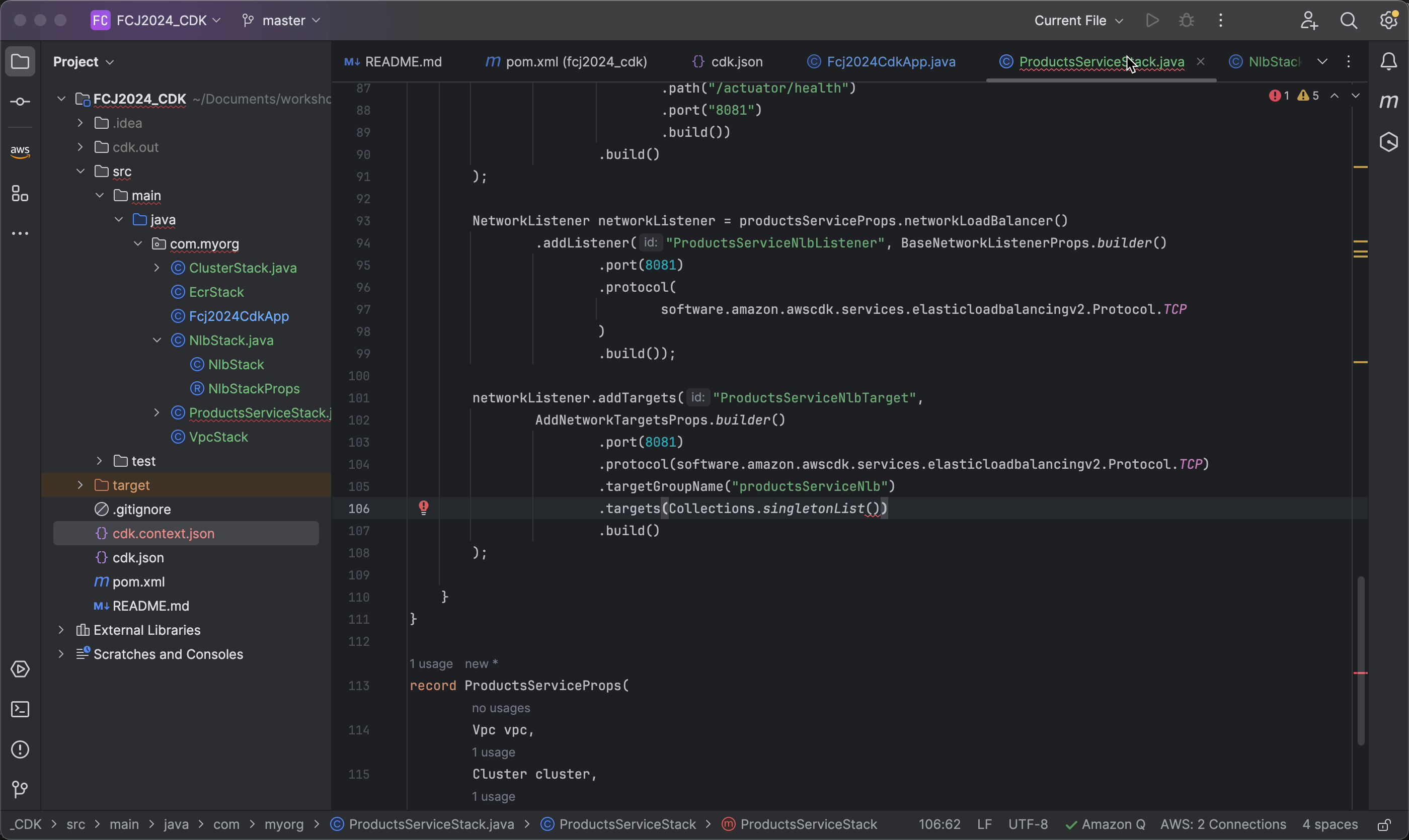
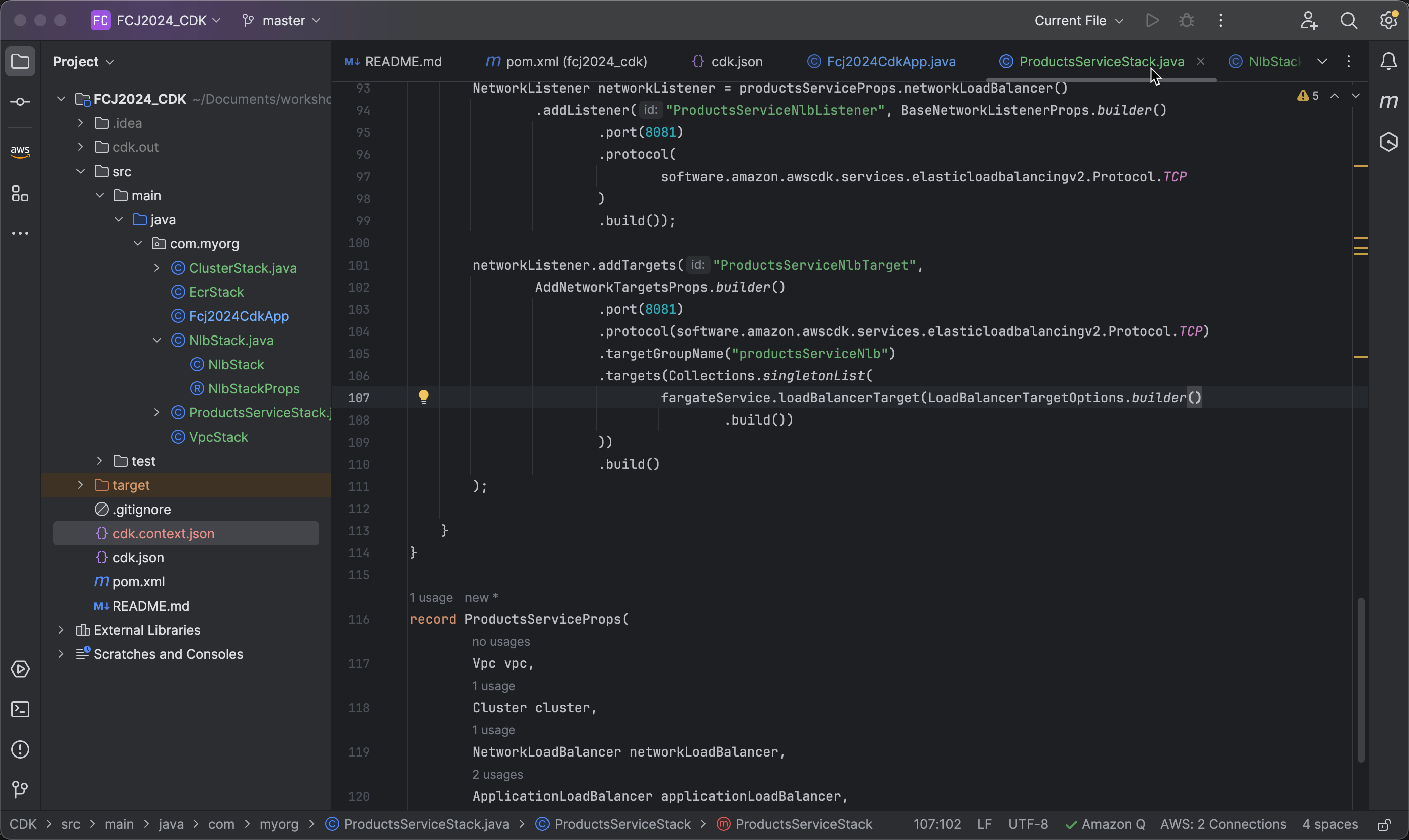
- Tạo ra một target sử dụng cho dịch vụ Fargate. Một target Fargate sẽ được tạo để xử lý các kết nối gửi đến từ NLB.
.targets(Collections.singletonList(
    fargateService.loadBalancerTarget(LoadBalancerTargetOptions.builder()
        .build())
))
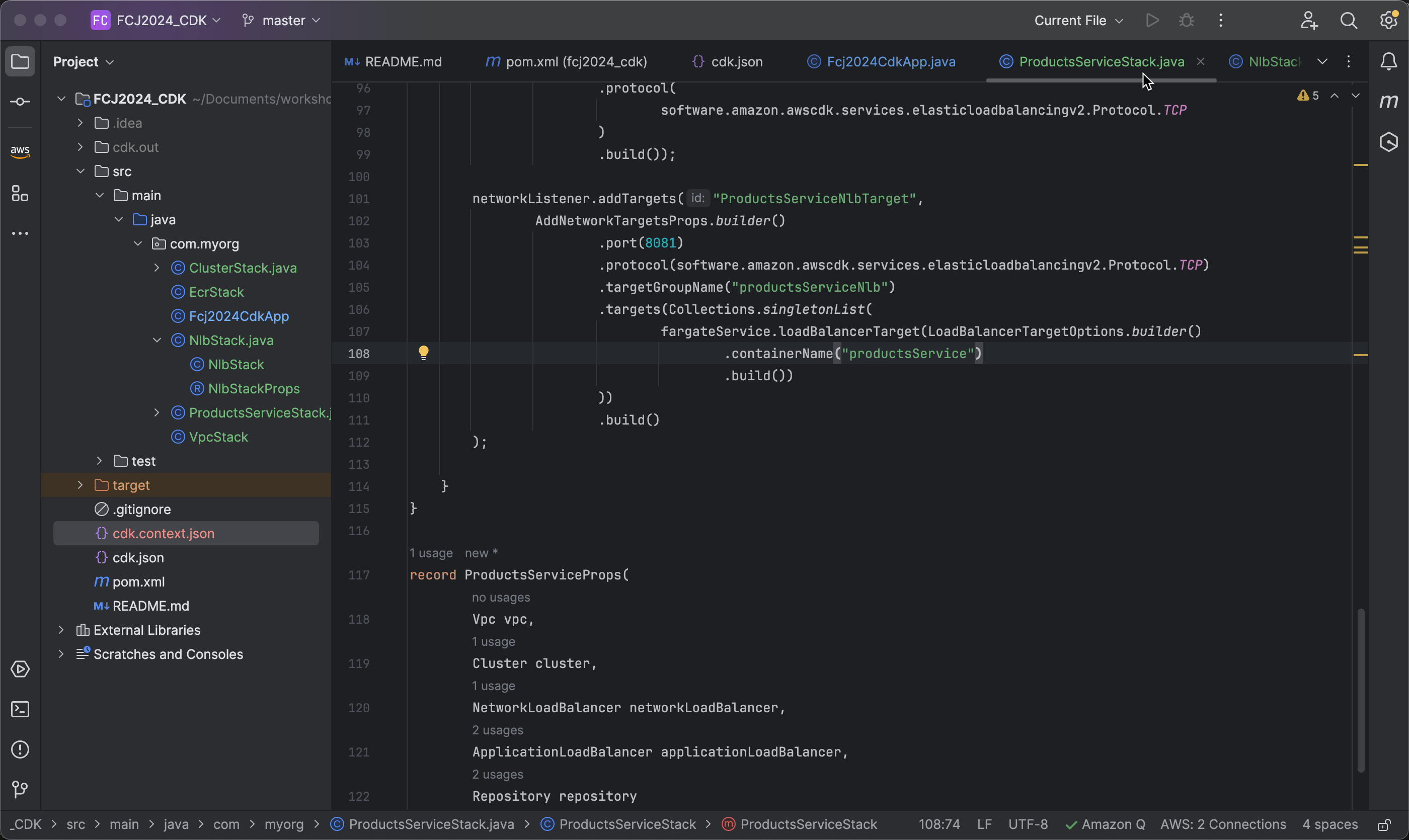
- Next, we will define the name of the container in the Fargate service to which connections will be sent as productsService.
   .targets(Collections.singletonList(
       fargateService.loadBalancerTarget(LoadBalancerTargetOptions.builder()
           .containerName("productsService")
           .build())
   ))
- Finally, configure port 8081 of the container in the Fargate service to which connections will be sent, using the TCP protocol.
   .targets(Collections.singletonList(
       fargateService.loadBalancerTarget(LoadBalancerTargetOptions.builder()
           .containerName("productsService")
           .containerPort(8081)
           .protocol(Protocol.TCP)
           .build())
   ))