Deploy Spring Boot applications onto AWS ECS Fargate using AWS CDK. > Create ECS Service with CDK > Organize and Deploy Stack
Organize and Deploy Stack
Organize ProductsServiceStack Stack
-
Open the root file Fcj2024CdkApp:
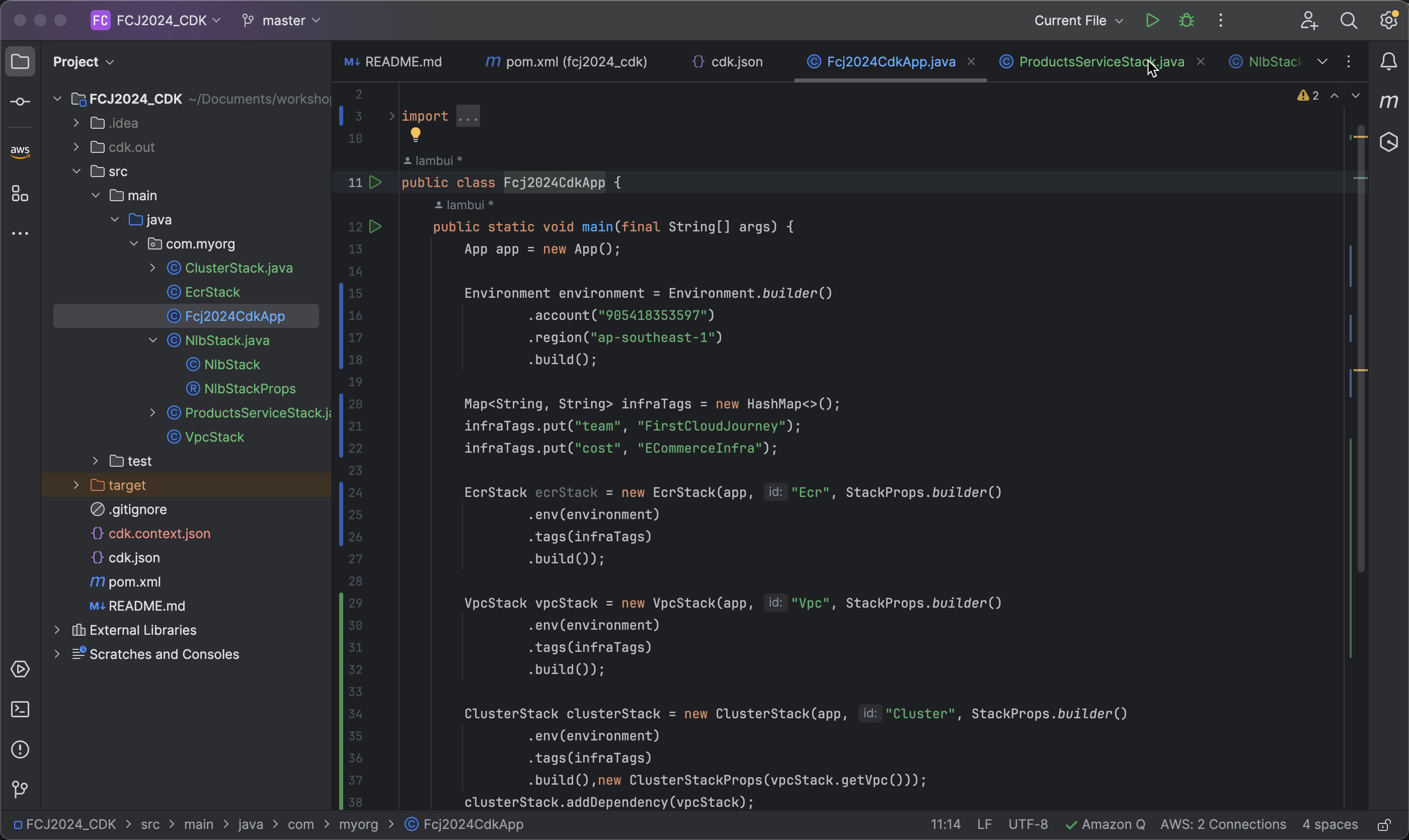
-
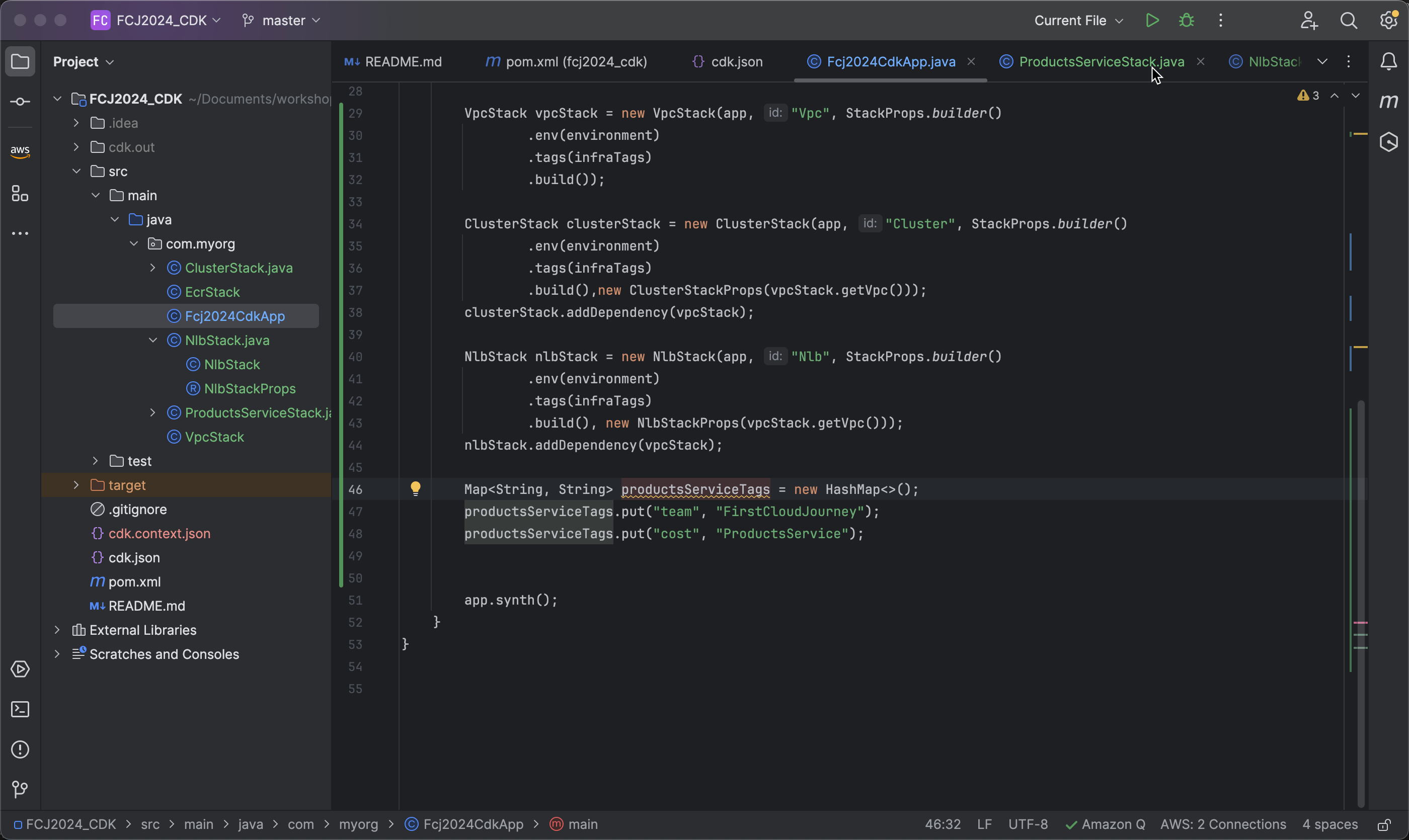
Create and Set Tags:
-
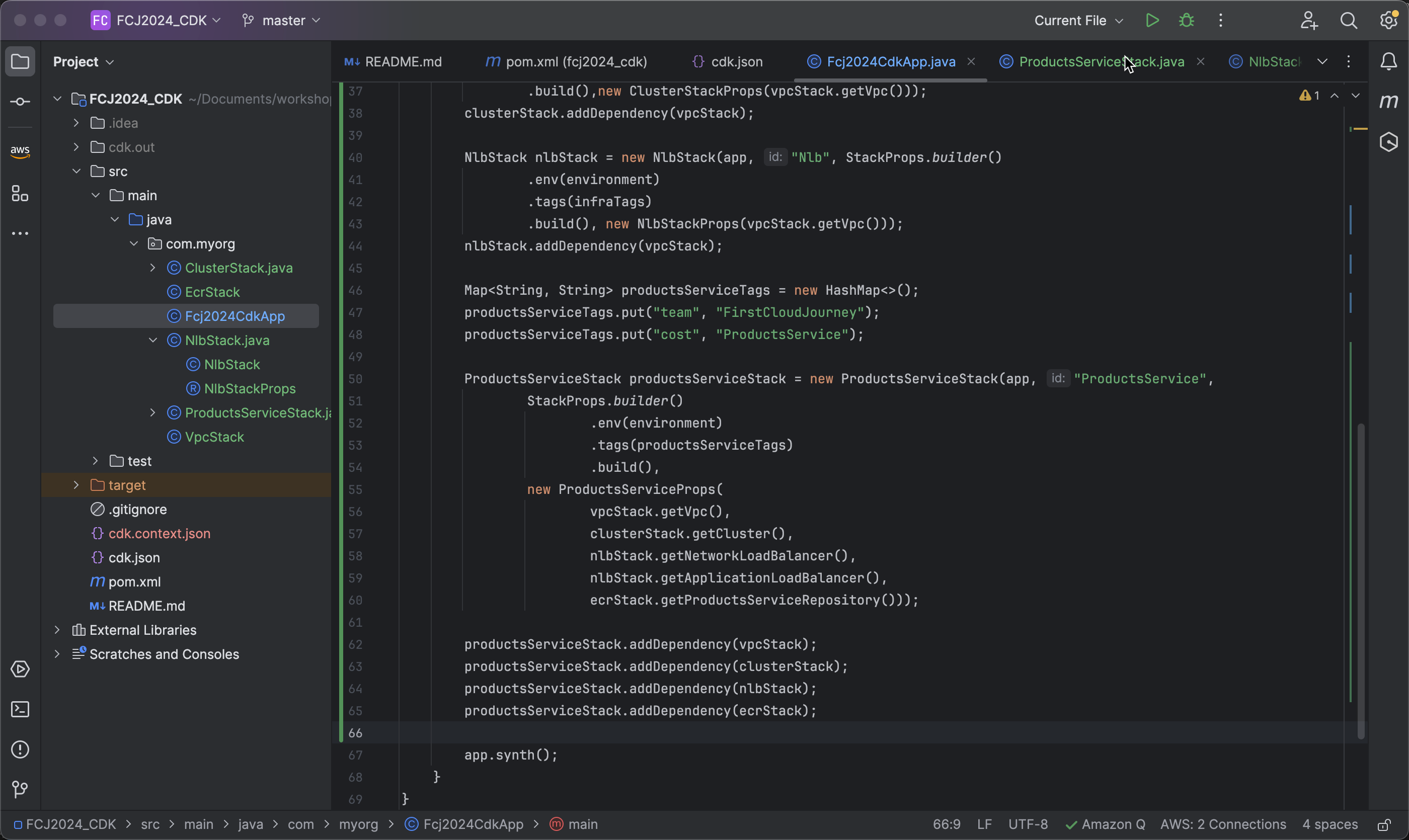
Create a
MapnamedproductsServiceTagsto define tags for the stack and related resources. Tags are stored as key-value pairs in the map.Map<String, String> productsServiceTags = new HashMap<>(); productsServiceTags.put("team", "FirstCloudJourney"); productsServiceTags.put("cost", "ProductsService");
-
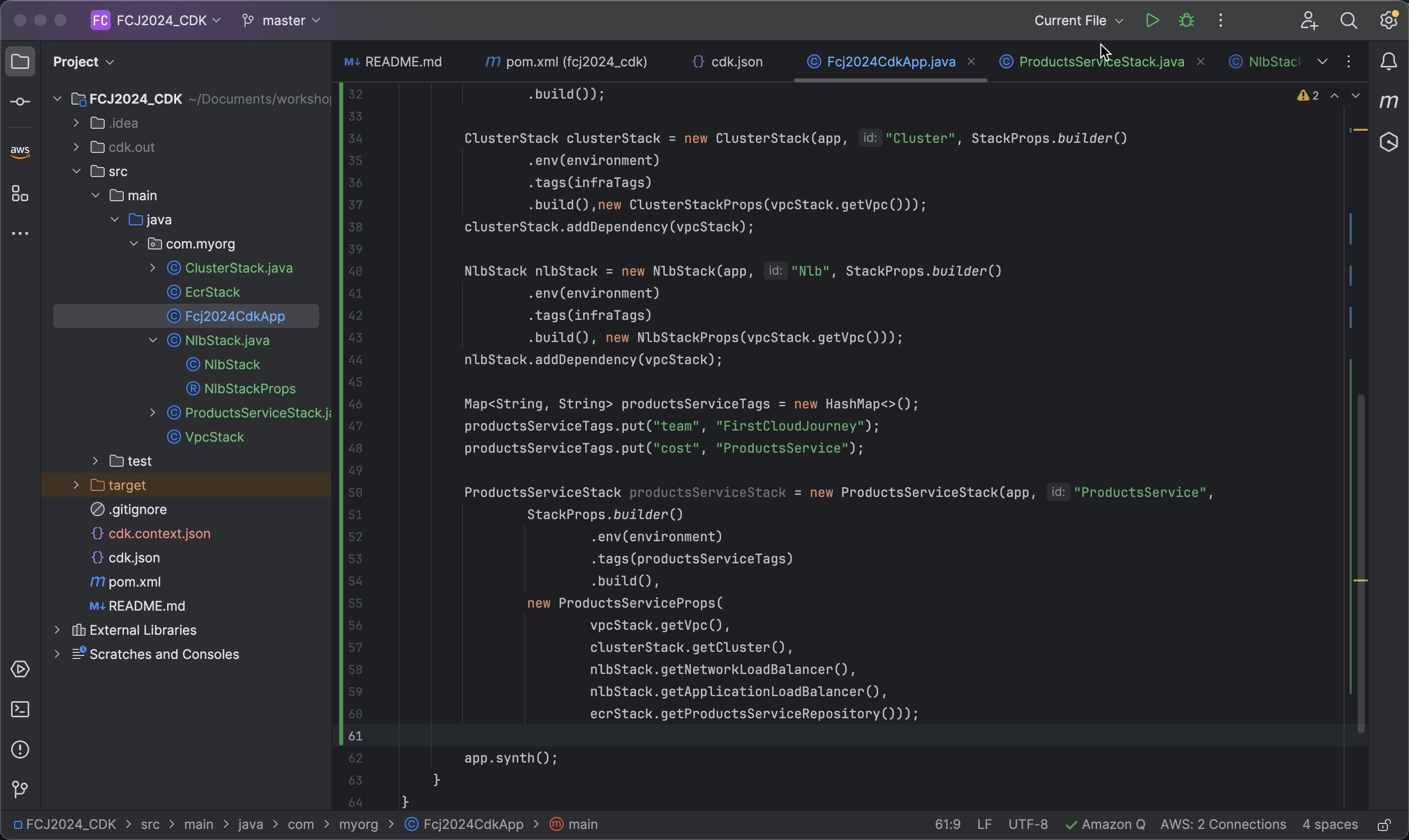
- Create Stack ProductsServiceStack
 ProductsServiceStack productsServiceStack = new ProductsServiceStack(app, "ProductsService",
                StackProps.builder()
                        .env(environment)
                        .tags(productsServiceTags)
                        .build(),
                new ProductsServiceProps(
                        vpcStack.getVpc(),
                        clusterStack.getCluster(),
                        nlbStack.getNetworkLoadBalancer(),
                        nlbStack.getApplicationLoadBalancer(),
                        ecrStack.getProductsServiceRepository()));
- Add Dependencies to Ensure VPC, Cluster, NLB, and ECR are Created Before Creating the Service:
   productsServiceStack.addDependency(vpcStack);
   productsServiceStack.addDependency(clusterStack);
   productsServiceStack.addDependency(nlbStack);
   productsServiceStack.addDependency(ecrStack);
Deploy ProductsService Stack using AWS CDK
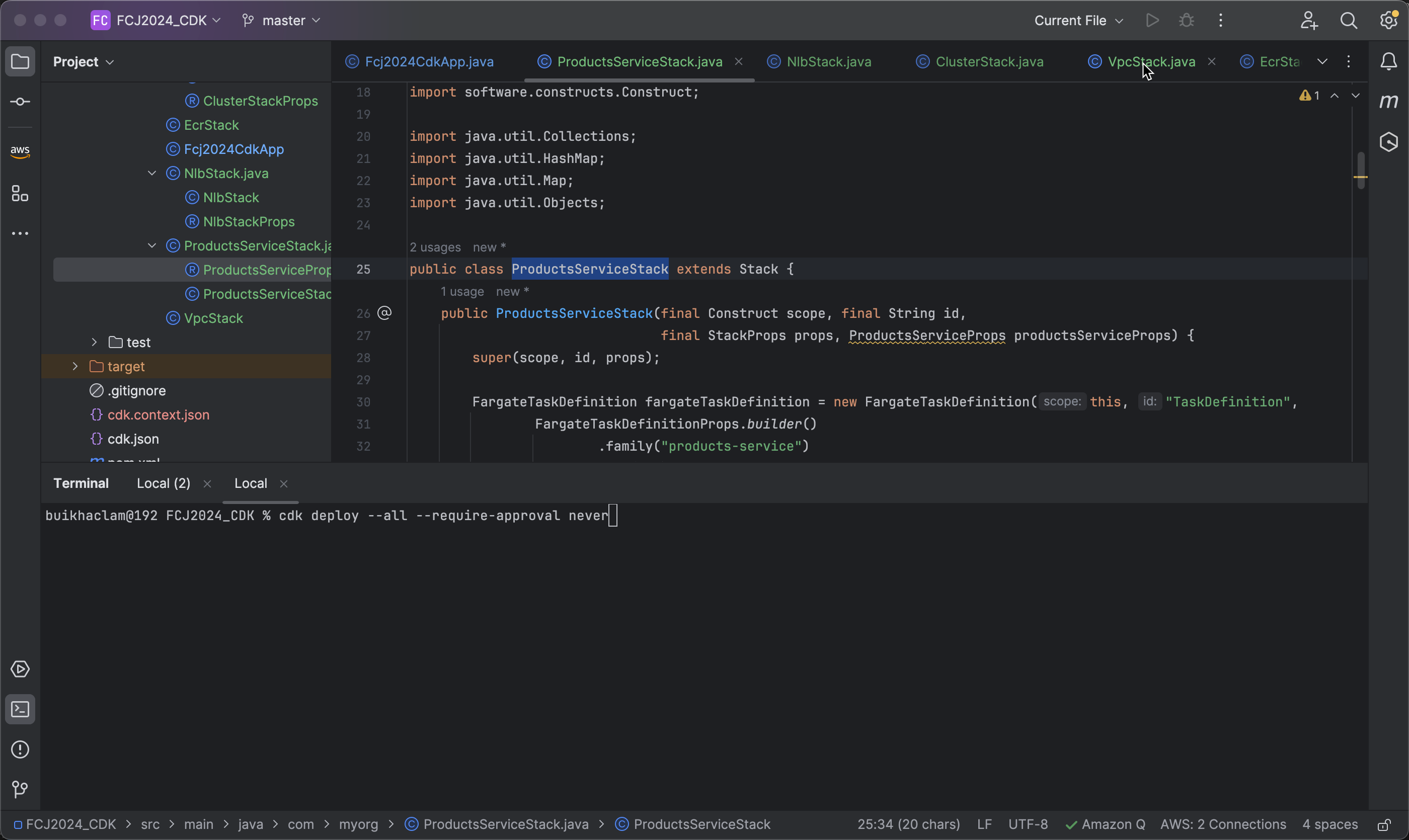
- Open a terminal and run the following command to deploy:
cdk deploy --all --require-approval never
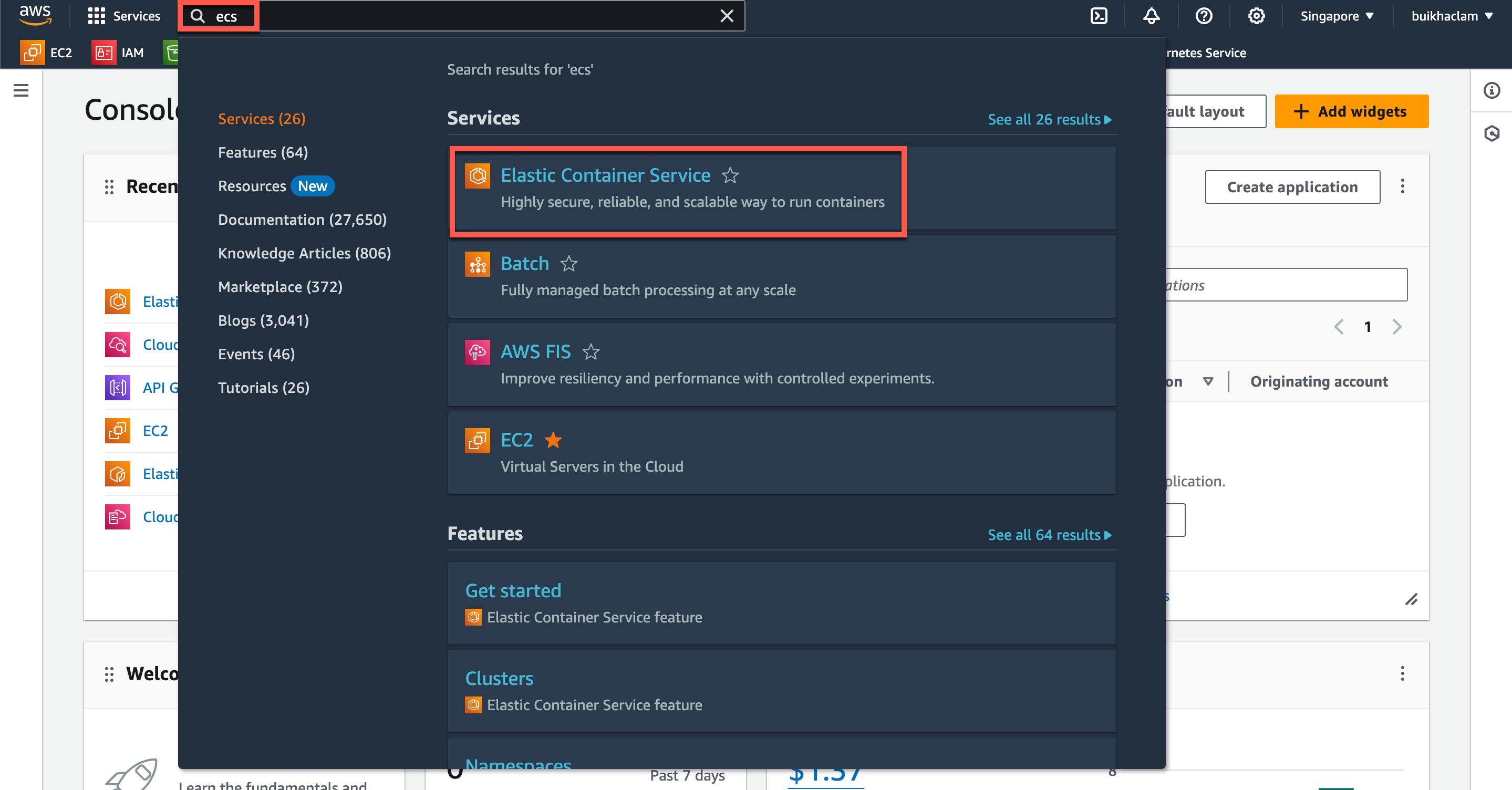
- After successful deployment, access the AWS Management Console. Navigate to ECS:
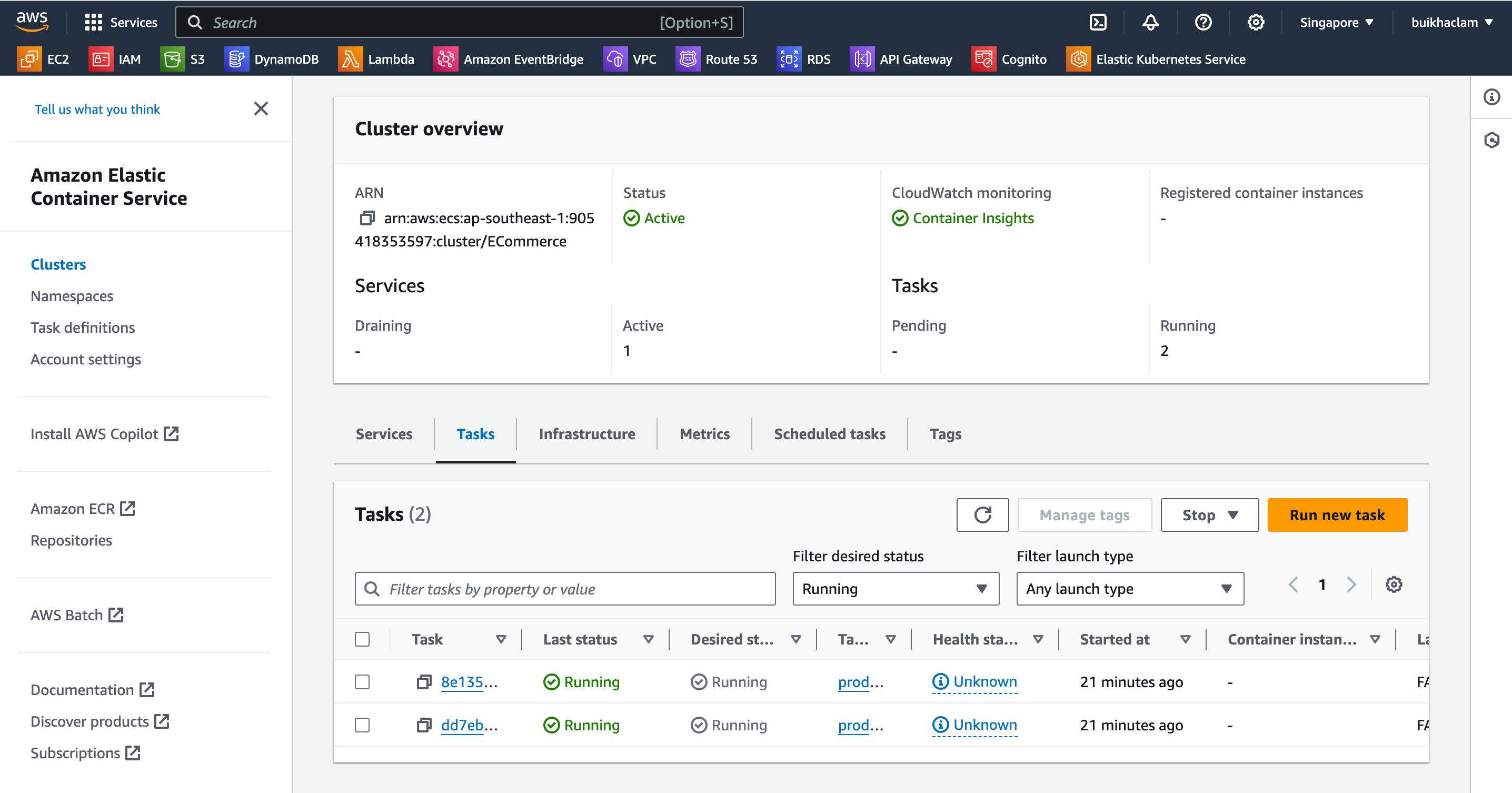
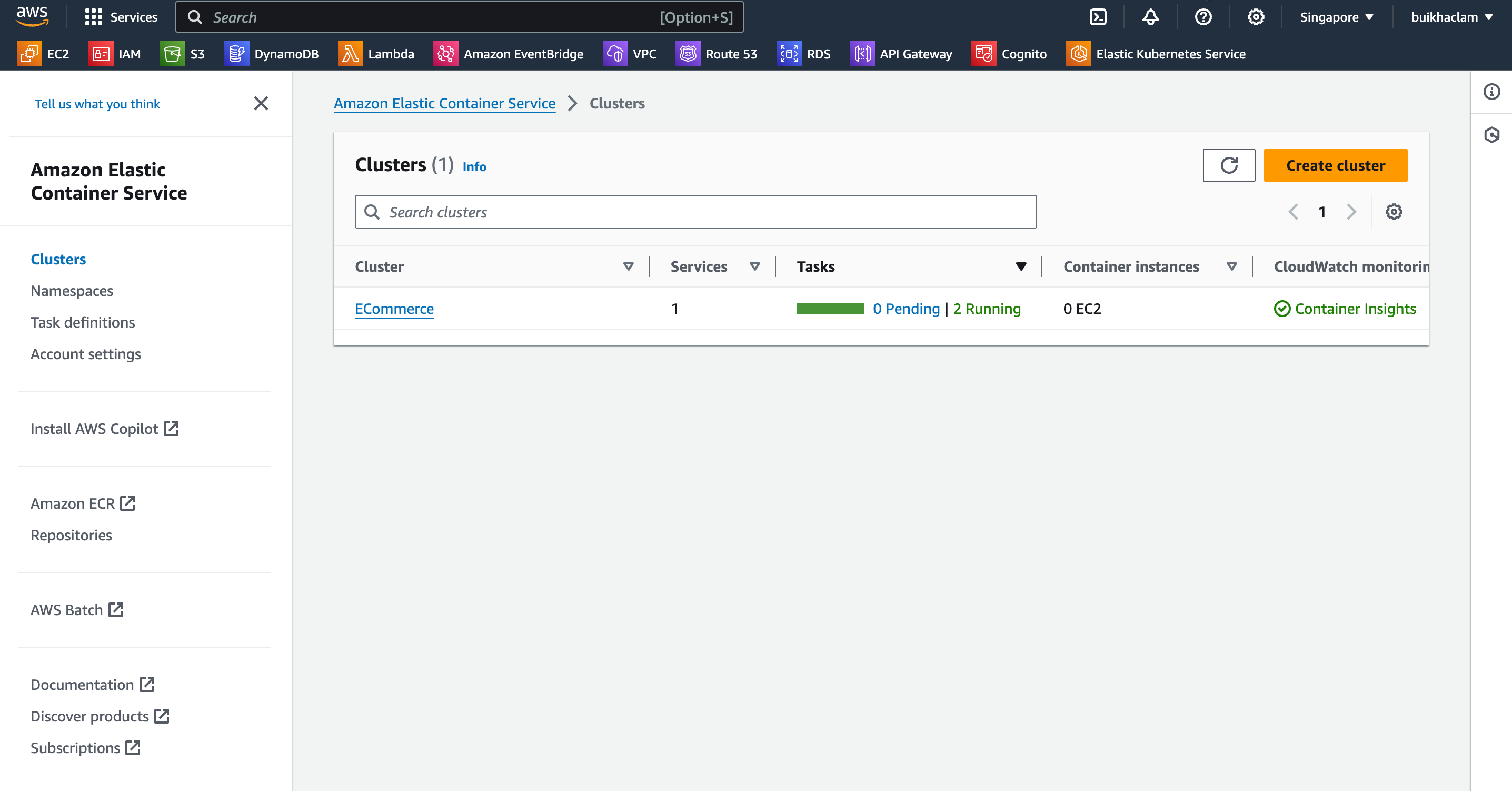
- In the ECS dashboard, you can see a cluster named ECommerce has been created along with 2 running tasks:
- Select the ECommerce cluster and then choose a task to view details about the created tasks: