Deploy Spring Boot applications onto AWS ECS Fargate using AWS CDK. > Create ECS Service with CDK > Add Container Service to Task Definition
Add Container Service to Task Definition
Add Container Service to Task Definition
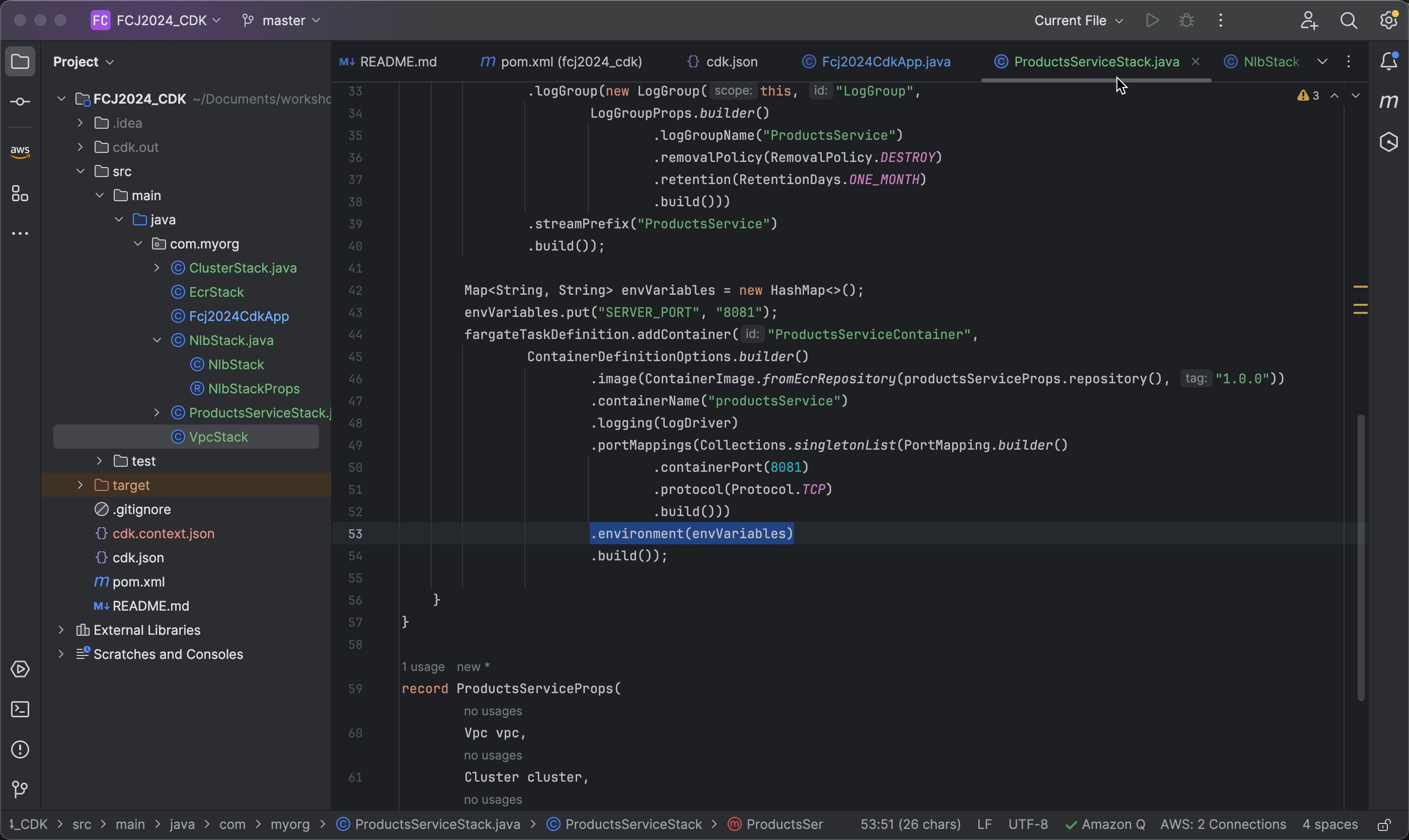
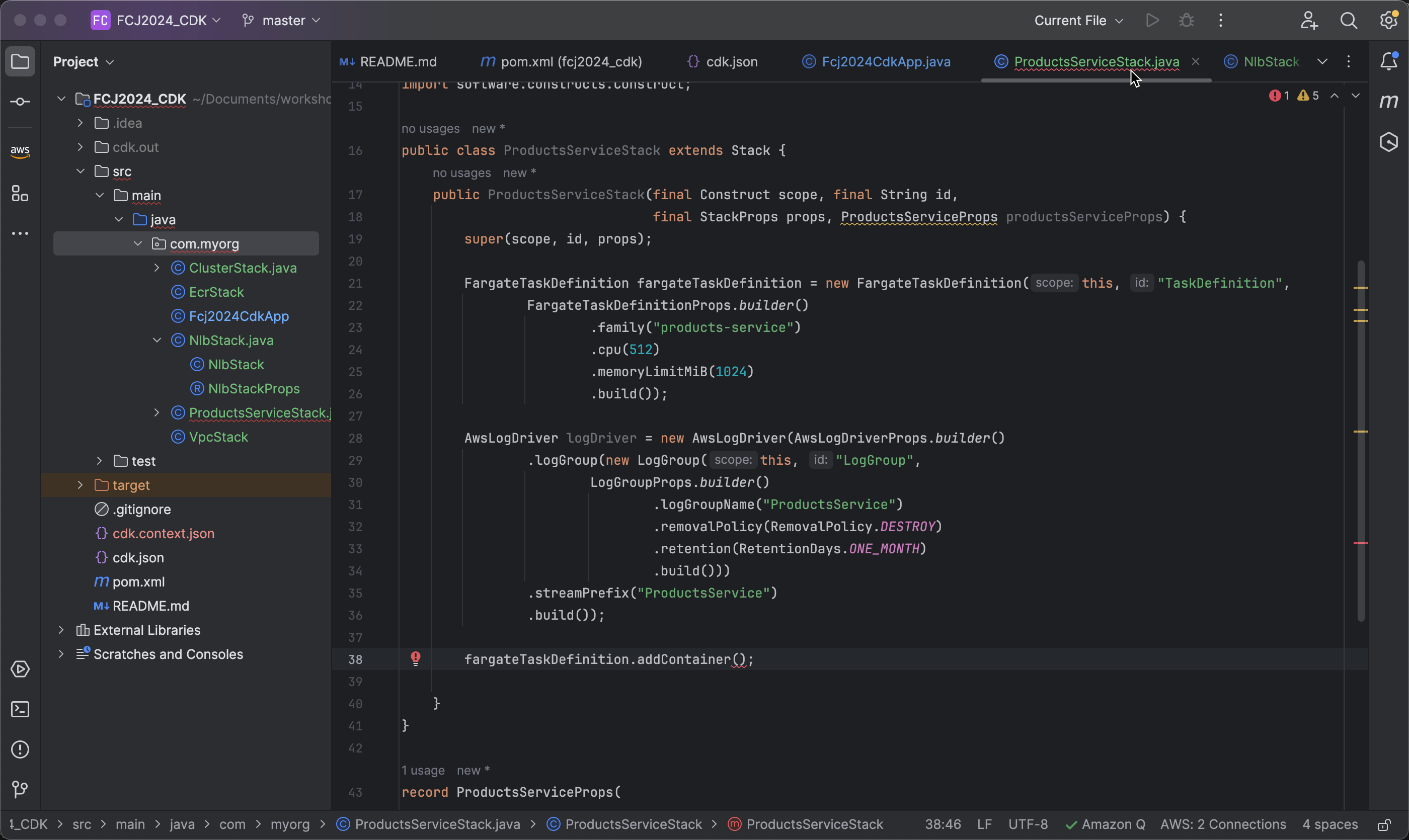
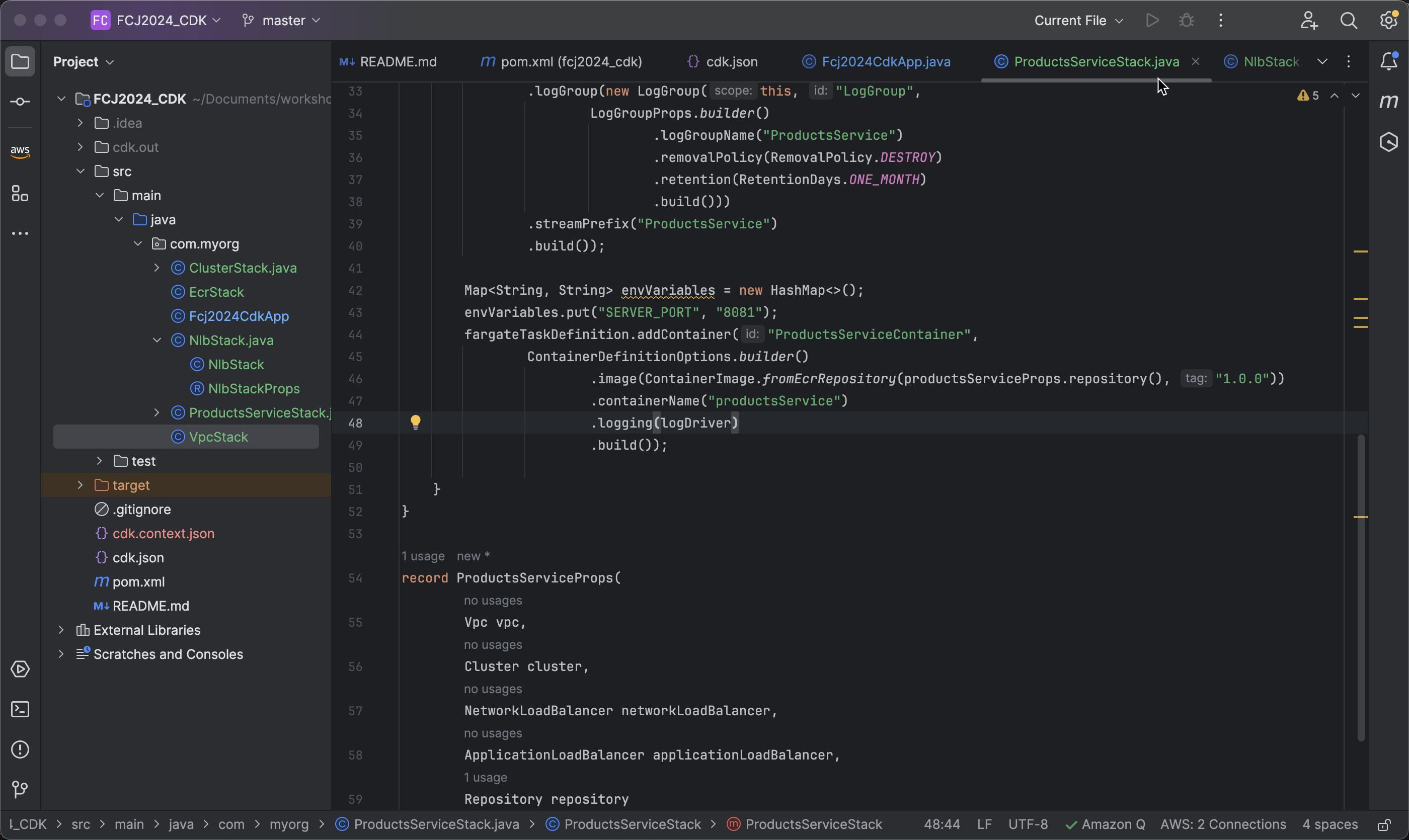
- To add a container, use the addContainer method of the previously initialized fargateTaskDefinition:
fargateTaskDefinition.addContainer()
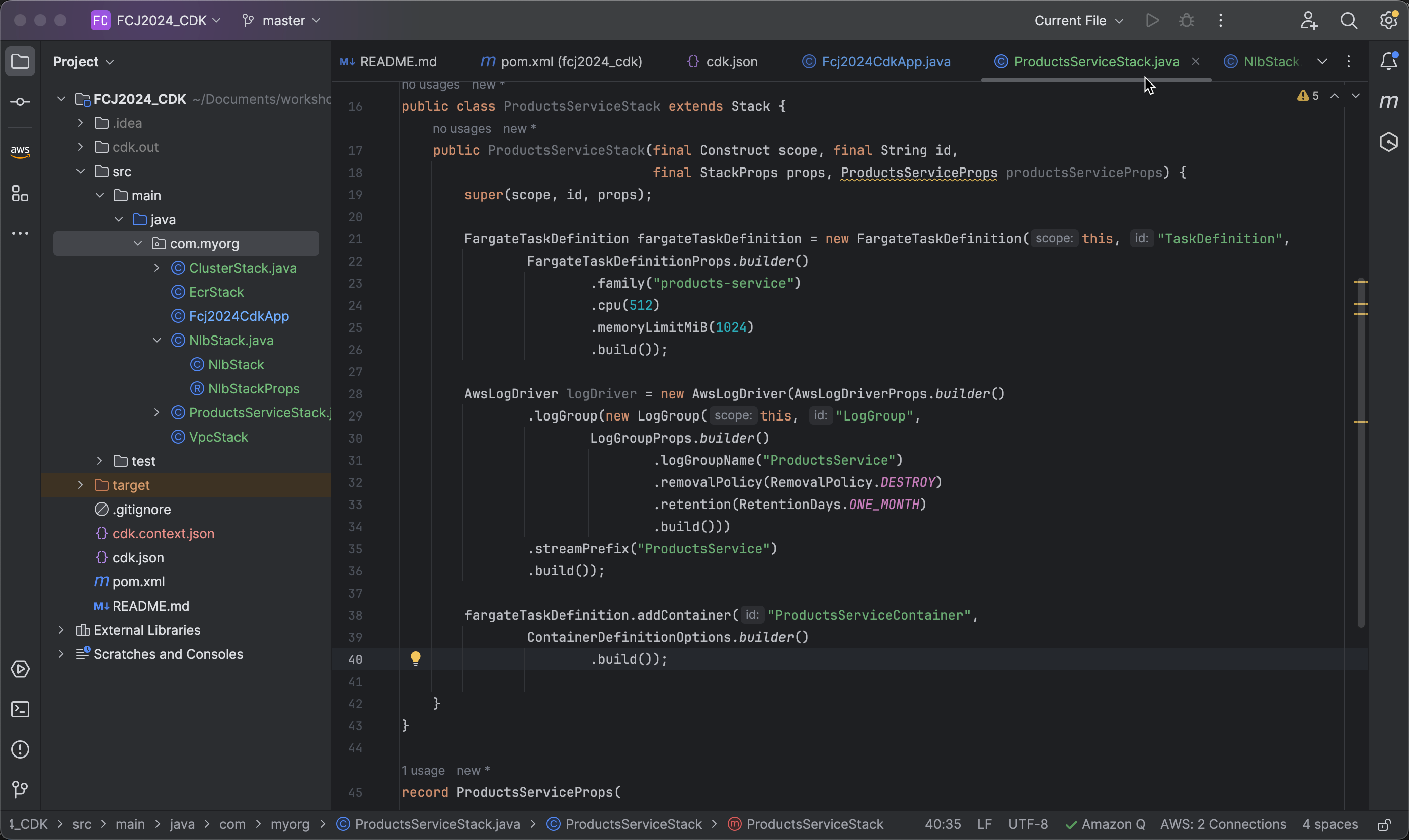
- Specify the ID as ProductsServiceContainer and create ContainerDefinitionOptions:
fargateTaskDefinition.addContainer("ProductsServiceContainer",
       ContainerDefinitionOptions.builder()
           .build());
-
Thêm image từ ECR Repository với phiên bản 1.0.0 chúng ta đã tạo trước đó
-
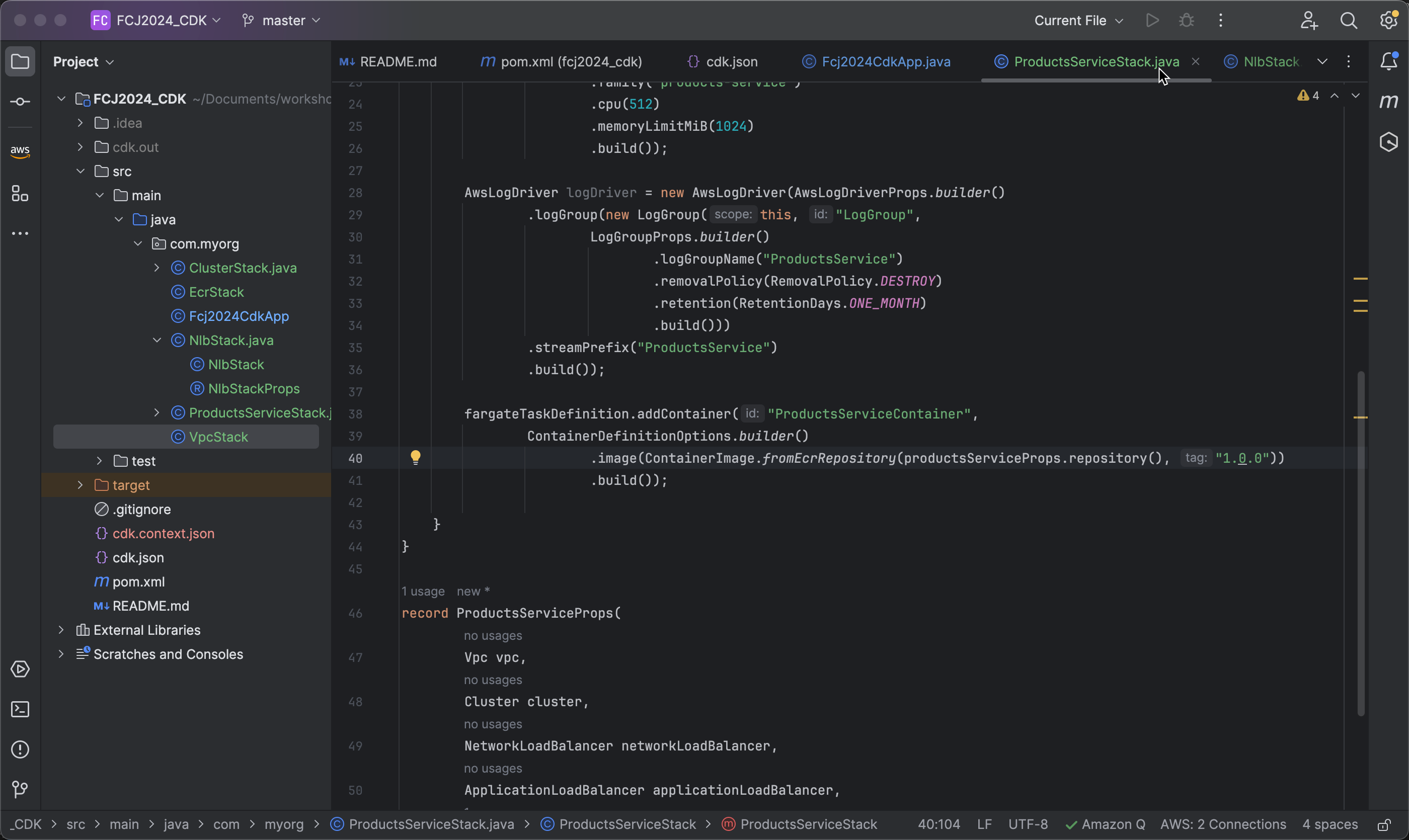
Add an image from the ECR Repository with version 1.0.0 that we created earlier:
.image(ContainerImage.fromEcrRepository(productsServiceProps.repository(), "1.0.0"))
- Next, set the name for the container and add the previously created logDriver:
   .containerName("productsService")
   .logging(logDriver)
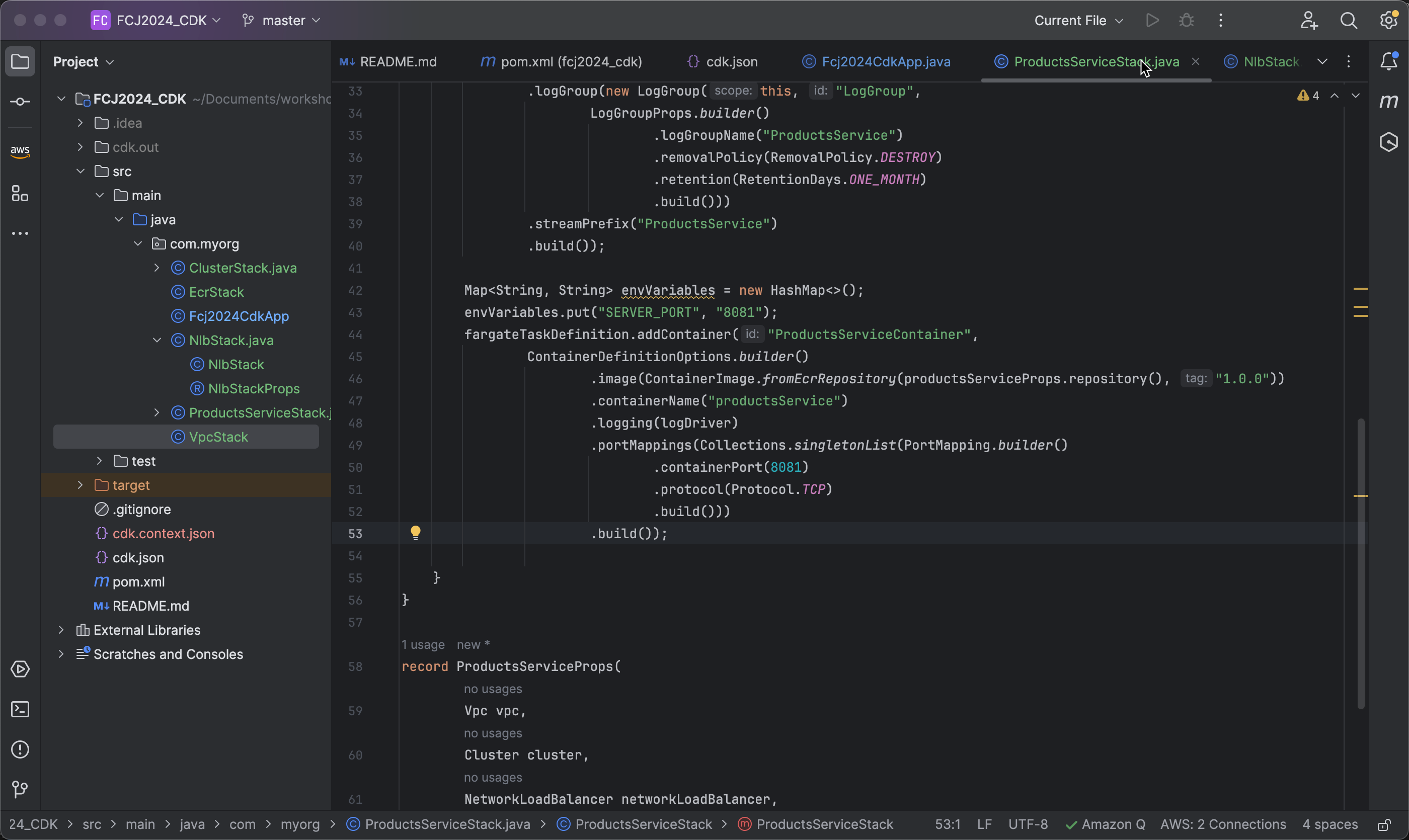
- Since our application uses port 8081, we need to add port mappings for the container service:
   .portMappings(Collections.singletonList(PortMapping.builder()
       .containerPort(8081)
       .protocol(Protocol.TCP)
       .build()))
- Next, we need to create environment variables. Its value is a
Map<String, String>:-
First, declare a variable
envVariables:Map<String, String> envVariables = new HashMap<>(); envVariables.put("SERVER_PORT", "8081"); -
Then, add environment variables to the service container:
.environment(envVariables)
-