Deploy Spring Boot applications onto AWS ECS Fargate using AWS CDK. > Create API Gateway with CDK > Create Product Resource and First Method
Create Product Resource and First Method
Create Product Resource and First Method
-
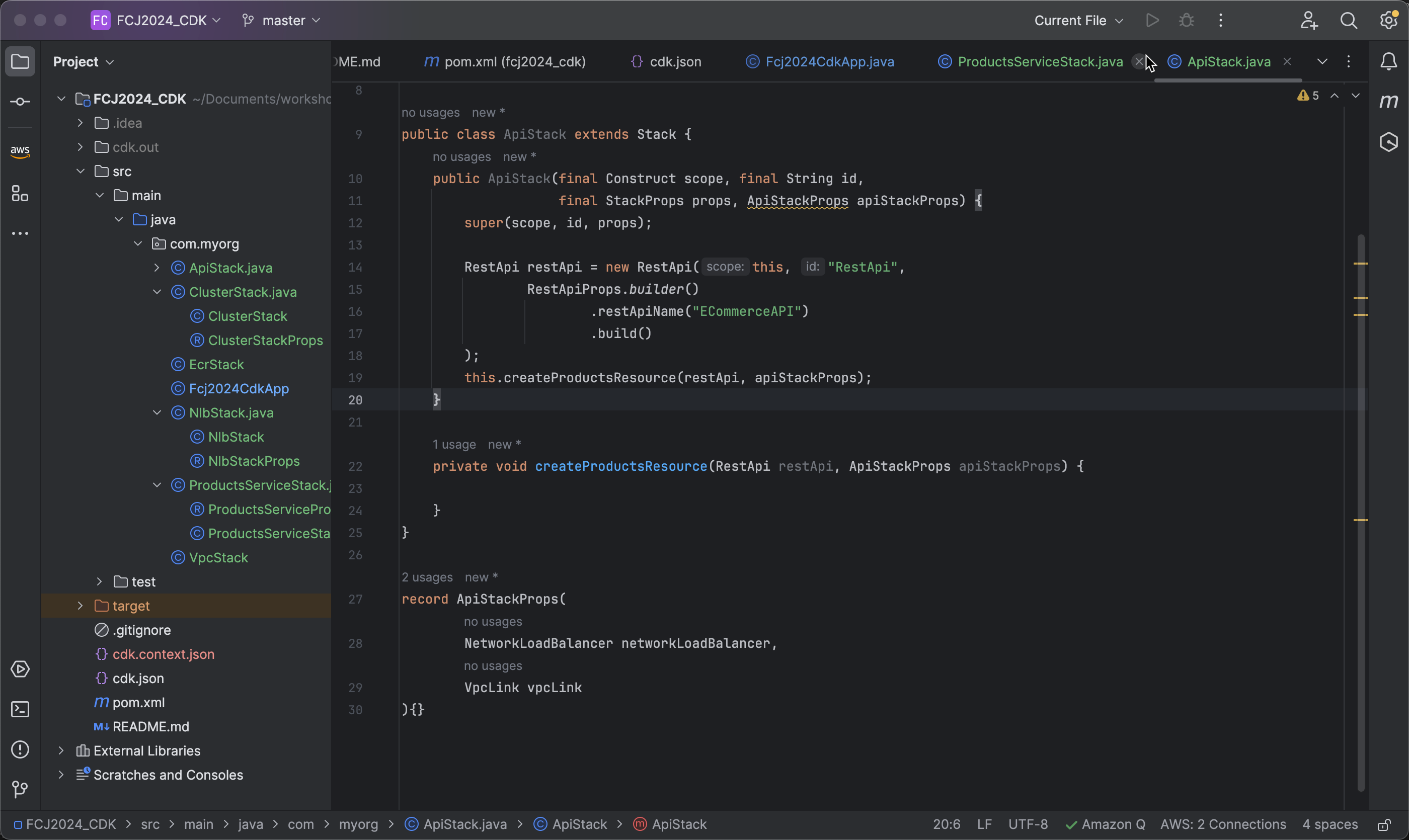
Create the method createProductsResource with two parameters:
RestApiandApiStackProps, and initialize it within the constructor.private void createProductsResource(RestApi restApi, ApiStackProps apiStackProps) { }
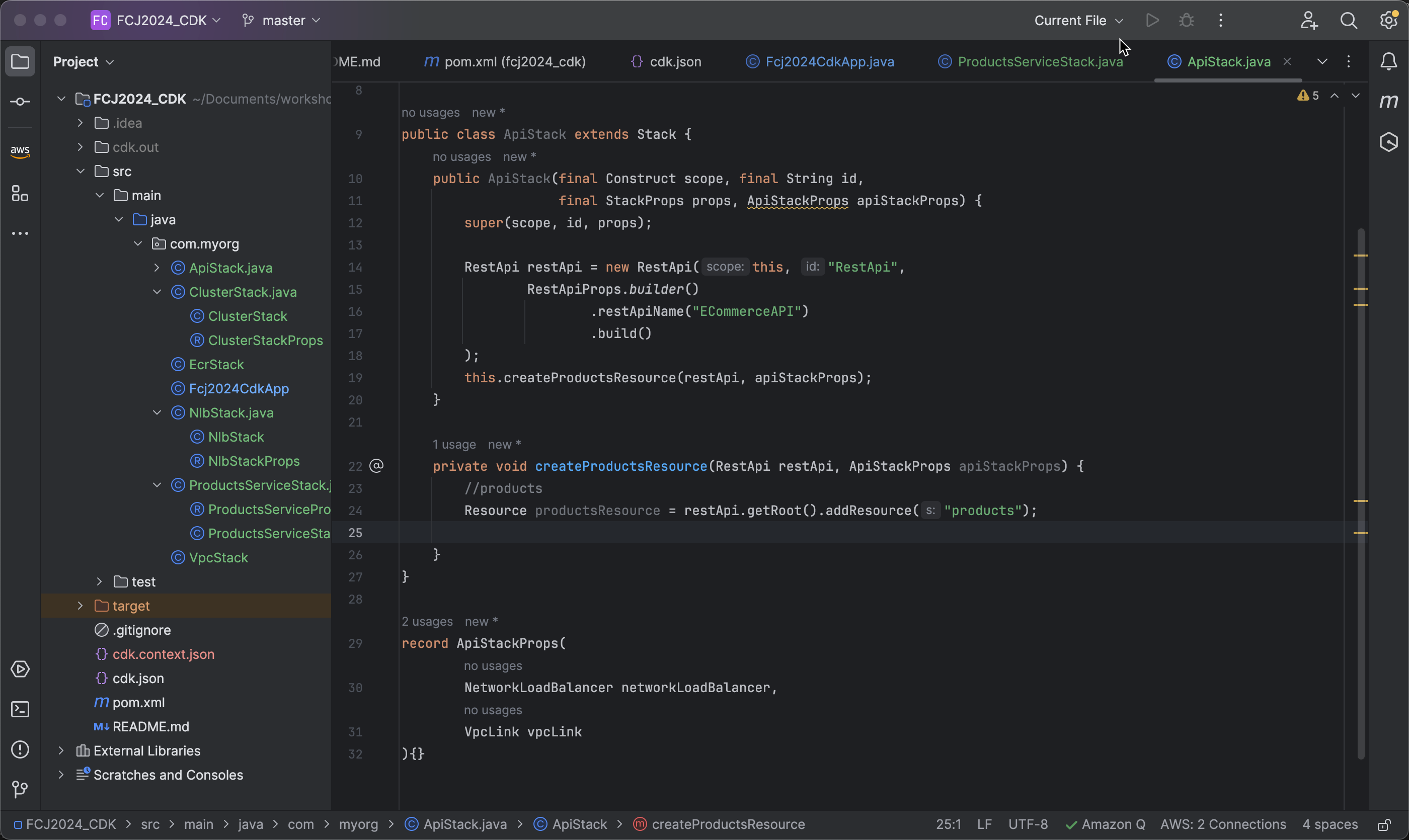
2. Create a new resource in API Gateway with the path **/products`. Using `restApi.getRoot().addResource("products")** will create a new sub-resource with the path **/products** from the root of the API (`restApi`).
```java
//products
Resource productsResource = restApi.getRoot().addResource("products");
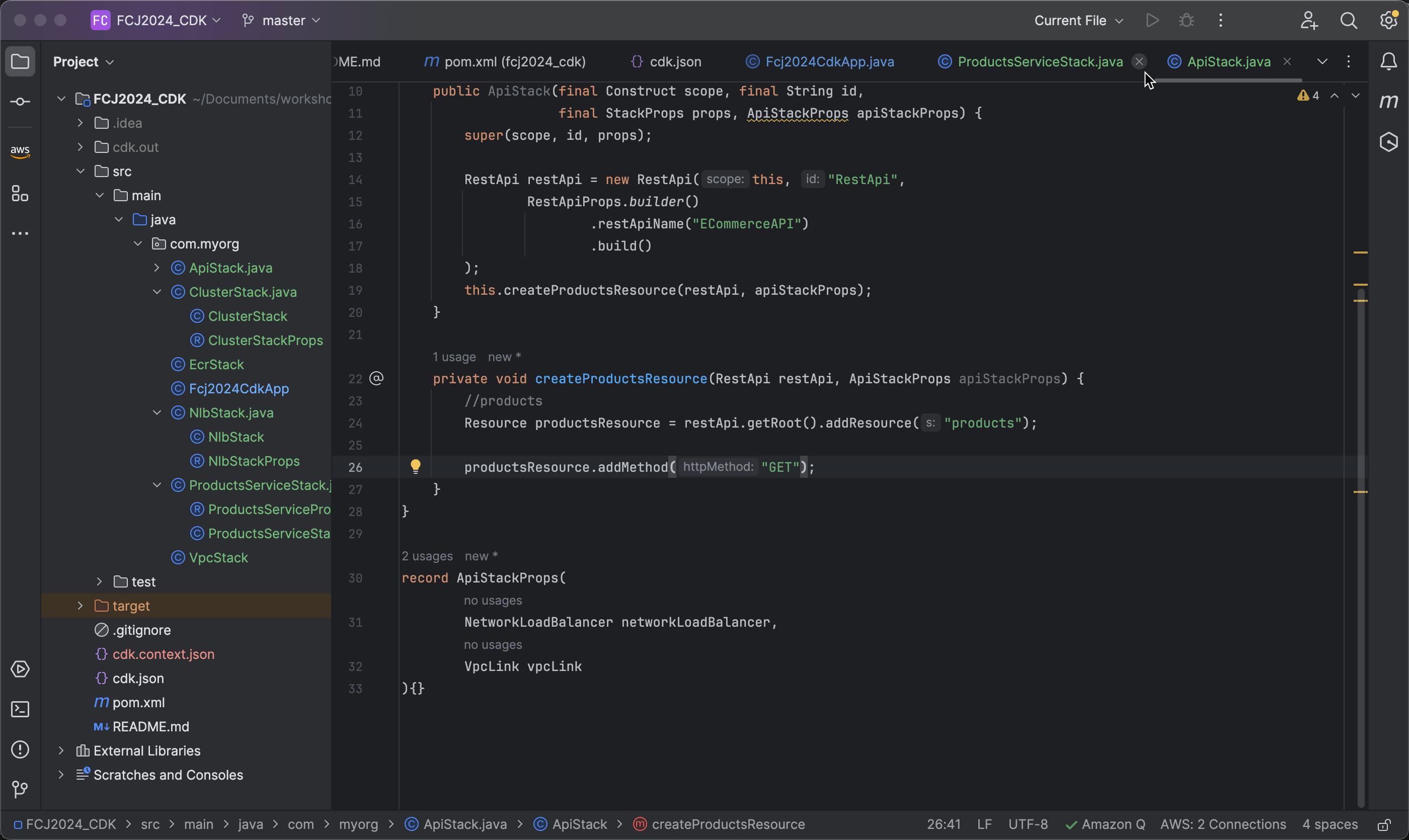
- Add a GET method to productsResource using the addMethod method.
productsResource.addMethod("GET");
- Next, we define an Integration to handle GET requests to the endpoint /products.
   productsResource.addMethod("GET", new Integration(
                   IntegrationProps.builder()
                           .build()));
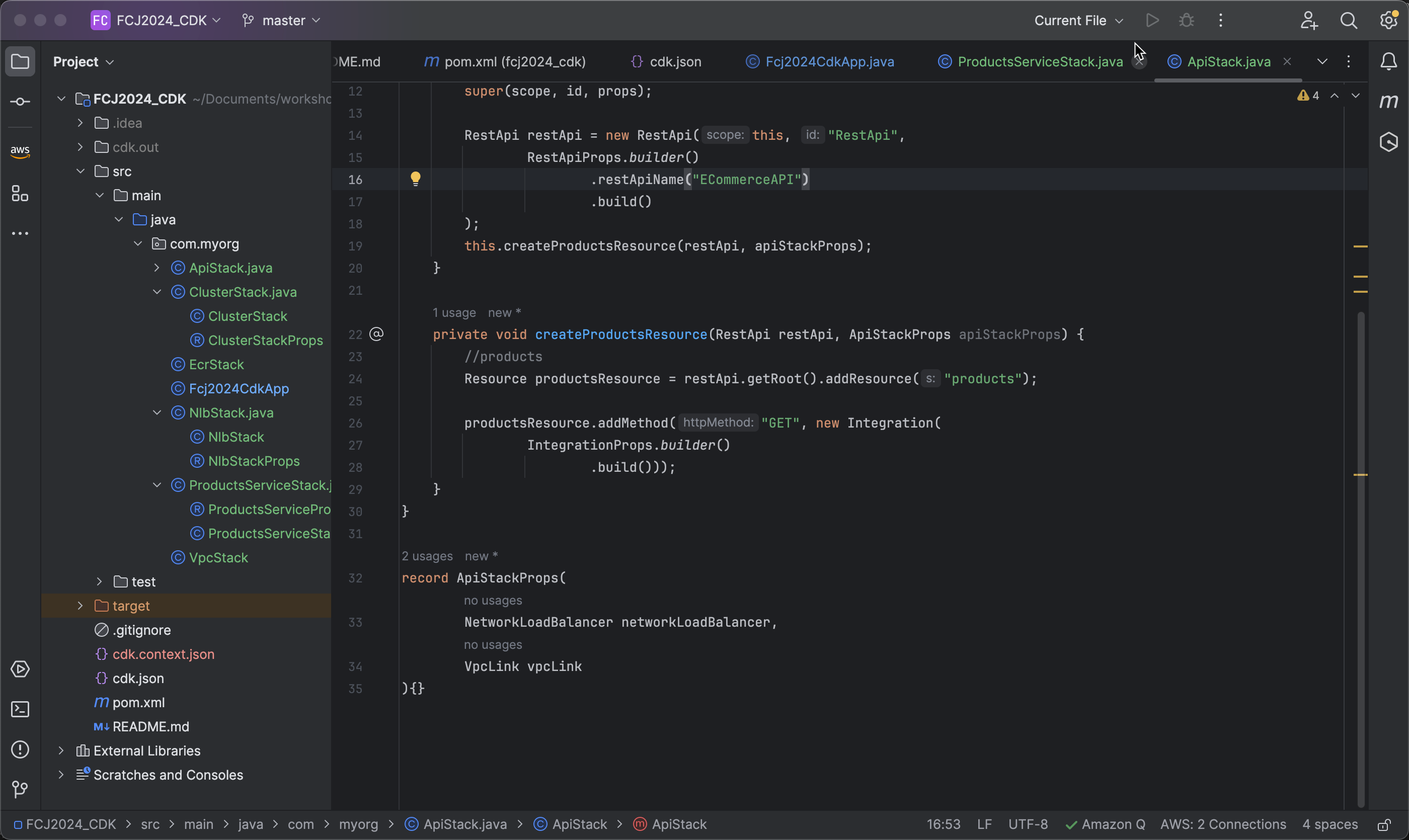
- Then, specify the Integration type as HTTP_PROXY, which means using an HTTP proxy to forward requests, and choose the Integration method type as GET.
   .type(IntegrationType.HTTP_PROXY)
   .integrationHttpMethod("GET")
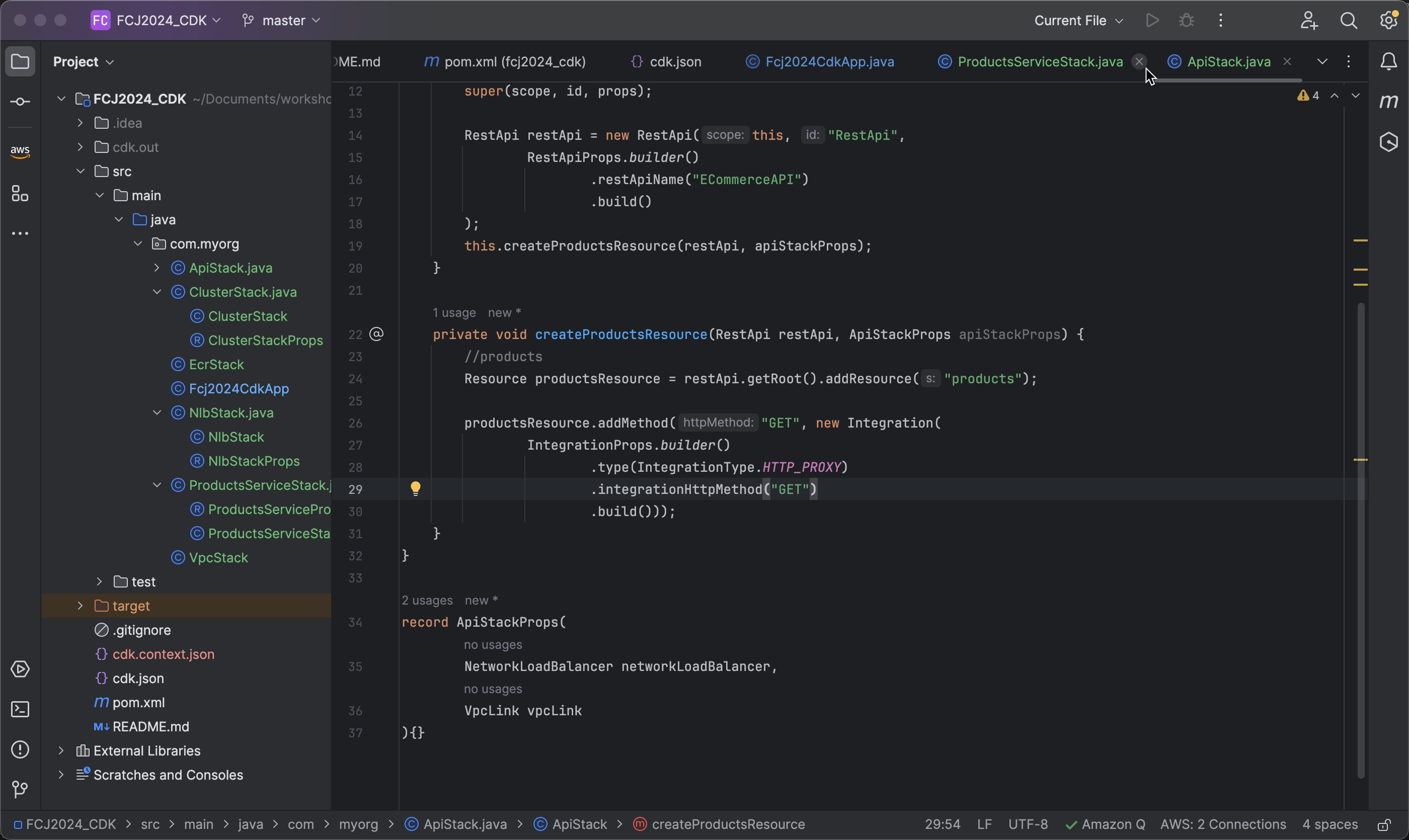
- Set the URI of the backend that the API Gateway will forward requests to. Here, the DNS name of the Network Load Balancer is used to construct the URL, along with port 8081 and the API path
/api/productsbeing called.
.uri("http://" + apiStackProps.networkLoadBalancer().getLoadBalancerDnsName() + ":8081/api/products")
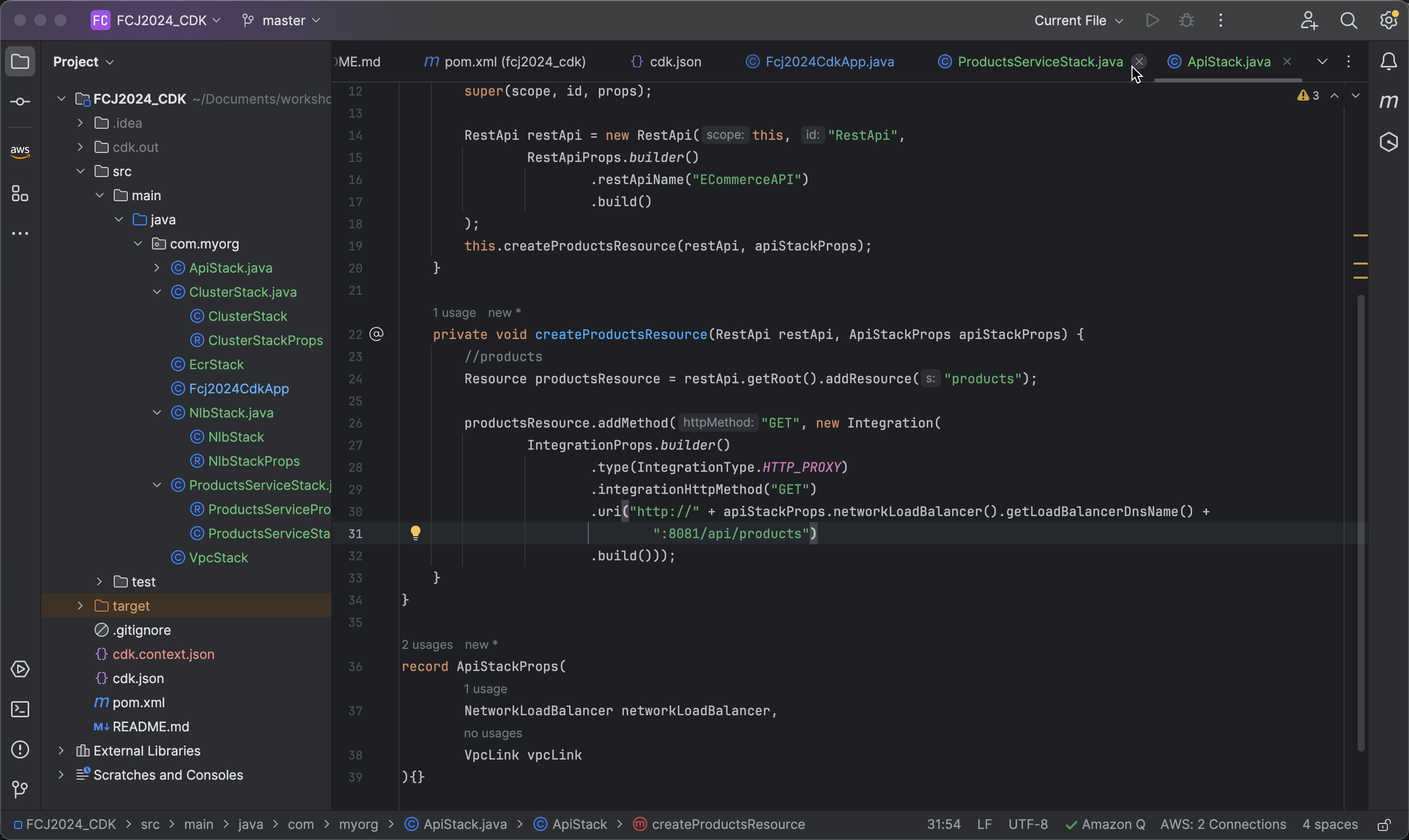
- Next, use options to further configure the IntegrationOptions.
   .options(IntegrationOptions.builder()
           .build())
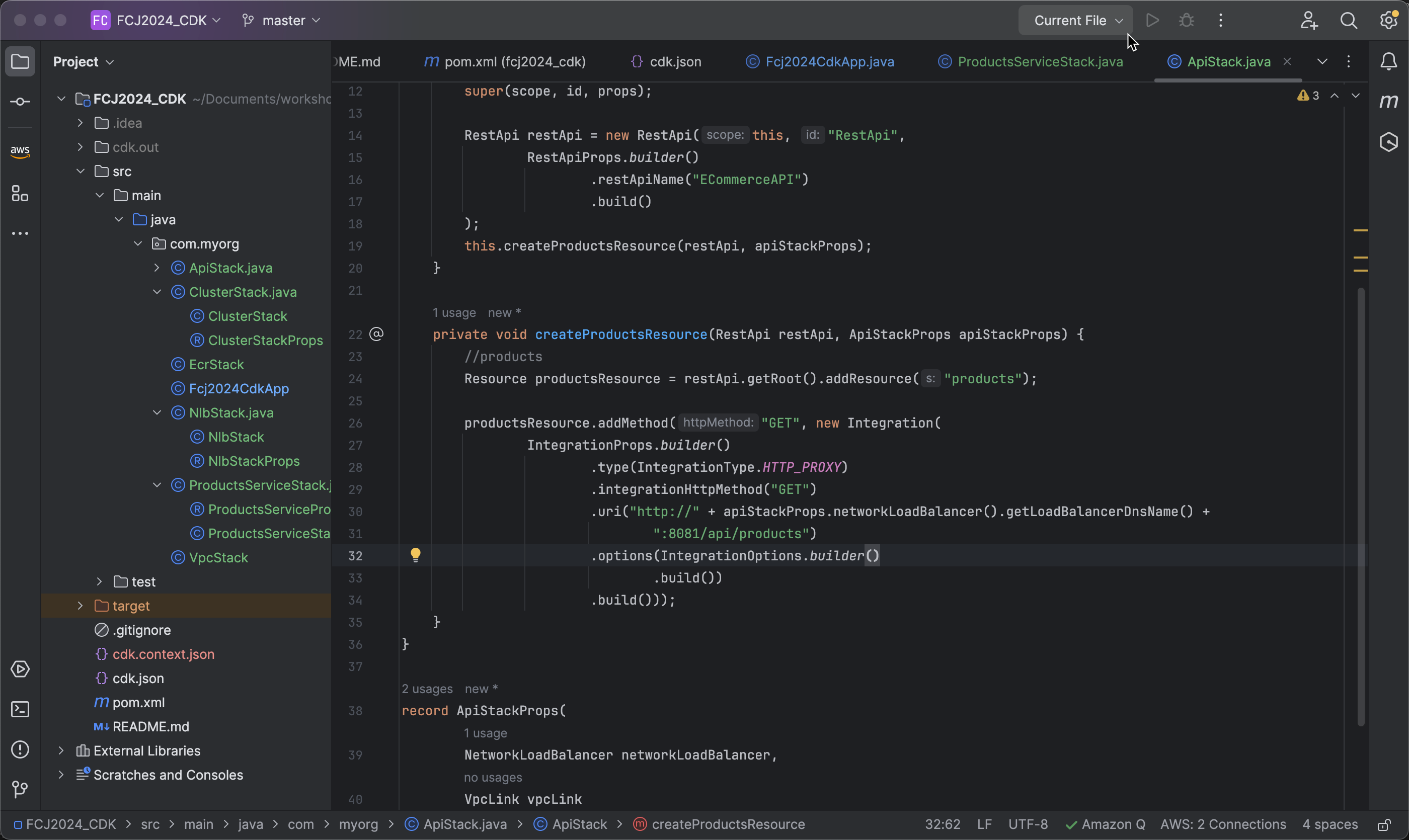
- Specify the VpcLink to identify which VPC connection will be used for the Integration method and define the connection type as VPC_LINK, meaning connecting through an AWS VPC.
.vpcLink(apiStackProps.vpcLink())
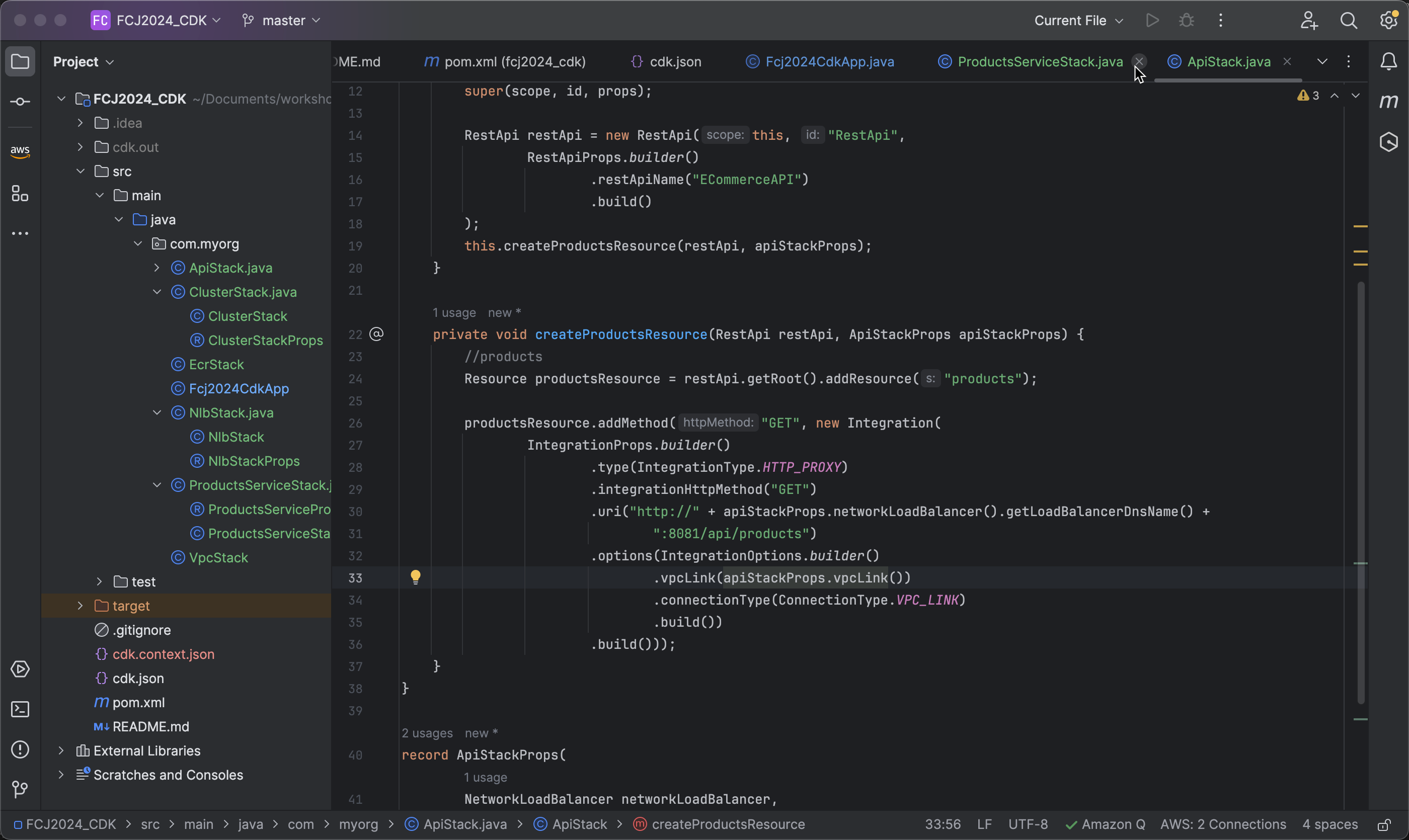
.connectionType(ConnectionType.VPC_LINK)