Deploy Spring Boot applications onto AWS ECS Fargate using AWS CDK. > Create AWS ECR Image Repository using AWS CDK > Push Docker image to ECR
Push Docker image to ECR
Push Docker image to ECR repository
-
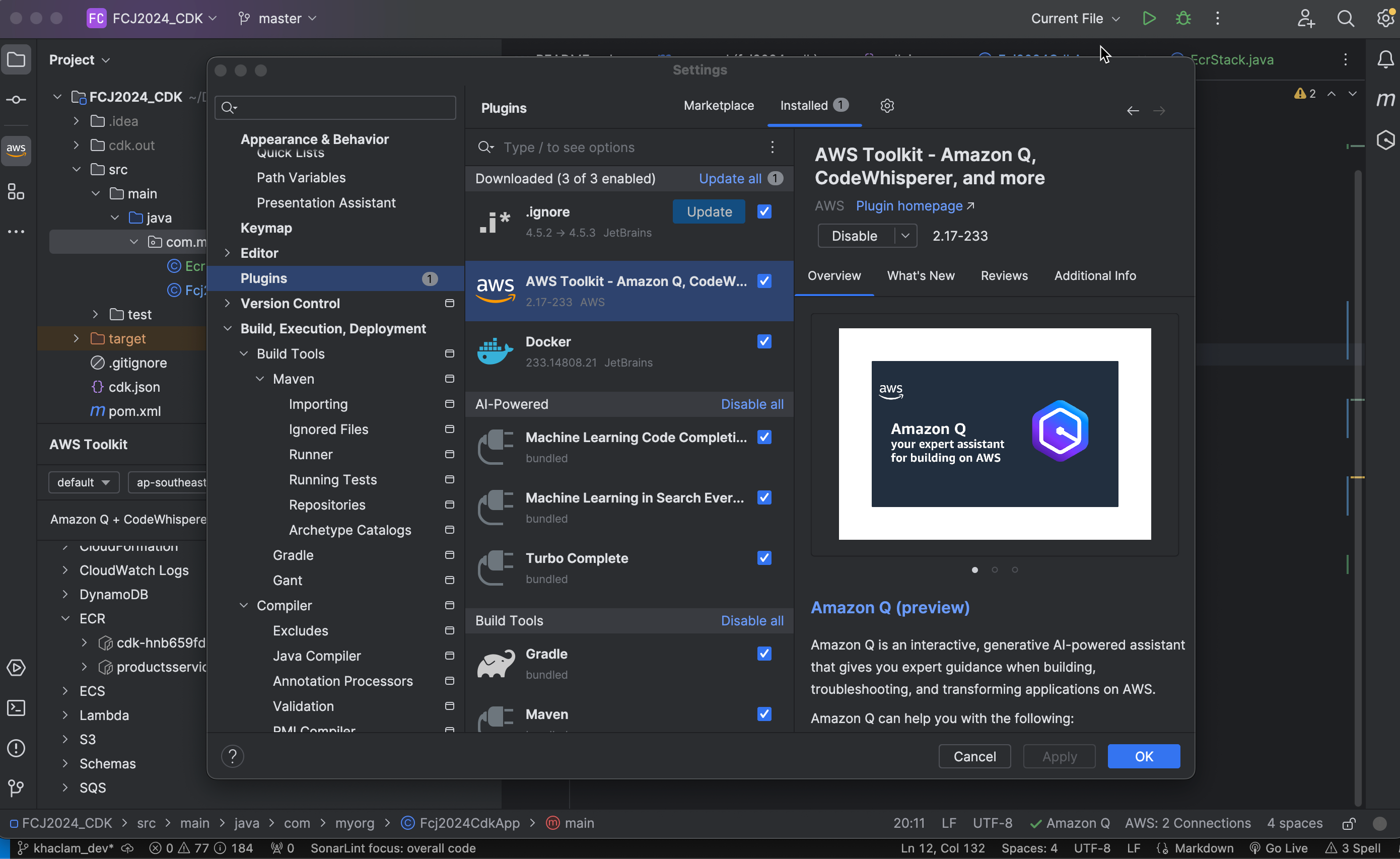
Ensure you have installed the AWS Toolkit. If not, go to IntelliJ IDEA Settings, select Plugins, and search for AWS Toolkit to install it.
-
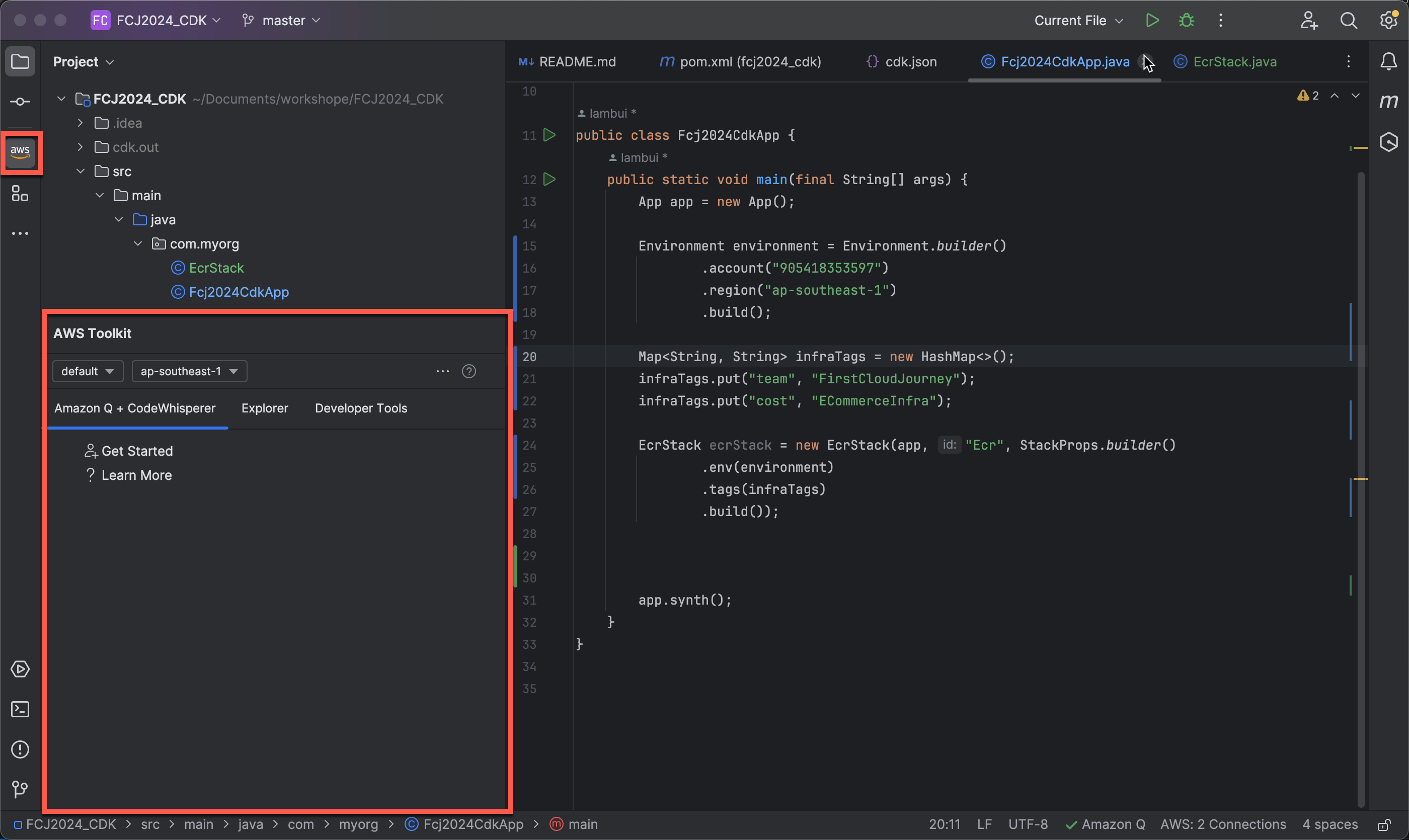
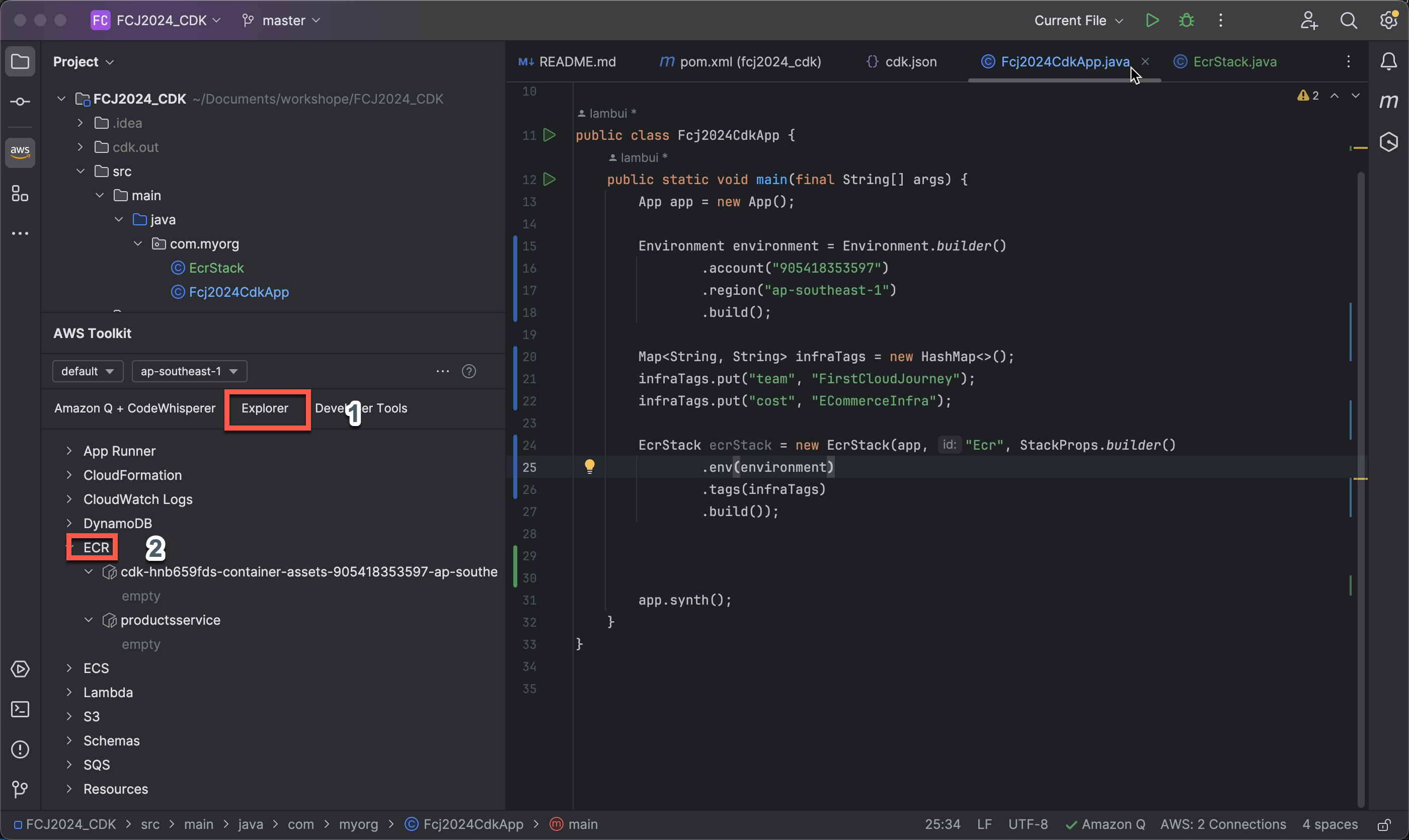
Click on the AWS Toolkit icon on the right side of IntelliJ IDEA.
-
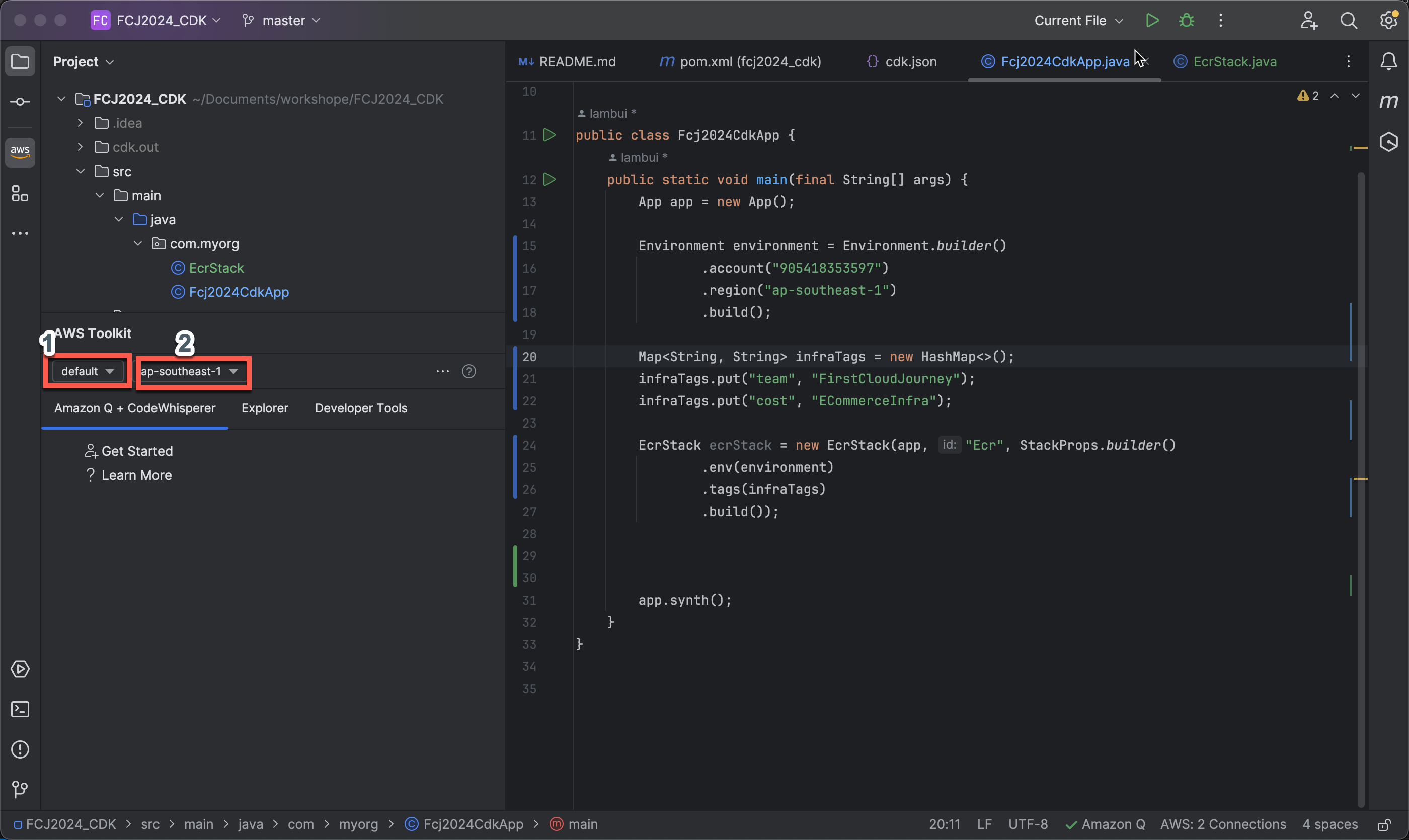
Select profile and region:
- For Profile, choose default.
- For Region, choose ap-southeast-1.
-
Open the Explorer to view all AWS Toolkit-supported services, then select ECR.
-
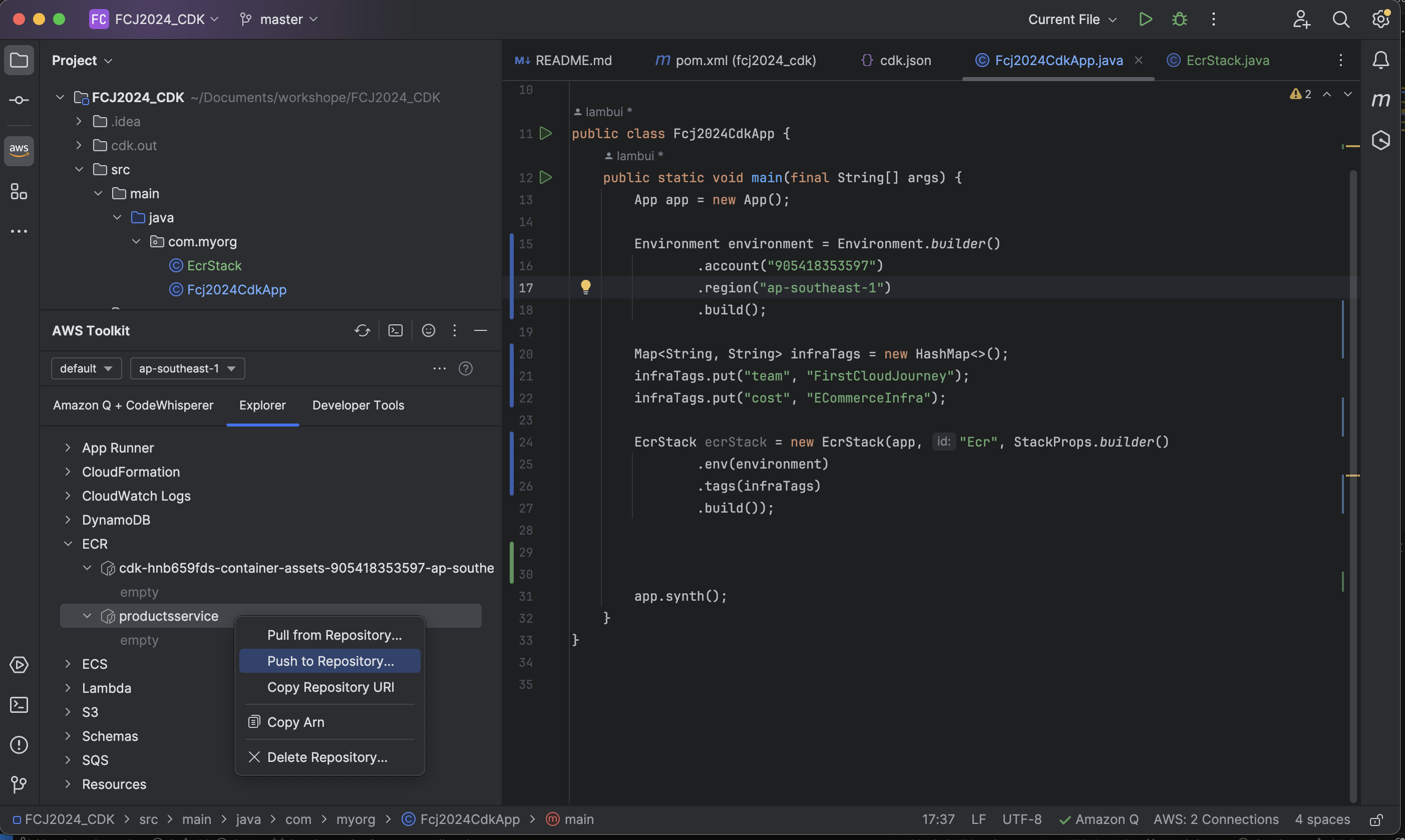
Right-click on the productsservice repository and choose Push to Repository… to push the Docker image.
-
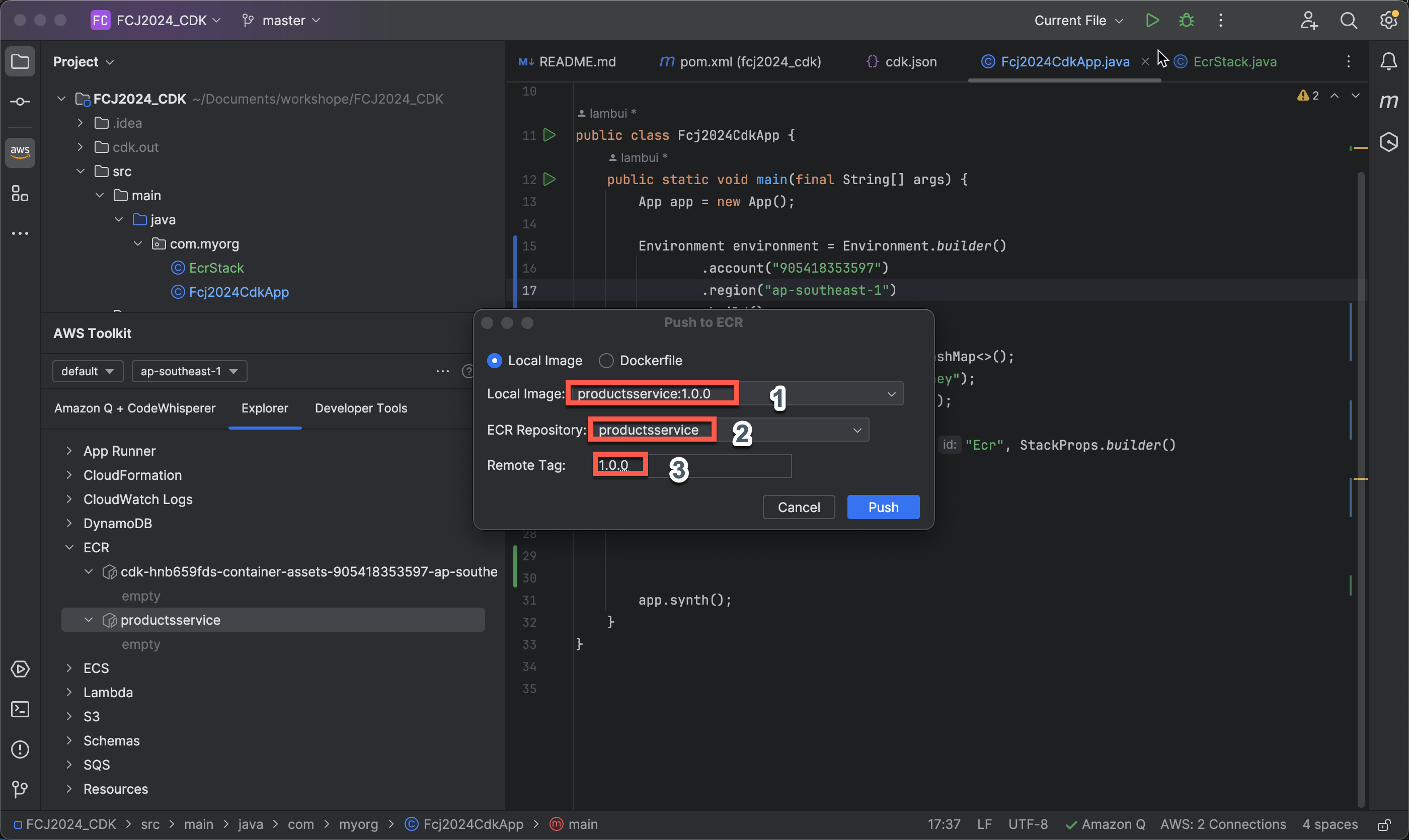
In the Push to ECR popup:
- For Local Image, select productsservice:1.0.0.
- For ECR Repository, choose productsservice.
- For Remote Tag, enter
1.0.0. - Finally, click Push.
Check the image on ECR
-
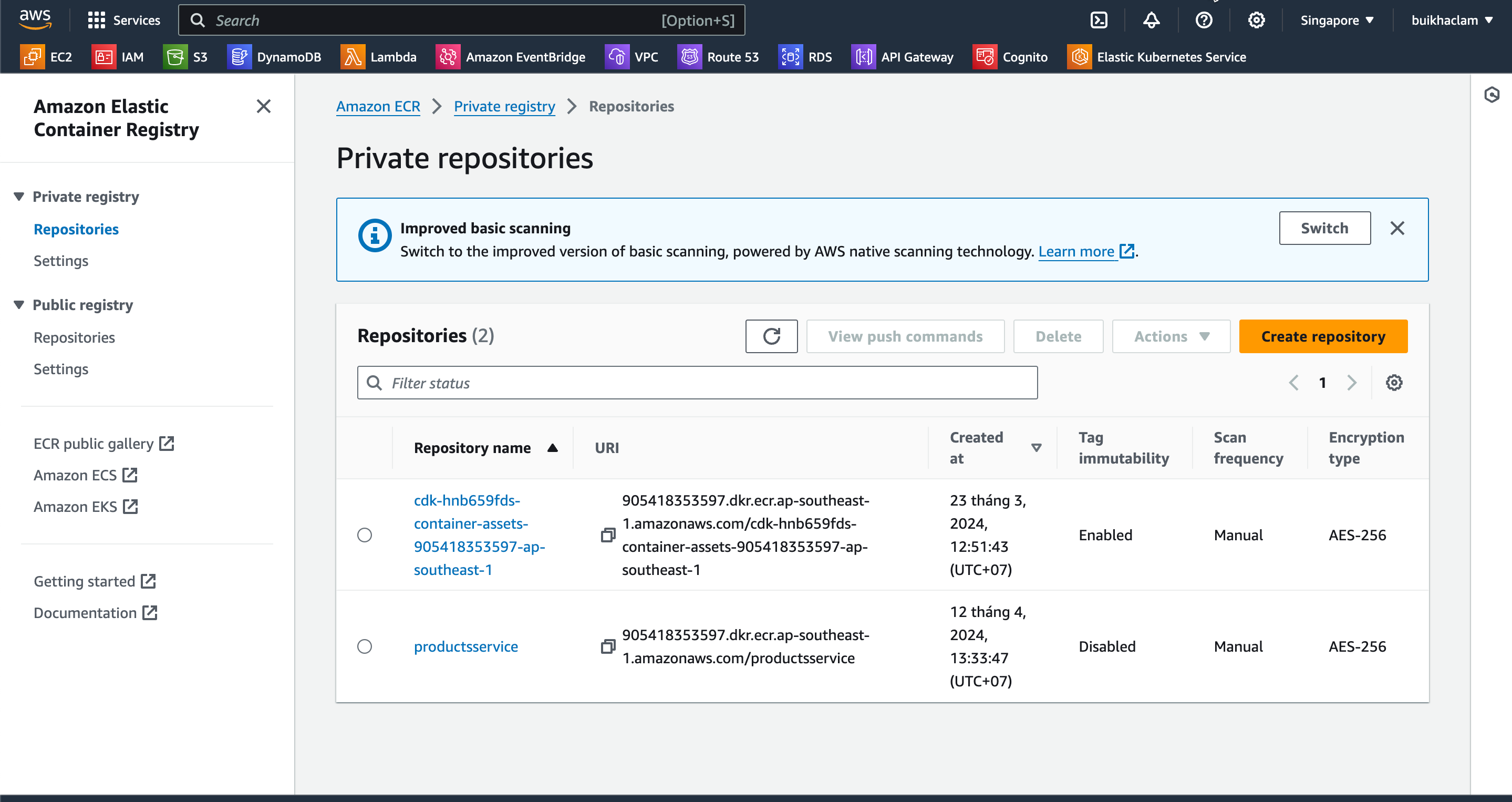
In the AWS Management Console, navigate to ECR.
-
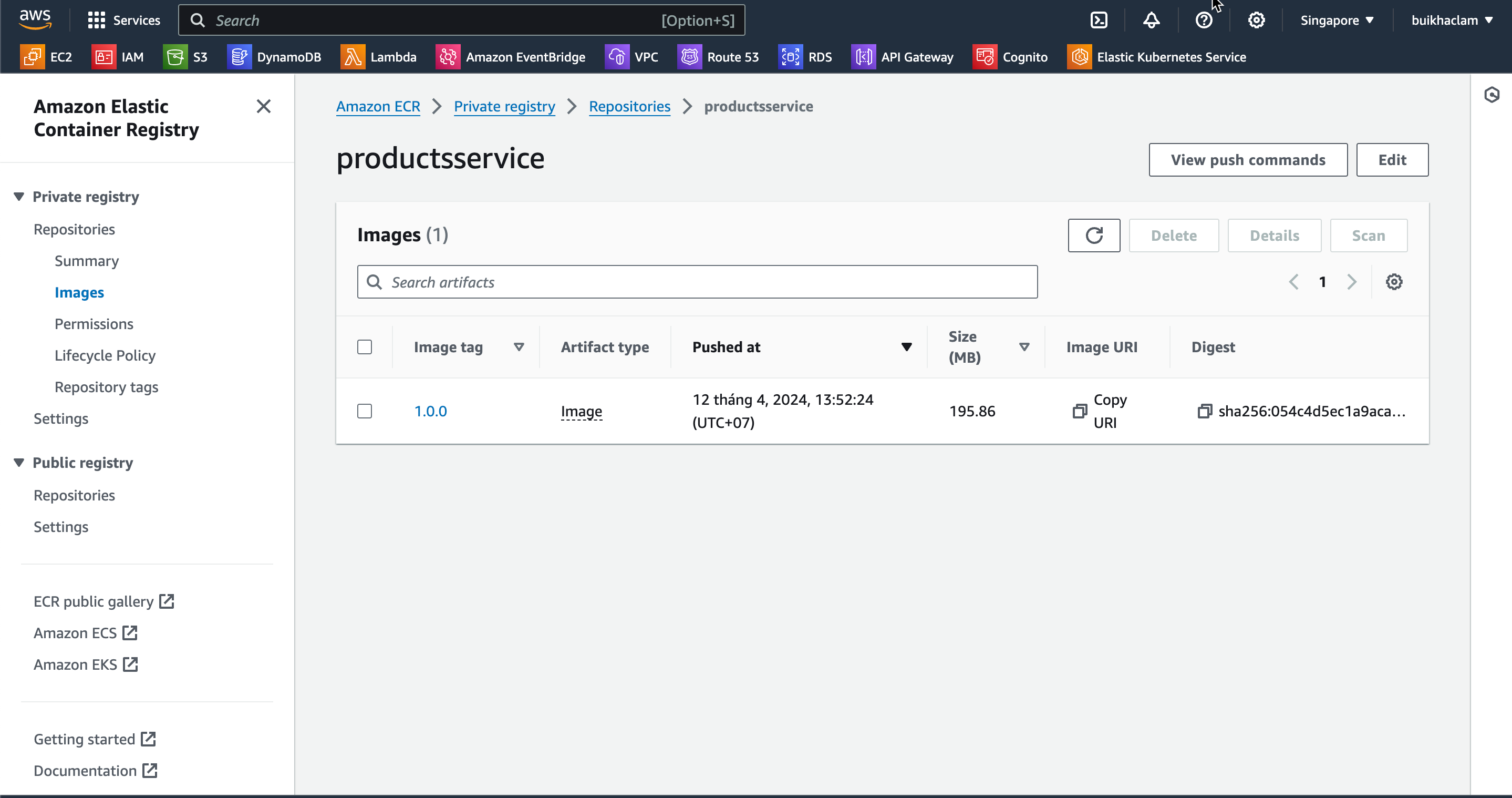
Select the productsservice repository to view the Docker image version 1.0.0 that has been pushed.