Deploy Spring Boot applications onto AWS ECS Fargate using AWS CDK. > Create ECS Service with CDK > Create AWS Fargate Service
Create AWS Fargate Service
Create AWS Fargate Service
- Initialize a
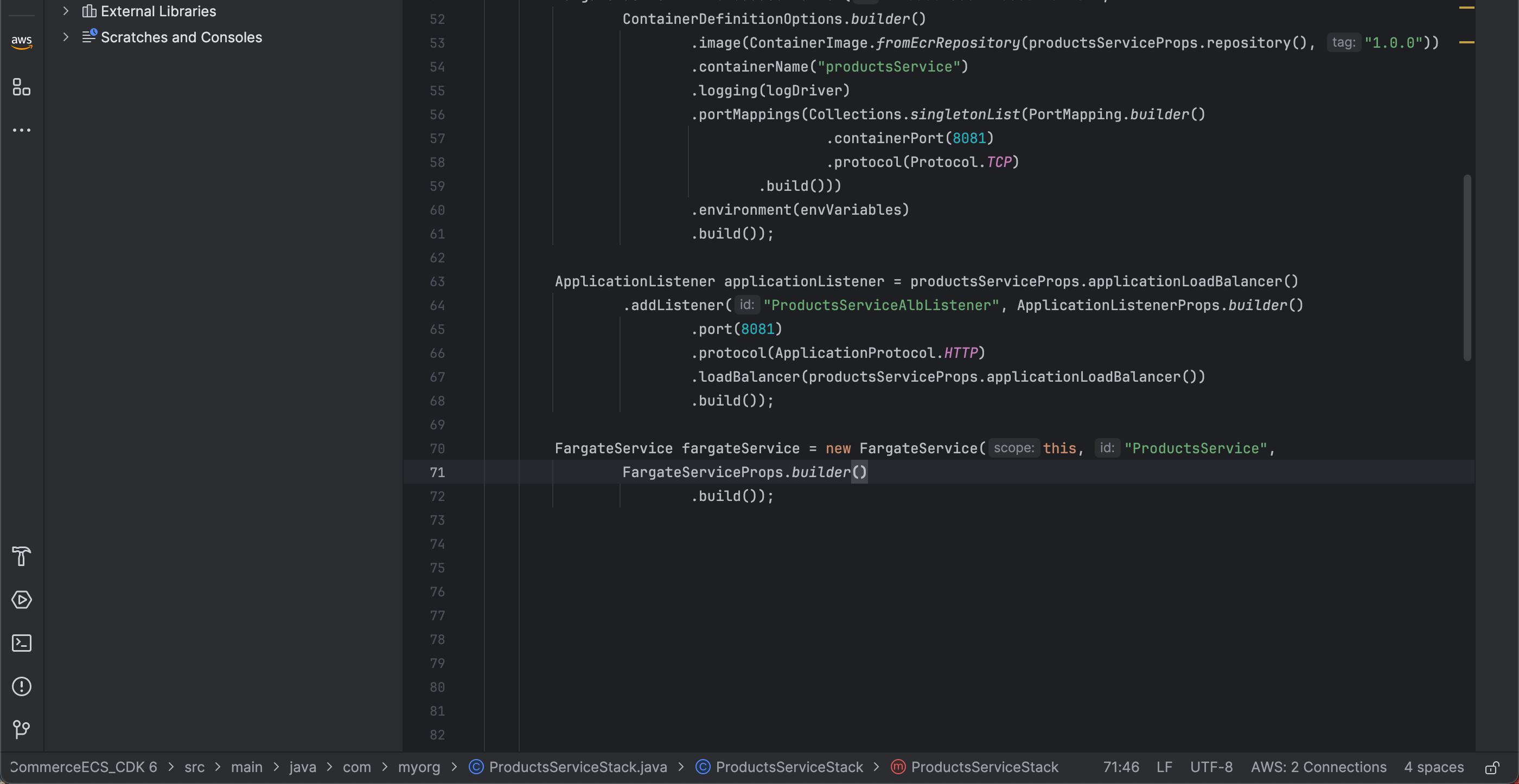
FargateServicewithin theProductsServiceStackconstructor with the ID ProductsService:
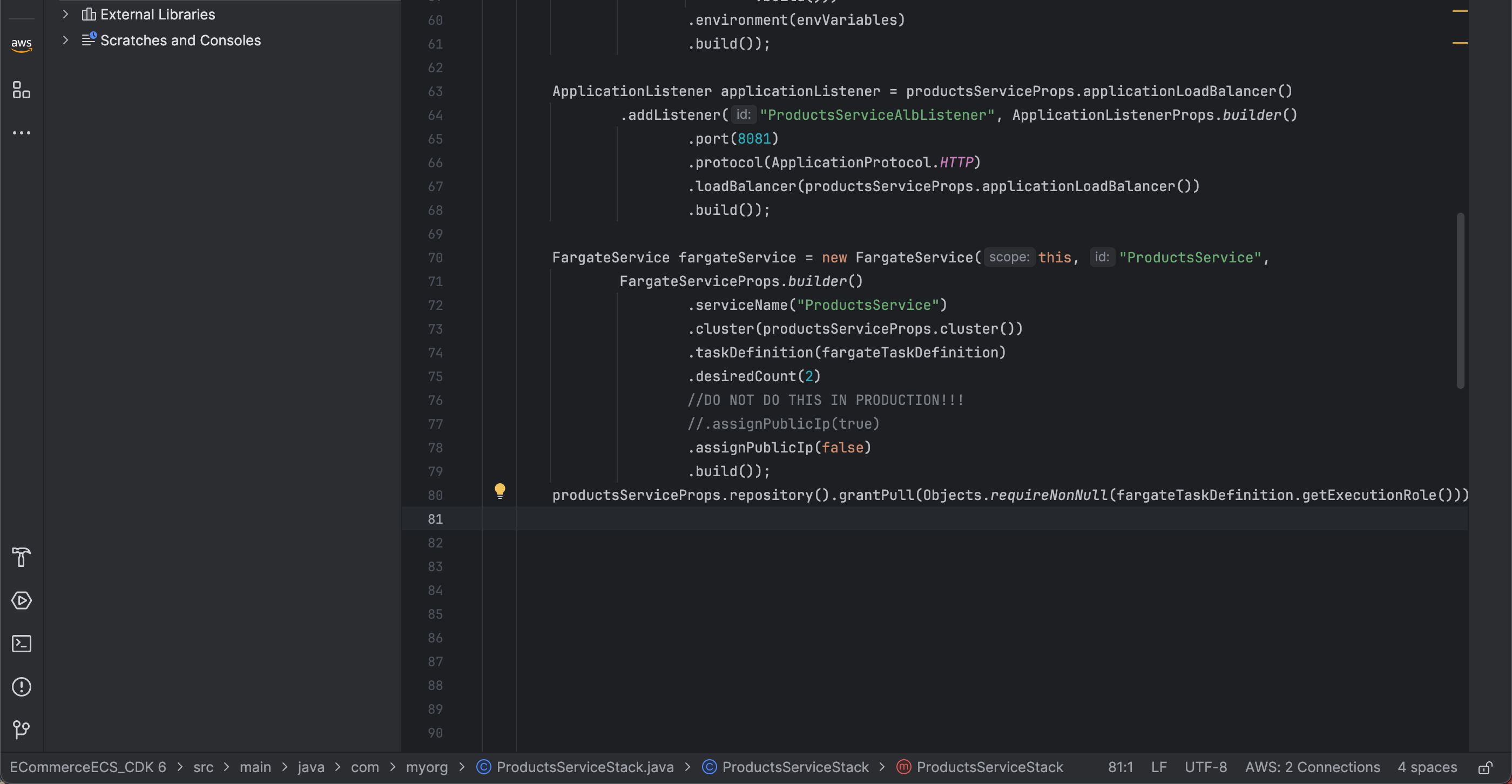
   FargateService fargateService = new FargateService(this, "ProductsService",
       FargateServiceProps.builder()
           .build());
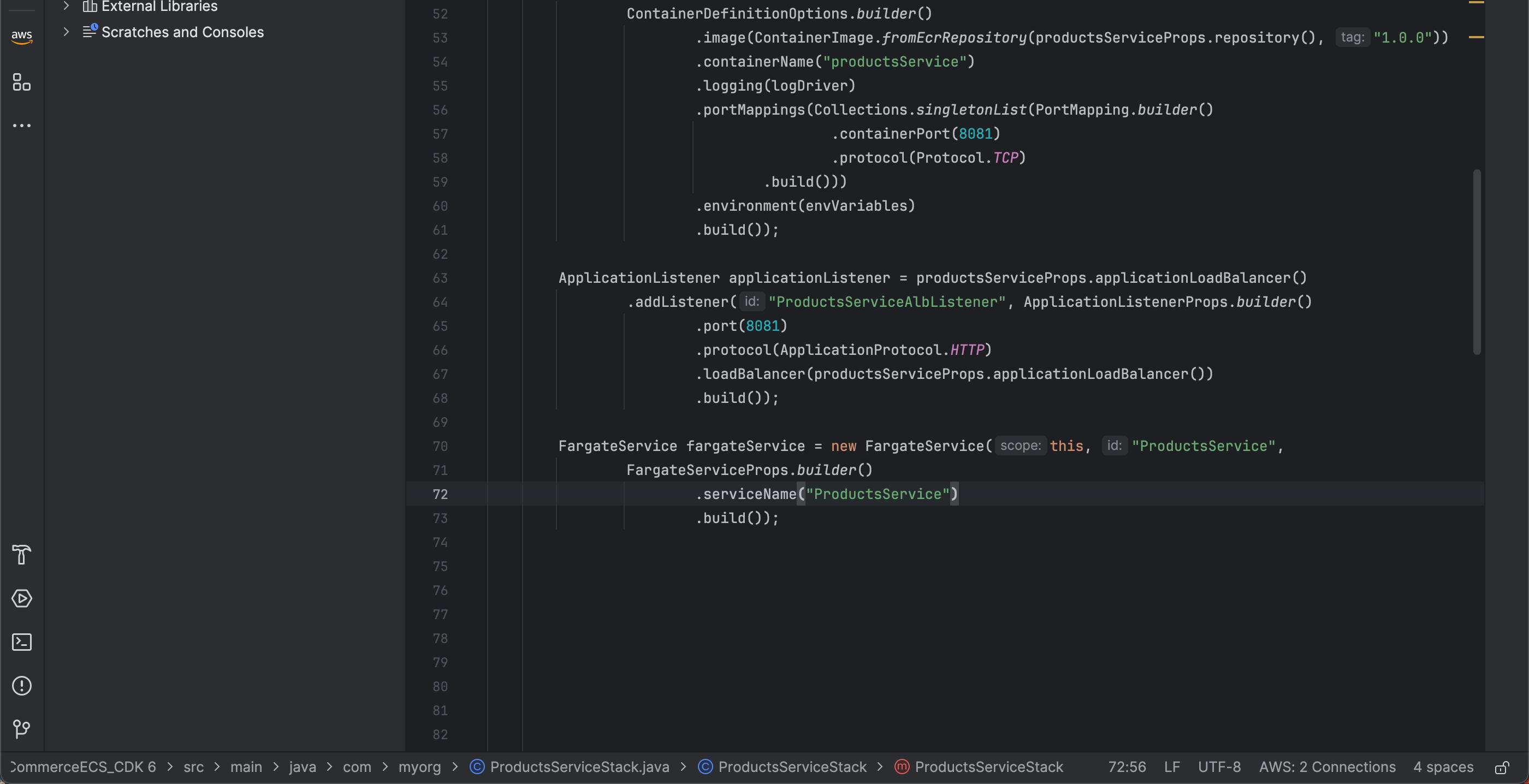
- Set the service name to ProductsService:
.serviceName("ProductsService")
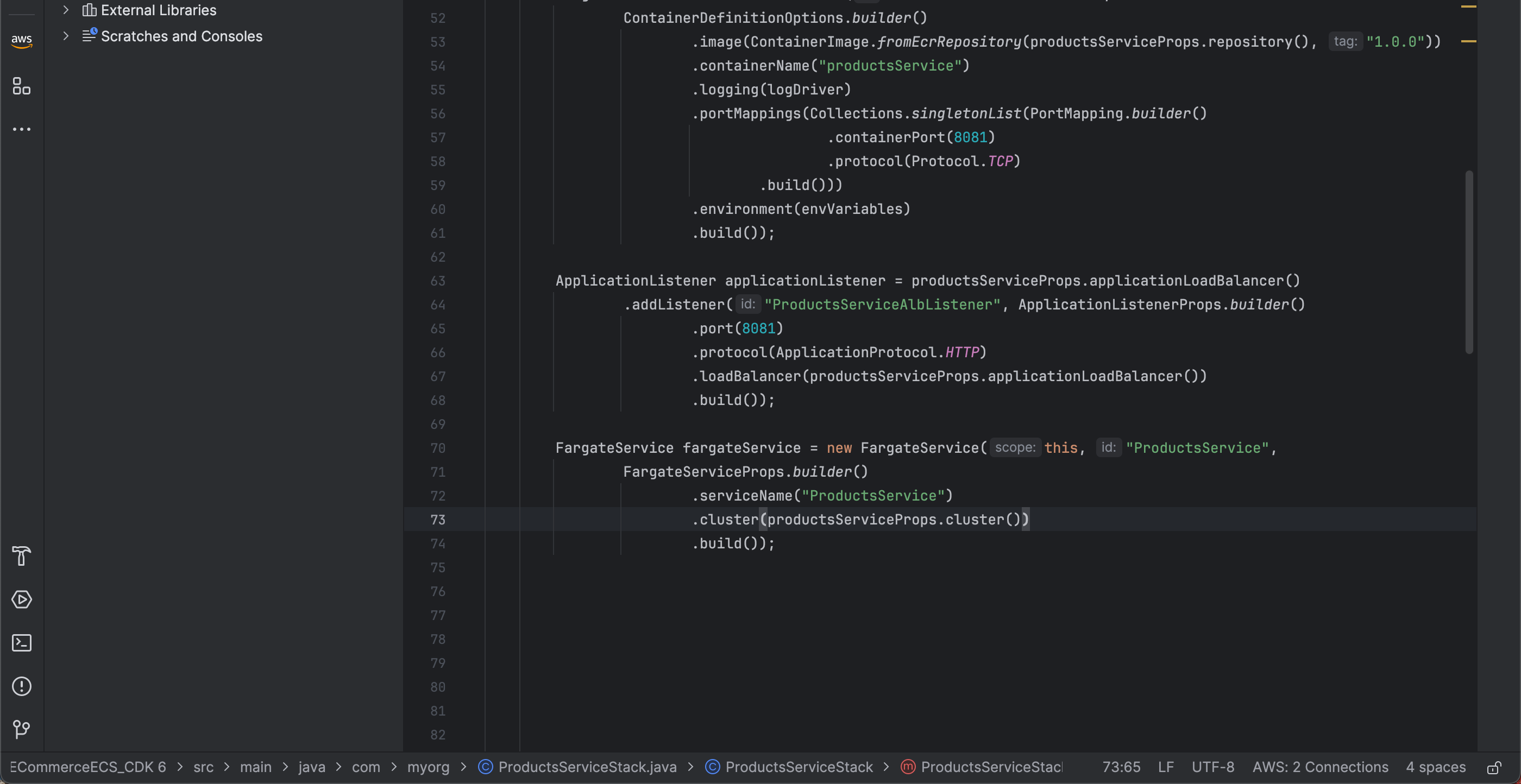
- Next, specify the cluster that was created earlier to create the Fargate service:
.cluster(productsServiceProps.cluster())
- In addition to the cluster, we need to specify the task definition to use for creating the Fargate service. We will use the
fargateTaskDefinitionthat was created earlier:
.taskDefinition(fargateTaskDefinition)
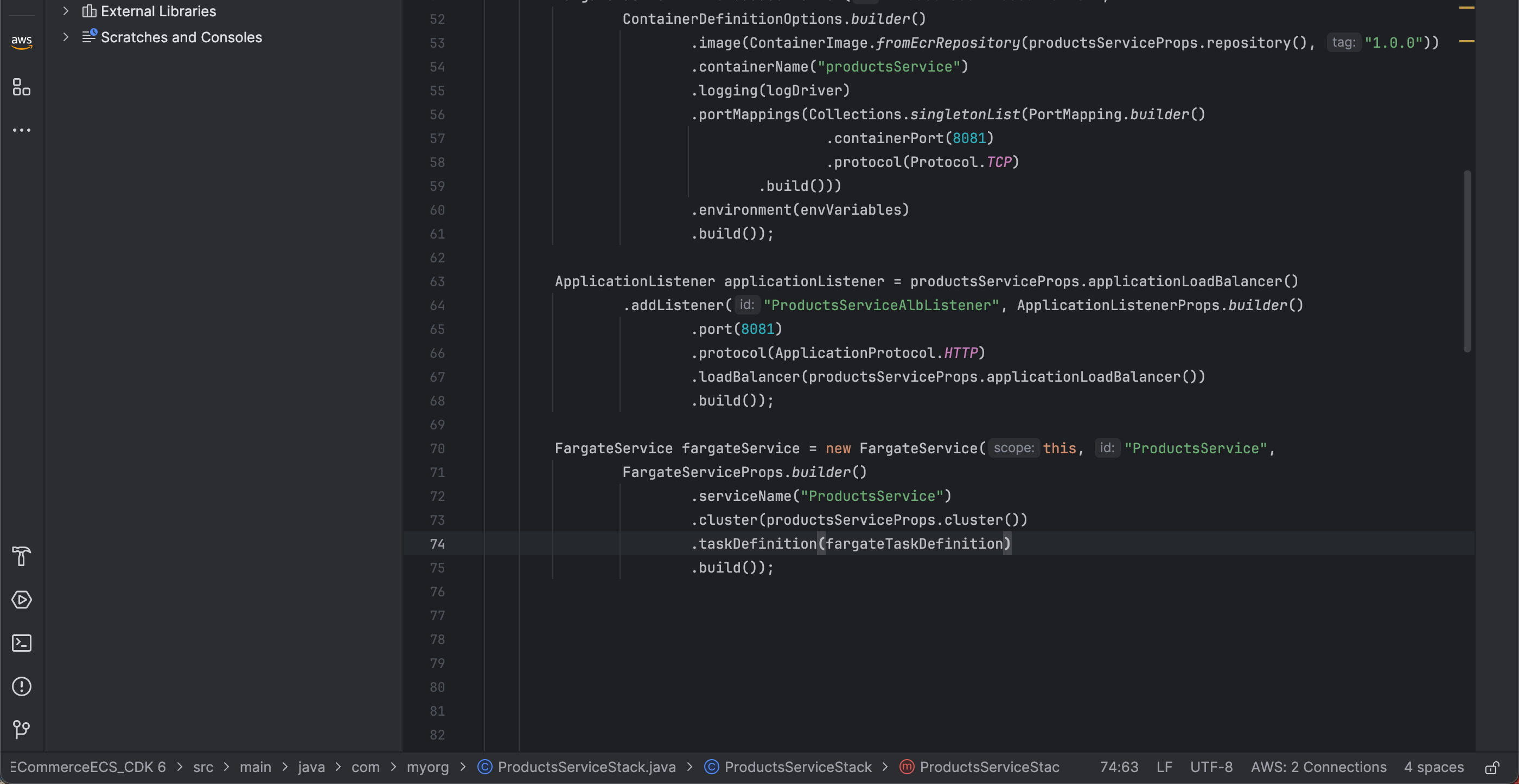
- Next, specify the desired number of instances to use. In this workshop, we will use 2 instances:
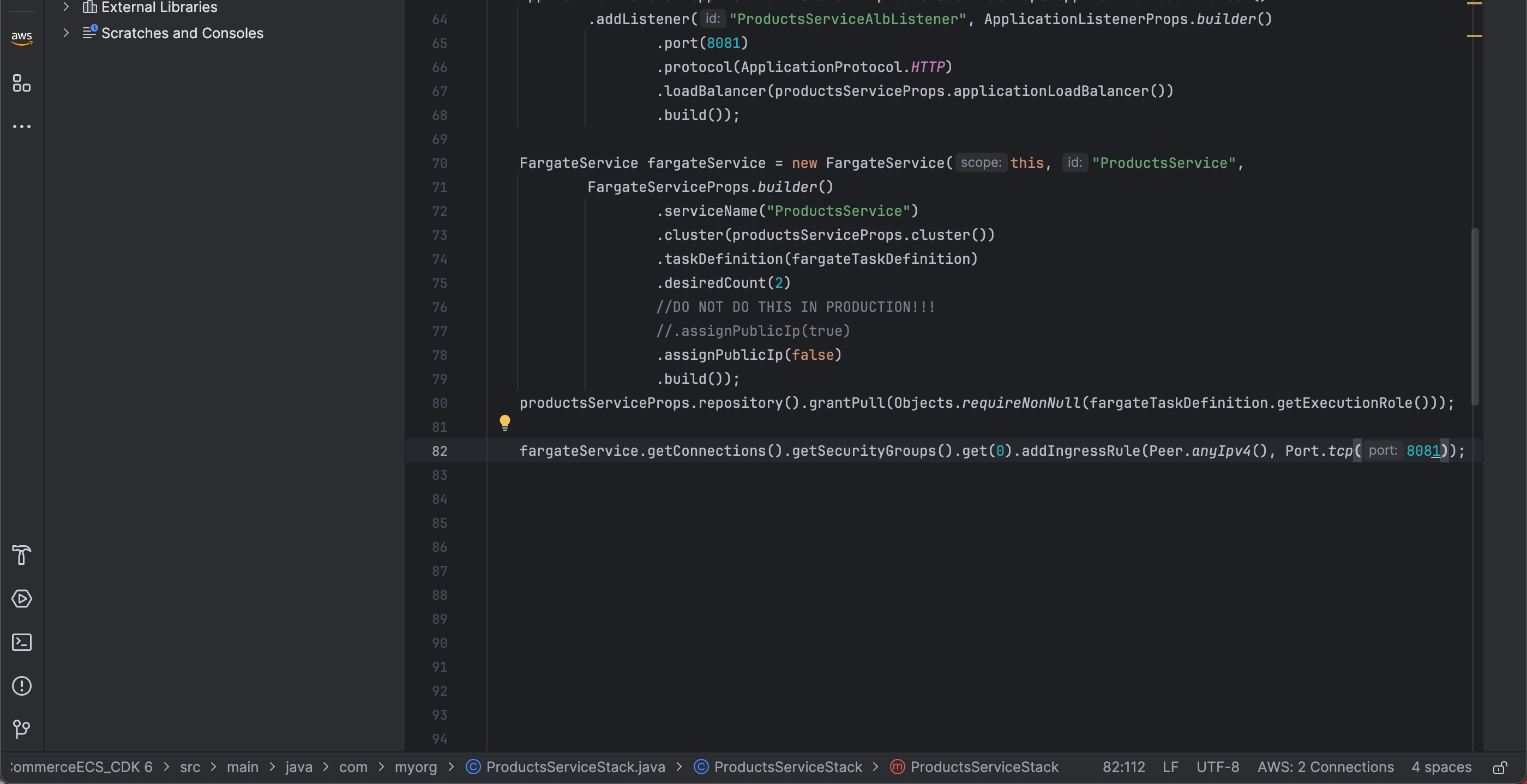
.desiredCount(2)
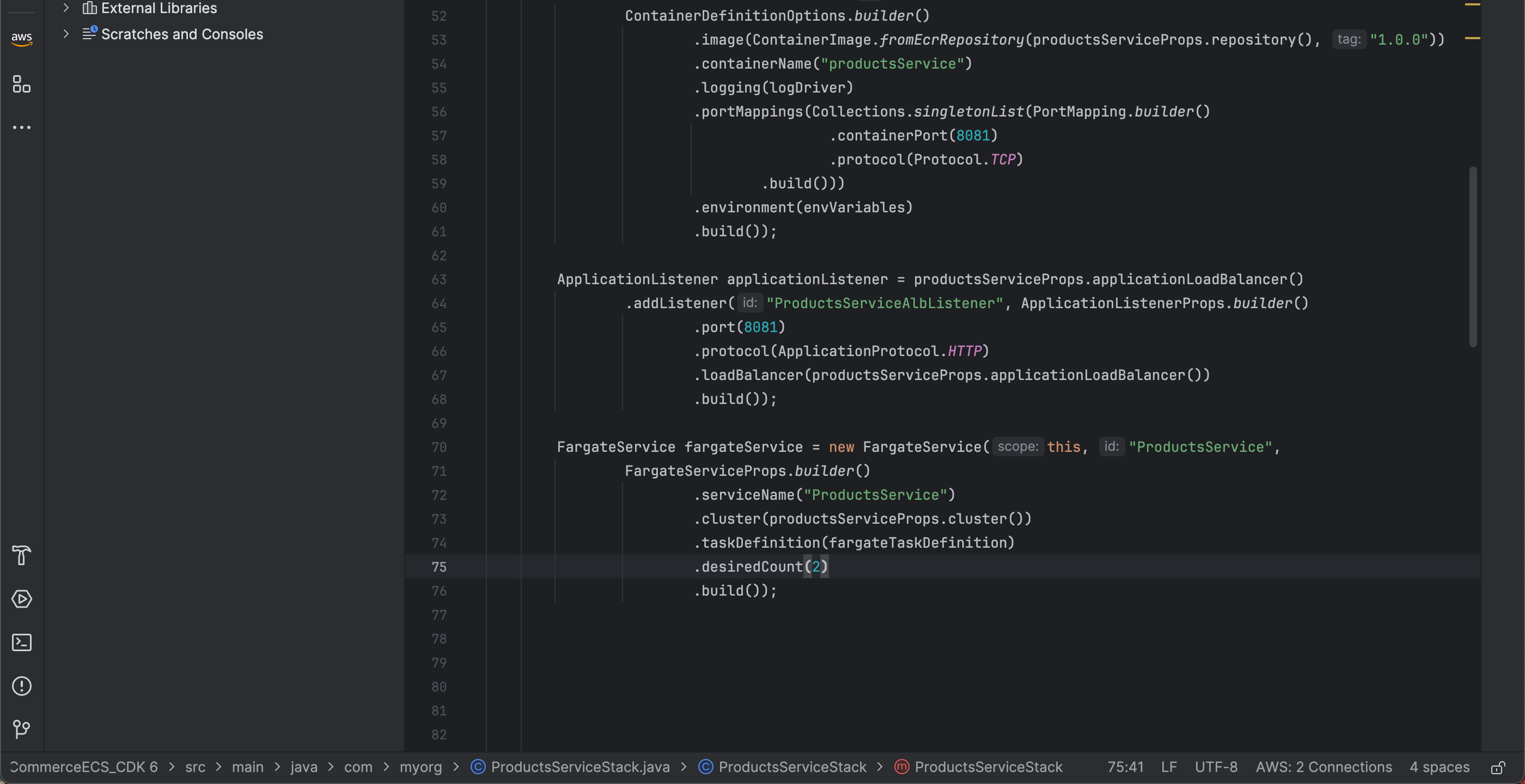
- Next, to keep the Fargate tasks in a private subnet and allow outbound connectivity through a NAT Gateway without assigning a public IP:
.assignPublicIp(false)
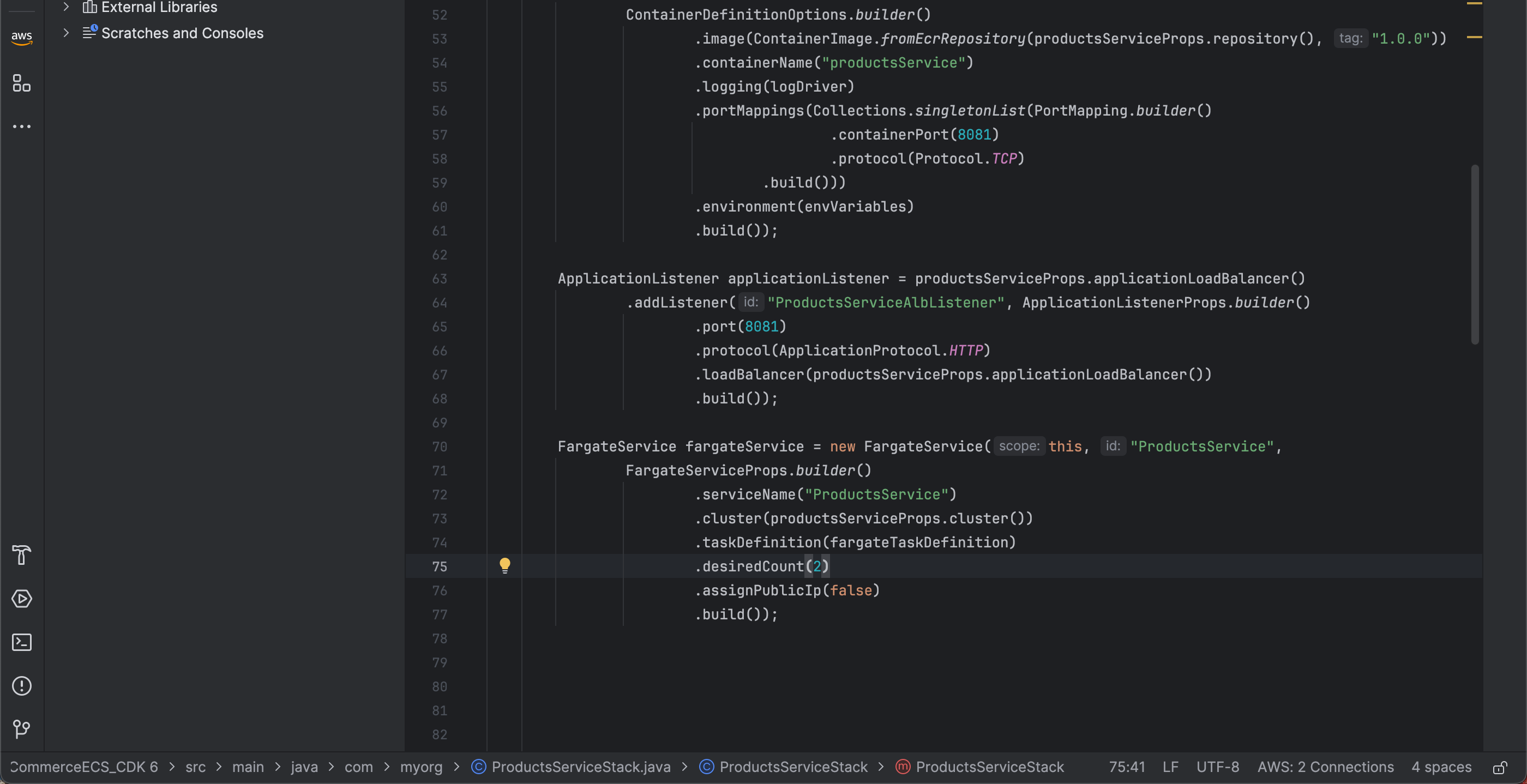
- Additionally, if you did not create a NAT Gateway in the VPC creation phase, you can enable public IP assignment for the Fargate service:
.assignPublicIp(true)
Đừng làm trong môi trường production
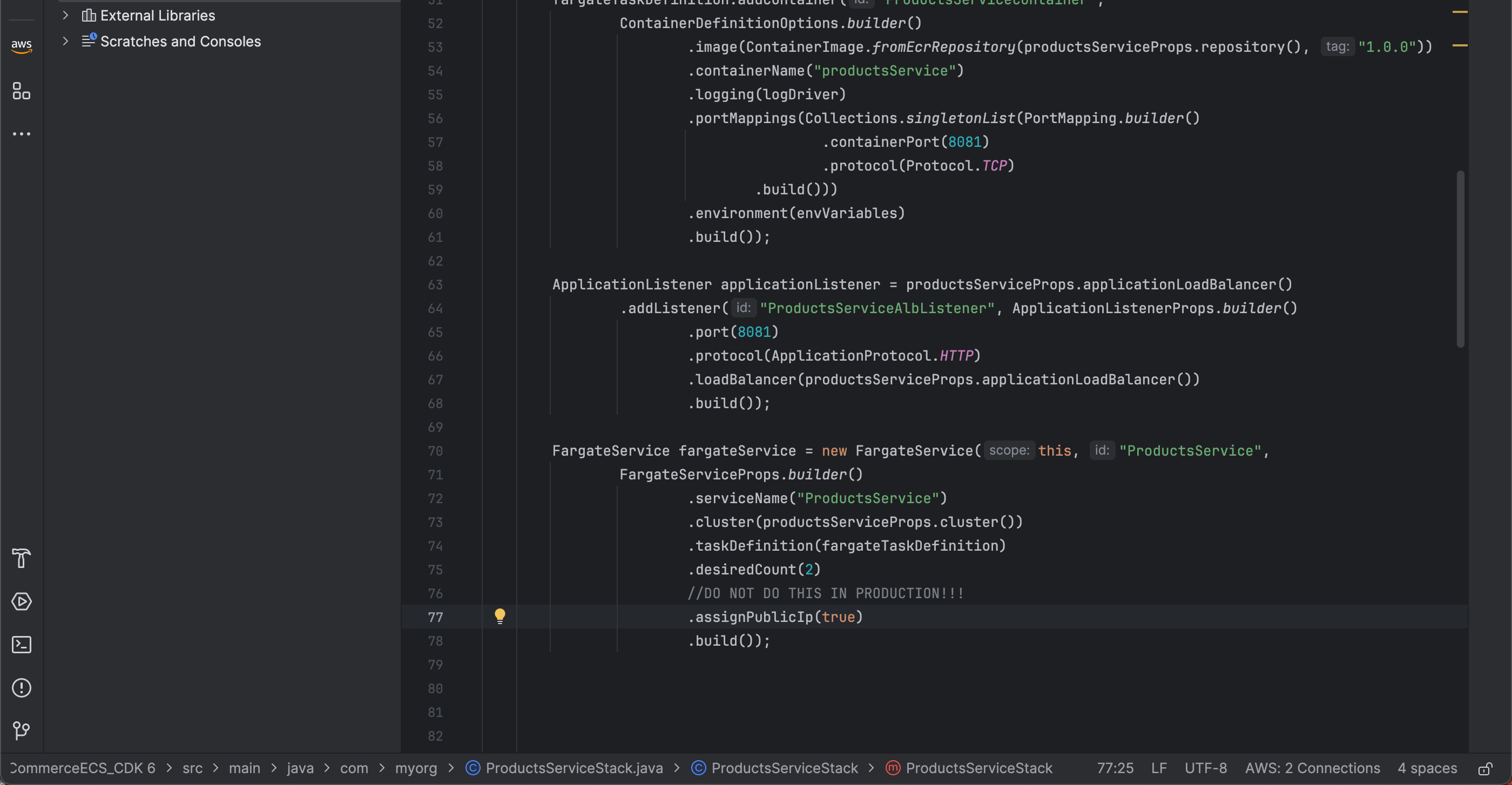
- ECS service của chúng ta cần permission để pull image từ ECR repository. Vì vậy chúng ta cần phải cấp quyền như sau
productsServiceProps.repository().grantPull(Objects.requireNonNull(fargateTaskDefinition.getExecutionRole()));
- Finally, another important aspect is defining that our service accepts requests on HTTP port 8081:
fargateService.getConnections().getSecurityGroups().get(0).addIngressRule(Peer.anyIpv4(), Port.tcp(8081));