Configure DynamoDB
Add AWS SDK Dependencies to ProductsService Project
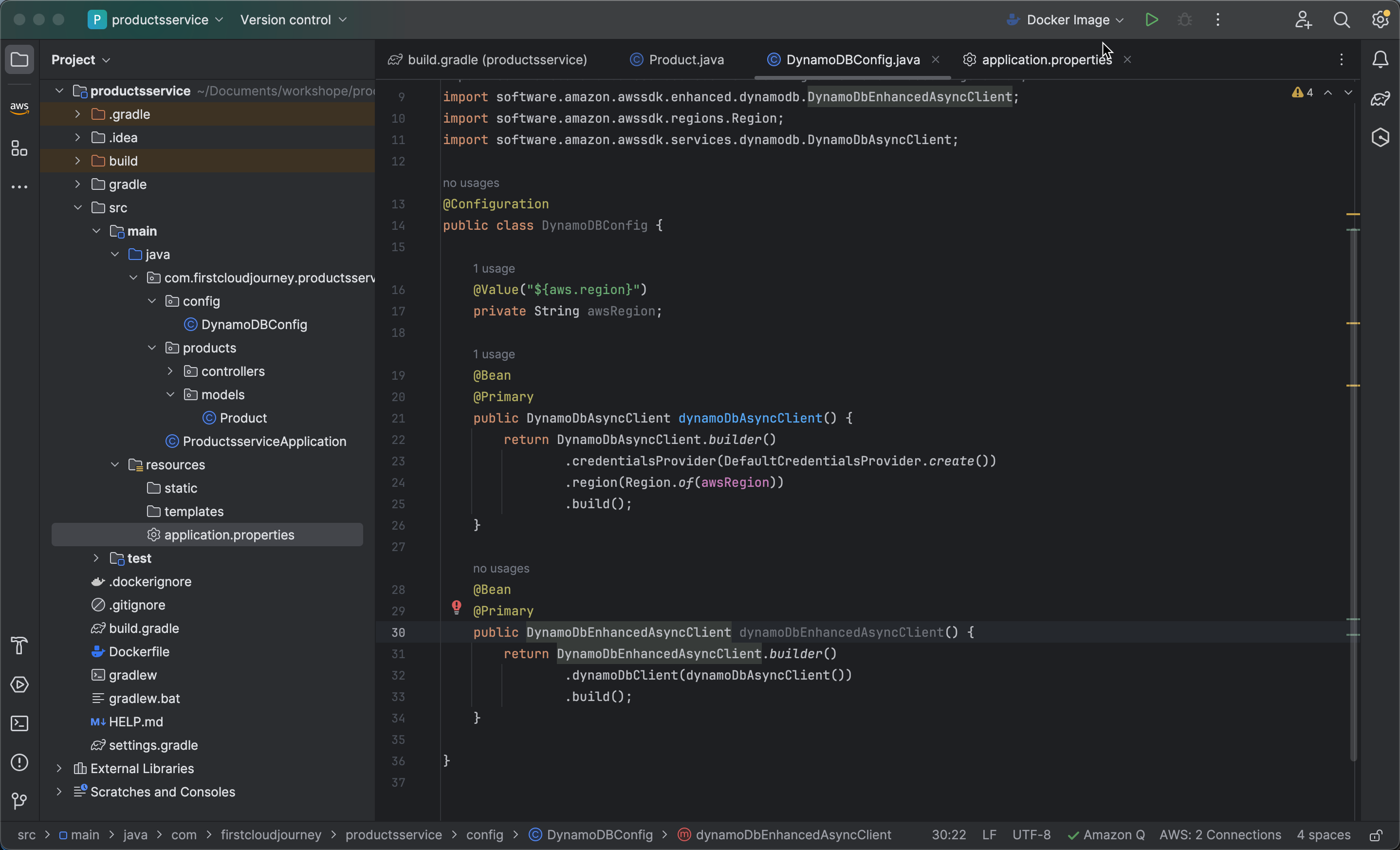
- Open the
build.gradlefile and add AWS SDK dependencies as follows:
implementation(platform("software.amazon.awssdk:bom:2.21.15"))
implementation("software.amazon.awssdk:dynamodb")
implementation("software.amazon.awssdk:dynamodb-enhanced")
Create a Products Model to Represent it in the New DynamoDB Table
-
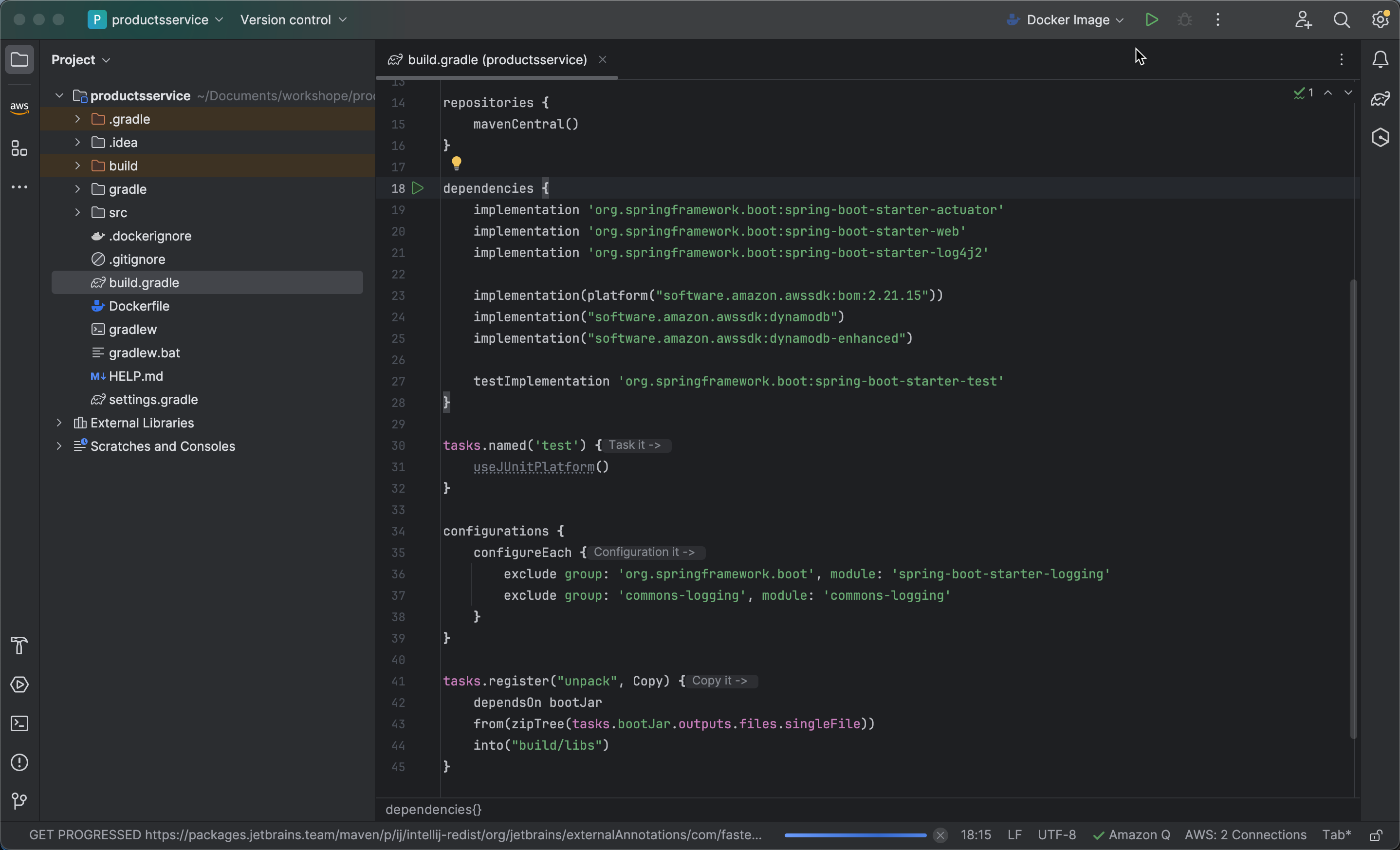
Inside the
productsdirectory, create a new directory namedModelsand then create a new Java file namedProduct.java.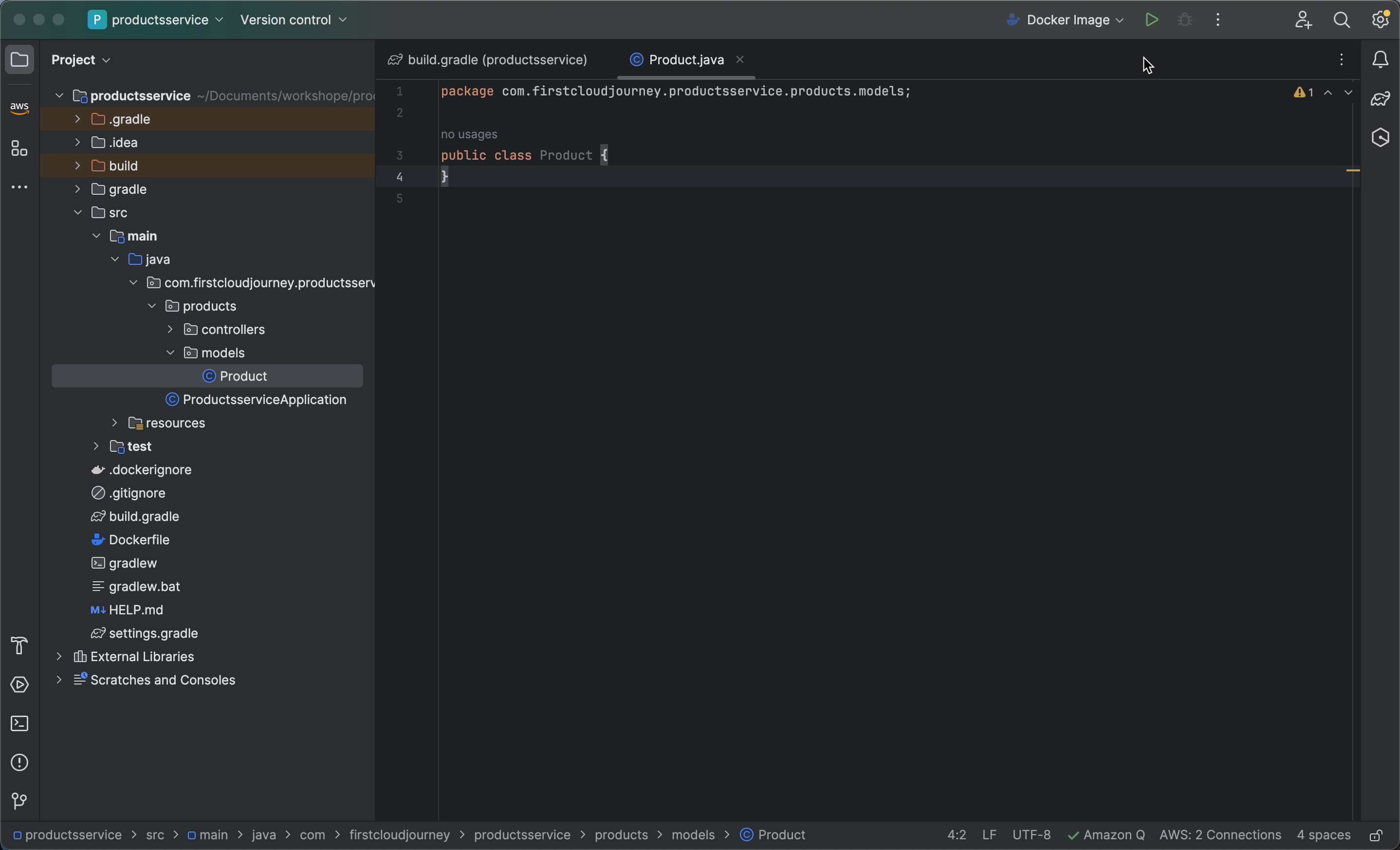
-
Define the model using the following code snippet:
@DynamoDbBean
public class Product {
    private String id;
    private String productName;
    private String code;
    private float price;
    private String model;
    private String productUrl;

    @DynamoDbPartitionKey
    public String getId() {
        return id;
    }

    public void setId(String id) {
        this.id = id;
    }

    public String getProductName() {
        return productName;
    }

    public void setProductName(String productName) {
        this.productName = productName;
    }

    public String getCode() {
        return code;
    }

    public void setCode(String code) {
        this.code = code;
    }

    public float getPrice() {
        return price;
    }

    public void setPrice(float price) {
        this.price = price;
    }

    public String getModel() {
        return model;
    }

    public void setModel(String model) {
        this.model = model;
    }

    public String getProductUrl() {
        return productUrl;
    }

    public void setProductUrl(String productUrl) {
        this.productUrl = productUrl;
    }
}
Tạo DynamoDB config class
Create DynamoDB Configuration Class
- Create a new folder named
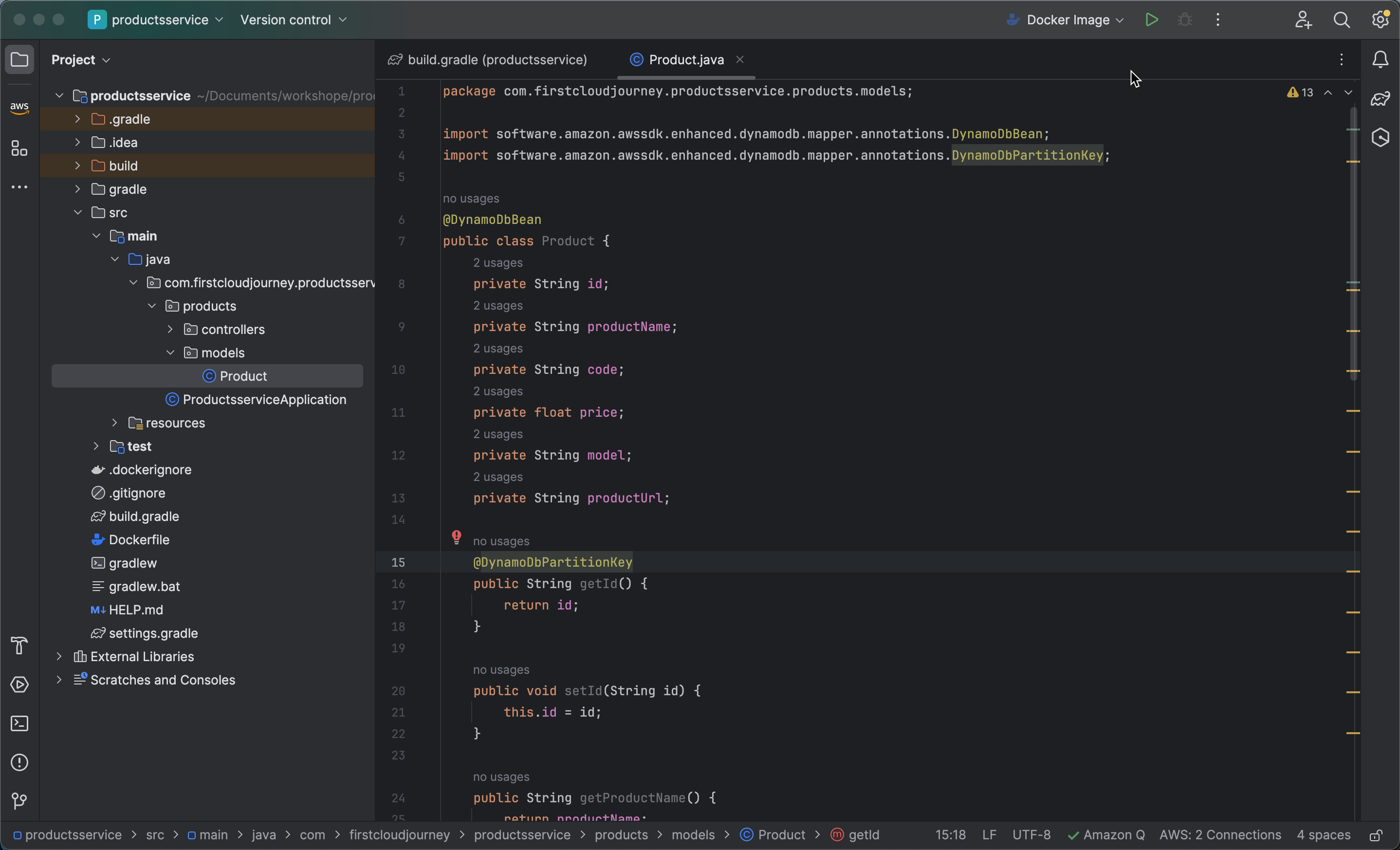
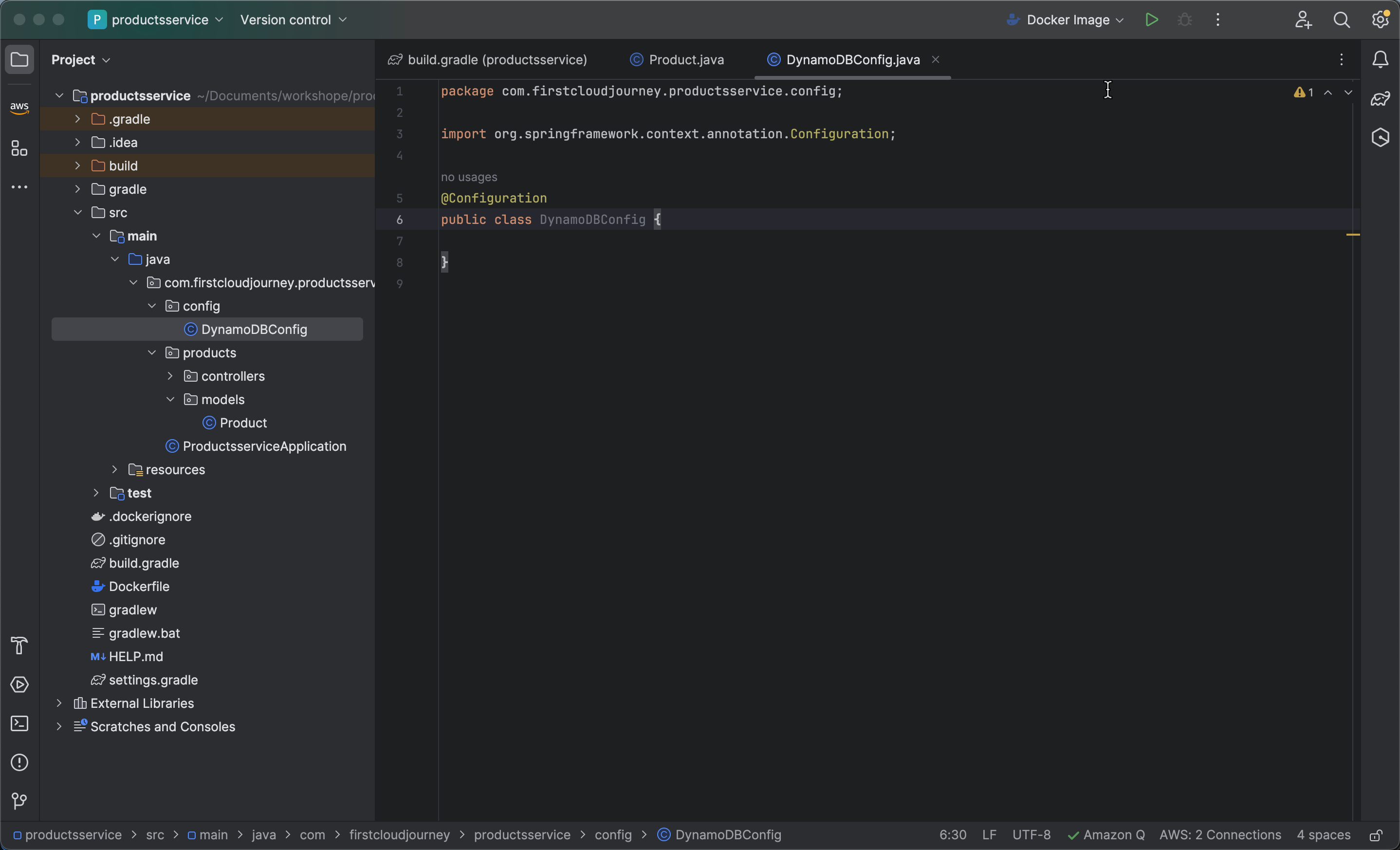
config, and then create a new file namedDynamoDBConfig.javainside this folder. Add the@Configurationannotation from Spring, which specifies that this class contains bean definitions for the Spring container. This class serves as a configuration source.
@Configuration
public class DynamoDBConfig {
}
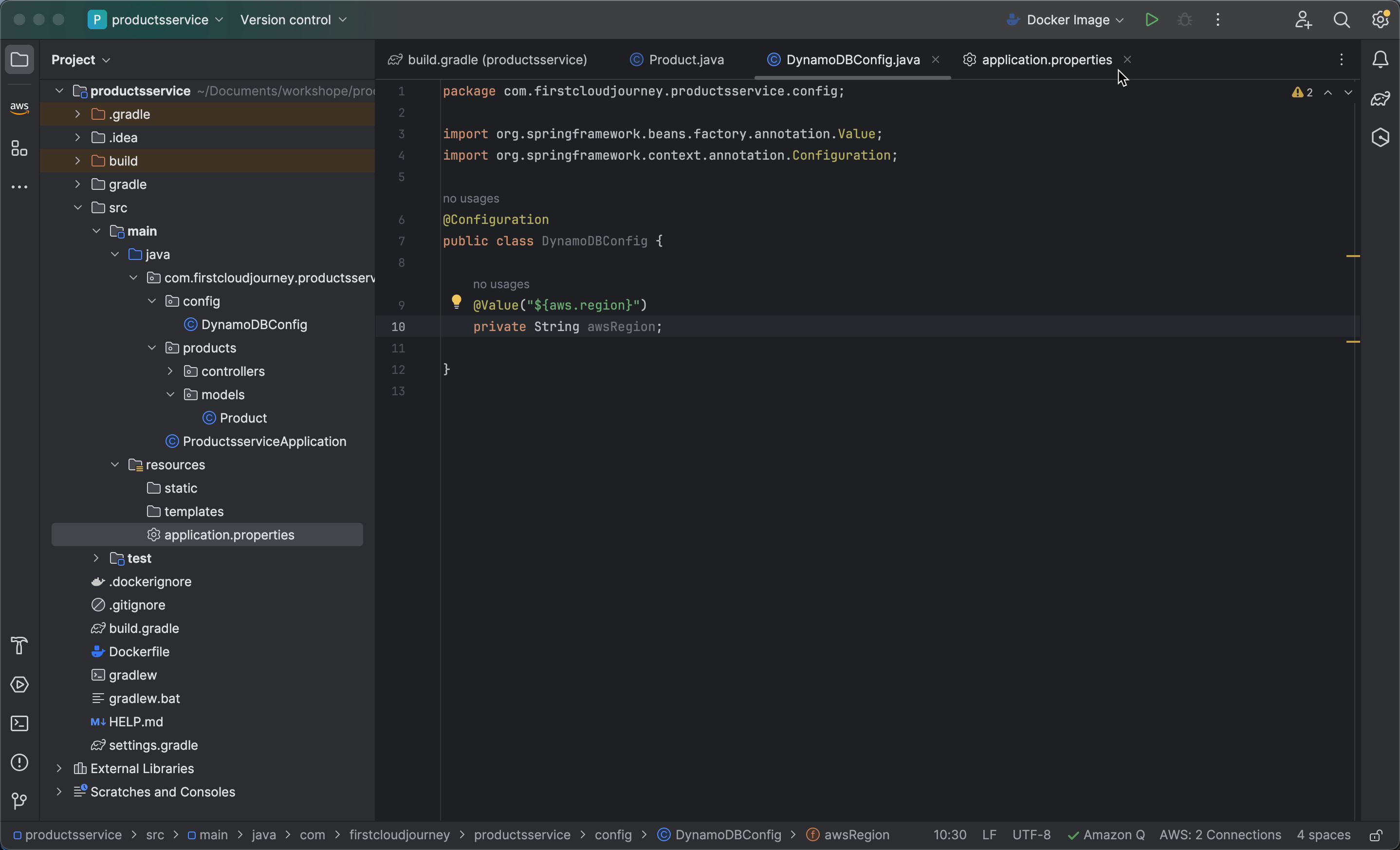
- Create an instance variable to store the AWS region information, where its value is injected from the
aws.regionproperty in the application.properties configuration file.
    @Value("${aws.region}")
    private String awsRegion;
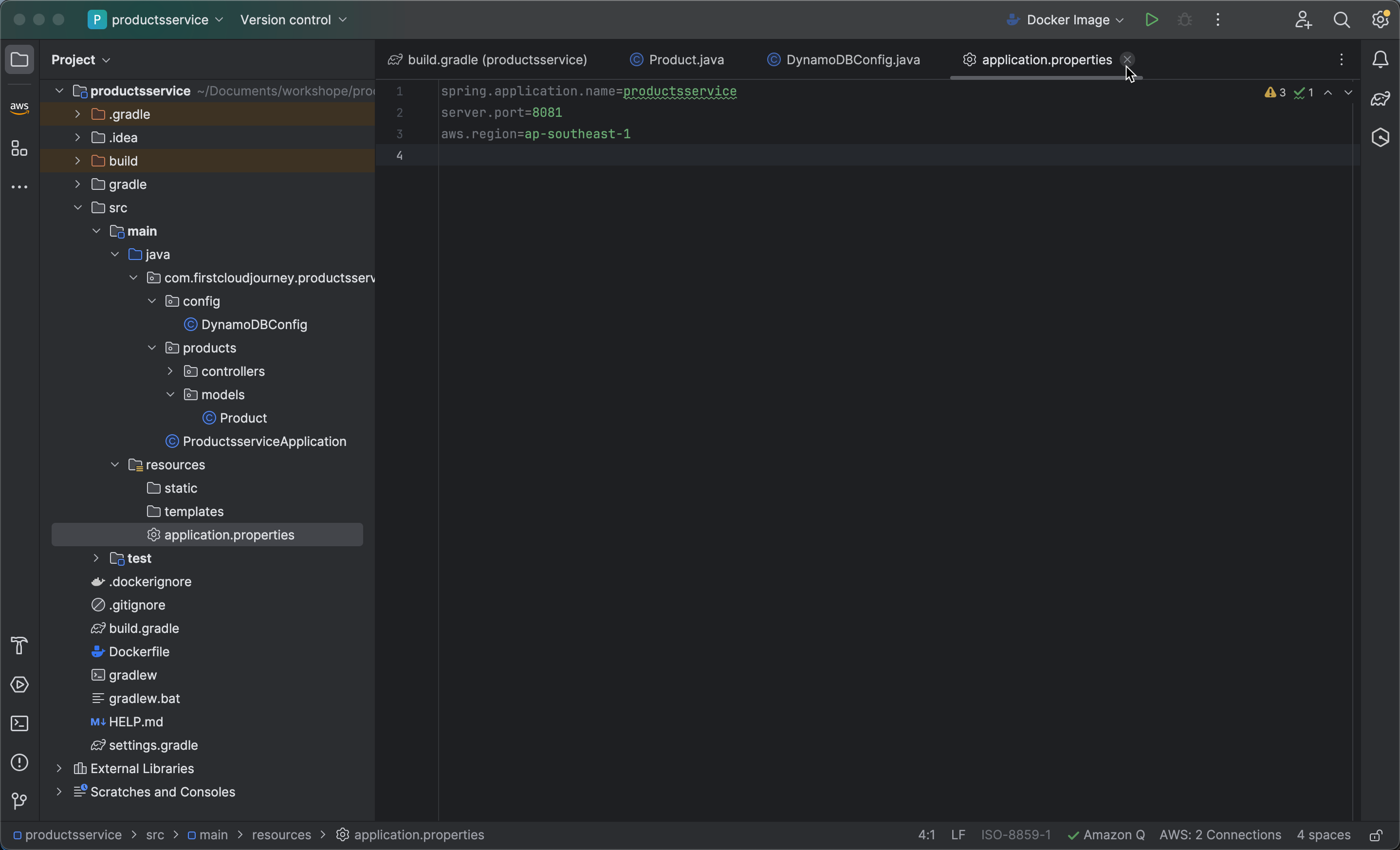
- Open the
application.propertiesfile to configure the region asap-southeast-1(Singapore). Add the following line toapplication.properties:
aws.region=ap-southeast-1
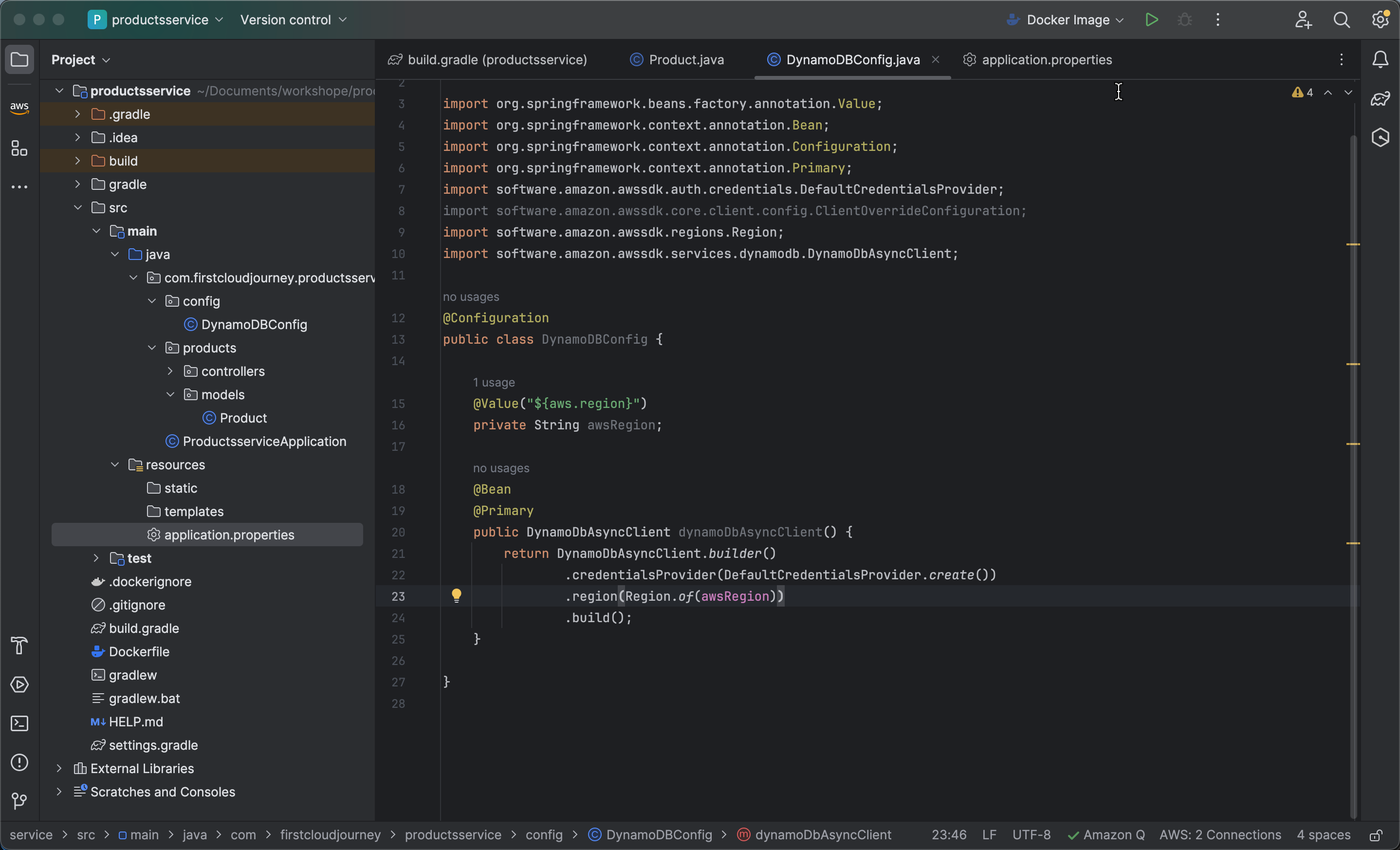
- Return to the DynamoDBConfig file and create a method named dynamoDbAsyncClient to instantiate and configure a DynamoDbAsyncClient, which is an asynchronous client for interacting with AWS DynamoDB.
    @Bean
    @Primary
    public DynamoDbAsyncClient dynamoDbAsyncClient() {
        return DynamoDbAsyncClient.builder()
                .credentialsProvider(DefaultCredentialsProvider.create())
                .region(Region.of(awsRegion))
                .overrideConfiguration(ClientOverrideConfiguration.builder()
                        .addExecutionInterceptor(new TracingInterceptor())
                        .build())
                .build();
    }
- Add a method dynamoDbEnhancedAsyncClient to instantiate and configure a DynamoDbEnhancedAsyncClient, which is an enhanced version of the asynchronous client for working with AWS DynamoDB.
    @Bean
    @Primary
    public DynamoDbEnhancedAsyncClient dynamoDbEnhancedAsyncClient() {
        return DynamoDbEnhancedAsyncClient.builder()
                .dynamoDbClient(dynamoDbAsyncClient())
                .build();
    }
The DynamoDbEnhancedAsyncClient provides simpler and more user-friendly APIs compared to the regular DynamoDbAsyncClient, focusing on working with tables and data models in DynamoDB in a more abstracted and detailed way. Using this enhanced client reduces some complexity when interacting with DynamoDB, especially when performing CRUD (Create, Read, Update, Delete) operations on data.