Create Product Repository
Create Product Repository
-
Inside the
productsdirectory, create a new directory namedrepositories. Then, create a new file namedProductsRepository.java.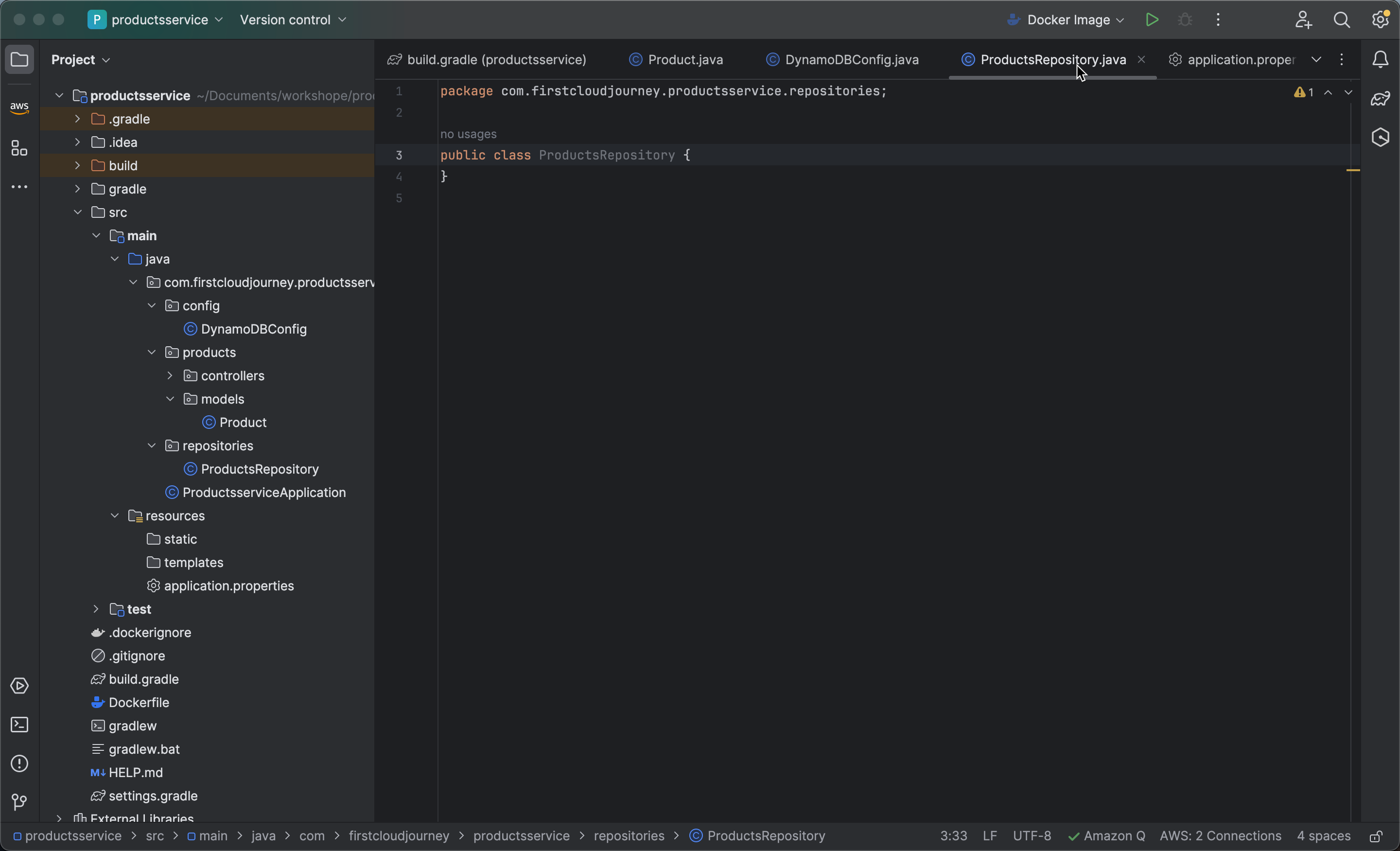
-
Use
@Repositoryto annotate theProductsRepositoryclass as a Spring repository bean for managing data access.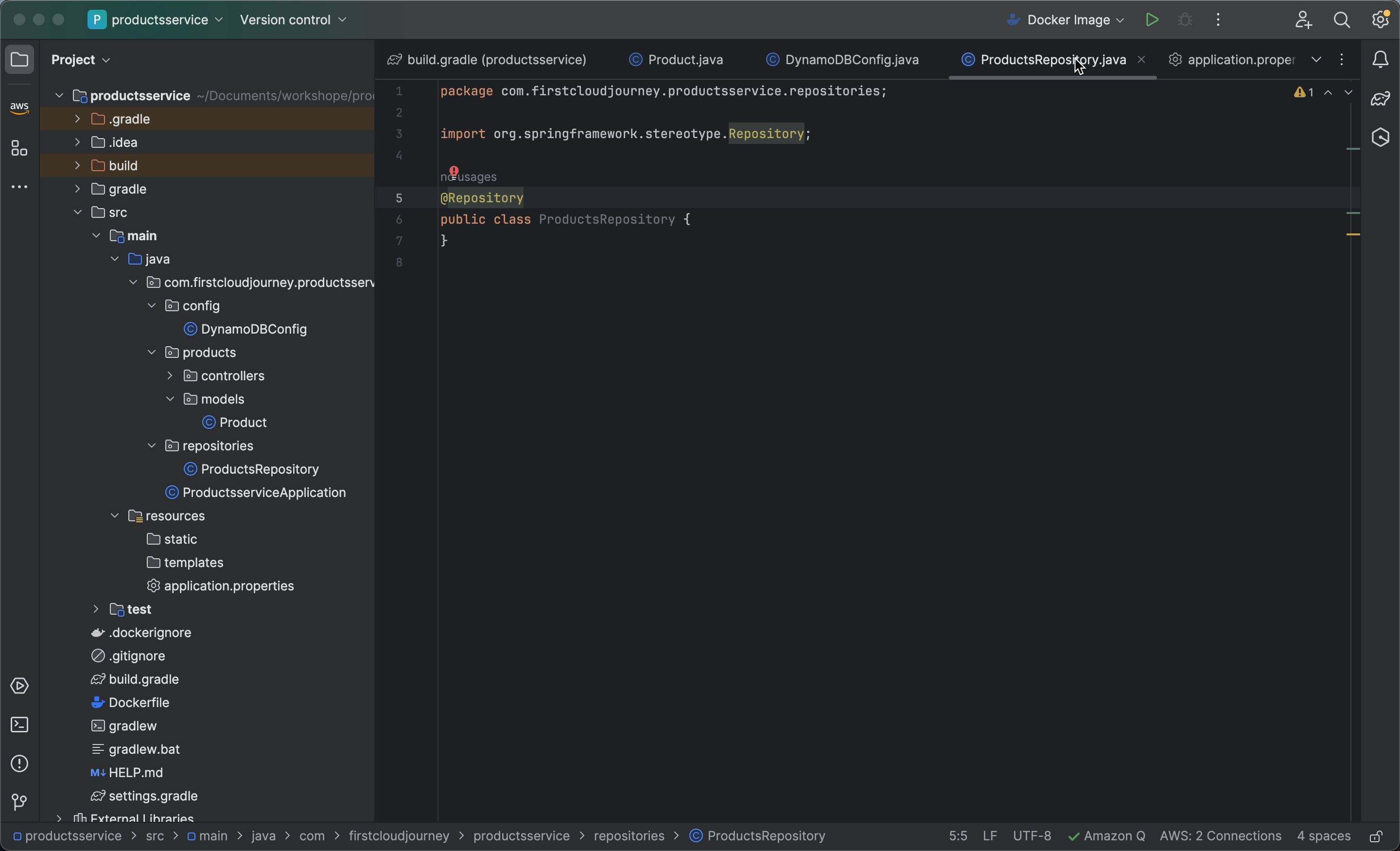
-
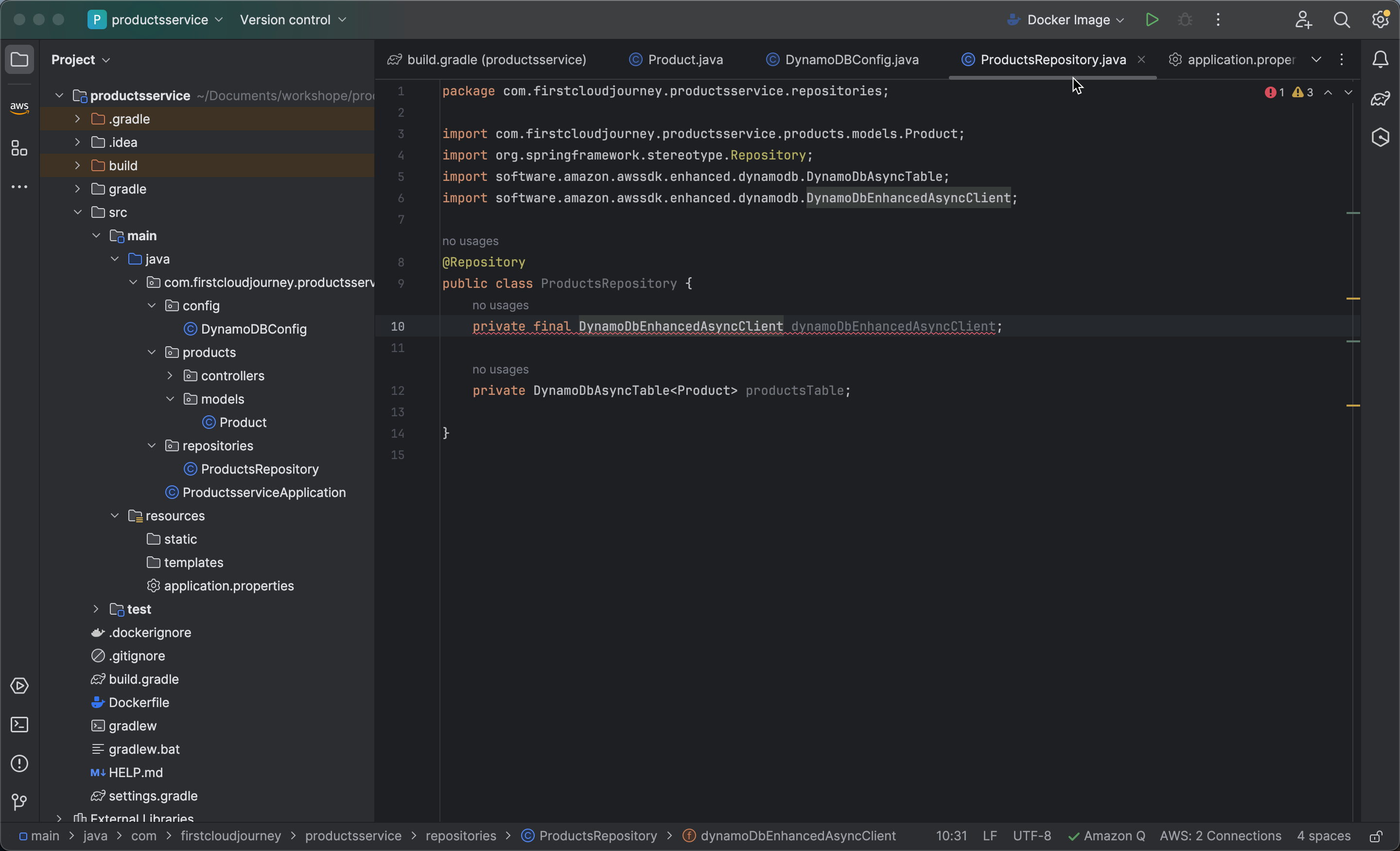
Add two fields to the
ProductsRepositoryclass:-
private final DynamoDbEnhancedAsyncClient dynamoDbEnhancedAsyncClient;: This is a final field to store an instance of DynamoDbEnhancedAsyncClient, used for asynchronous interaction with DynamoDB.
-
private DynamoDbAsyncTable productsTable;: This is a field to store a DynamoDB table for
Productobjects in an asynchronous manner.
-
private final DynamoDbEnhancedAsyncClient dynamoDbEnhancedAsyncClient;

private DynamoDbAsyncTable<Product> productsTable;
-
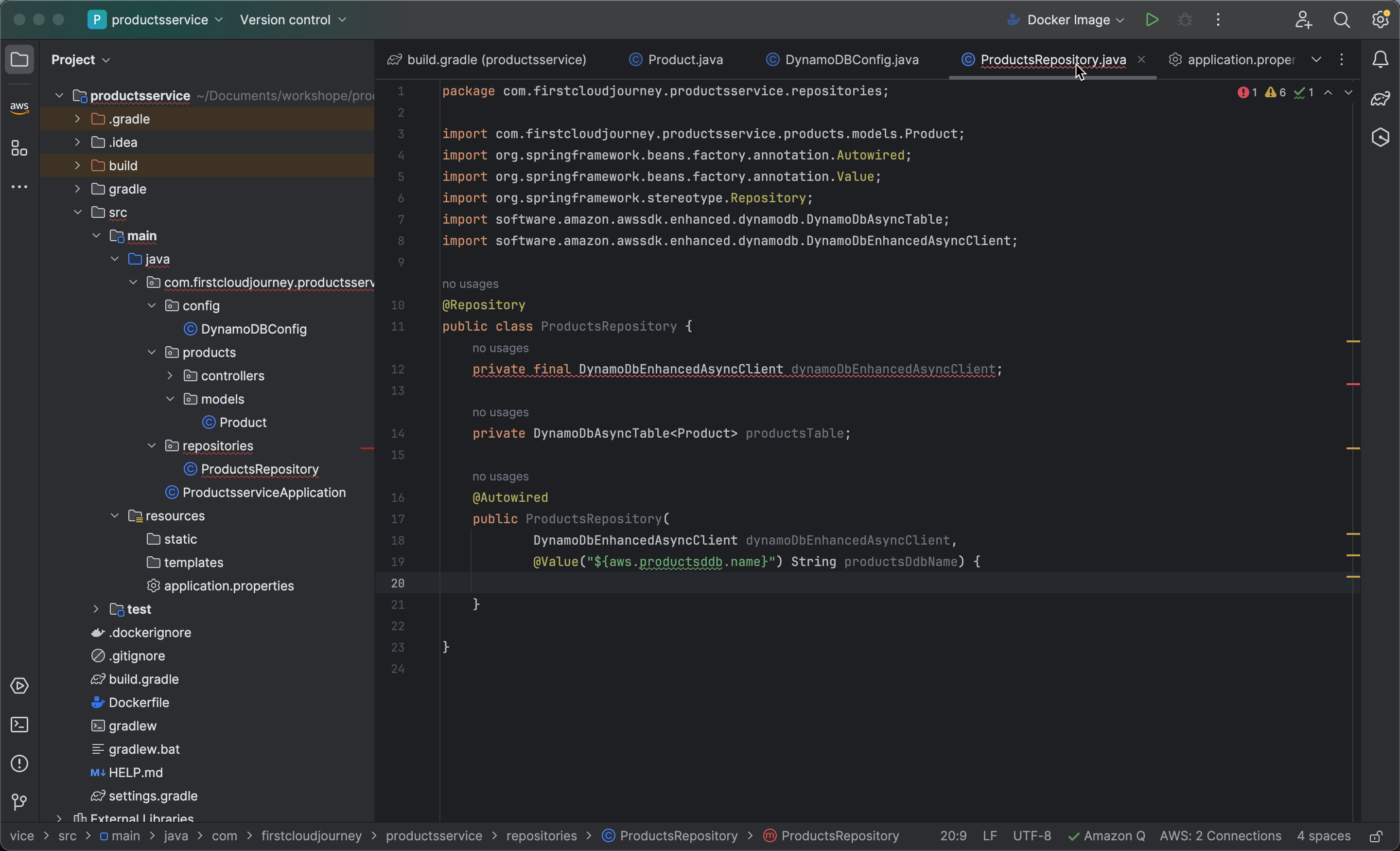
Create a constructor in the ProductsRepository class with the following annotations and parameters:
-
Add @Autowired, which is a Spring annotation used to automatically inject dependencies into the
ProductsRepositoryclass constructor. -
Create a reference DynamoDbEnhancedAsyncClient dynamoDbEnhancedAsyncClient that Spring will inject into the constructor. This object will be used to interact with DynamoDB.
-
Create a reference @Value("${aws.productsddb.name}") String productsDdbName annotated with Spring’s @Value annotation to inject the value of a property from the application.properties configuration file. In this case, it injects the value of the property named “aws.productsddb.name” into the productsDdbName variable. This property represents the name of the DynamoDB table that ProductsRepository will interact with.
-
    @Autowired
    public ProductsRepository(
            DynamoDbEnhancedAsyncClient dynamoDbEnhancedAsyncClient,
        @Value("${aws.productsddb.name}") String productsDdbName) {}
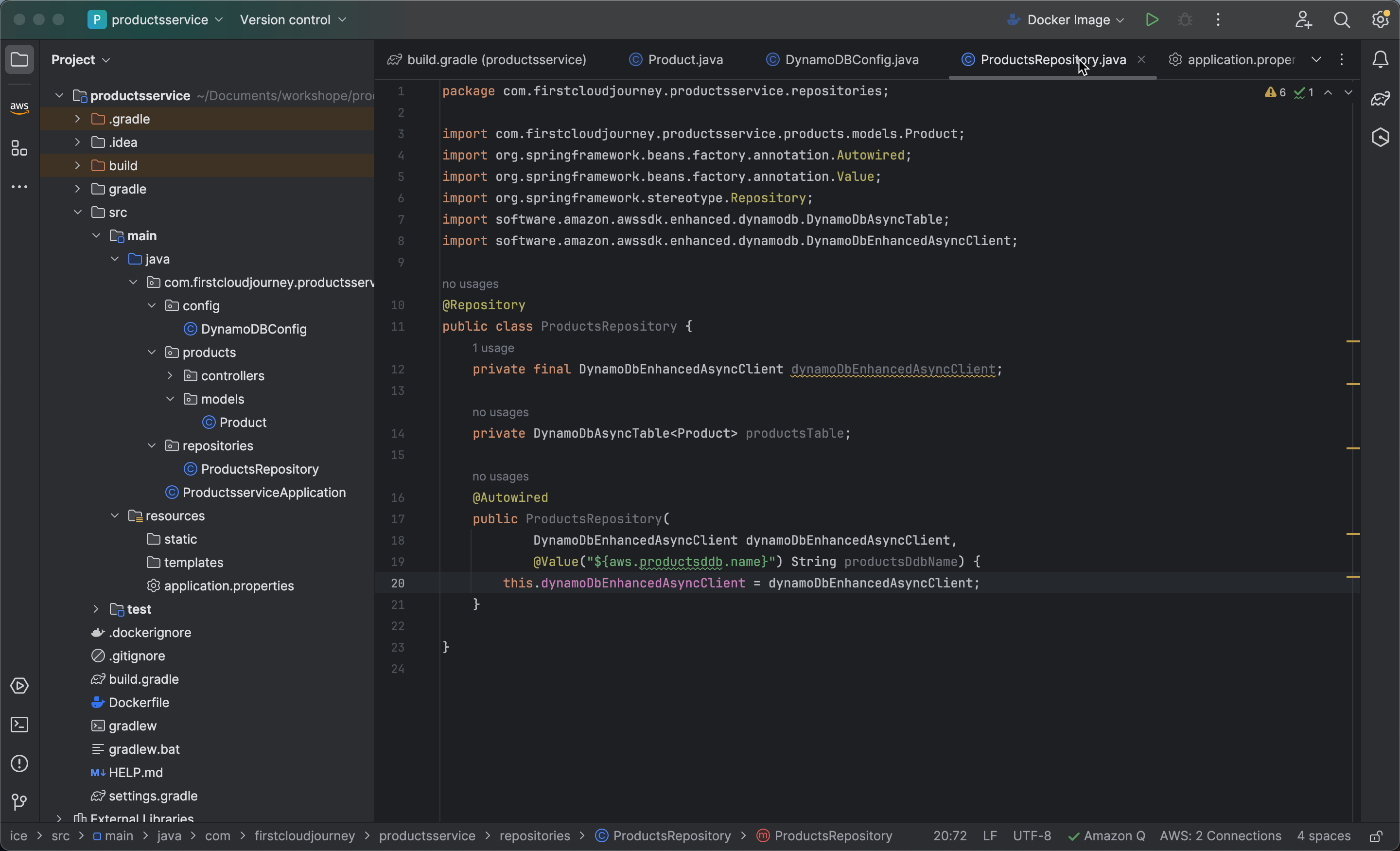
- Initialize the dynamoDbEnhancedAsyncClient field in the ProductsRepository constructor to assign the value of dynamoDbEnhancedAsyncClient injected by Spring to the instance variable this.dynamoDbEnhancedAsyncClient.
=
this.dynamoDbEnhancedAsyncClient = dynamoDbEnhancedAsyncClient;
-
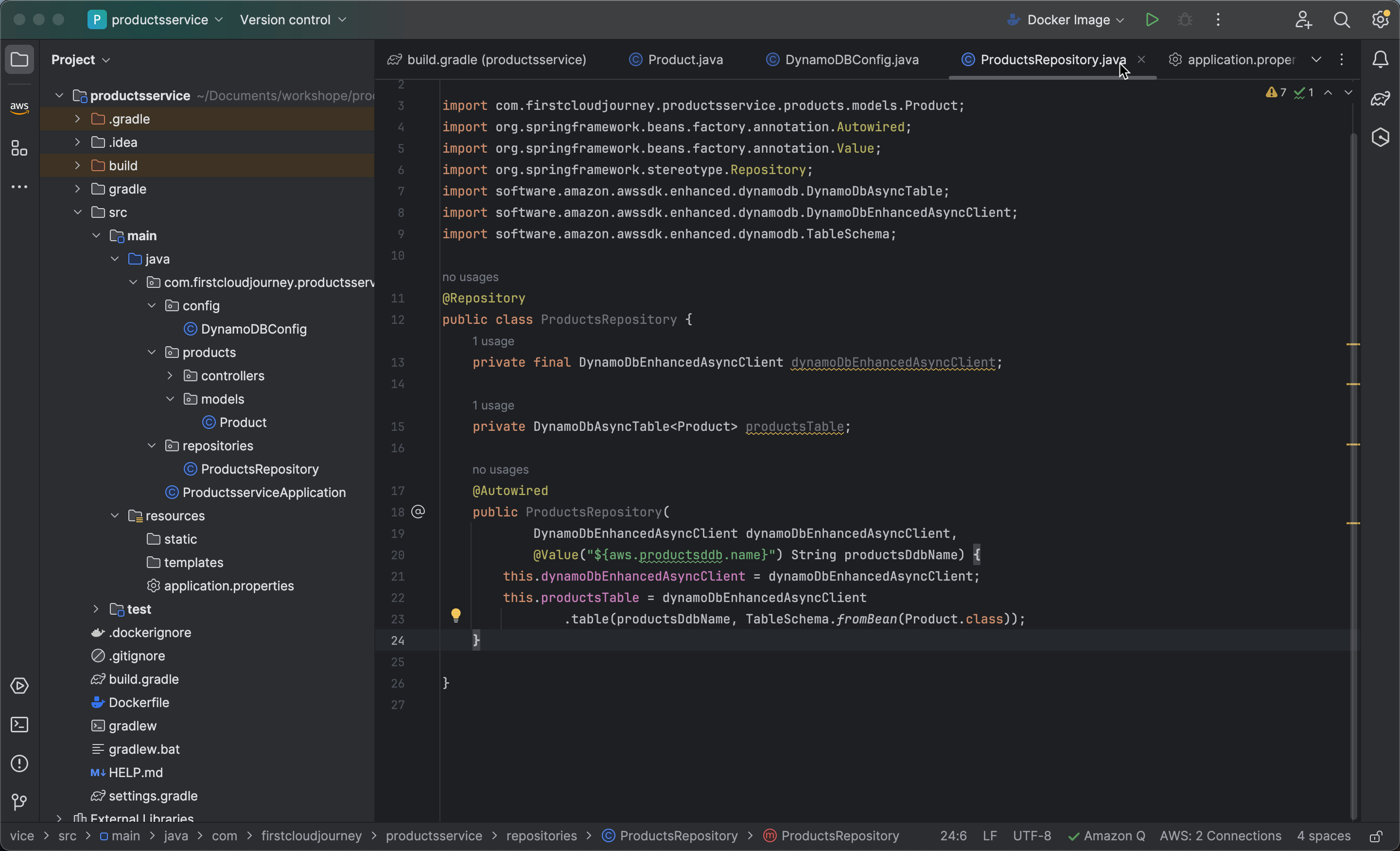
Initialize the productsTable field using the dynamoDbEnhancedAsyncClient to create the productsTable. The table()`method of dynamoDbEnhancedAsyncClient is called with two arguments:
-
productsDdbName: This is the name of the DynamoDB table that ProductsRepository will interact with.
-
TableSchema.fromBean(Product.class): This argument creates a schema for the DynamoDB table based on the structure of the
Productclass. The schema defines how DynamoDB stores and reads data from Product objects.
-
this.productsTable = dynamoDbEnhancedAsyncClient.table(productsDdbName, TableSchema.fromBean(Product.class));
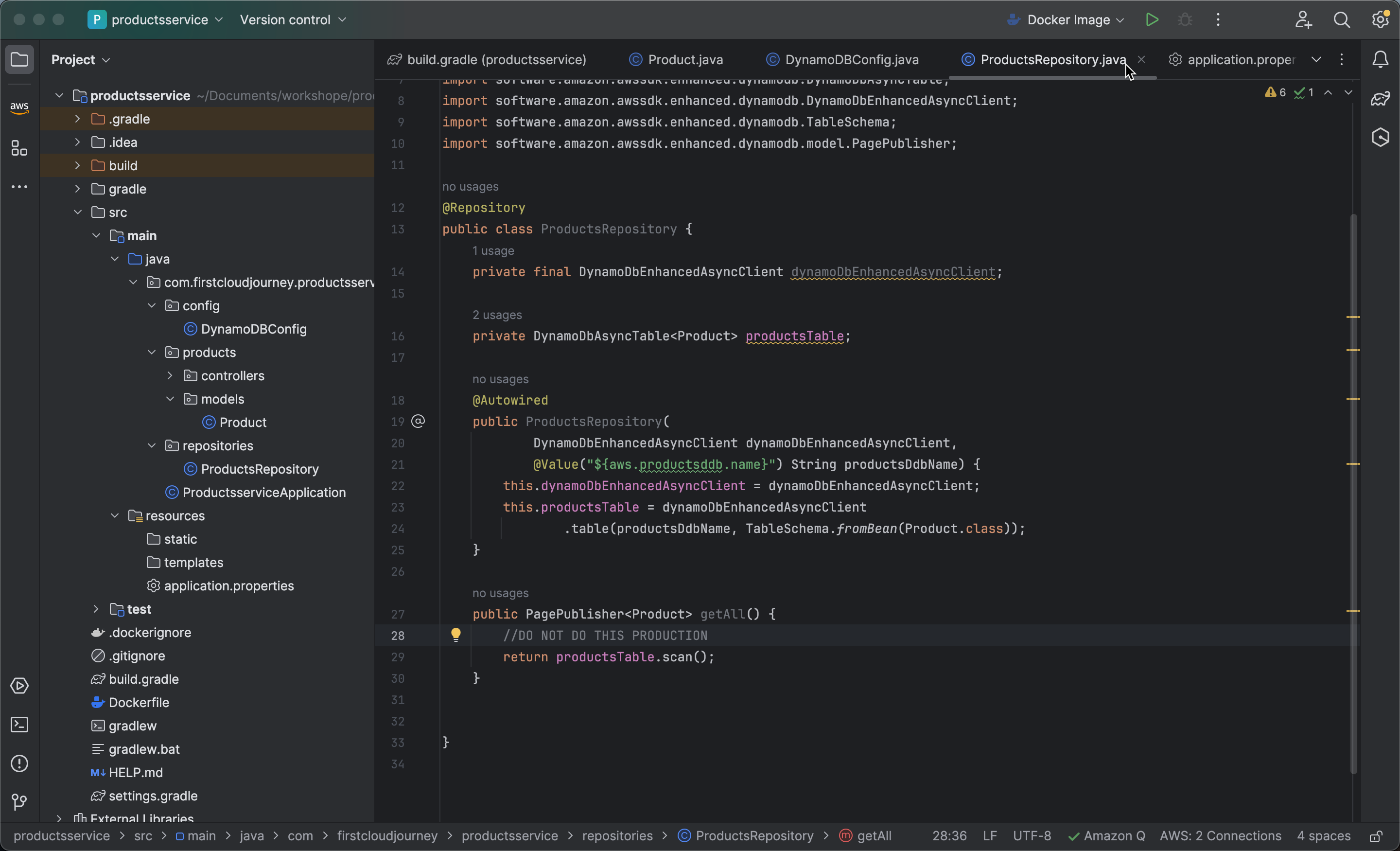
- Next, create a method to retrieve all items from the DynamoDB table. Use
productsTable.scan()to perform a scan operation on the DynamoDB table, which returns all items in the table.
public PagePublisher<Product> getAll() {
        //DO NOT DO THIS PRODUCTION
        return productsTable.scan();
    }
Avoid using scan() in a production environment because scanning an entire DynamoDB table is not recommended in production due to potential performance and cost implications. Scanning the entire table can degrade system performance, especially for large tables.
- Tạo phương thức getById nhận vào một productId và trả về một CompletableFuture, đại diện cho kết quả của việc lấy một mục Product từ bảng DynamoDB dựa trên productId.
- Với productsTable.getItem() là một hoạt động lấy mục (get item) từ bảng DynamoDB.
- Với Key.builder().partitionValue(productId).build() xây dựng một Key với giá trị partition key (productId) để truy xuất mục tương ứng từ bảng.
-
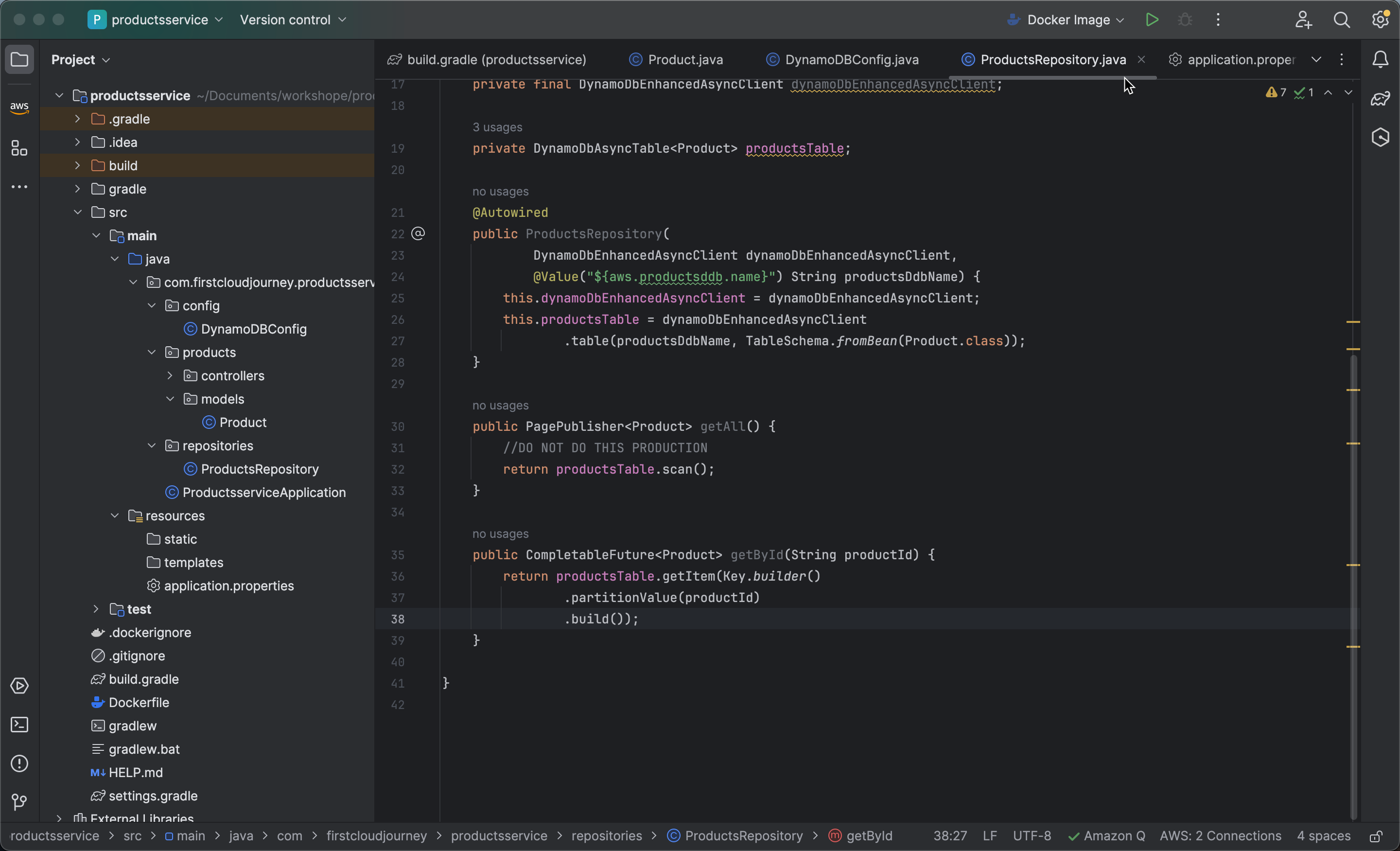
Create a method getById that takes a productId as input and returns a CompletableFuture, representing the result of retrieving a Product item from the DynamoDB table based on the productId.
-
Use productsTable.getItem() to perform a get item operation on the DynamoDB table.
-
Use Key.builder().partitionValue(productId).build() to construct a
Keywith the partition key value (productId) to access the corresponding item from the table.
-
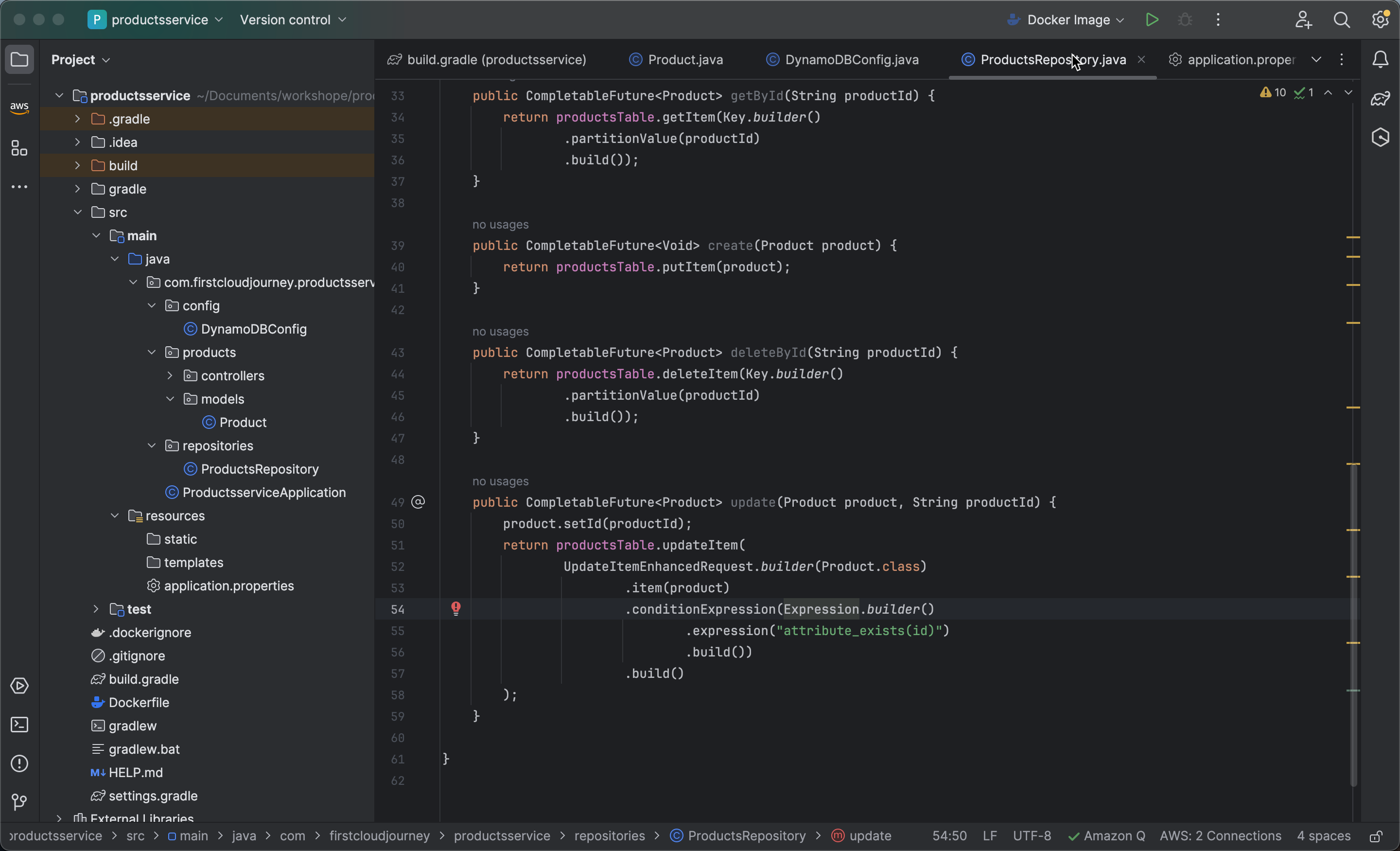
public CompletableFuture<Product> getById(String productId) {
        return productsTable.getItem(Key.builder()
                        .partitionValue(productId)
                .build());
    }
- Tạo phương thức create,phương thức này nhận vào một đối tượng Product và trả về một CompletableFuture, đại diện cho kết quả của việc tạo mới một mục Product trong bảng DynamoDB.
- với productsTable.putItem(product) là một hoạt động thêm mục (put item) vào bảng DynamoDB. Phương thức này sẽ đưa product vào bảng và trả về một CompletableFuture để xử lý kết quả một cách bất đồng bộ.
-
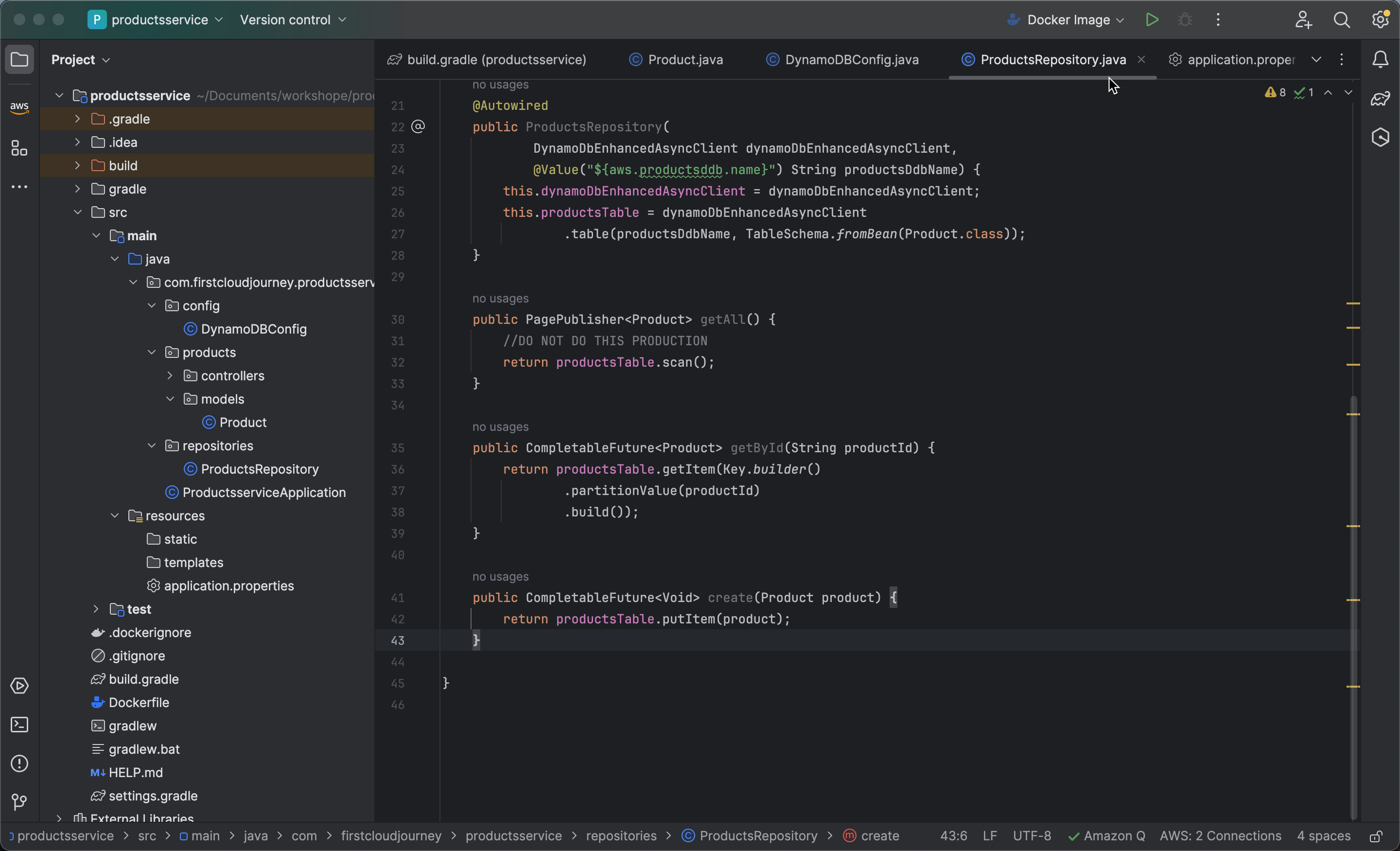
Create a create method in the ProductsRepository class that takes a Product object as input and returns a CompletableFuture representing the result of creating a new Product item in the DynamoDB table.
- Use productsTable.putItem(product) to perform a put item operation on the DynamoDB table. This method adds the product to the table and returns a CompletableFuture to handle the result asynchronously.
public CompletableFuture<Void> create(Product product) {
        return productsTable.putItem(product);
    }
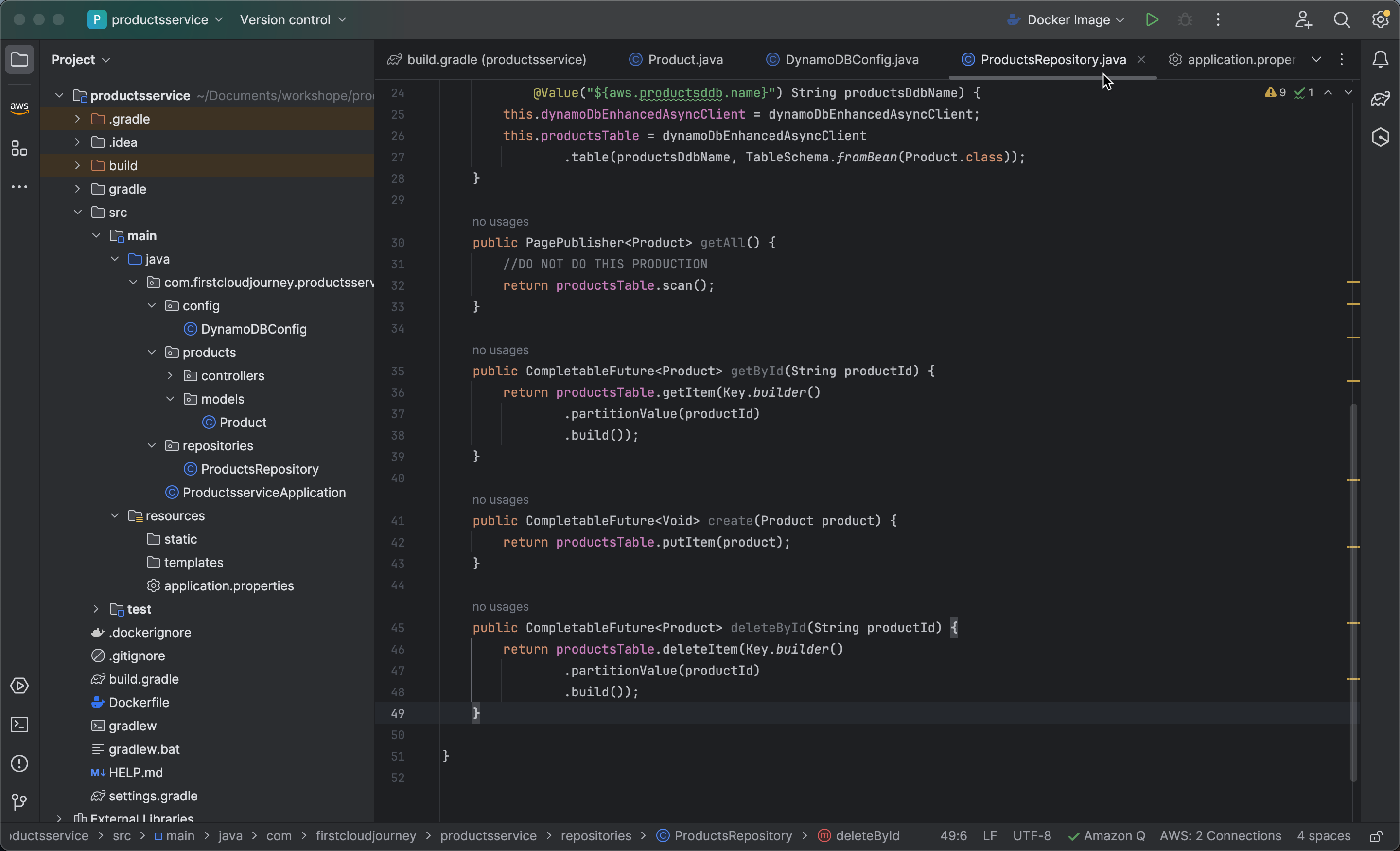
- Create a deleteById method in the ProductsRepository class that takes a productId as input and returns a CompletableFuture representing the result of deleting a Product item from the DynamoDB table based on the productId.
-
Use productsTable.deleteItem() to perform a delete item operation on the DynamoDB table. This method deletes the item identified by the specified productId from the table.
-
Use Key.builder().partitionValue(productId).build() to construct a Key with the partition key value (
productId) to identify the item to be deleted from the table.
public CompletableFuture<Product> deleteById(String productId) {
        return productsTable.deleteItem(Key.builder()
                .partitionValue(productId)
                .build());
    }
- Create an update method in the ProductsRepository class to update a Product item in the DynamoDB table.
-
Use product.setId(productId) to set the ID of the product to the provided productId before performing the update.
-
Use productsTable.updateItem() with UpdateItemEnhancedRequest.builder(Product.class).item(product) to build an update request for the product data.
-
Specify the update condition using conditionExpression() to ensure that the id attribute of the product must exist before the update can be performed.
-
The method returns a CompletableFuture to handle the result of the update operation asynchronously.
public CompletableFuture<Product> update(Product product, String productId) {
        product.setId(productId);
        return productsTable.updateItem(
                UpdateItemEnhancedRequest.builder(Product.class)
                        .item(product)
                        .conditionExpression(Expression.builder()
                                .expression("attribute_exists(id)")
                                .build())
                        .build()
        );
    }