Deploy Spring Boot applications onto AWS ECS Fargate using AWS CDK. > Create DynamoDB Table 'products' using AWS CDK > Create DynamoDB with CDK
Create DynamoDB with CDK
Create DynamoDB with CDK
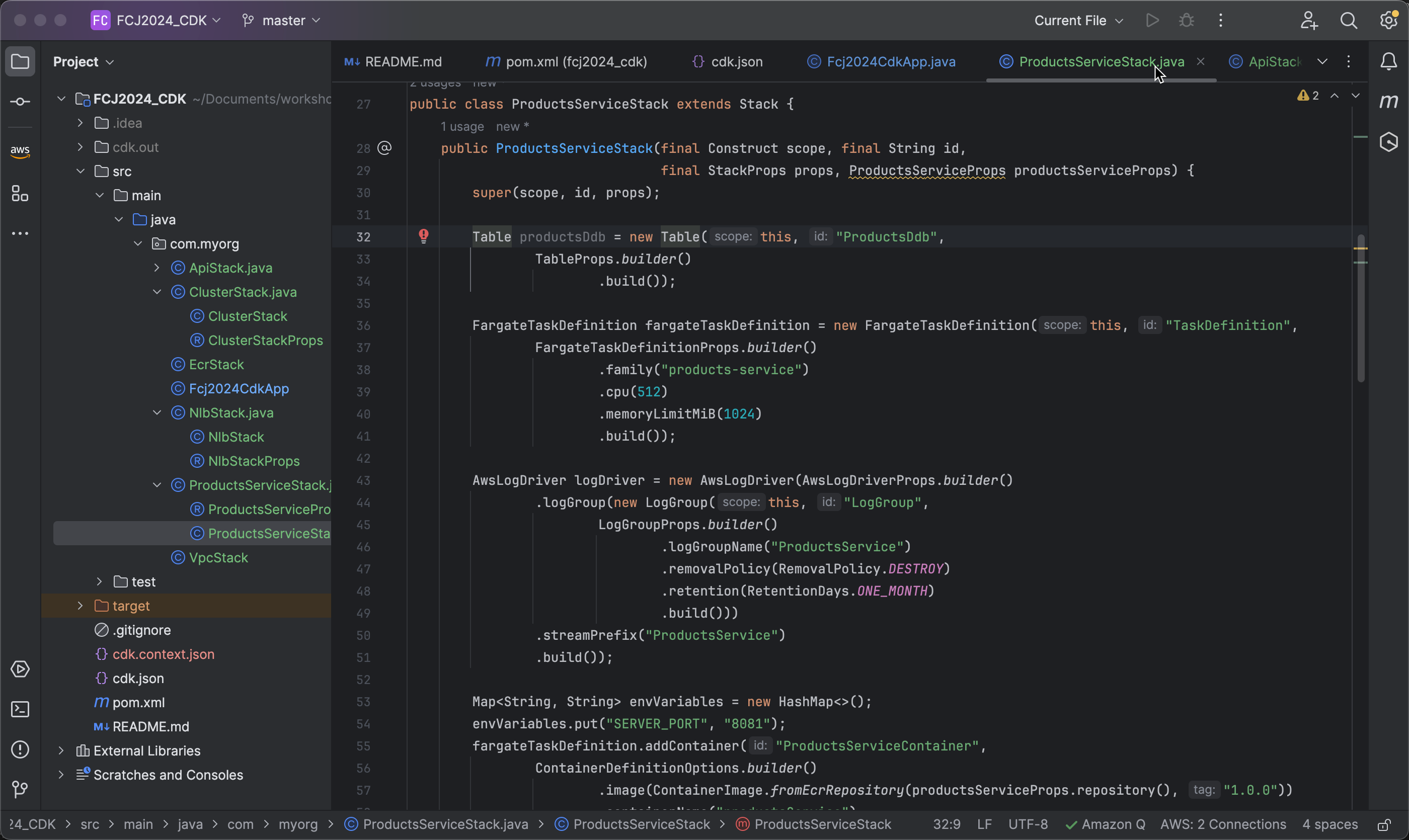
- First, open the file ProductsServiceStack.java. In the constructor, initialize a Table object with ID
ProductsDdb.
   Table productsDdb = new Table(this, "ProductsDdb",
                   TableProps.builder()
                           .build());
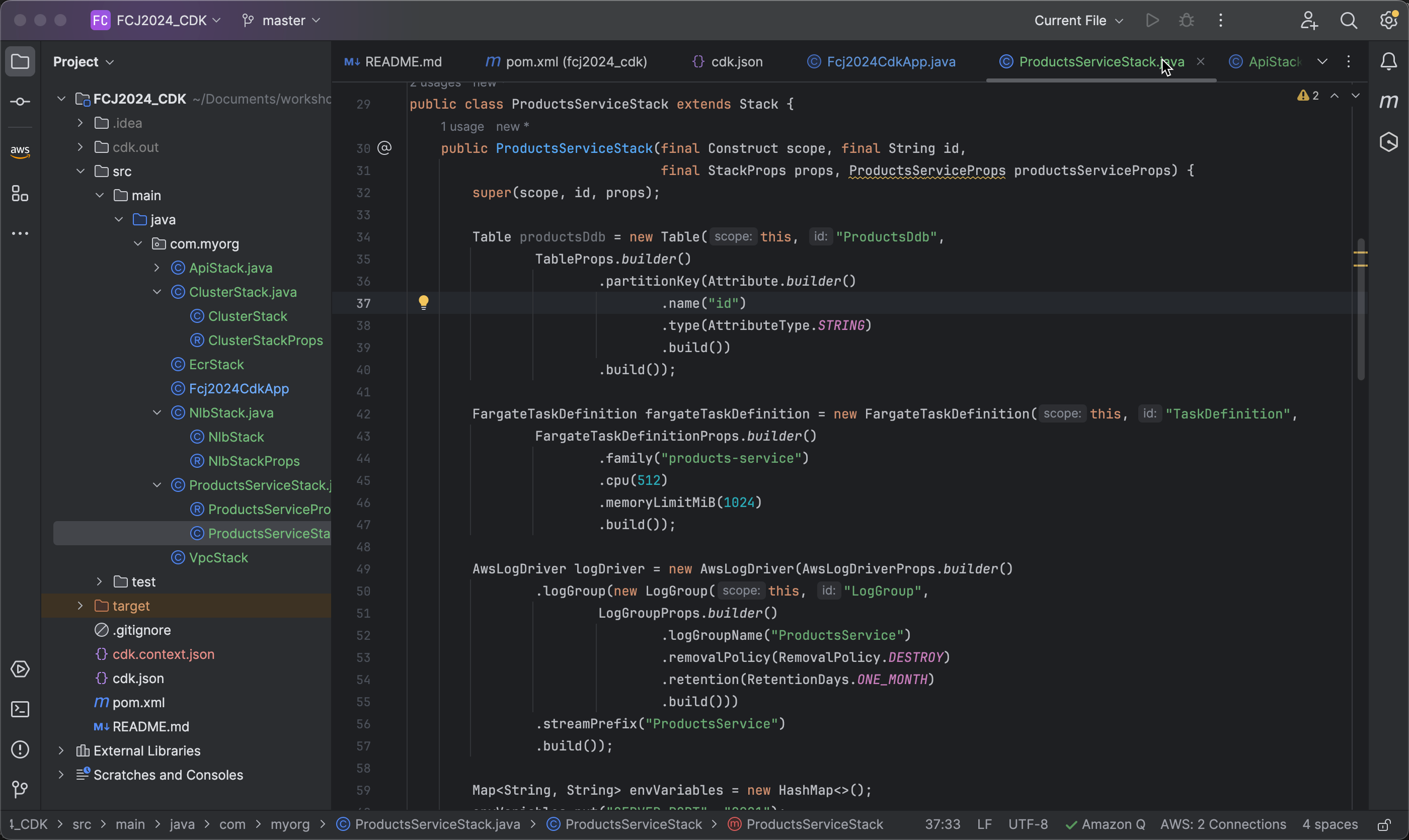
- Define the partition key for the table. In this workshop, we will use the attribute id as the partition key with a data type of STRING.
   .partitionKey(Attribute.builder()
       .name("id")
       .type(AttributeType.STRING)
       .build())
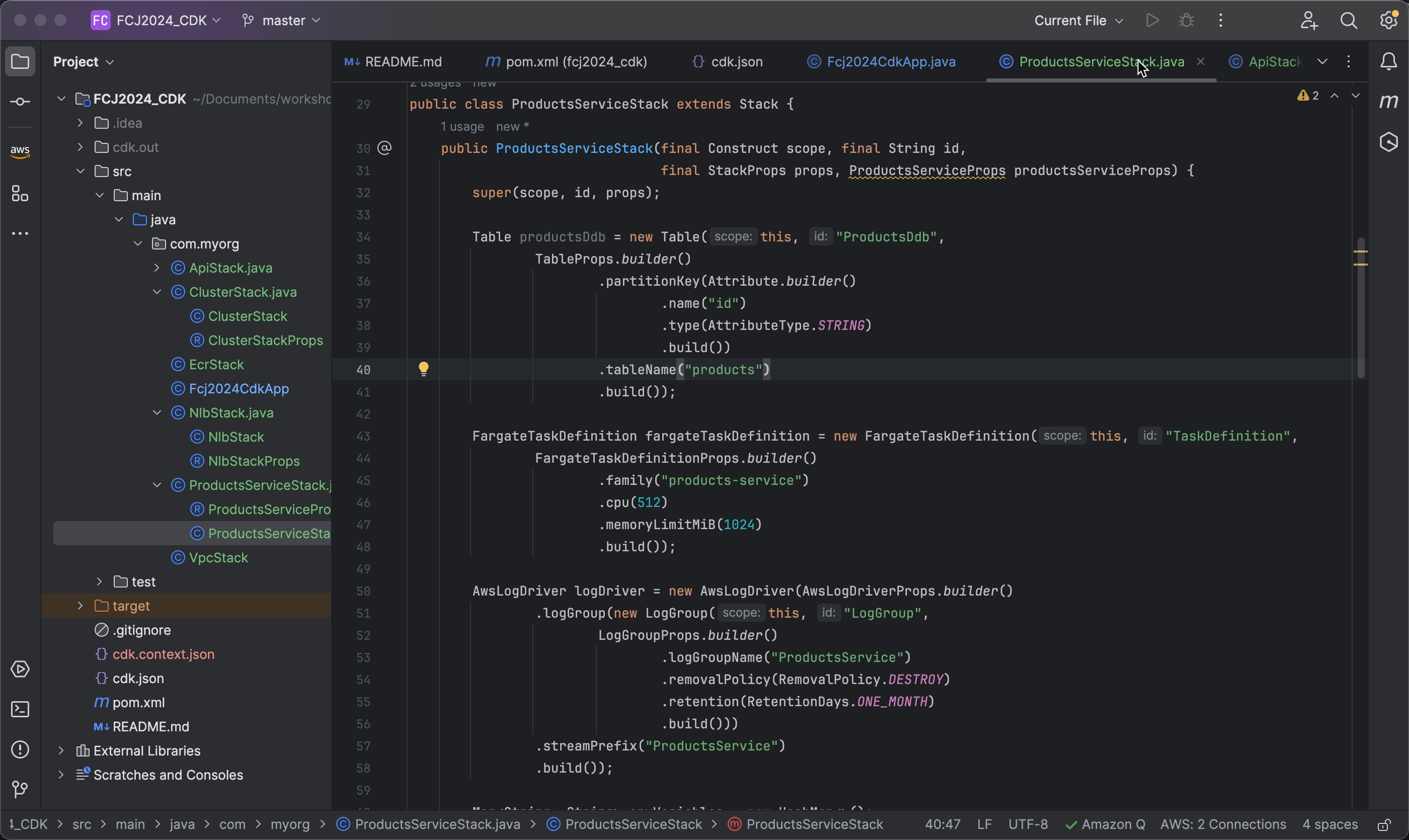
- Set the name for the DynamoDB table to
products.
.tableName("products")
- Next, configure the table to be deleted when your CDK stack resources are deleted.
.removalPolicy(RemovalPolicy.DESTROY)
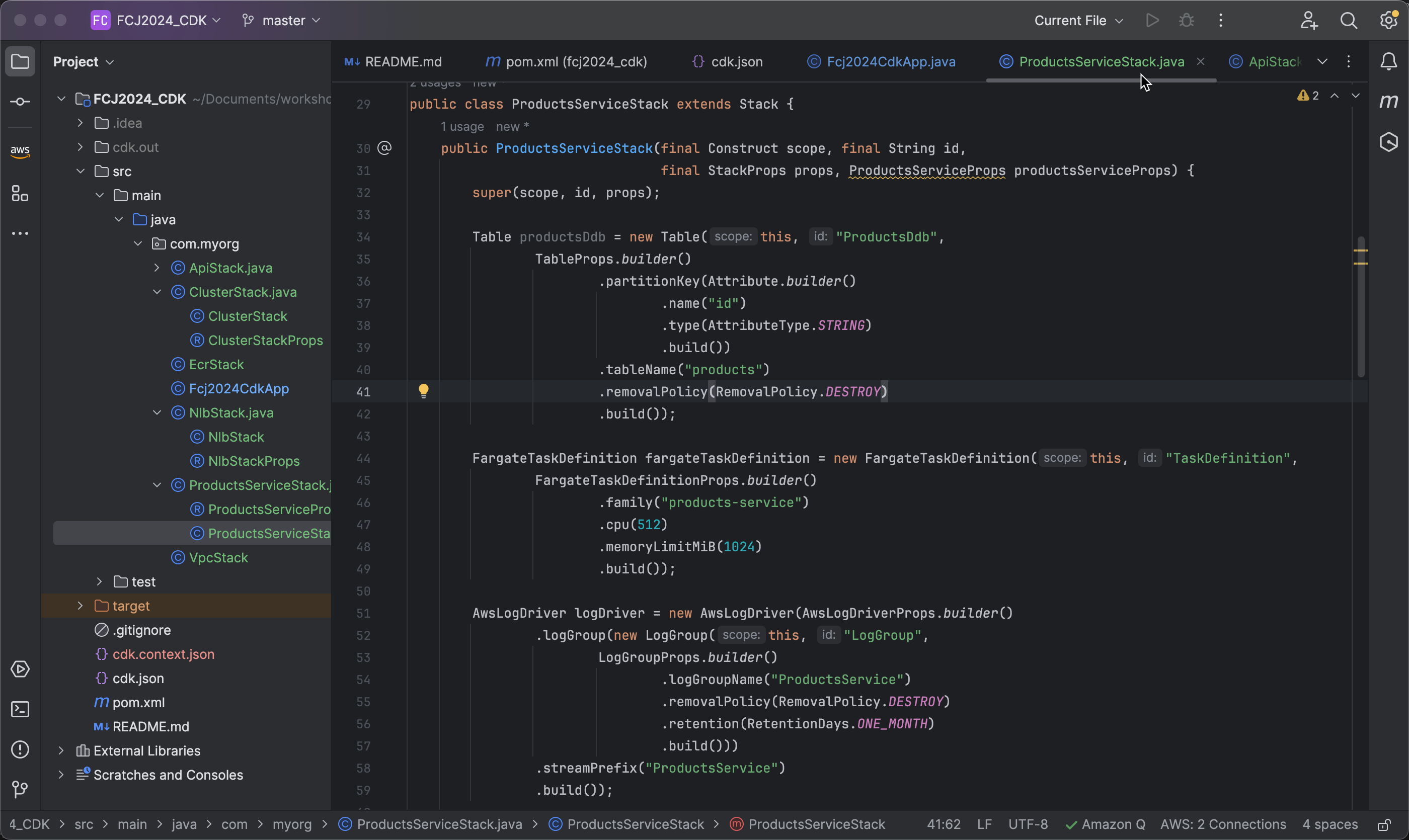
- Next, we need to specify the billing mode for the table. Here, the PROVISIONED mode is used, meaning you need to specify the read and write capacity units (RCUs and WCUs) for the table.
.billingMode(BillingMode.PROVISIONED)
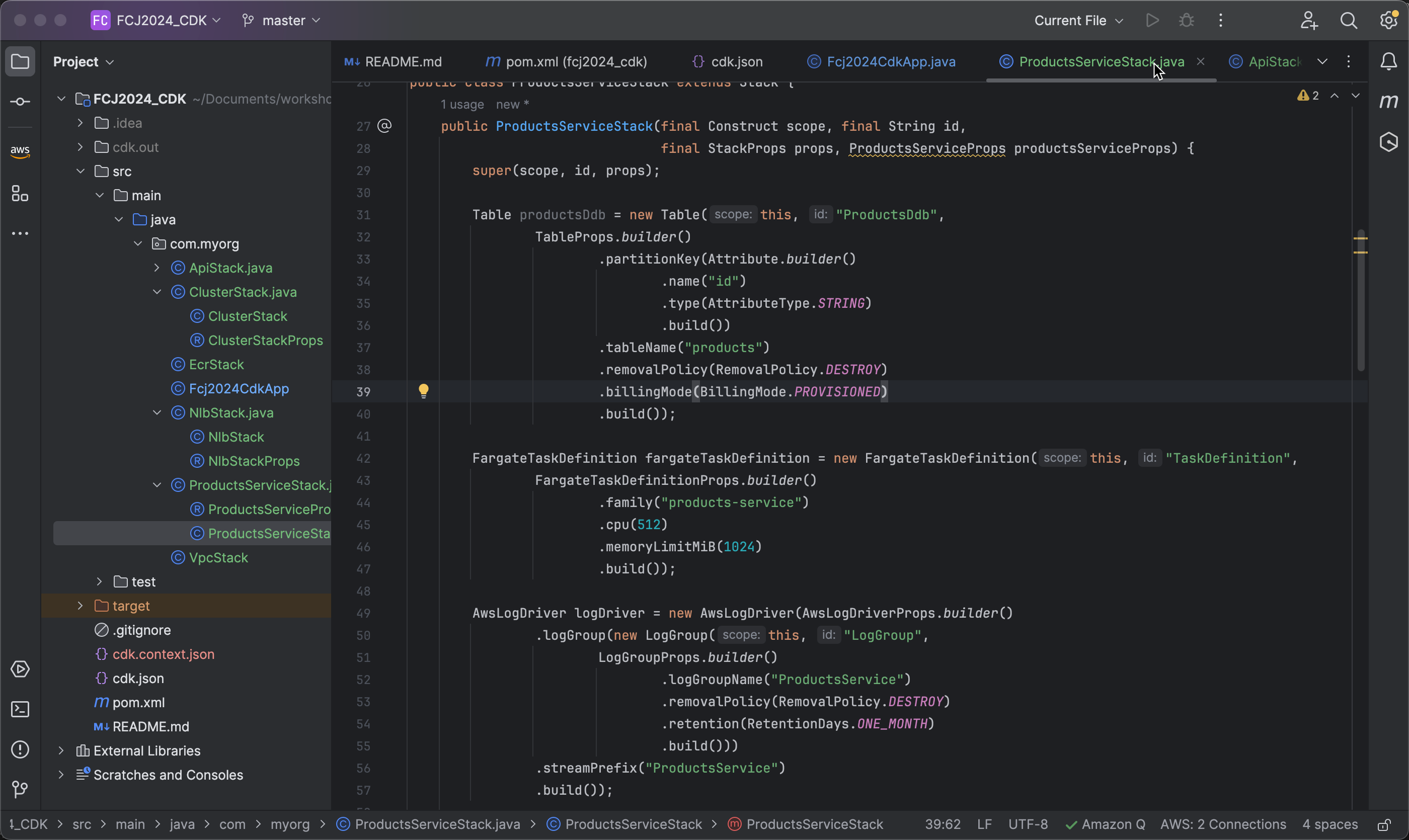
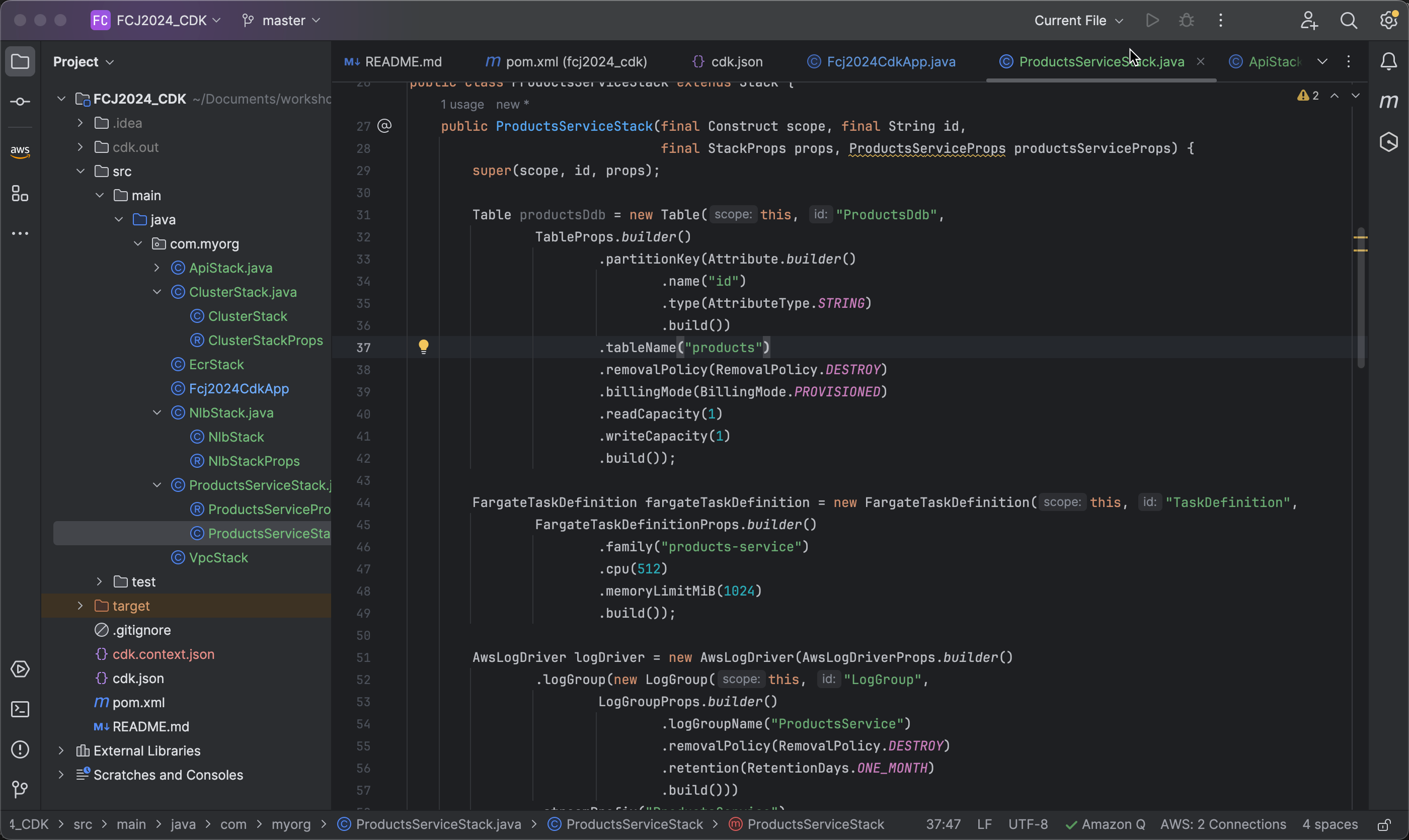
- Finally, we set the capacity units for the table. In this case, we set the read capacity and write capacity to 1, meaning the table will have minimal resources for read and write operations.
   .readCapacity(1)
   .writeCapacity(1)
Grant Permissions for ProductService to Access DynamoDB
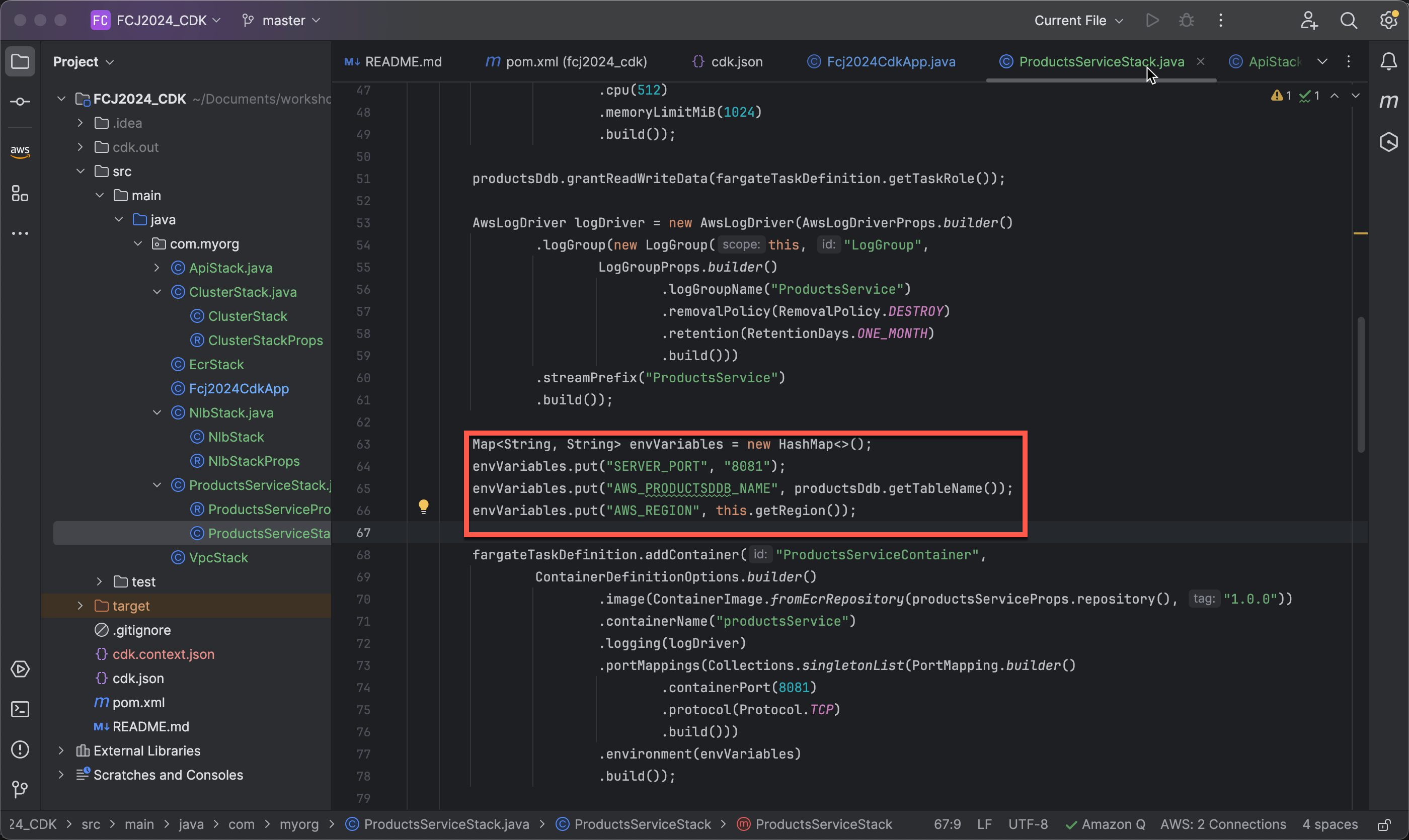
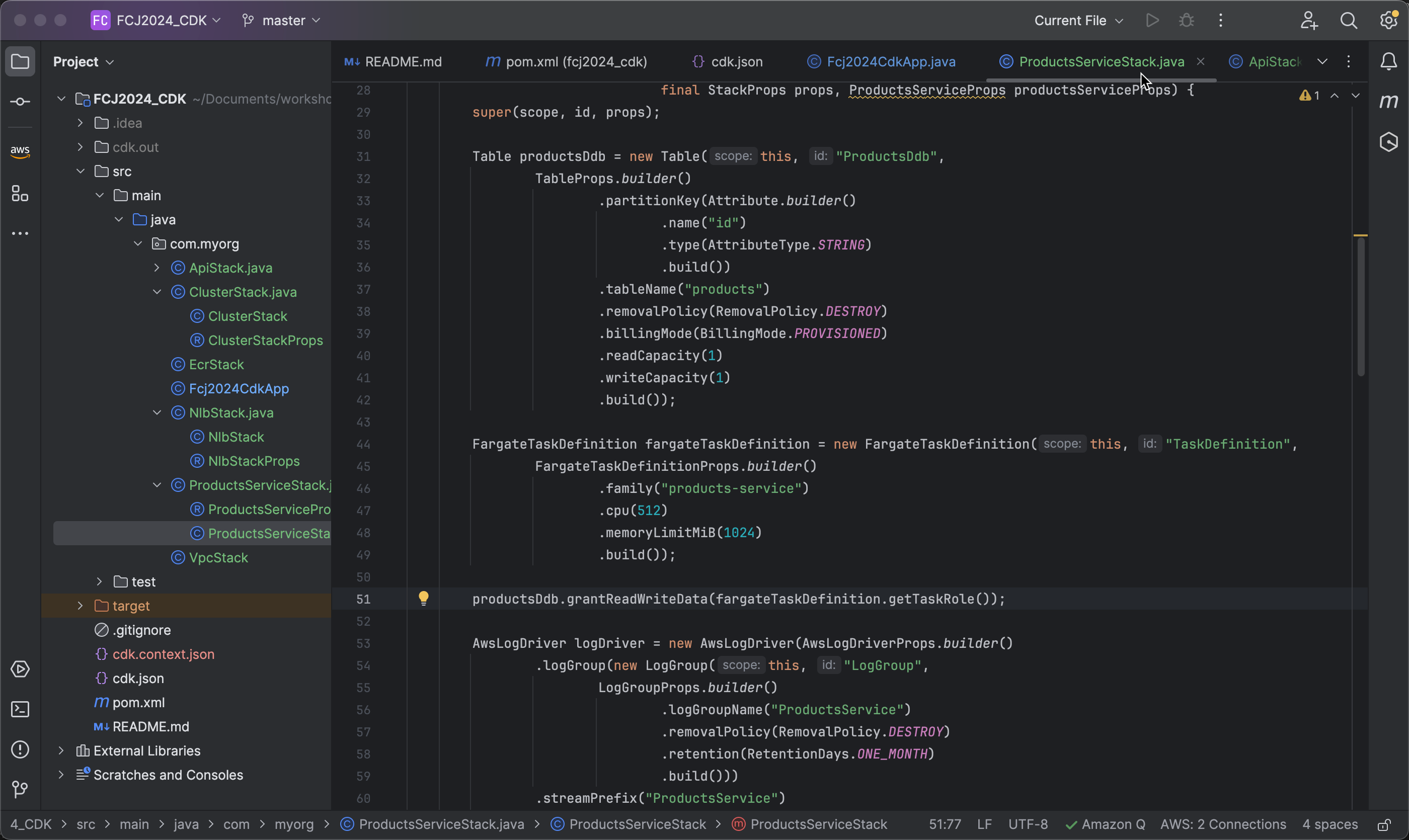
- Next, we grant permissions to the role of the task definition in Fargate to read and write data into the DynamoDB table
productsDdb. This ensures that tasks in Fargate can interact with this DynamoDB table safely and according to the IAM (Identity and Access Management) policies in AWS.
productsDdb.grantReadWriteData(fargateTaskDefinition.getTaskRole());
- Add two environment variables (
AWS_PRODUCTSDDB_NAMEandAWS_REGION) to the task definition.
envVariables.put("AWS_PRODUCTSDDB_NAME", productsDdb.getTableName());
envVariables.put("AWS_REGION", this.getRegion());