Deploy Spring Boot applications onto AWS ECS Fargate using AWS CDK. > Create ECS Service with CDK > Configure AWS ALB Target Group and Health Check Mechanism
Configure AWS ALB Target Group and Health Check Mechanism
Configure AWS ALB Target Group and Health Check Mechanism
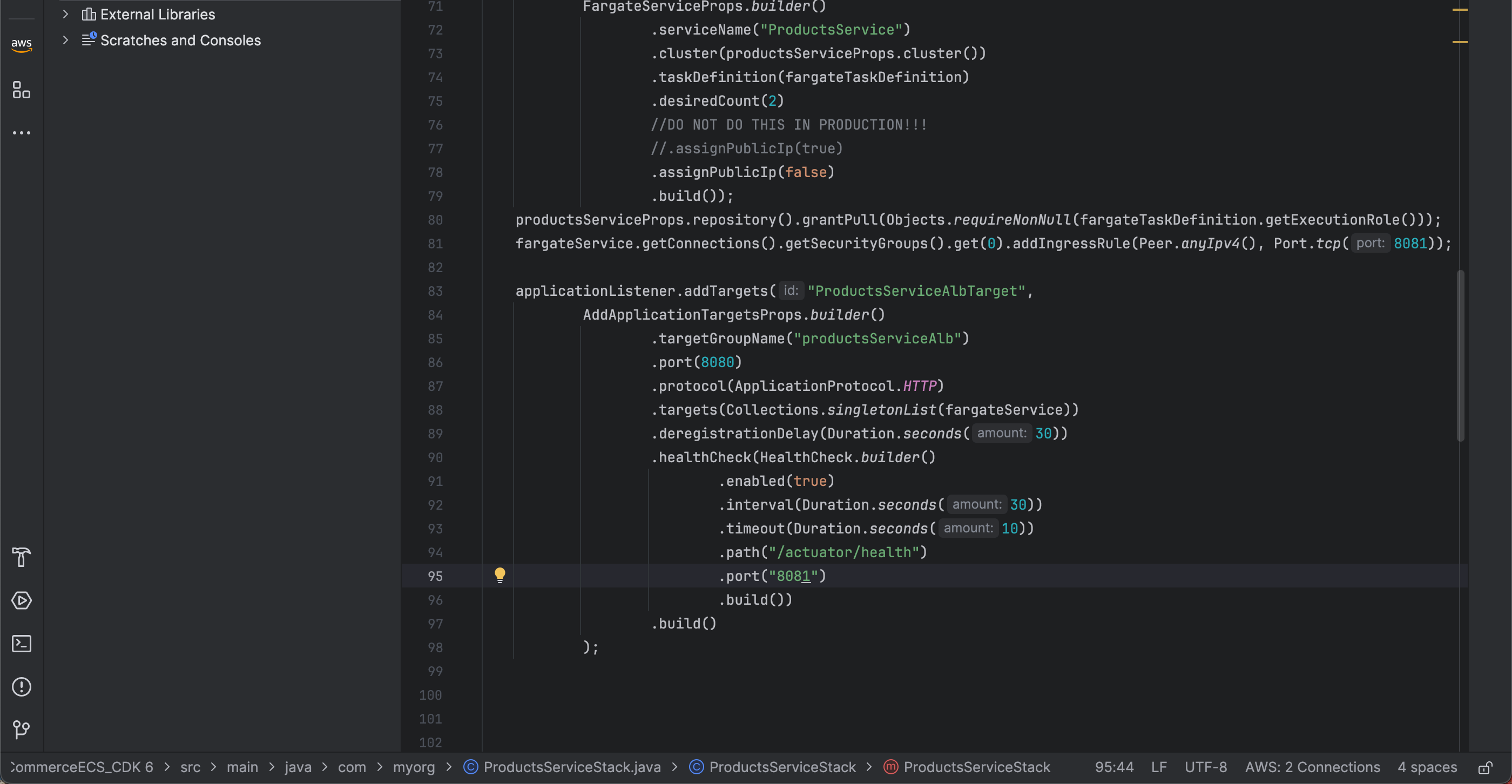
- First, create a target group from the applicationListener using the .addTargets method with an ID of
ProductsServiceAlbTarget:
applicationListener.addTargets("ProductsServiceAlbTarget",
       AddApplicationTargetsProps.builder()
           .build()
   );
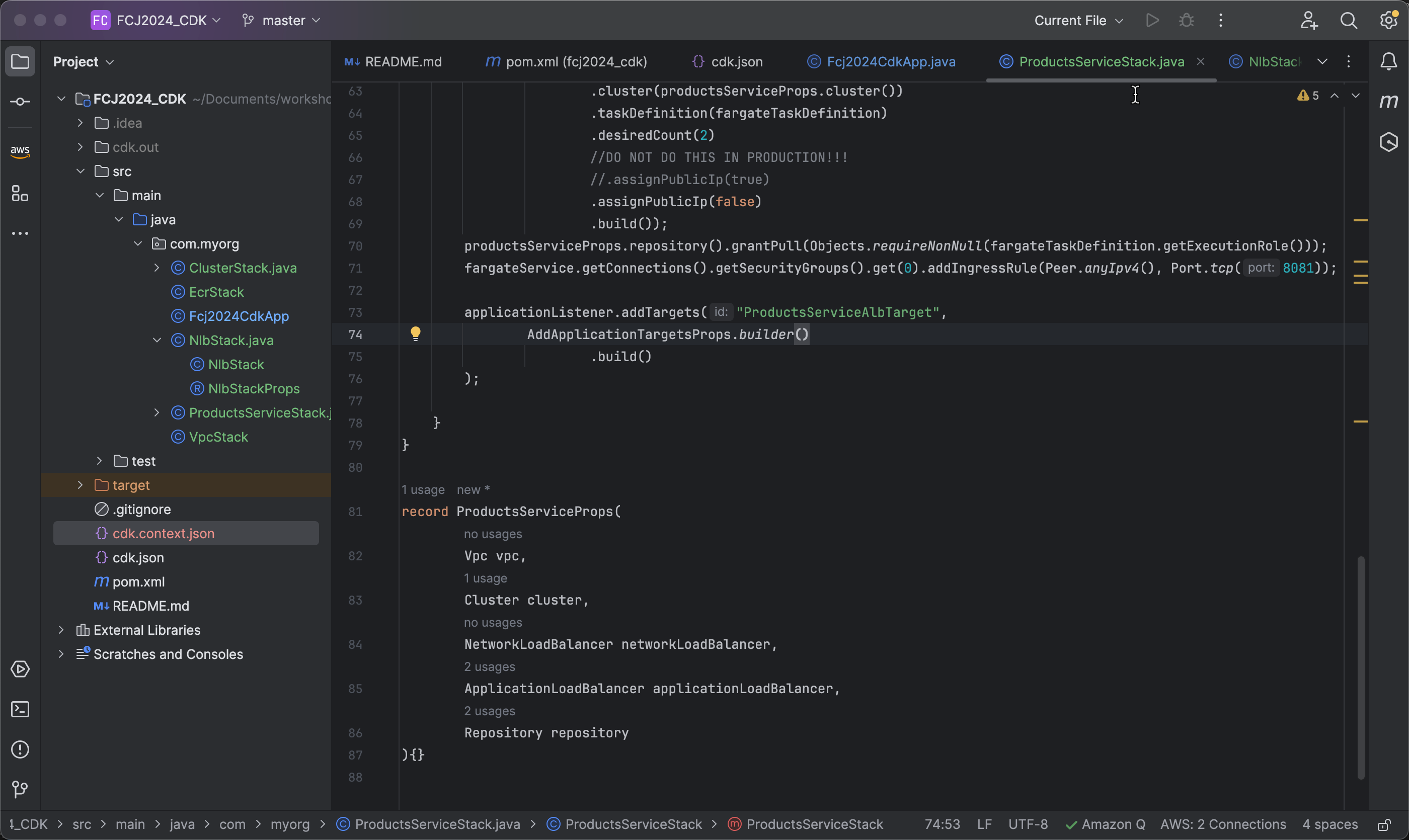
- Set the target group name to
productsServiceAlb:
.targetGroupName("productsServiceAlb")
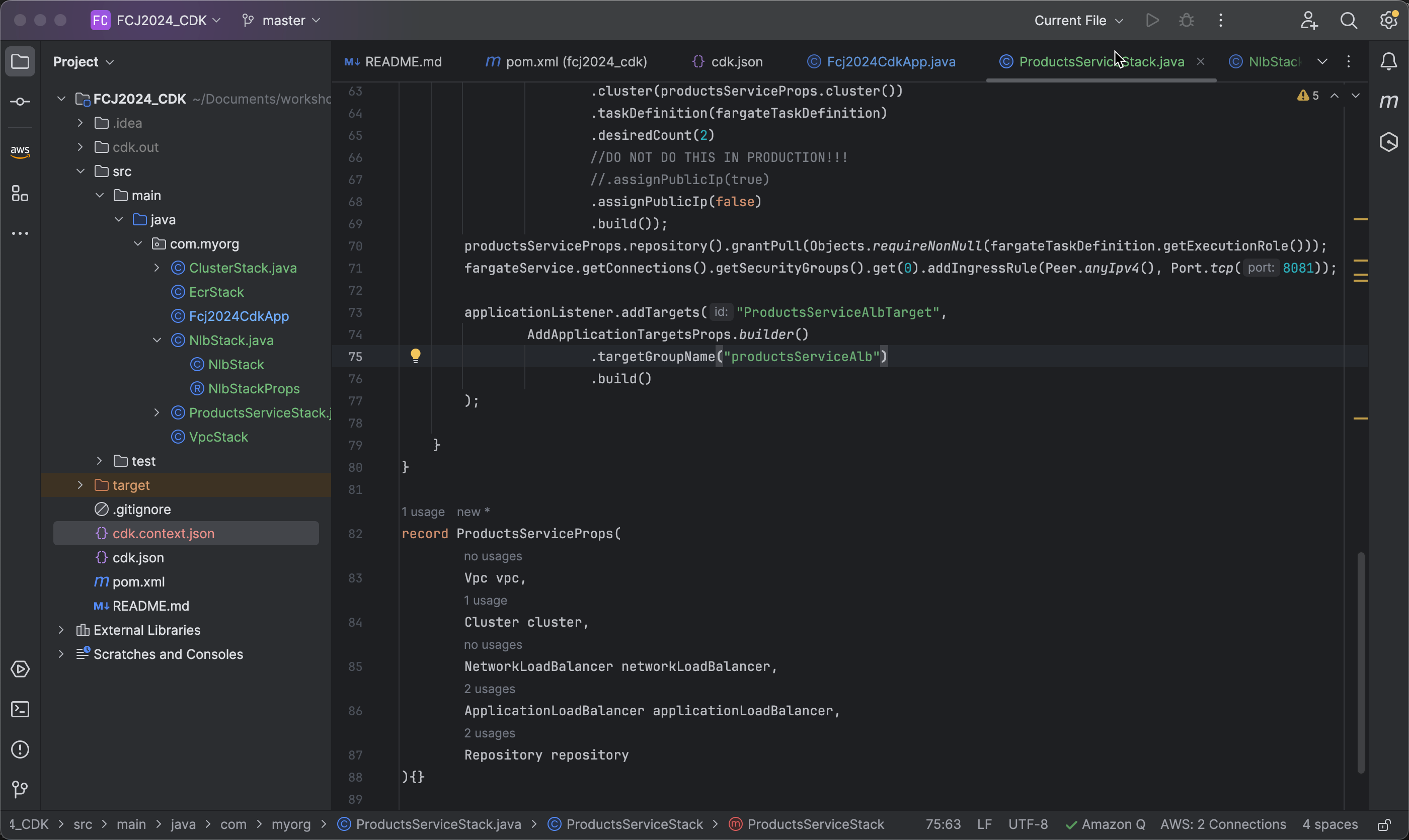
- Next, specify port 8081 for the Load Balancer to send traffic to, using the HTTP protocol to communicate with the targets:
.port(8081)
.protocol(ApplicationProtocol.HTTP)
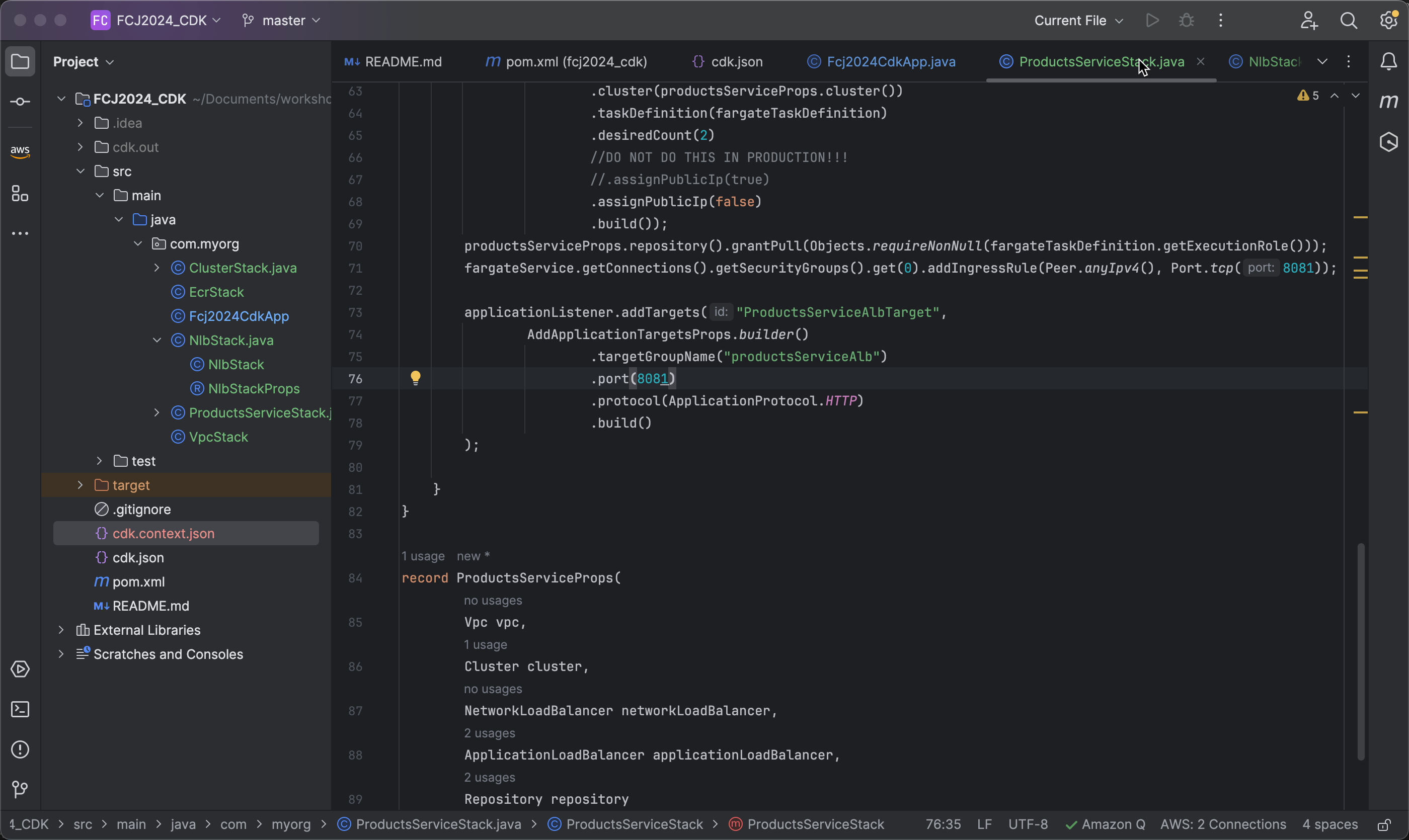
- Next, add the list of Fargate services to the target group:
.targets(Collections.singletonList(fargateService))
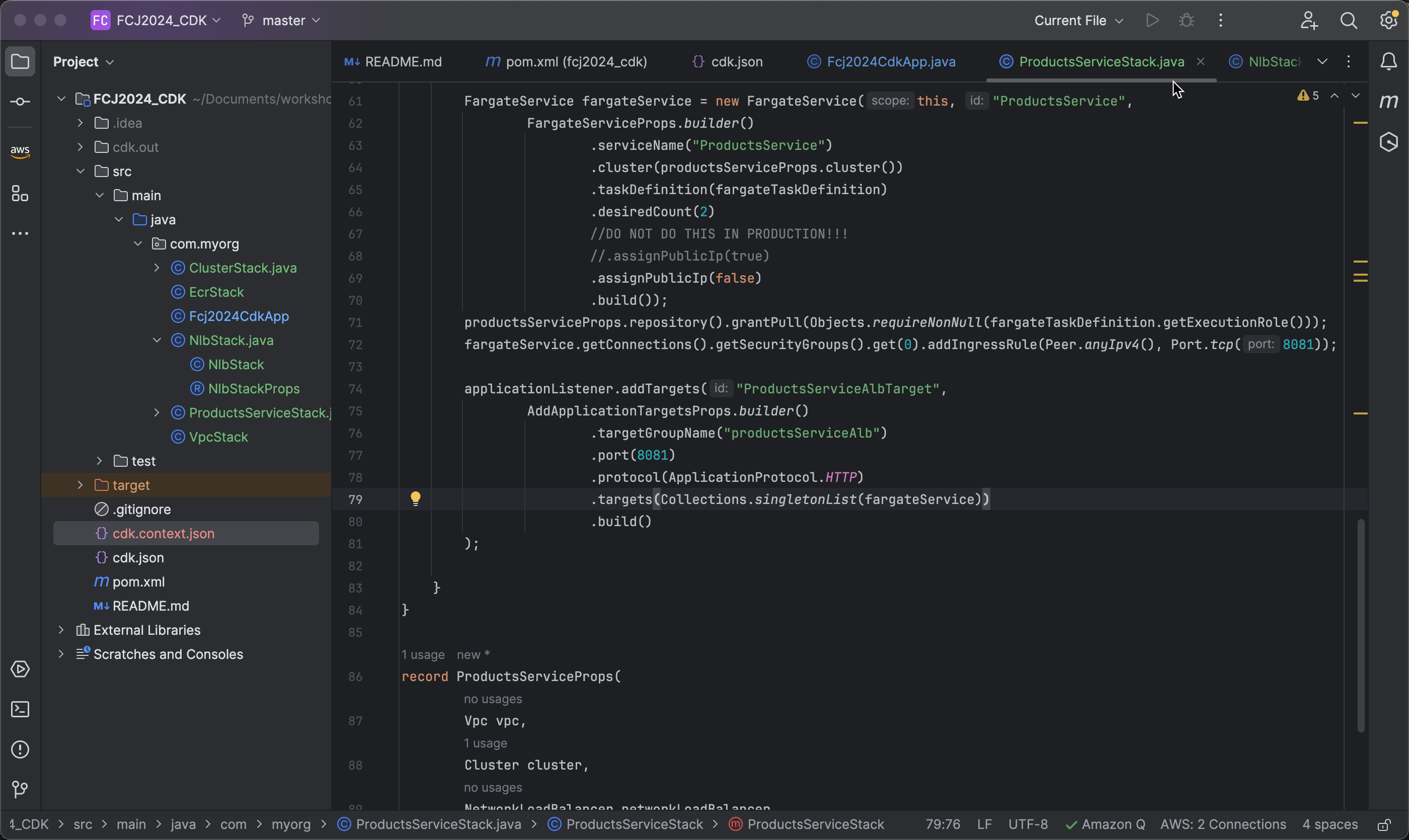
- Next, define the deregistration delay of 30 seconds, allowing the Load Balancer to wait before deregistering an unavailable target:
.deregistrationDelay(Duration.seconds(30))
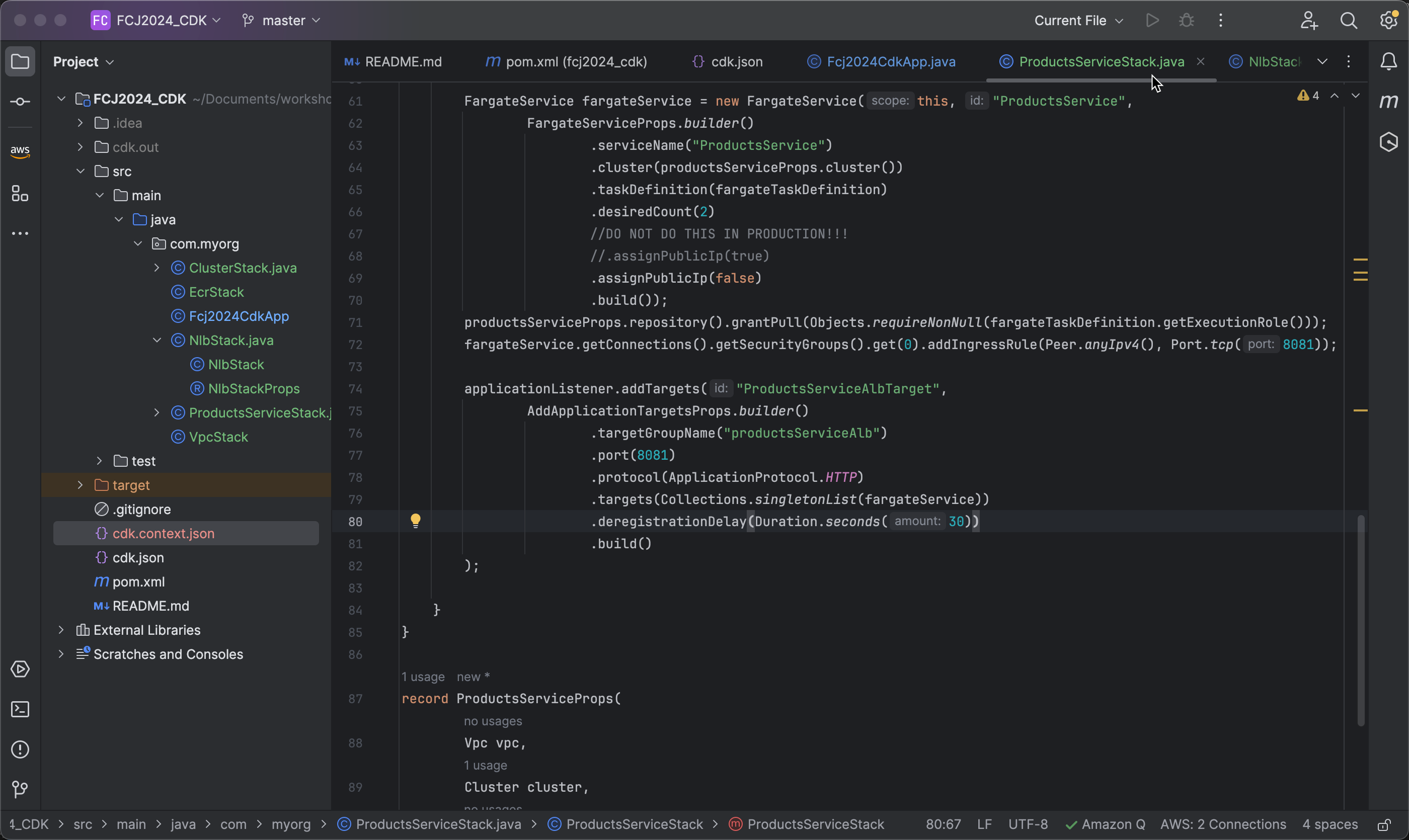
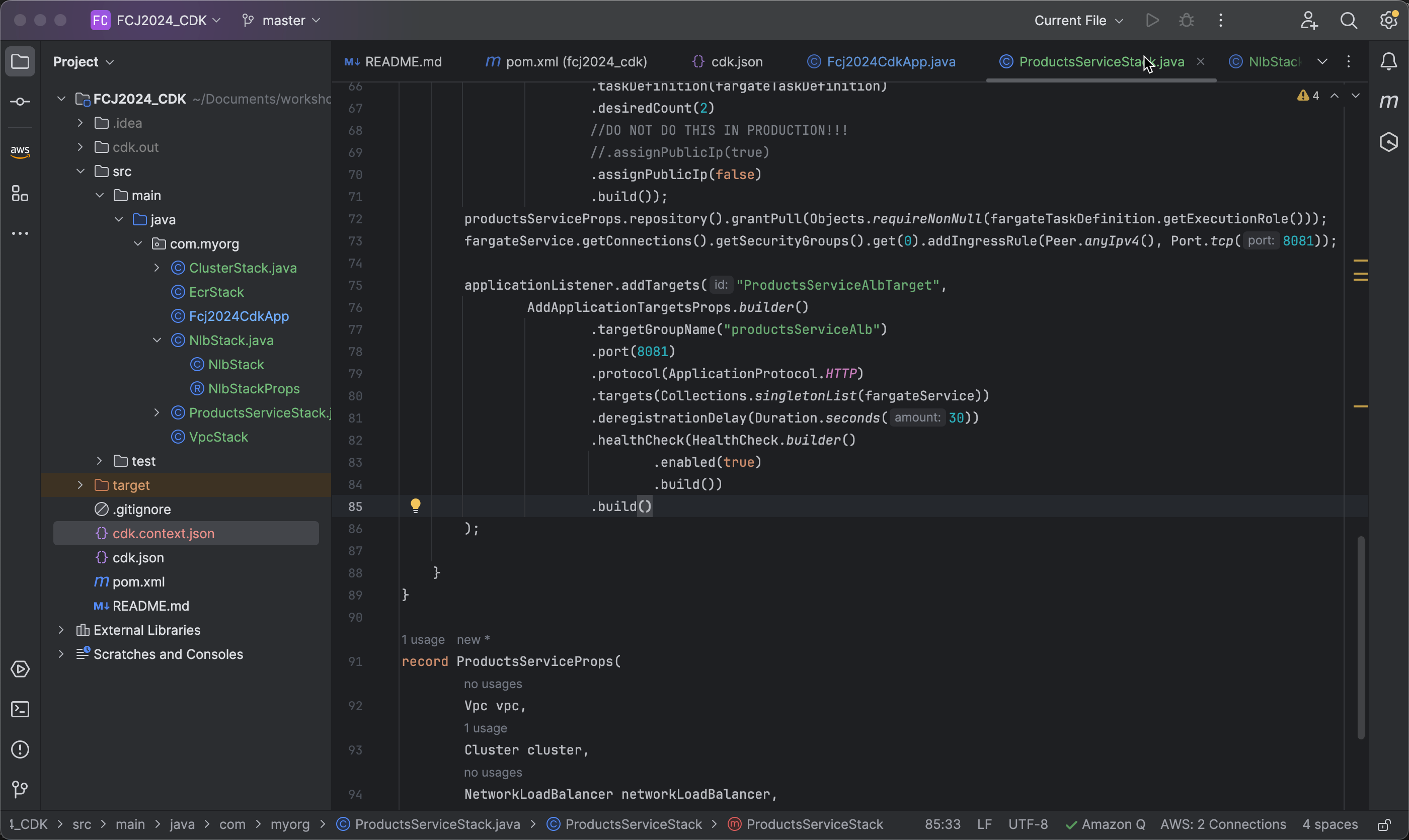
- Next, configure the health check and enable health check to ensure that targets are operating correctly:
.healthCheck(HealthCheck.builder()
       .enabled(true)
       .build())
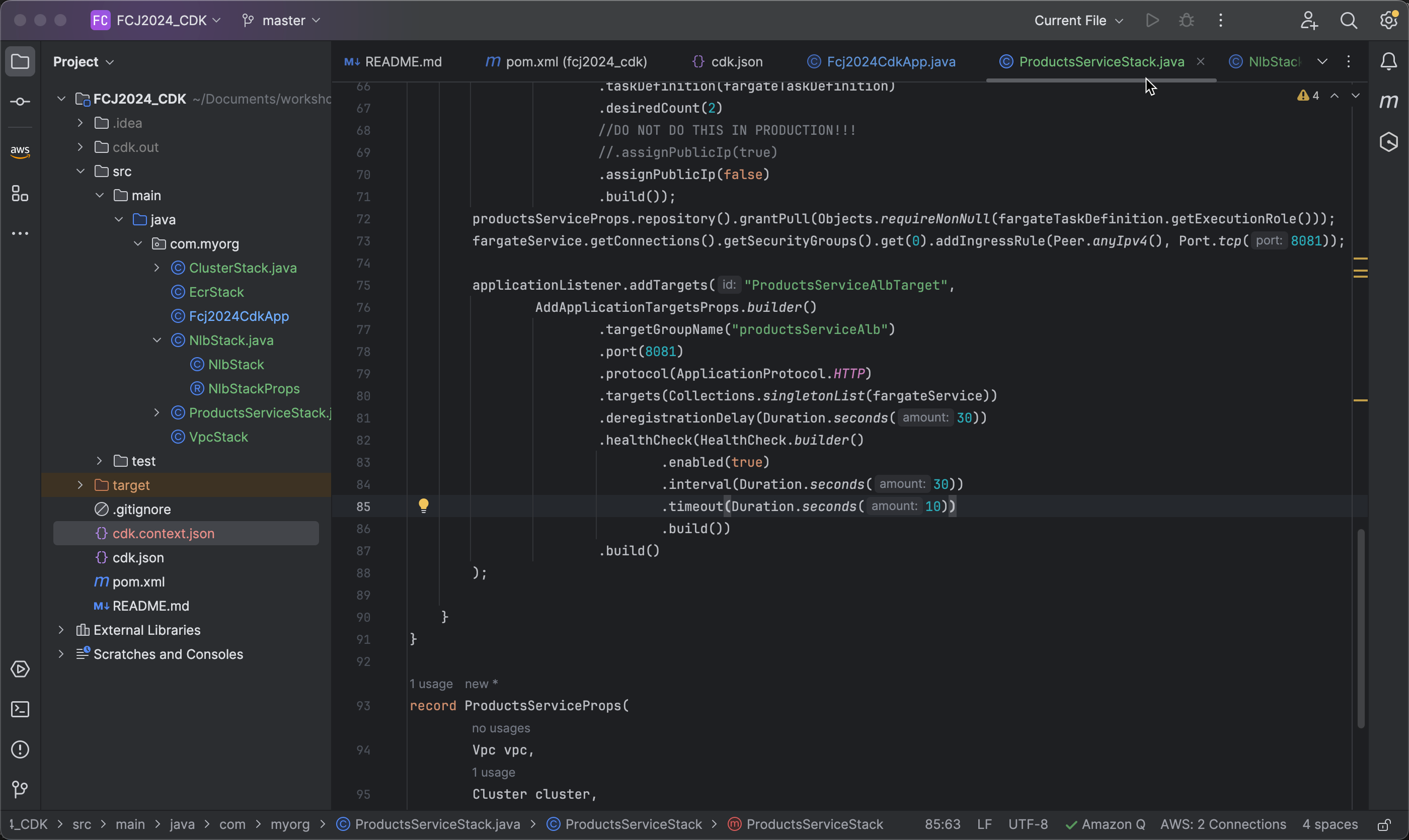
- Kế tiếp chúng ta sẽ cấu hình khoảng thời gian giữa các lần kiểm tra sức khỏe là 30 giây và thời gian tối đa để chờ đợi phản hồi từ một target trong mỗi lần kiểm tra là 10 giây
.interval(Duration.seconds(30))
.timeout(Duration.seconds(10))
- Finally, declare the endpoint used to check the health of targets as
/actuator/healthwith port 8081 used in the health check to communicate with targets:.path("/actuator/health") .port(8081)