Deploy Spring Boot applications onto AWS ECS Fargate using AWS CDK. > Create VPC and NAT Gateway using AWS CDK > Organize and Deploy VPC Stack using AWS CDK
Organize and Deploy VPC Stack using AWS CDK
Organize VPC stack in CDK project
-
Open the root file Fcj2024CdkApp.
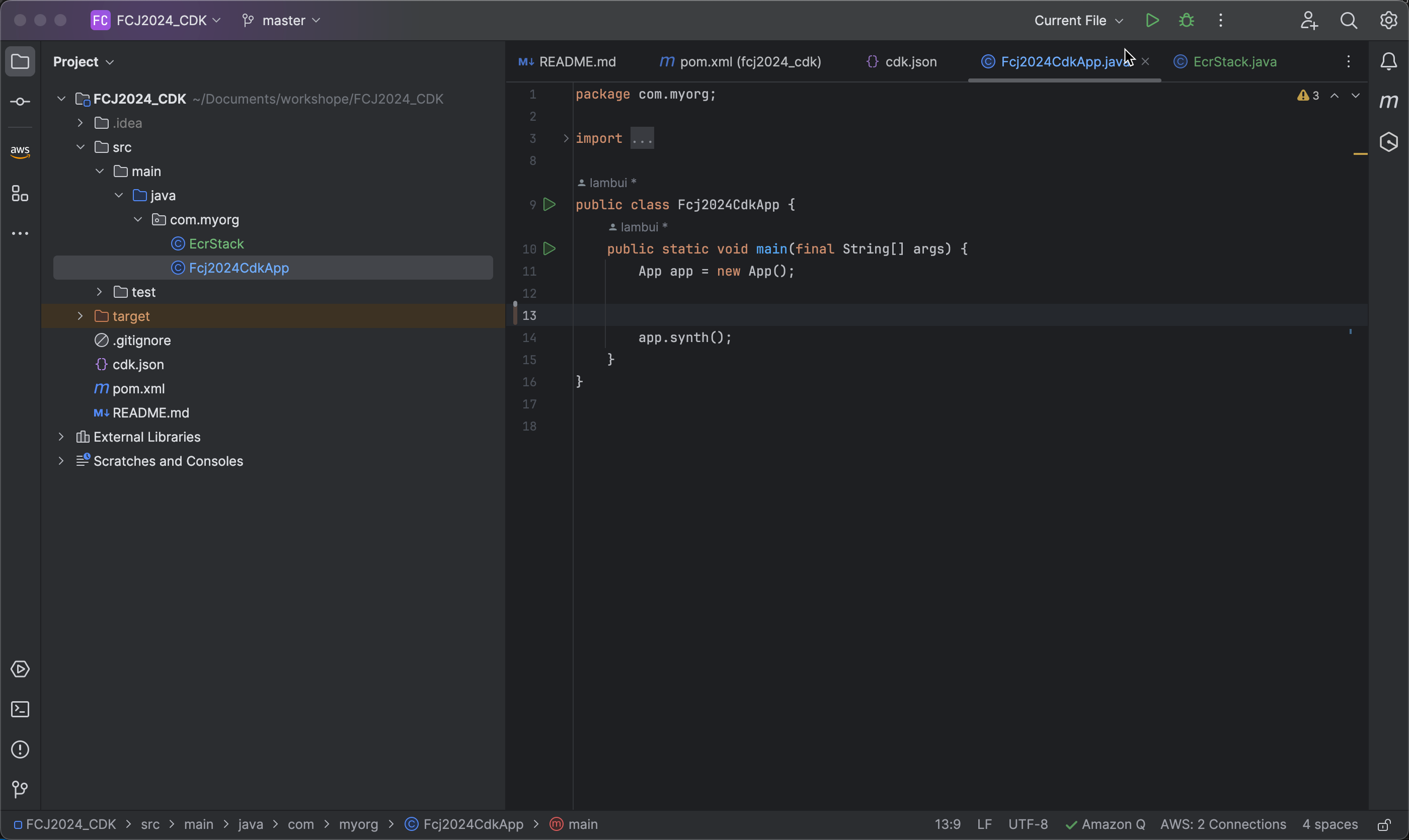
-
Create a VPC Stack with the ID Vpc using the following code:
VpcStack vpcStack = new VpcStack(app, "Vpc", StackProps.builder()
                .build());
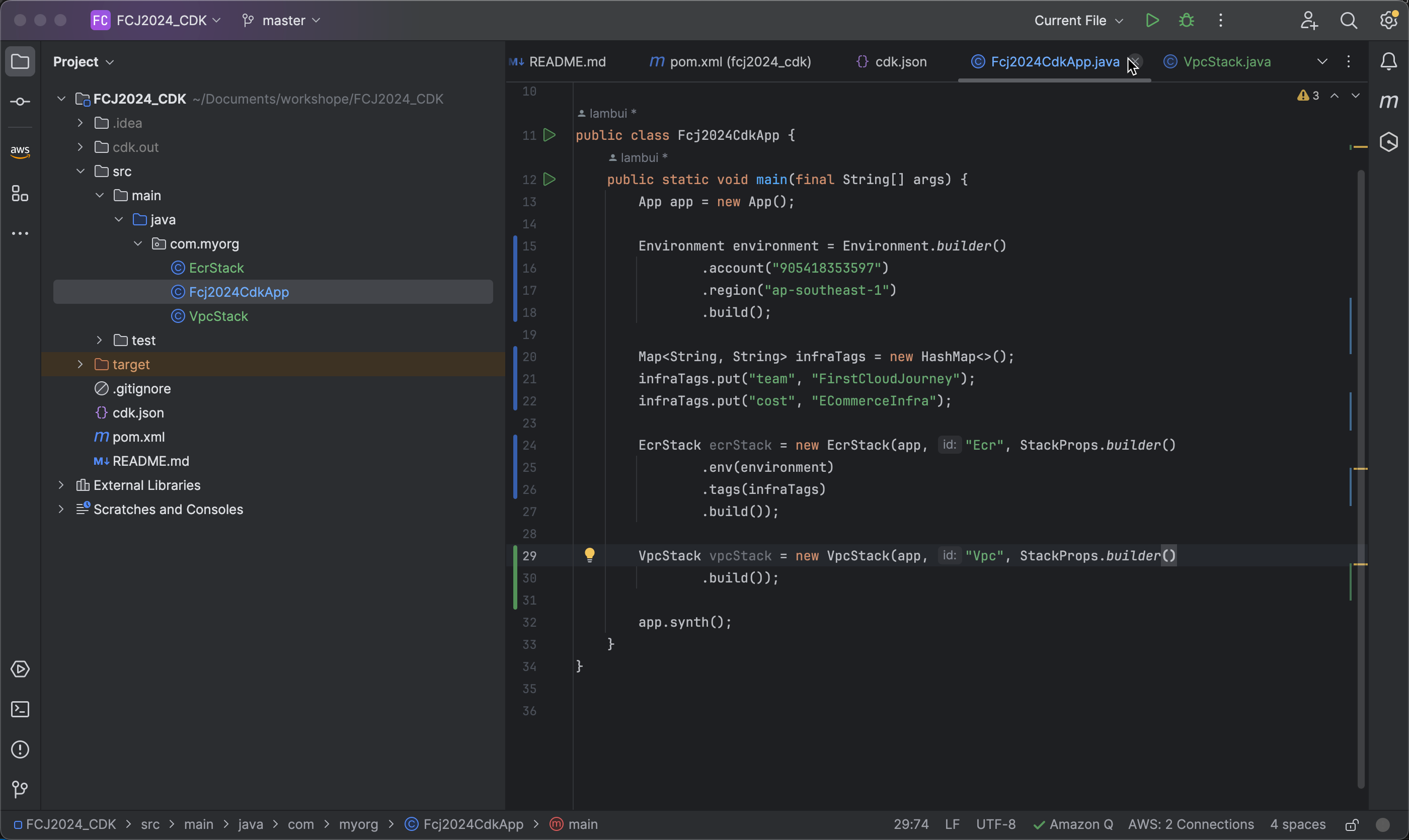
-
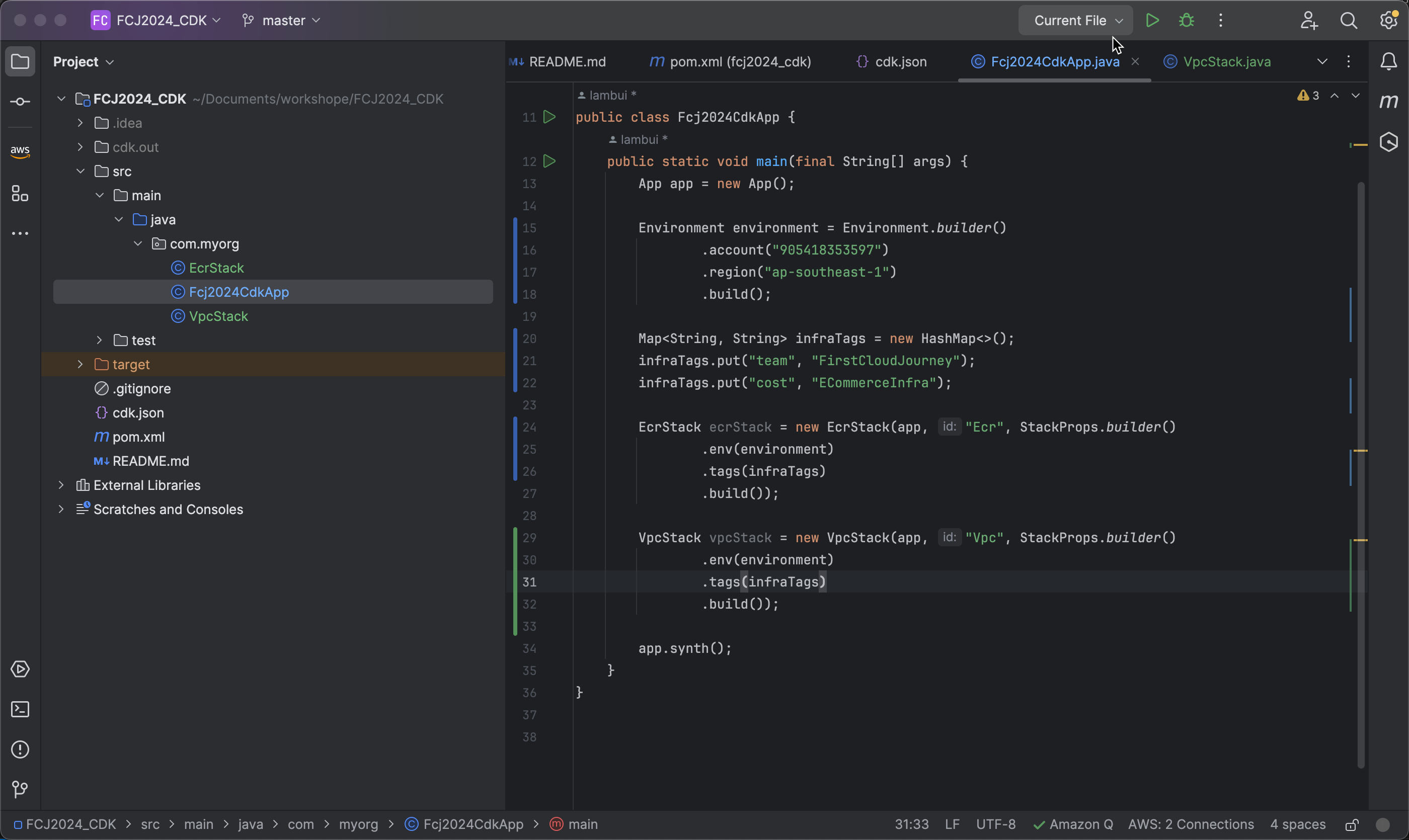
Add environment and Tags
Deploy VPC stack
-
Open a terminal and run the command
cdk listto view the list of available tasks. Here, you will see Ecr and Vpc.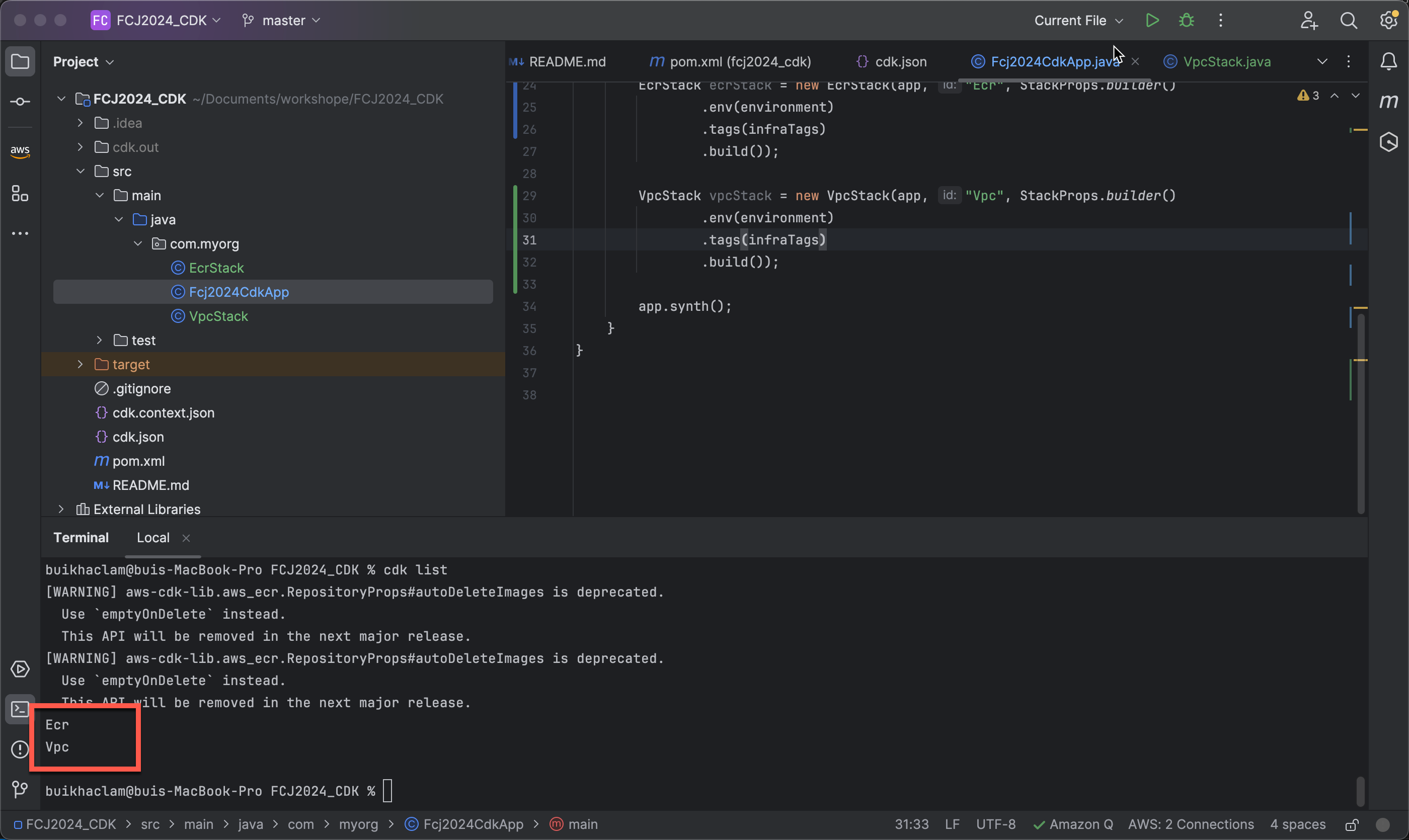
-
Next, run
cdk deploy --allto deploy all stacks. When prompted about changeset execution policy, enter y.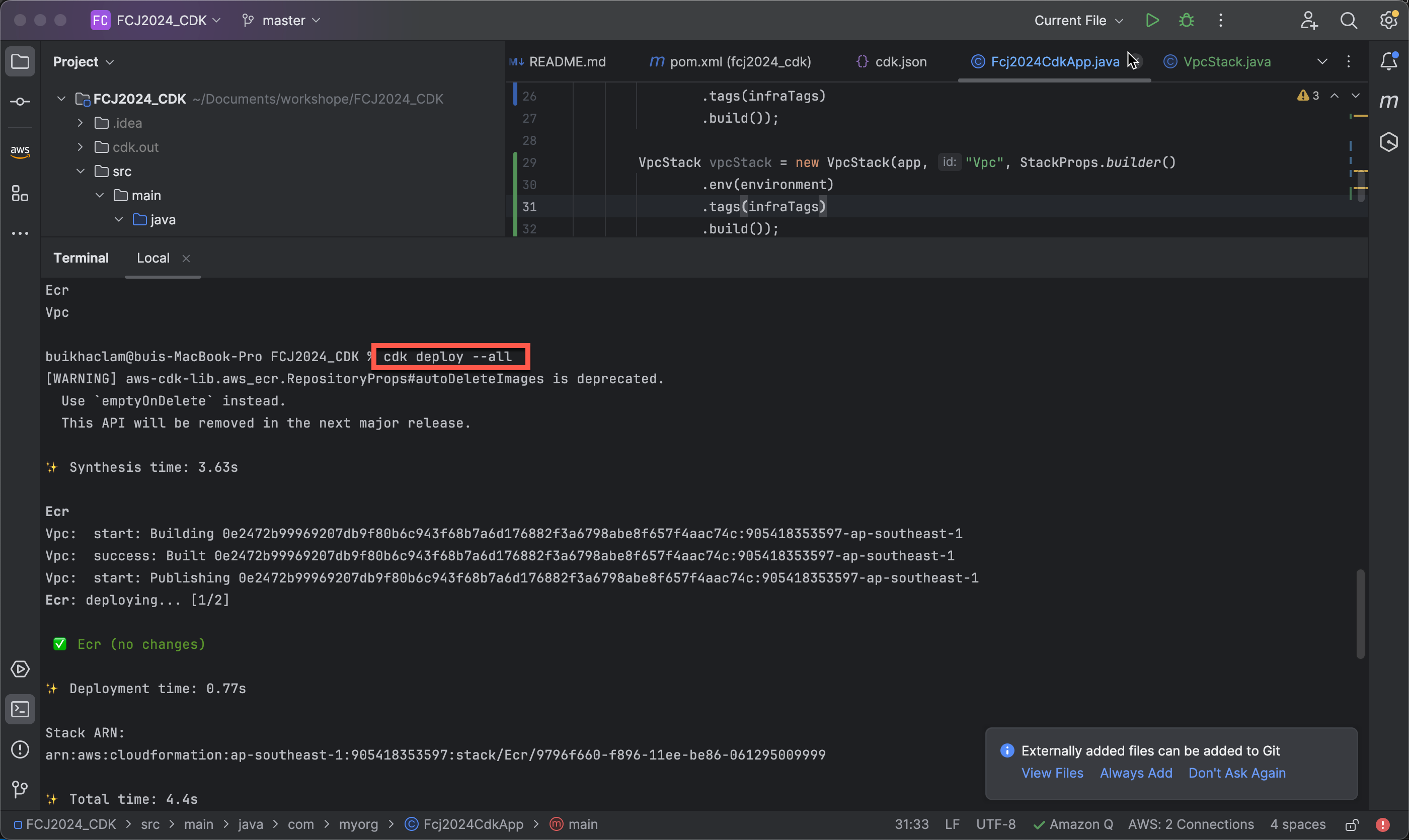
-
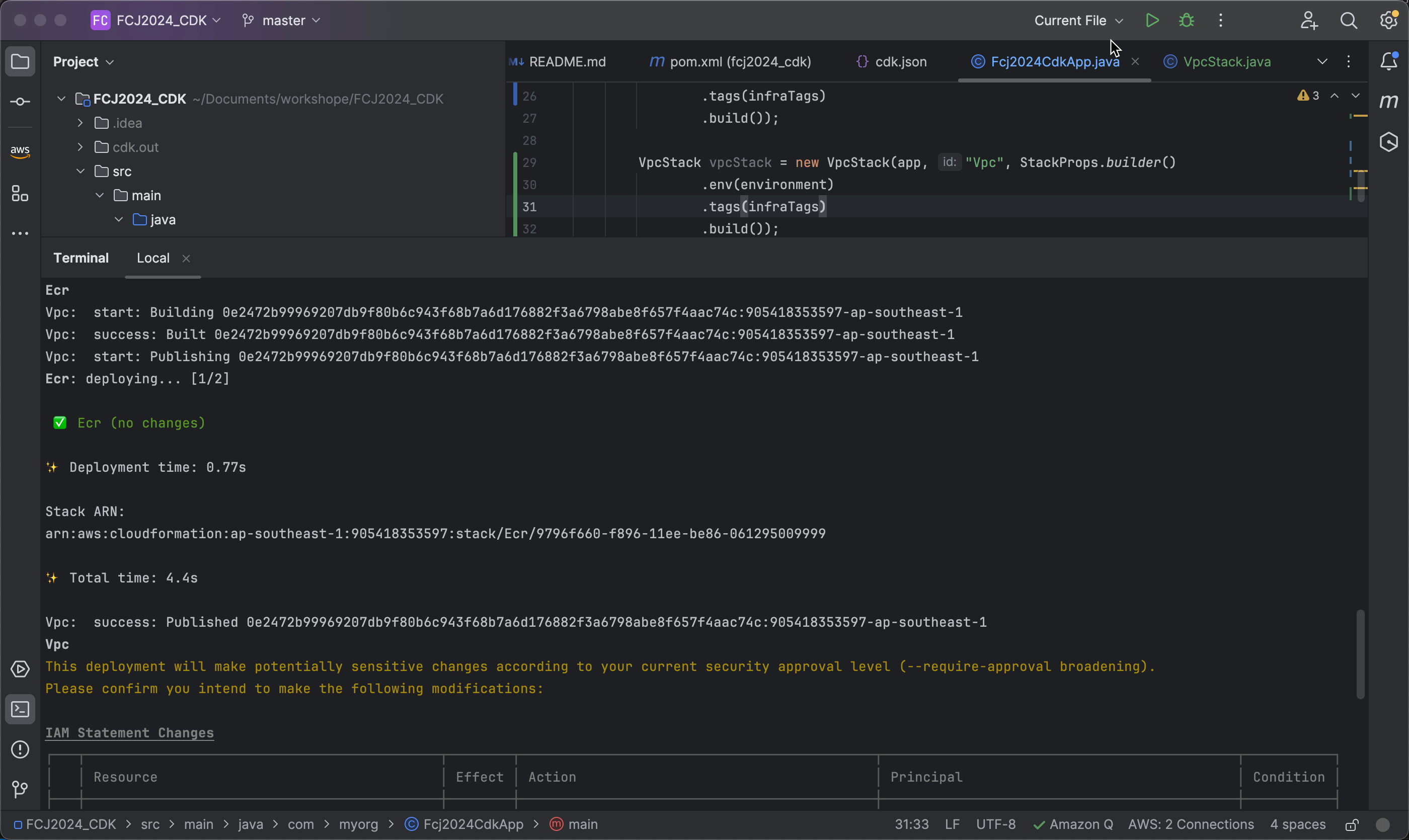
Review the changes during deployment. You will see that CDK recognizes that the ECR has not changed and that a new stack for VPC is being created.
Check created resources on AWS Console
-
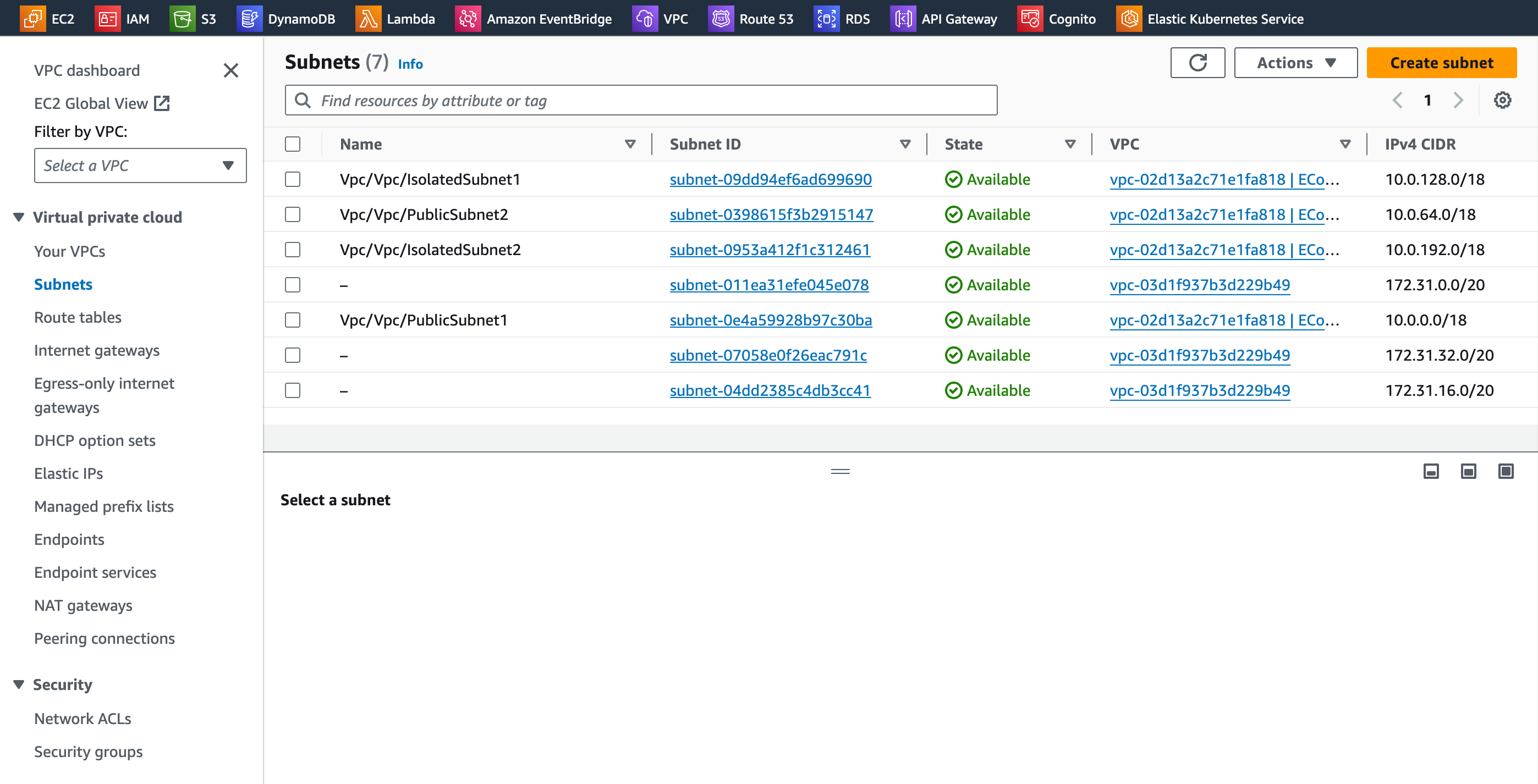
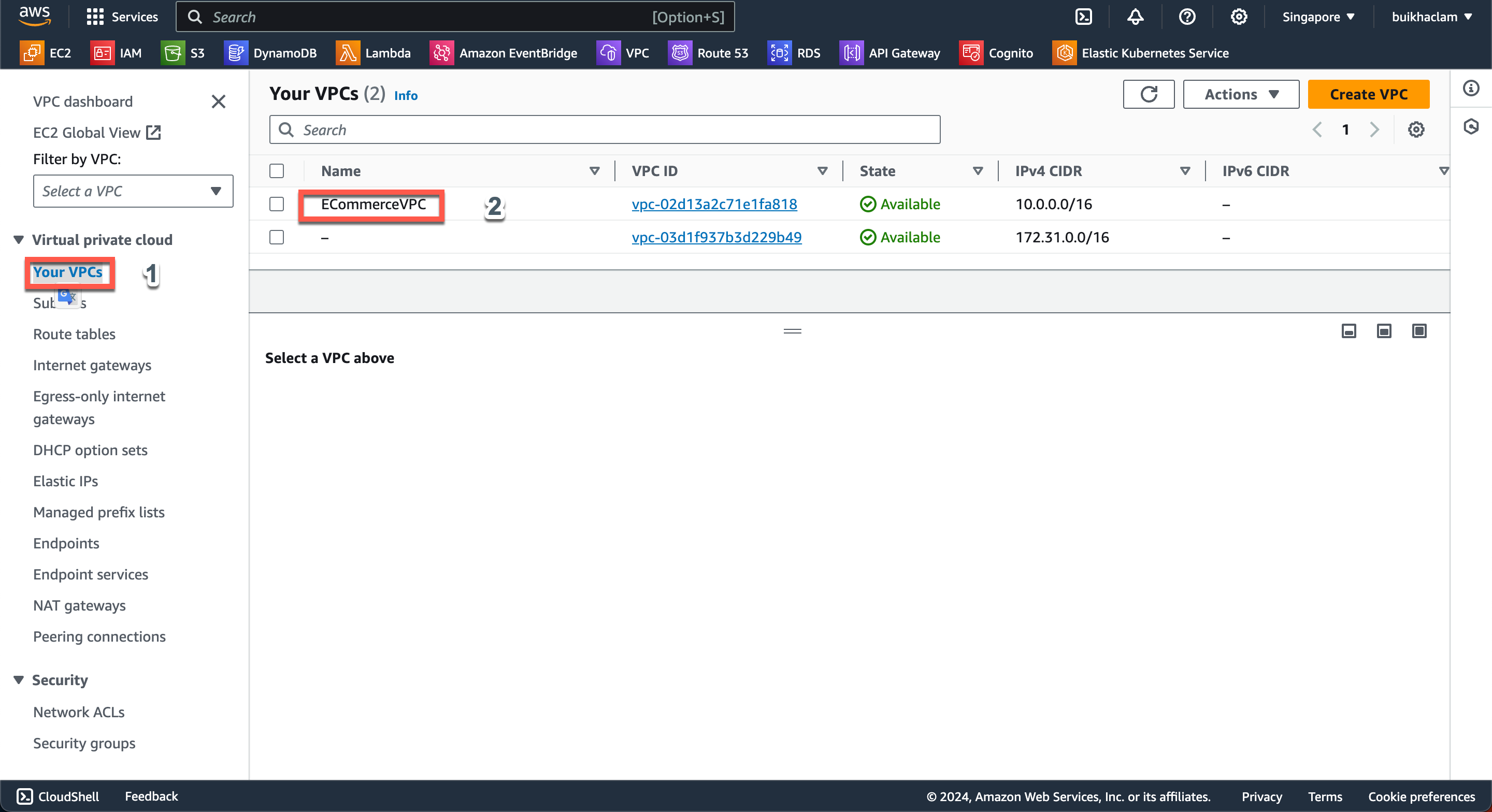
Access the AWS Console, navigate to the VPC interface, and select Your VPCs. You should see ECommerceVPC listed.
-
Similarly, check for Subnets, NAT Gateways, Security Groups, etc.